 ProMapRanker
Best Grasshopper Alternatives in 2026

Key takeaways
- Quo, formerly OpenPhone, is the closest simple replacement for a team that lives in a shared inbox for calls and texts.
- Nextiva and RingCentral fit larger teams that need video, team chat, and deeper integrations in one account.
- Talkroute and Phone.com keep the bill simpler for very small teams, but check message limits and add-on costs before you port a number.
- Per-user pricing adds up fast, so compare the cost for your actual team size, not just the headline monthly rate.
Quick comparison
| Pick | Great for | Pricing starts at | Free tier | |
|---|---|---|---|---|
 Quo | Shared call and text inbox | $15 per user per month | Free trial (7 days) | Visit |
 Nextiva | All-in-one communications | $15 per user per month | No | Visit |
 Dialpad | AI call summaries | $15 per user per month | Free trial (14 days) | Visit |
 RingCentral | Growing teams and integrations | $20 per user per month | Free trial (14 days) | Visit |
 Ooma Office | Simple office phone service | $19.95 per user per month | Free trial | Visit |
 MightyCall | Small call centres | $20 per user per month | Free trial (7 days) | Visit |
 Phone.com | Low-cost solo and small teams | $15 per user per month | No | Visit |
 Talkroute | Flat-rate small team phones | $19 per month | Free trial (7 days) | Visit |
The best grasshopper alternatives
Grasshopper made a second business number easy, but teams that need shared messaging, call routing, or CRM links soon outgrow it. These alternatives to grasshopper cover that gap, from a single-person setup to a full office system.
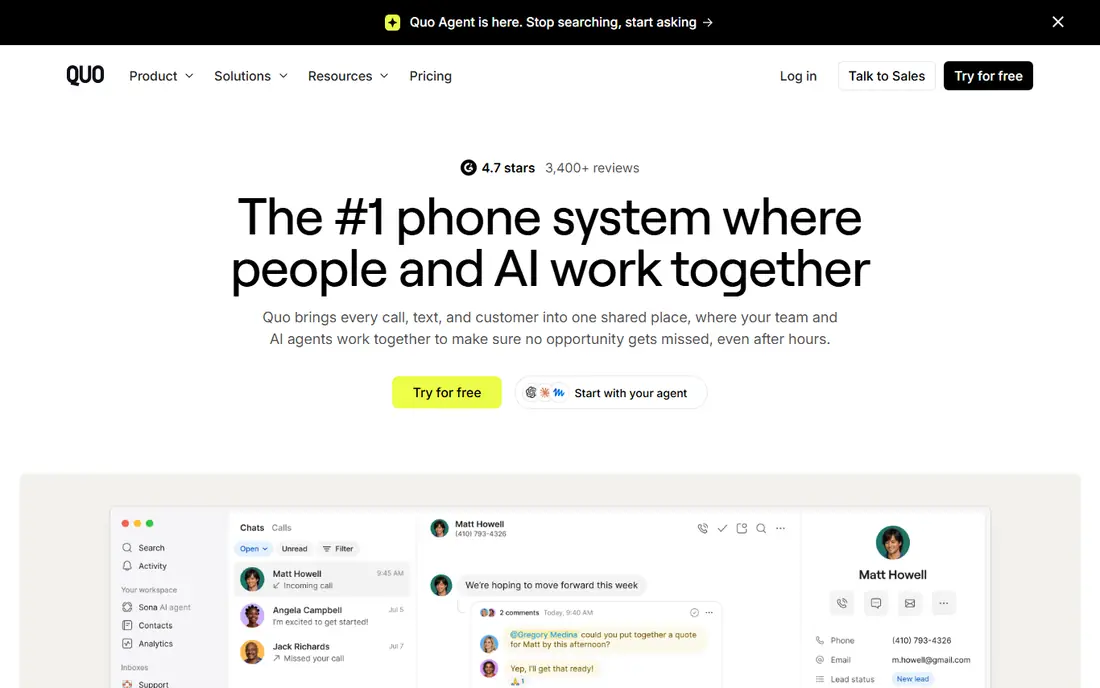
Quo is the new name for OpenPhone, and it keeps the same idea that made OpenPhone popular with small teams. One business number can be shared by several people, so a customer text does not sit unread in one person's pocket. The Starter plan covers the basics, while Business adds phone menus, call transfers, automatic recording, and HubSpot and Salesforce links.
The catch is the ceiling on the cheapest plan. Starter lacks AI call summaries, phone menus, and CRM integrations, so many growing teams will need Business at $23 per user per month on annual billing. If your team is small and mainly needs calls and texts from a shared number, Starter is a clean fit. If you need reporting and automation, price the Business plan from the start.
- Simple shared numbers
- Unlimited calling and texting in the US and Canada on paid plans
- Useful AI call summaries on Business
- No desk phone support
- Advanced CRM features need the Business plan
- International rates vary by destination
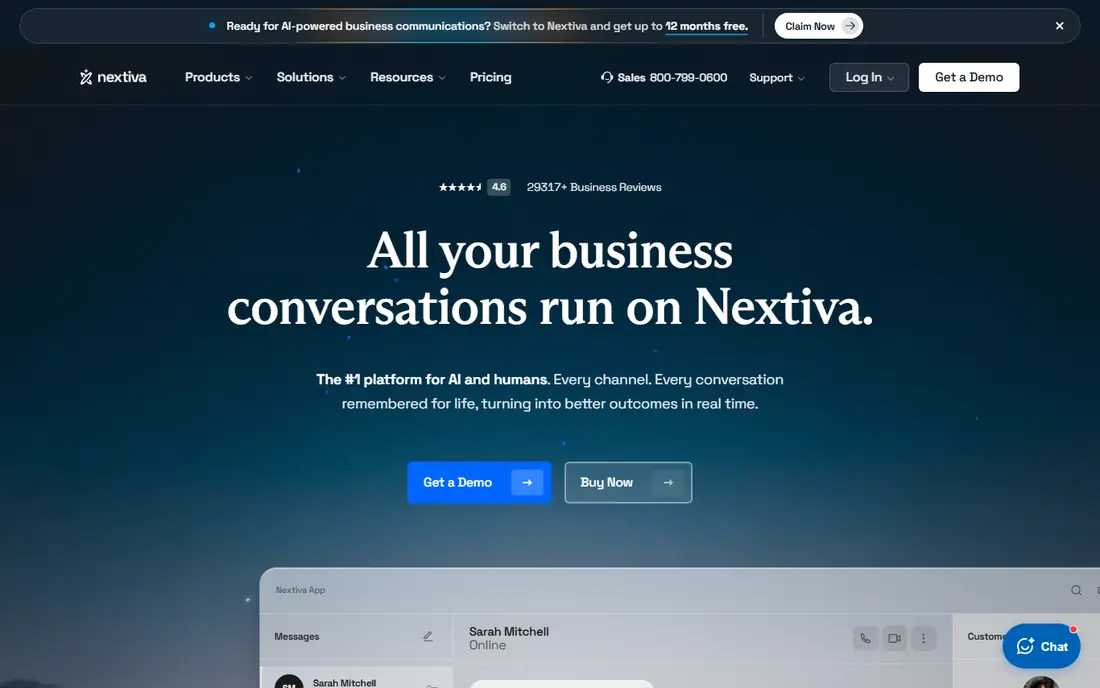
Nextiva suits a business that wants to stop juggling separate tools for calls, video meetings, and team chat. Core includes unlimited inbound and outbound calling, business SMS, team chat, and a virtual receptionist, which is a strong base for a small office. Engage adds a toll-free number, voice analytics, and web chat, while the higher suite adds an omnichannel contact centre.
That breadth comes with a steeper learning curve than a simple virtual number app. The lowest rate also assumes a longer term, so check the monthly price if you do not want to commit for a year. For a team that expects to add staff and channels over time, Nextiva is one of the safer long-term picks on this list.
- Voice, video, SMS, and team chat in one app
- Auto-attendant included on Core
- Clear upgrade path to a contact centre
- The best AI and contact centre features sit on higher plans
- Annual term needed for the lowest published rate
- No free trial listed
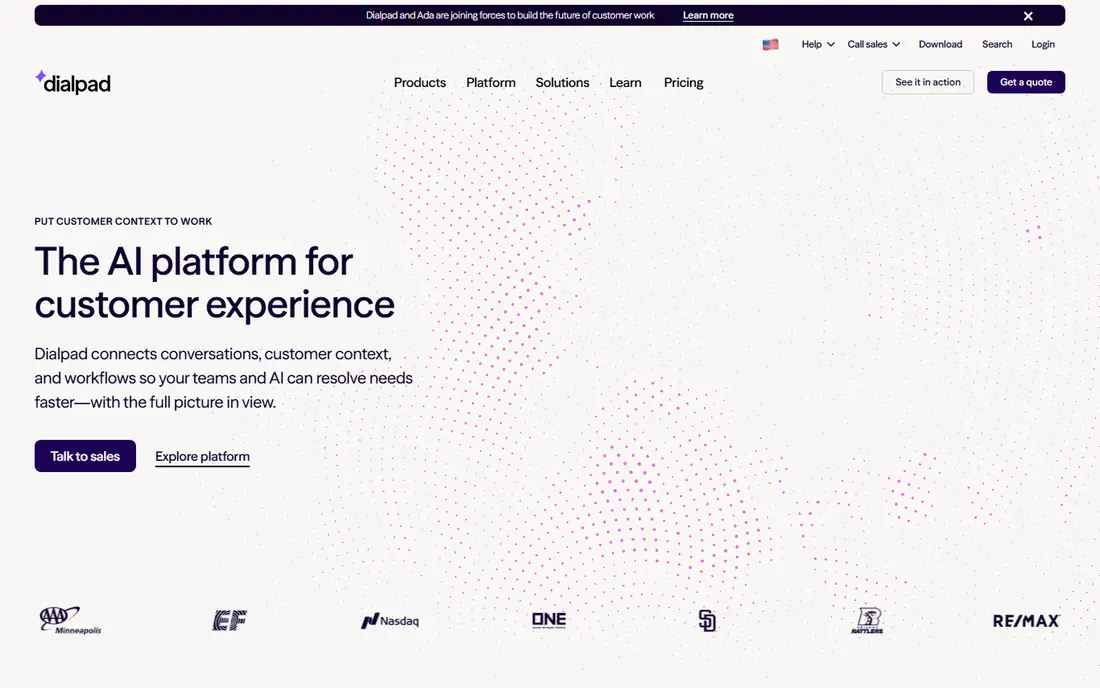
Dialpad stands out because its Connect phone system puts AI help in the call itself, not only in a report afterwards. Standard includes real-time transcription, voicemail summaries, SMS and MMS, call routing, and team messaging. That makes it a good grasshopper phone alternative for a team that wants to review calls quickly without buying a separate transcription tool.
The product range needs care when you compare prices. Dialpad Support and Dialpad Sell are separate products with much higher starting prices, so do not confuse them with Connect. For a standard business phone system, start with Connect Standard, and move to Pro only when you need the wider CRM integrations and 24/7 support.
- AI transcription and summaries included on Connect plans
- Video meetings included
- Google Workspace integration on Standard
- Pro needs a three-user minimum
- Contact centre and sales tools are separate products
- Advanced AI features can sit on higher tiers
RingCentral is the choice when a phone system has to fit into a larger stack of business tools. Core covers unlimited domestic calling, team messaging, video meetings, and on-demand recording. Advanced adds automatic recording, multi-site management, and access to a large app catalogue, which matters once a team uses a CRM every day.
The entry price is only part of the story. Core includes 25 SMS messages per user per month and 100 toll-free minutes in the figures we checked, so a team that texts customers heavily should budget for Advanced or an add-on. If you need depth, admin controls, and room to grow past 50 seats, RingCentral earns its higher starting price.
- Very wide integration range on higher plans
- Video, messaging, and fax in one platform
- Detailed reporting on Advanced and above
- Core limits SMS and toll-free minutes
- CRM integrations need Advanced
- Add-on AI features can raise the bill
Ooma Office is a calm, practical pick for a small office that mainly needs reliable calling and a professional greeting. Essentials includes a virtual receptionist, ring groups, and a mobile app, which covers the classic Grasshopper use case without much setup. There is no contract, so a business can test it without a long commitment.
The trade-off is that modern extras arrive one tier at a time. Texting, call recording, voicemail transcription, and a desktop app start on Pro at $24.95 per user per month, and CRM integrations need Pro Plus at $29.95. If your team lives on text messages, price Pro from the start rather than judging Ooma on Essentials alone.
- No long-term contract on Office plans
- Virtual receptionist included
- Unlimited calling in the US, Canada, Mexico, and Puerto Rico
- Texting and call recording need Pro
- Desktop app needs Pro
- CRM integrations need Pro Plus
MightyCall is built for a team that answers a steady stream of inbound calls and needs proper queues and routing. Core includes call recording, voicemail to text, an auto receptionist, and supervisor tools that many simple virtual number apps lack. Three business numbers on a plan also help a business separate sales, support, and a local presence.
The minimum seat count is the main warning. At $20 per user per month on annual billing with a three-user minimum, the real floor is $60 per month before any calls are made. That makes MightyCall a poor fit for a solo operator, but a strong value pick for a team of three to fifteen people that needs call centre basics without enterprise pricing.
- Multi-level menus and call queues on Core
- Three numbers included on plans
- Auto-dialer features on higher plans
- Three-user minimum on Core, Pro, and Power
- Fair-use limits apply to unlimited calling
- CRM depth is lighter than larger platforms
Phone.com is one of the cheapest ways to give each team member a real business number with call forwarding, an auto attendant, and mobile and web apps. Basic is aimed at solo operators and light call volume, and it keeps the monthly cost down by holding back recording, analytics, and CRM integrations for Pro. For a consultant or a two-person firm, that split can be a fair deal.
The risk is the slow creep of add-ons. If you later need call recording, detailed analytics, and CRM links, Pro costs substantially more than Basic, and the gap to Nextiva or RingCentral narrows. Start with Phone.com when price matters most and your call volume is light. Move up the list when reporting and integrations become daily needs.
- Low annual entry price
- One number per user
- More than 50 standard voice features on Basic
- Video conferencing included
- Call recording and analytics need Pro
- No free trial listed
- Some features that rivals bundle are tiered or added on
Talkroute takes a different approach to billing, and that is its main appeal. Basic starts at $19 per month for one user and one number, Plus at $39 per month, and Pro at $59 per month for up to ten users, with extra users at $5 per month each. For a small remote team, that flat shape is easier to forecast than a bill that rises with every hire.
The feature set is deliberately lighter than a full unified communications platform. Talkroute covers numbers, routing, menus, texting, voicemail, and video meetings, but it does not match the CRM and analytics depth of Nextiva, Dialpad, or RingCentral. If your team mainly needs a professional number and clean routing, Talkroute is excellent value. If you need deep CRM logging, look higher on this list.
- Flat account pricing rather than per-user pricing
- Unlimited US and Canada calling on paid plans
- No hardware needed
- CRM depth is lighter than rivals
- Call recording and reporting need Pro
- Integration range is narrower
How we picked these
We compared official feature pages, pricing pages, and app store listings, plus public reviews, for systems that replace the core Grasshopper job: a business number that does not expose a personal mobile. We kept only tools that are live in October 2026, offer US numbers, and provide calling plus at least basic routing or messaging. We dropped tools that were quote-only at every tier, lacked a real business phone product, or had retired. Prices are starting prices, and annual billing is noted where it changes the rate.
What to check before you port your number
Start with how your team actually uses the phone. Count daily calls, texts, and the number of people who must answer the same number, then check each plan against those numbers. A plan that looks cheap can turn expensive if SMS caps, toll-free minutes, or per-user fees are hit every month. That check is especially useful when comparing grasshopper phone alternatives, since message limits differ more than call quality.
Next, test porting and texting early. Ask the vendor to confirm that your number can be ported, how long it takes, and whether business texting needs carrier registration. That registration step can delay SMS even after calls are working, so do not cancel the old service until texts are confirmed.
Finally, try the mobile app on a real workday. A phone system lives or dies on missed calls, voicemail alerts, and how fast a team member can transfer a call. A short trial that covers a busy morning will tell you more than a feature grid, and it will show whether the admin controls are simple enough for the person who will manage the system.
Frequently asked questions
What is the best grasshopper alternative for a solo business?
Quo Starter and Phone.com Basic are strong starting points for one person, because both keep the monthly cost low and include a business number with calling and texting. Talkroute Basic is also worth a look if you prefer flat monthly pricing. Pick the one whose app feels easiest on your phone, since you will use it every day.
Are there free grasshopper alternatives?
There is no full free replacement on this list that matches Grasshopper for business use. Google Voice has a free personal tier, but its business plans are paid, and several tools here offer a free trial instead of a free plan. Use the trial to test call quality, texting, and routing before you pay.
Can I keep my existing business number when I switch?
In most cases, yes, through number porting, but the process and timing vary by vendor and carrier. Keep your old service active until the port completes, and confirm texting separately, since voice and SMS can move on different schedules. Ask for the porting steps in writing before you sign up.
Which alternative is best for texting customers?
Quo Business, Nextiva Core, and Dialpad Connect are strong for teams that text often, because they combine shared inboxes with calling in one app. Check the SMS allowance on each plan, since RingCentral Core and Ooma Essentials limit texts or reserve texting for higher plans. If texting is your main channel, price the plan that includes it properly.
Do I need desk phones with these alternatives?
No, most of these systems work from mobile, desktop, and web apps, and that is enough for many small teams. Quo has no desk phone support, while RingCentral, Nextiva, Dialpad, and Ooma support desk phones on suitable plans. Buy hardware only after you know the team wants it, since apps are cheaper and easier to update.
How much should a small team budget per month?
A team of five should budget roughly $75 to $125 per month on entry annual plans, before taxes and fees, depending on the vendor. Add more for CRM integrations, call recording, or higher SMS allowances, and remember that MightyCall has a three-user minimum. Always model the cost at your real headcount, not at one user.
Sources
- https://www.quo.com/pricing
- https://www.nextiva.com/pricing.html
- https://www.dialpad.com/pricing/
- https://www.ringcentral.com/us/en/office/plansandpricing/
- https://www.ooma.com/small-business-phone-systems/pricing/
- https://www.mightycall.com/pricing/
- https://www.phone.com/pricing/
- https://www.talkroute.com/pricing/
See where you really rank - block by block
ProMapRanker scans Google Maps across a grid of your service area. Simple monthly plans from $19, white-label on every plan.
Start freeKeep reading
 leg extension alternatives
Leg Extension Alternatives in 2026
Leg extension alternatives that build quad strength without a machine, from goblet squats to step-ups, with form tips for home and gym training in our guide.
Read → kemono alternatives
Kemono Alternatives in 2026
Find legal kemono alternatives for creators in 2026, from Patreon and Ko-fi to Substack and Ghost, with fees, features, safety notes, and honest limits.
Read → kafka alternatives
Kafka Alternatives in 2026
Compare the best Kafka alternative platform options for event streaming, queues and messaging, with trade-offs on scale, ops and cost for developers now.
Read →