 ProMapRanker
Best Granola AI Alternatives (2026)


Ample free recording · Pricing starts at: $16 per user/month (billed yearly)
Direct answer
For ample free recording, Fathom is where this list starts. If your case is different, Fellow suits structured meetings and actions and Otter.ai suits live transcription and search. Prices, free plans and limits for all 7 tools follow.
Key takeaways
- Top of the list is Fathom, which targets ample free recording.
- The cheapest monthly starting price in the list is $7 per user/month, offered by Fellow.
- For meeting summaries and insights, Read AI is worth a look.
- Notta comes with a trade-off: free plan caps minutes and conversation length.
Quick comparison
| Pick | Great for | Pricing starts at | Free tier | |
|---|---|---|---|---|
| Fathom | Ample free recording | $16 per user/month (billed yearly) | Yes | Visit |
 Fellow | Structured meetings and actions | $7 per user/month (billed yearly) | Yes | Visit |
 Otter.ai | Live transcription and search | $8.33 per user/month (billed annually) | Yes | Visit |
 Notta | Bilingual notes and translation | $8.17 per month (billed annually) | Yes | Visit |
 Bluedot | Bot-free capture for browser calls | $18 per user/month (billed yearly) | Free trial | Visit |
 tl;dv | Reviewing recorded calls | $18 per user/month (billed annually) | Yes | Visit |
 Read AI | Meeting summaries and insights | $15 per user/month (billed annually) | Yes | Visit |
7 options for Granola AI in detail
Short on time? The summary and table above give the quick view of 7 tools for Granola AI, and the profiles that follow give the detail behind each entry.
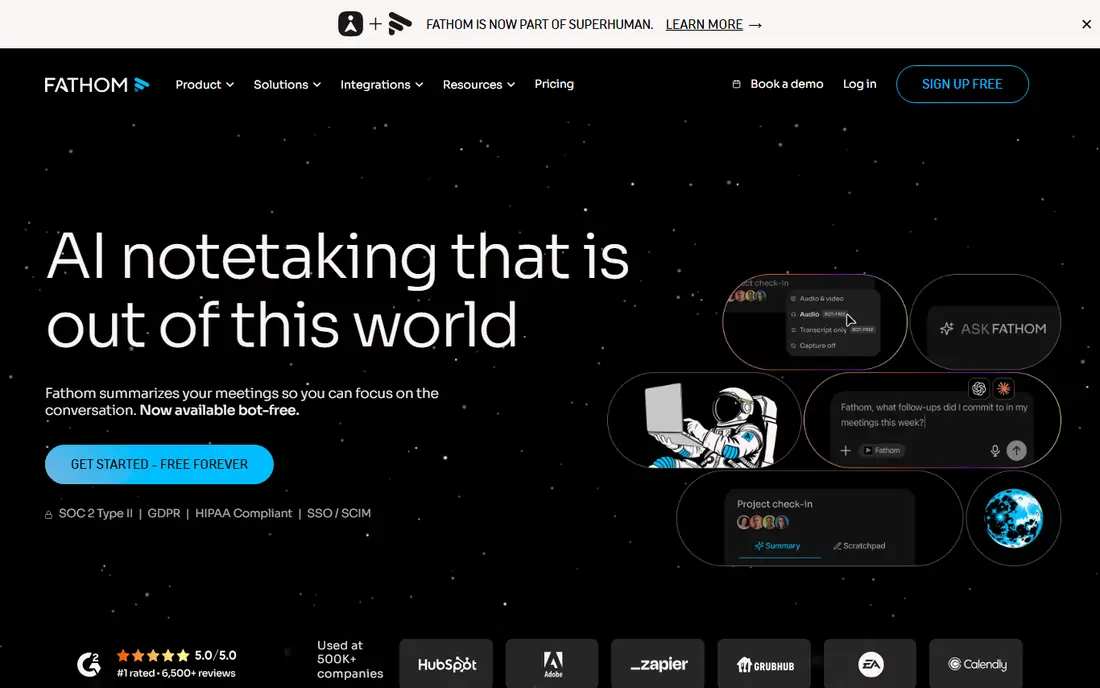
For ample free recording, Fathom is a natural candidate. Fathom joins meetings as a bot in most cases, with bot-free recording in beta on Mac. Worth adding: Fathom suits individuals and small teams who want solid notes at no cost and are willing to pay later for team features.
It is less suited to buyers who require a guaranteed bot-free experience on Windows or in the browser today. On top of that, premium plans start at $16 per user a month for Premium when billed yearly, and add more AI summaries and team features. More specifically, Fathom is commonly the first tool people try after Granola, because its free plan is unusually ample for an individual. Entry price for Fathom: $16 per user/month. A free plan is available with Fathom.
Where it falls short: premium plans cost more than Otter or Fireflies.
- Ask Fathom search across calls
- Free plan bundles unlimited recordings
- Bot-free recording is still restricted by system
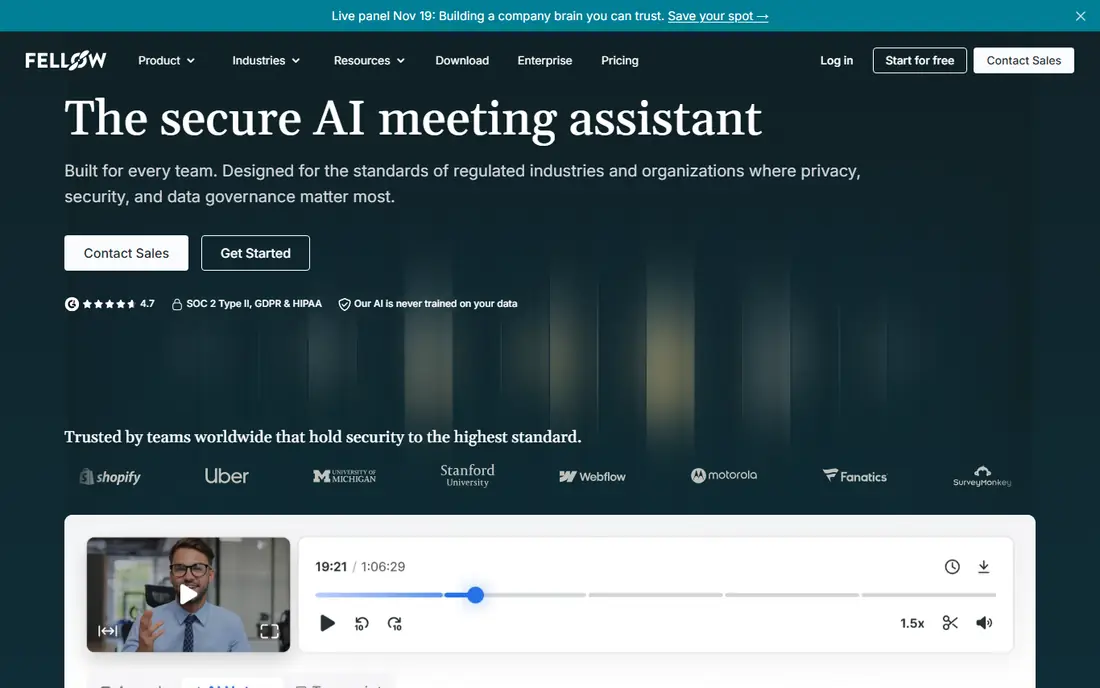
In short, Fellow is for structured meetings and actions. Fellow treats the meeting as a workflow, not just a transcript. Also, the free plan is restricted, with a small lifetime allowance of AI notes and recordings.
Honest limits: Free plan limits AI notes and recordings over a lifetime.
So it works as a trial instead of a long-term free tool. In daily use, Fellow also provides botless recording through its desktop app, which brings it closer to Granola than bot-only tools. It is less suited to users who only want a fast transcript and summary, where a more straightforward recorder may be faster. On top of that, users build agendas before the call, capture AI notes during it, and track action items after it, all in one place. That structure helps teams that run recurring meetings and want decisions recorded plainly. What you pay to start with Fellow: $7 per user/month. Fellow includes a free tier. What works well: action items in one place.
- Agendas, notes
- Low starting price
- Fewer analytics than Fireflies
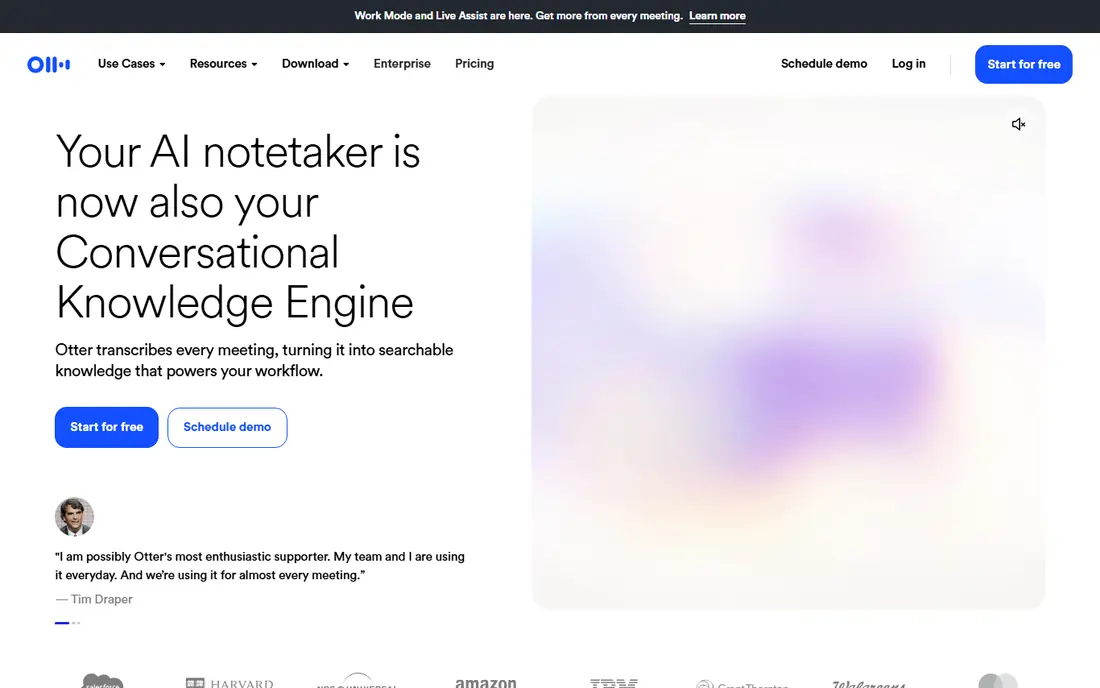
In short, Otter.ai is for live transcription and search. Otter.ai is the longest-running name in this group, and its strength is the live transcript. Otter can join as a bot, or record through its desktop and mobile apps, so users who dislike bots have a partial workaround.
Honest limits: Bot joins plenty of meetings except when the desktop app is used.
The free plan hands 300 transcription minutes a month, with a 30-minute cap per conversation, which fits light use but not a heavy meeting week. As for the details, premium plans raise those limits and add team features, with Pro beginning at $8.33 per user a month when billed yearly. On top of that, Otter suits lecturers, interviewers, and teams that value a full transcript they can search later. It is less close to Granola on privacy, since recordings are kept for playback and review, instead of deleted after transcription. What you pay to start with Otter.ai: $8.33 per user/month. Otter.ai includes a free tier.
- Works across Zoom, Meet, Teams
- Searchable meeting library
- Free plan caps minutes and meeting length
Notta is built with bilingual notes and translation in mind. Notta stands out for language coverage. It is less suited to teams that require deep CRM analytics, where Fireflies or Fathom offer more on that front.
What to check first: Free plan caps minutes and conversation length.
Pro opens at $8.17 a month when billed yearly for a single seat, and brings more minutes, longer conversations, and more AI summaries. That per-seat pricing is straightforward for a solo user, though team pricing needs a check on the vendor site. Notta cost at the entry level: $8.17 per month. Notta includes a free tier.
- Capable multilingual transcription and translation
- Mobile capture
- AI summary allowance is limited on lower levels
In short, Bluedot is for Bot-free capture for browser calls. Bluedot records meetings from the user's device, so no bot appears in the participant list. That approach performs well for browser-based calls and for users who want a cleaner guest experience, similar to Granola.
Downsides: Higher starting price.
Beyond that, Bluedot suits professionals who take client calls in a browser and want bot-free capture with refined notes. It is less suited to budget buyers, where Fathom's free level or Otter's lower premium level may be enough. Bluedot starts at: $18 per user/month. On free options: Free trial.
- Browser and app coverage
- AI notes and summaries
- No permanent free plan, only a trial
tl;dv is built with reviewing recorded calls in mind. tl;dv, pronounced as the letters, is built around review. It records meetings, transcribes them, and lets users clip key moments, timestamp decisions, and share short highlights with colleagues who missed the call.
Pro begins at $18 per seat a month when billed yearly, and raises those limits whereas adding more AI features and integrations. tl;dv suits sales, product, and customer teams that review calls together and share moments. In daily use, the free plan bundles a small number of AI-note meetings and Ask AI queries, with a recording length limit, so it works for a trial. Entry price for tl;dv: $18 per user/month. tl;dv includes a free tier.
Honest limits: Higher starting price than multiple rivals.
- Searchable transcripts
- A decent match for sales call review
- Free plan limits AI-note meetings
Read AI is built with meeting summaries and insights in mind. The free plan handles a small number of meetings a month, up to an hour each, which fits a trial but not daily use.
Where it falls short: Free plan limits meetings a month.
The interface is tidy, and the summaries read well enough to forward to a client or a colleague without heavy editing. For everyday use, Pro opens at $15 per user a month when billed yearly, and layers on more meetings, longer history, and deeper analytics. Read AI cost at the entry level: $15 per user/month. Read AI includes a free tier.
- Concise summaries with playback and coaching insights
- Search across meetings
- Playback is restricted on lower levels
How we compared the tools
We compared the tools on published pricing, free plan or trial availability, feature coverage for Granola AI, and the limits each vendor documents. Seat minimums, billing terms and add-ons can move the real cost, so the starting prices here are a guide and not a quote. Tools are placed by general fit for Granola AI, with price clarity and free access as tie-breakers. A different team can reasonably rank them differently.
Questions to settle before buying
- Prices are a starting point; Fellow shows $7 per user/month to start, so verify what your seat count would cost.
- Read the fine print on the free plans from Fathom, Fellow, Otter.ai and others; seat, project and feature caps differ.
- Use real work to test the free trial from Bluedot, rather than a demo project.
- Before choosing Fathom, weigh its main limit: premium plans cost more than Otter or Fireflies.
- A short pilot of Bluedot with your real workflow tells you more than a feature table.
- The entry price of Fathom is only the starting point; model the full cost with seats and extras.
Frequently asked questions
Do these tools publish their prices?
Yes. Every tool from Fathom to Read AI shows a starting price, though seats, add-ons and billing terms still change the final cost.
Can I try these tools before paying?
Often, yes. Fathom, Fellow, Otter.ai and others have a free plan and Bluedot offers a free trial. Use your own data and a real task during the test, and check what the free tier or trial limits before you rely on it.
Which options for Granola AI have a free plan?
6 of the 7 tools have a free plan, including Fathom, Fellow, Otter.ai and Notta. Free plans usually cap users, projects or features, so check the limits on the vendor page. One other tool offers a trial instead.
How are the tools for Granola AI ordered?
The order follows typical fit for Granola AI, with Fathom first and Read AI last, then price clarity and free access. It is editorial judgement, not a score, so another team could rank the tools differently.
Sources
See where you really rank - block by block
ProMapRanker scans Google Maps across a grid of your service area. Simple monthly plans from $19, white-label on every plan.
Start freeKeep reading
 zoho inventory alternatives
6 Alternatives to Zoho Inventory, Compared on Price and Fit
Zoho Inventory alternatives: 6 tools compared on price, free plans and fit. Katana leads the list for manufacturers. Fit and flaws are laid out for each entry.
Read → zoho crm alternatives
Best Zoho CRM Alternatives (2026)
Need Zoho CRM alternatives? We compare 7 tools on cost, free access and who each suits. Every pick gets a straight assessment. Built for quick decisions.
Read → zelle alternatives
Best Zelle Alternatives in 2026
Compare the best Zelle alternatives for sending money to friends, paying sellers and moving funds abroad, with honest notes on fees, speed and safety in 2026.
Read →