 ProMapRanker
Best GorillaDesk Alternatives in 2026

Key takeaways
- Jobber is the best starting point for small crews, with Core at $29 per month on annual billing.
- Housecall Pro suits small to mid-size home service teams that want marketing and review tools built in.
- ServiceTitan fits large trades operations with dedicated dispatch and office staff, on quote-based pricing.
- FieldEdge, Workiz, and Service Fusion give per-technician or flat-rate options for larger crews.
- Pest and lawn teams should check route optimisation, chemical tracking, and recurring job handling before choosing.
Quick comparison
| Pick | Great for | Pricing starts at | Free tier | |
|---|---|---|---|---|
 Jobber | Small crews and solo operators | $29 per month | No | Visit |
 Housecall Pro | Home services with marketing | $59 per month | No | Visit |
 ServiceTitan | Large trades operations | See website | No | Visit |
 FieldEdge | Per-technician trades pricing | See website | No | Visit |
 Workiz | Scheduling and dispatch for field teams | See website | No | Visit |
 ServiceM8 | Small field teams on mobile | See website | No | Visit |
 Kickserv | Simple job management for small teams | See website | No | Visit |
 FieldPulse | CRM plus field service in one app | See website | No | Visit |
 Service Fusion | Flat-rate pricing with unlimited users | $208 per month | No | Visit |
The best gorilladesk alternatives
GorillaDesk is field service software for pest control, lawn care, and similar home services, with scheduling, routing, invoicing, and customer management. The tools below cover the same job for different crew sizes, from a solo operator to a large trades operation. We compared official pricing pages, product documentation, and public reviews, and we did not claim hands-on testing we did not do. Prices are subscription rates where stated, and card processing fees sit on top of most plans.
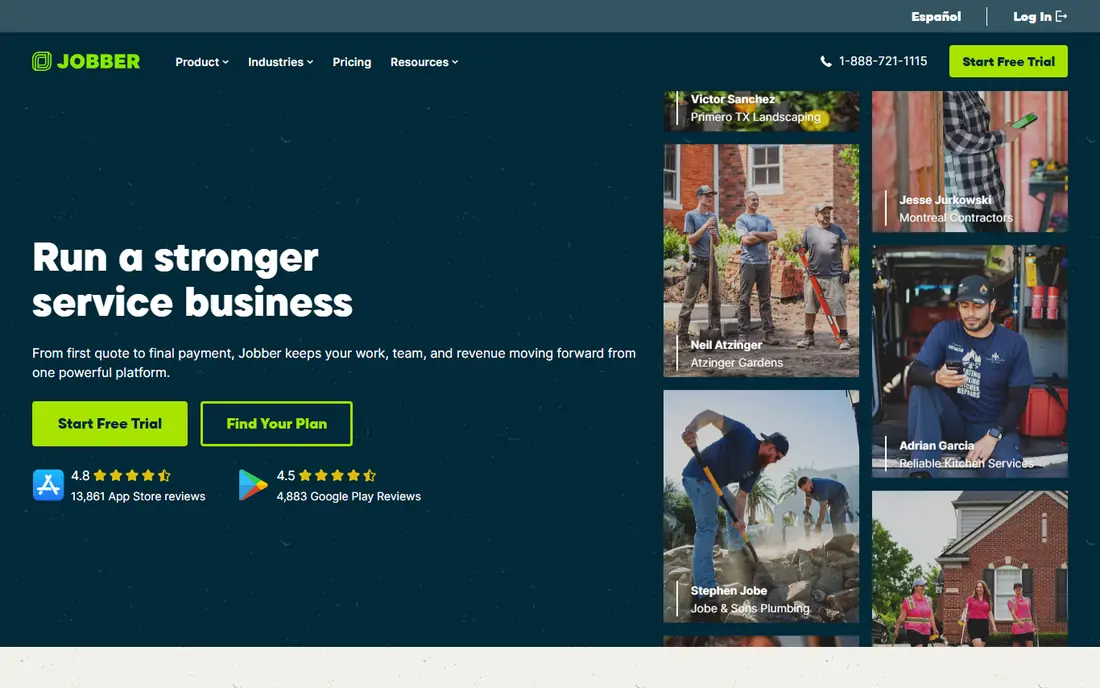
Jobber is the easiest field service tool to start with, and it covers the core workflow well: quotes, scheduling, dispatch, invoicing, and customer records in one app. Core costs $29 per month on annual billing, or $49 month to month in published snapshots, with Connect and Grow tiers adding more users, GPS tracking, and automation. A 14-day trial lets a small crew test the full flow before paying.
Jobber marketing tools are lighter than Housecall Pro, with fewer built-in campaigns and review automation features. A crew that grows past 15 users will also need to check higher tiers or a larger platform. For a solo operator or a crew of up to 15, Jobber is the most balanced pick in this list.
- Easy scheduling, quoting, and invoicing
- 14-day trial
- Clear tier pricing for 1 to 15 users
- Marketing tools are basic
- Larger crews may need a higher tier quickly
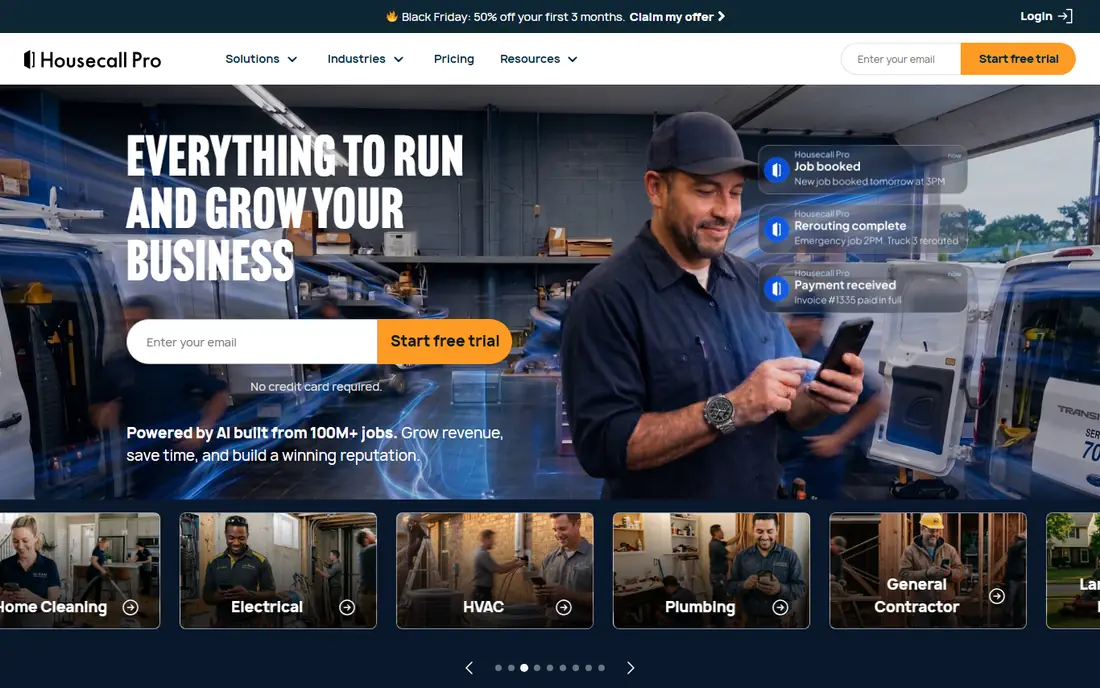
Housecall Pro pairs field service scheduling with marketing tools that many rivals sell separately. Basic costs $59 per month on annual billing, Essentials $149, and MAX $299 in published annual pricing, with extra users charged on top. Postcards, email campaigns, review requests, and online booking help a home service business win repeat work, not just manage jobs it already has.
The entry price is higher than Jobber Core for a solo user, and a large crew can pay more once extra user fees are added. Housecall Pro also focuses on home services, so a commercial trades operation may prefer ServiceTitan or FieldEdge. For a small to mid-size home service team that wants scheduling plus marketing in one bill, Housecall Pro is a strong fit.
- Scheduling plus marketing, review requests, and postcards
- Strong mobile app
- 14-day trial
- Costs rise with extra users
- Basic plan is higher than Jobber Core for a solo user
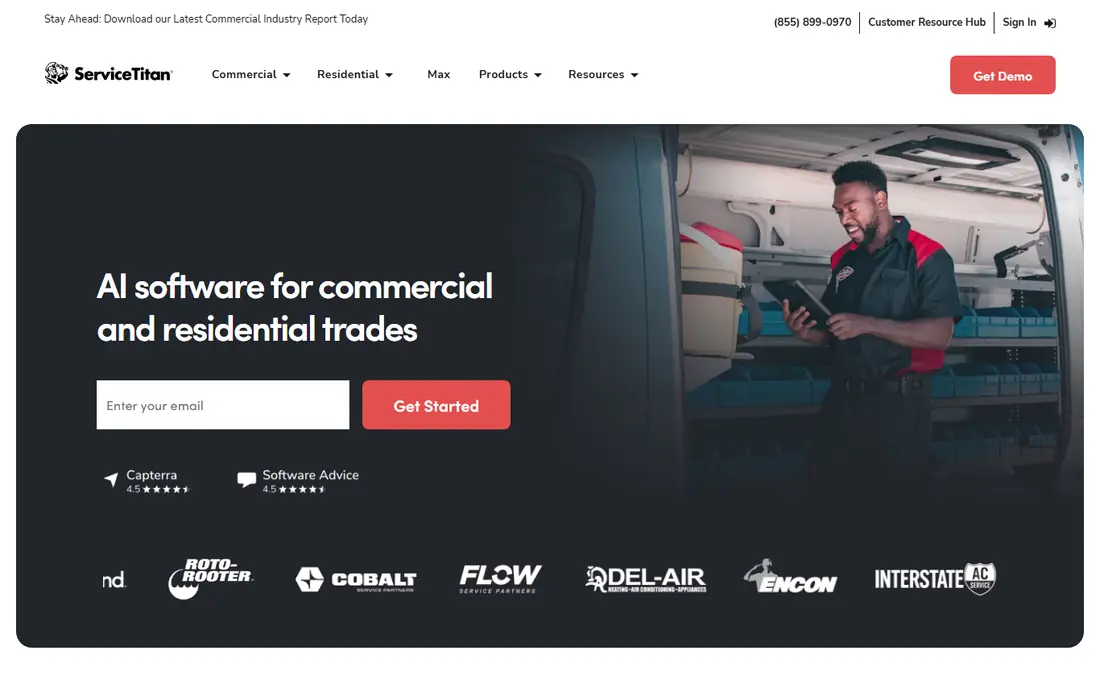
ServiceTitan is the enterprise platform for HVAC, plumbing, electrical, and other trades at scale. Its dispatch board, call booking, marketing attribution, and reporting are built for operations with 20 or more technicians and dedicated office staff. Financing, pricebook management, and AI dispatch features help large teams run a complex operation from one system.
ServiceTitan pricing is quote-based, with no published per-technician rate on its own pricing page, and third-party summaries place it well above Jobber and Housecall Pro. Implementation can take months, with onboarding and training for a large team. For a small crew, ServiceTitan is too much tool at too high a price, but for a large trades operation it is the benchmark.
- Advanced dispatch board
- Marketing attribution
- Financing and enterprise reporting
- Quote-based pricing
- Implementation takes months for large teams
- Demo only, no free trial
FieldEdge gives trades businesses per-technician pricing without ServiceTitan scale or cost. Dispatch, scheduling, invoicing, and customer management cover the core trades workflow, with QuickBooks integration for accounting. That model suits a team of 10 to 50 technicians that wants to pay per tech rather than per flat tier.
Pricing is quote-based, so a team cannot budget from a public page alone. FieldEdge also focuses on trades, so a pest or lawn team should check route and recurring job features against GorillaDesk-style tools before choosing. For a mid-size trades operation that wants per-tech pricing, FieldEdge is worth a demo.
- Per-technician pricing for trades
- Dispatch and invoicing for HVAC, plumbing, and electrical
- QuickBooks integration
- Quote-based pricing
- Demo only, no free trial in published summaries
Workiz covers scheduling, dispatch, invoicing, and customer communication for field service teams, with online booking that lets customers pick a time without a phone call. That booking flow helps a growing team reduce office calls and fill gaps in the schedule. Mobile apps keep field staff on the same job record as the office, with photos and notes attached.
Workiz pricing is not published as a single starting rate in the same way as Jobber, so a quote is needed for an exact budget. Higher plans add automation and advanced reporting that a small team may not need at first. For a field team that wants online booking plus dispatch in one system, Workiz is a practical alternative.
- Scheduling, dispatch, and invoicing in one app
- Online booking and communication tools
- Good for growing teams
- Pricing is not published as a simple starting rate
- Advanced features need higher plans
ServiceM8 is a mobile-first field service app for small teams, with job cards, quoting, scheduling, invoicing, and customer records in a clean interface. Field staff can manage jobs from a phone, capture photos and signatures, and send invoices on site. Add-ons extend the core app for larger teams or specific needs, such as forms and payments.
Pricing varies by region and by add-on, so the total depends on team size and the features chosen. ServiceM8 marketing tools are lighter than Housecall Pro, and enterprise reporting is thinner than ServiceTitan. For a small team that lives on mobile and wants a simple job workflow, ServiceM8 is an easy fit.
- Mobile-first job management
- Quoting, scheduling, and invoicing
- Add-ons for larger needs
- Pricing varies by region and add-on
- Less marketing depth than Housecall Pro
Kickserv focuses on simple job management for small service businesses, with scheduling, invoicing, estimates, and a customer database that keeps job history in one place. The interface is easy to learn, which helps a team moving from spreadsheets or paper without a long training period. That simplicity is the main selling point for a tiny crew.
Kickserv lacks the advanced dispatch board, marketing automation, and route tools of larger platforms, so a growing team may outgrow it. Pricing needs a quote rather than a published starting rate. For a small team that wants a straightforward job system without enterprise complexity, Kickserv is a low-friction option.
- Simple scheduling and invoicing
- Customer database with job history
- Easy to learn
- Fewer advanced dispatch and marketing features than larger platforms
- Pricing needs a quote
FieldPulse combines a CRM with field service tools, so customer records, estimates, scheduling, invoicing, and payments live in one app. That combination helps a team that wants to track leads and repeat customers alongside jobs, rather than juggling a separate CRM. Communication tools keep customers updated on job status without extra software.
FieldPulse pricing needs a quote, and its integration ecosystem is smaller than Jobber or Housecall Pro. A team with unusual accounting or marketing software should check connectors first. For a small to mid-size team that wants CRM plus field service in one place, FieldPulse is a coherent alternative.
- CRM and field service together
- Estimates, scheduling, and invoicing
- Customer communication built in
- Pricing needs a quote
- Smaller ecosystem than Jobber or Housecall Pro
Service Fusion prices by flat tier with unlimited users, which changes the math for a larger crew. Published annual pricing places tiers from $208 to $533 per month, with unlimited users at every tier, so a team of 20 does not pay per seat. Scheduling, dispatch, invoicing, and customer management cover the core field service workflow.
The entry tier at $208 per month is high for a solo operator, who will get better value from Jobber Core. Service Fusion marketing tools are also lighter than Housecall Pro. For a crew where per-user pricing on other platforms adds up fast, Service Fusion flat pricing can save money as the team grows.
- Flat-rate tiers with unlimited users
- Scheduling, dispatch, and invoicing
- Good for larger crews on a fixed budget
- Entry tier is high for a solo user
- Fewer marketing tools than Housecall Pro
How we picked these
We compared official pricing pages, product documentation, and public reviews for field service tools that are actively sold in October 2026. We kept tools that offer scheduling, dispatch, invoicing, and customer management for home services or trades, and that serve teams from solo operators to large crews. We left out pure CRM tools with no dispatch, and pure scheduling tools with no invoicing, since they do not replace GorillaDesk for most readers. Where pricing is quote-based, we say so rather than guessing a rate.
Matching the tool to crew size
Crew size decides the price more than feature lists do. A solo operator should start with Jobber Core at $29 per month or Grasshopper-style simplicity, not ServiceTitan. A team of 3 to 8 will often get the best value from Housecall Pro Essentials or Jobber Connect, while a team of 10 to 20 should compare per-user costs against Service Fusion flat tiers. A team of 20 or more with dedicated dispatch should demo ServiceTitan and FieldEdge, since dispatch depth and reporting matter more than entry price at that scale.
Pest and lawn teams have extra checks. Recurring jobs, route optimisation, chemical application records, and customer notifications for service windows are core to those trades, so test those flows with real routes before choosing. A general field service tool can handle pest and lawn work, but a team that relies heavily on routes should confirm that route tools are included at the chosen tier, not gated to an enterprise plan.
Trial checklist for field teams
Run a trial with one real crew for two weeks, not just a demo account. Schedule real jobs, send real invoices, collect a real payment, and test the mobile app in the field with weak signal. Check QuickBooks or Xero sync for duplicates, test customer notifications, and confirm that recurring jobs create the next visit correctly. A trial that only tests the office dashboard will miss the field problems that matter most.
Frequently asked questions
What is the best GorillaDesk alternative for pest control?
Jobber and Housecall Pro are the best starting points for most pest control teams, with scheduling, recurring jobs, invoicing, and customer records in one app. Service Fusion suits a larger pest crew on flat pricing, while ServiceTitan fits a large multi-location pest operation. Test recurring job handling and route planning with your real routes before choosing, since those features vary by tier.
Is Jobber cheaper than Housecall Pro?
For a solo user, yes: Jobber Core costs $29 per month on annual billing, while Housecall Pro Basic costs $59 per month. At five users, published annual pricing puts Jobber Connect and Housecall Pro Essentials both at $149 per month, so the gap closes in the middle. Compare the total for your actual team size and the marketing features you need, not just the entry rate.
Do field service tools include payment processing?
Most do, but processing fees sit on top of the subscription. Jobber, Housecall Pro, ServiceTitan, and others offer card and bank payments in the app, with rates that vary by vendor and by card type. Check the processing rate, payout timing, and any monthly gateway fee before promising customers on-site payment, since those costs add to the subscription.
Can I import customers and job history from GorillaDesk?
Most tools here offer import from CSV or from common field service platforms, though the ease varies. Ask for an import demo with a sample of your customer list, job history, and recurring schedules before signing. Check that recurring jobs, customer notes, and payment history import cleanly, since a partial import can create extra office work for months.
Do these tools work offline in the field?
Mobile apps from Jobber, Housecall Pro, Fieldwire, and others offer offline access to job details, but the depth varies by app and by plan. Test the mobile app in a low-signal area with your real job types, including photos and signatures, before rollout. A tool that needs constant connectivity will slow a crew that works in basements, rural properties, or new builds.
How long does it take to switch field service software?
A small team can switch to Jobber or Housecall Pro in one to two weeks, including customer import and staff training. A larger team moving to ServiceTitan or FieldEdge should plan for several weeks to a few months, depending on dispatch setup, pricebook work, and accounting integration. Run the old and new systems in parallel for a short period to avoid missed jobs during the cutover.
Sources
- https://getjobber.com/pricing/
- https://www.housecallpro.com/pricing/
- https://www.servicetitan.com/pricing
- https://www.fieldedge.com/pricing/
- https://www.workiz.com/pricing/
- https://www.servicem8.com/pricing/
- https://www.kickserv.com/pricing/
- https://www.fieldpulse.com/pricing/
- https://www.servicefusion.com/pricing/
See where you really rank - block by block
ProMapRanker scans Google Maps across a grid of your service area. Simple monthly plans from $19, white-label on every plan.
Start freeKeep reading
 zyte alternatives
Best Zyte Alternatives in 2026
These zyte alternatives cover managed scraping APIs, proxy networks and no code tools for lawful collection from your own or consented sources only in 2026.
Read → zerto alternatives
Best Zerto Alternatives in 2026
Compare the best zerto alternatives for disaster recovery and replication, with recovery targets, cloud options and honest trade-offs for teams in 2026.
Read → zerofox alternatives
Best ZeroFox Alternatives in 2026
We compared 9 zerofox alternatives for brand protection, phishing takedowns, dark web monitoring, and social impersonation, with clear coverage notes.
Read →