 ProMapRanker
Google Hangouts Chat Alternatives in 2026

Key takeaways
- Slack is the safest default team chat replacement, with the broadest integration library and a free tier for small teams.
- Microsoft Teams suits Microsoft 365 shops, while Google Chat suits Google Workspace teams that want chat inside Gmail and Drive.
- Discord works well for informal communities and always-on voice, but it is less structured for formal workplace use.
- Mattermost, Rocket.Chat, and Zulip suit teams that want self-hosted control or threaded, async-first conversations.
Quick comparison
| Pick | Great for | Pricing starts at | Free tier | |
|---|---|---|---|---|
 Slack | All-round team chat | See website | Yes | Visit |
 Microsoft Teams | Microsoft 365 shops | See website | Yes | Visit |
 Google Chat | Google Workspace teams | See website | Yes | Visit |
 Discord | Informal communities | Free | Yes | Visit |
 Mattermost | Self-hosted open source chat | Free | Yes | Visit |
 Rocket.Chat | Secure self-hosted chat | Free | Yes | Visit |
 Zulip | Threaded async chat | Free | Yes | Visit |
 Twist | Calm async team chat | See website | Free trial | Visit |
 Zoom Team Chat | Chat plus meetings | See website | Yes | Visit |
The best google hangouts chat alternatives
Google Hangouts Chat is retired, and Google Chat is its direct successor inside Google Workspace, so this list covers current team chat tools that replace what Hangouts Chat used to do: direct messages, group rooms, file sharing, and calls. We compared official product pages, pricing pages, and public comparisons for the tools below, and we favored tools that are actively maintained in 2026 with desktop, web, and mobile apps.
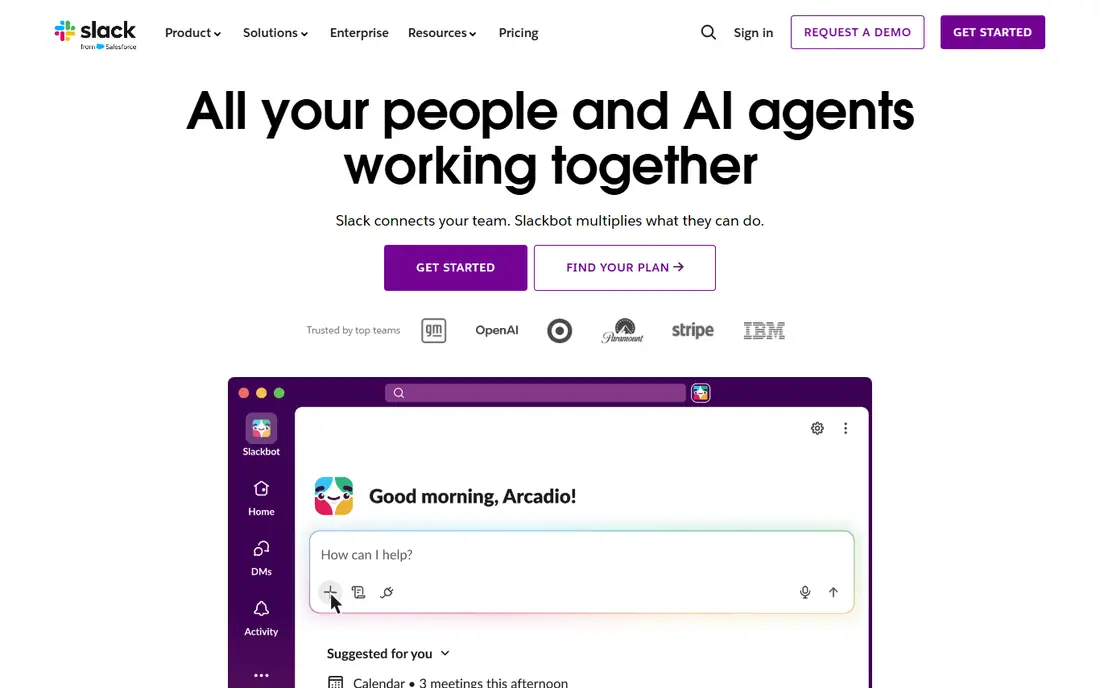
Slack remains the default team chat choice for most companies, with channels for topics, threads for side discussions, and integrations for the tools teams already use. Its search, file sharing, and workflow automation cover the everyday needs that Hangouts Chat users expect, with a more polished experience. The free tier lets a small team start without a purchase and upgrade only when history or app limits matter.
The weakness is price at scale. Per-user pricing adds up for large teams, and the free plan limits message history, so older decisions can disappear from search. Teams that need full history should budget for a paid plan from the start rather than treating the free tier as permanent.
- Huge integration library
- Channels and threads
- Free tier for small teams
- Free plan message history is limited
- Costs rise with headcount
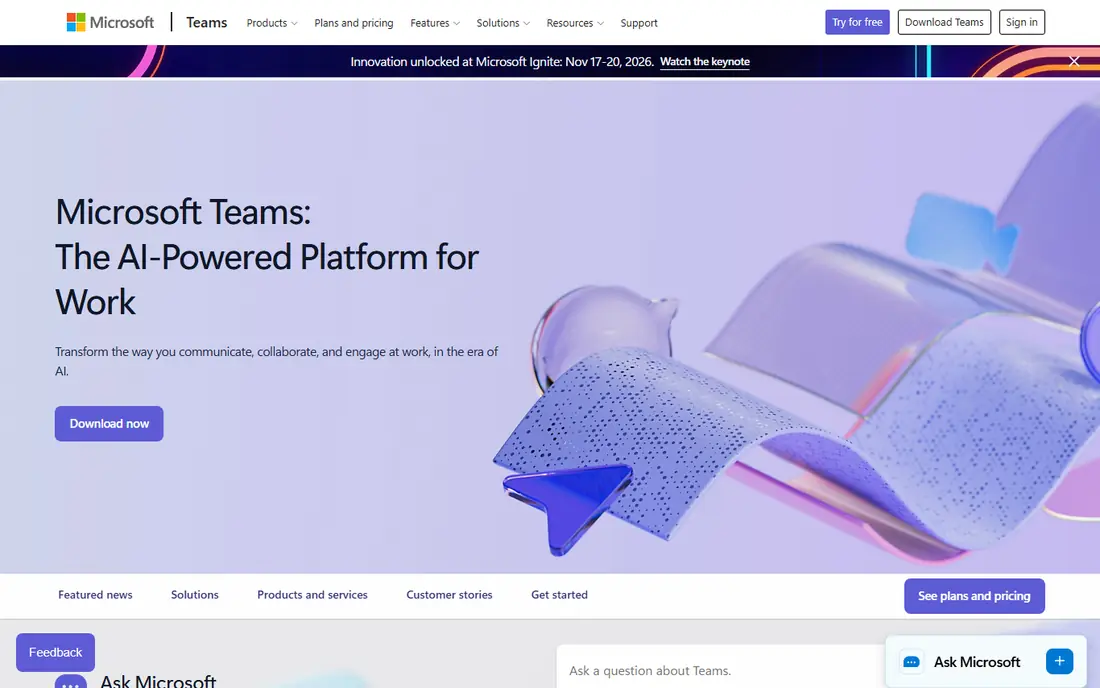
Microsoft Teams is the natural replacement for organizations already paying for Microsoft 365, since chat, video meetings, and file collaboration sit in one app. Channels, direct messages, and app tabs cover team chat needs, while integration with Outlook, SharePoint, and OneDrive keeps work close to documents. A free tier also lets small teams try Teams without a full Microsoft 365 plan.
The drawback is weight. Teams can feel slower and more complex than Slack or Google Chat, especially for teams that only need chat and not full meeting and file suites. Organizations outside the Microsoft ecosystem should compare Slack or Google Chat first, since Teams value depends heavily on the wider suite.
- Chat, meetings, and files in one suite
- Deep Microsoft 365 integration
- Free tier available
- Interface can feel heavy
- Best value needs a Microsoft 365 subscription
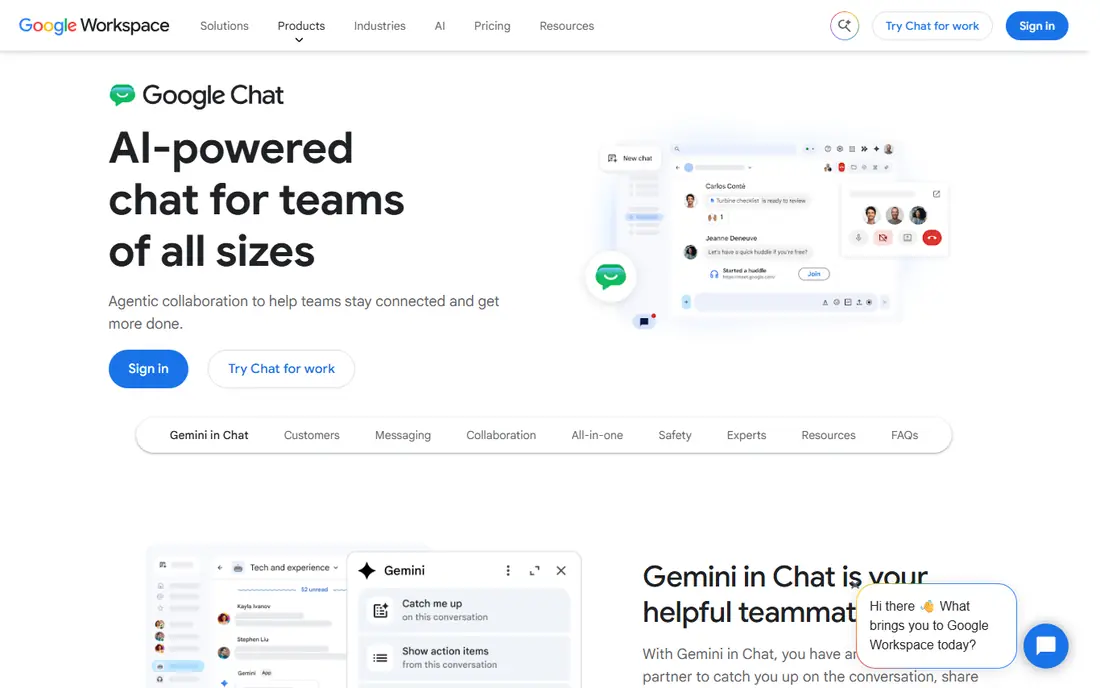
Google Chat is the closest successor to Hangouts Chat, since Google moved Hangouts users to Chat and built it into Gmail and Google Workspace. Spaces organize project conversations, files, and tasks, while direct messages cover one-to-one chat. For a team already in Gmail, Drive, and Calendar, Chat requires almost no new habit to learn.
The limit is ecosystem depth. Third-party integrations are fewer than Slack, and teams outside Google Workspace get less benefit from its tight Gmail and Drive links. It is the right pick for Google shops, and a weaker pick for mixed or Microsoft-centered teams.
- Direct successor to Hangouts Chat
- Gmail, Drive, and Calendar integration
- Spaces for projects
- Fewer third-party integrations than Slack
- Less suited to teams outside Google Workspace
Discord suits informal teams, communities, and creator groups that value free chat and always-on voice channels. Text channels, threads, and voice rooms cover both quick questions and longer hangouts, and the free tier has no user limit for basic use. For a hobby team, gaming group, or open community, Discord is often the cheapest and most familiar option.
Formal workplaces should be cautious. Discord lacks some enterprise admin, compliance, and integration features that Slack and Teams provide, and its community culture can feel unstructured for client work. Use Discord where informality is a feature, and choose a business chat tool where audit trails and admin controls matter.
- Free core chat and voice
- Always-on voice channels
- Large community features
- Less structured for formal work
- Moderation and admin controls need care
Mattermost is an open source team chat platform that teams can host themselves, which appeals to organizations with strict data control needs. It offers channels, direct messages, threads, file sharing, and integrations, with a familiar chat experience for users coming from Slack or Hangouts. Self-hosting keeps messages on your own servers, which matters for regulated or security-sensitive work.
The trade-off is maintenance. A self-hosted install needs patching, backups, and monitoring, which adds work for IT teams. Organizations that do not want that burden should compare the hosted Mattermost plan or a managed tool such as Slack, and weigh hosting costs against the per-user price.
- Open source and self-hosted
- Strong privacy control
- Channels, threads, and integrations
- Self-hosting needs technical upkeep
- Hosted pricing is quote-based for larger teams
Rocket.Chat is another open source, self-hostable chat platform, with channels, direct messages, video calls, and file sharing in one workspace. Its federation features suit organizations that need to connect separate chat servers, and its open source model gives full control over data and customization. Teams with developer resources often value that flexibility.
The weakness is complexity. Setup, upgrades, and security patching fall to the team, and the interface can feel busy compared with Slack or Google Chat. It fits technical teams and public sector or regulated users best, while non-technical small teams should prefer a hosted tool.
- Open source and self-hosted
- Federation options
- Chat plus video and file sharing
- Setup and upkeep need technical skill
- Interface can feel busy
Zulip organizes every conversation by topic inside a channel, which keeps long discussions readable in a way that flat chat streams often fail to do. That structure suits async teams, open source projects, and distributed groups where people catch up hours later and need context. The open source core can be self-hosted, and a hosted cloud plan is available for teams that prefer managed service.
The learning curve is real. New users who expect Slack-style flat channels may find topics confusing at first, and the integration library is smaller than Slack. Teams that adopt Zulip should run a short pilot with real project threads, since the threading benefit only shows up with genuine use.
- Topic-based threading keeps chats readable
- Open source
- Good for async teams
- Threading model takes getting used to
- Smaller integration library than Slack
Twist is built for teams that want less real-time pressure, with threads as the default and a clear split between channel discussions and direct messages. That design reduces the always-on feeling of flat chat, and helps remote teams across time zones catch up without scrolling through a noisy stream. Notifications are calmer by design, which suits focused work.
The limits are ecosystem and scale. Twist has a smaller user base and fewer integrations than Slack or Teams, so teams that rely on many app connectors should check coverage first. It suits small to mid-sized async teams best, especially those that already work in a threaded, document-first way.
- Thread-first design for async work
- Calm notification model
- Channels and messages separated
- Smaller user base
- Fewer integrations than Slack or Teams
Zoom Team Chat is the chat layer inside Zoom, which makes it a good pick for teams that already live in Zoom meetings. Channels, direct messages, and file sharing sit next to meeting scheduling, so a chat conversation can move to a video call in one click. A free tier with a Zoom account lets small teams start without extra cost.
The weakness is that chat is not Zoom's main product. Integration depth and chat-first features lag Slack, and teams that need advanced workflow automation or a large app library should look elsewhere. Choose Zoom Team Chat when meetings are the center of your work, and choose Slack or Teams when chat itself is the center.
- Chat built into Zoom meetings
- Channels and direct messages
- Free tier with a Zoom account
- Chat is secondary to meetings
- Fewer chat integrations than Slack
How we picked these
We compared official product pages, pricing pages, and public comparisons, and we favored actively maintained team chat tools with web, desktop, and mobile apps. We excluded retired products, including Hangouts Chat itself, and we excluded pure messaging apps without team channels or workspace features. Where pricing depended on a suite subscription or a sales quote, we wrote "See website" rather than guessing a figure.
What to check before you switch
Start with your existing suite. Google Workspace teams should trial Google Chat first, Microsoft 365 teams should trial Teams first, and everyone else should trial Slack first, since suite fit saves the most admin work. Next, test the features you actually use daily: search, file sharing, threads, notifications, and mobile experience, rather than judging by a feature list.
Finally, plan the migration. Export or archive important Hangouts history if you still have access, set up channels before inviting the whole team, and agree on notification norms early. A chat tool fails more often from noisy channels and unclear norms than from missing features, so a short team agreement on channels, threads, and response times is worth writing down.
Frequently asked questions
Is Google Hangouts Chat still available?
No. Google Hangouts Chat is retired, and Google Chat is its successor inside Google Workspace. Users looking for Hangouts Chat today should use Google Chat or another current team chat tool from this list.
What is the closest alternative to Hangouts Chat?
Google Chat is the direct successor for Google Workspace users. Slack is the closest general replacement for teams outside Google Workspace, with broader integrations and a similar channel model.
Is there a free Hangouts Chat alternative?
Yes. Slack, Google Chat, Discord, Mattermost, Rocket.Chat, and Zulip all offer free tiers or free self-hosted options, although free plan limits on history, storage, or features vary by tool.
Can I self-host a Hangouts Chat alternative?
Yes. Mattermost, Rocket.Chat, and Zulip all offer open source self-hosted options, which keep messages on your own servers. Self-hosting needs technical upkeep for patching, backups, and security.
Is Discord suitable for work teams?
Discord suits informal teams and communities, with free chat and strong voice features. Formal workplaces that need admin controls, compliance features, and deep business integrations should prefer Slack, Teams, or Google Chat.
How do I move a team from Hangouts to a new chat tool?
Set up channels and spaces in the new tool first, invite a pilot group, then migrate the full team with a clear cutover date. Archive any important Hangouts history you can still access, and agree on channel and notification norms before the switch.
Sources
See where you really rank - block by block
ProMapRanker scans Google Maps across a grid of your service area. Simple monthly plans from $19, white-label on every plan.
Start freeKeep reading
 zyte alternatives
Best Zyte Alternatives in 2026
These zyte alternatives cover managed scraping APIs, proxy networks and no code tools for lawful collection from your own or consented sources only in 2026.
Read → zerto alternatives
Best Zerto Alternatives in 2026
Compare the best zerto alternatives for disaster recovery and replication, with recovery targets, cloud options and honest trade-offs for teams in 2026.
Read → zerofox alternatives
Best ZeroFox Alternatives in 2026
We compared 9 zerofox alternatives for brand protection, phishing takedowns, dark web monitoring, and social impersonation, with clear coverage notes.
Read →