 ProMapRanker
Best Google Groups Alternatives in 2026

Key takeaways
- Groups.io is the closest direct replacement for an email group, with a free plan for small lists and paid tiers for files, calendars and chat.
- Discourse suits searchable, long-lived discussion, while Slack and Discord suit fast chat that does not need to live in an inbox.
- Circle and Mighty Networks fit paid or branded communities, but their monthly cost only makes sense once membership or courses are part of the plan.
- Flarum, NodeBB and Loomio give smaller teams more control, with self-hosting as the cheapest route for groups with technical help available.
Quick comparison
| Pick | Great for | Pricing starts at | Free tier | |
|---|---|---|---|---|
 Groups.io | Email groups and mailing lists | Free | Yes | Visit |
 Discourse | Searchable forums and support | Free | Yes | Visit |
 Slack | Work chat for small teams | Free | Yes | Visit |
 Discord | Free voice and chat communities | Free | Yes | Visit |
 Mighty Networks | Paid memberships and courses | $79 per month | Free trial | Visit |
 Circle | Creator communities and courses | $89 per month | Free trial | Visit |
 Flarum | Lightweight self-hosted forums | Free | Yes | Visit |
 NodeBB | Modern self-hosted forums | Free | Yes | Visit |
 Loomio | Group decisions and discussion | See website | Yes | Visit |
The best google groups alternatives
Google Groups works as a mailing list, a discussion archive and a simple way to reach a whole group by one address. The best replacement depends on which of those jobs matters most. We compared official pricing pages, email features, moderation tools and migration options, and kept only tools that work today.
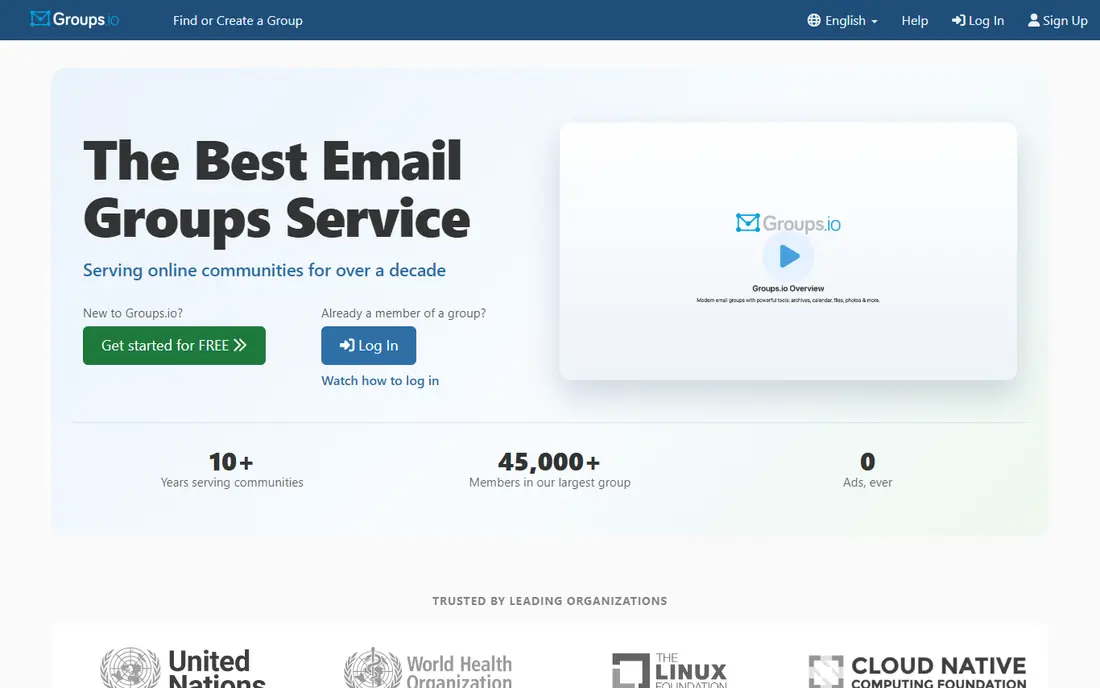
Groups.io is the natural first stop for a group that lives in email. Members can post and reply by email, read on the web, and use one group address in much the same way as Google Groups. Paid Premium adds files, photos, a wiki, a calendar and chat, while Enterprise adds white-label options and single sign-on for larger organisations.
The free plan is genuinely useful for a simple list of up to 100 members, but it drops files, photos, calendar and chat. That limit pushes active groups toward Premium, priced per member with a monthly minimum. If email is the habit you want to protect, Groups.io preserves it with the least retraining.
- True email-group workflow
- Files, photos, wiki and calendar on paid plans
- Member sponsorship option
- Free plan caps members and storage
- Interface feels plain next to modern community apps
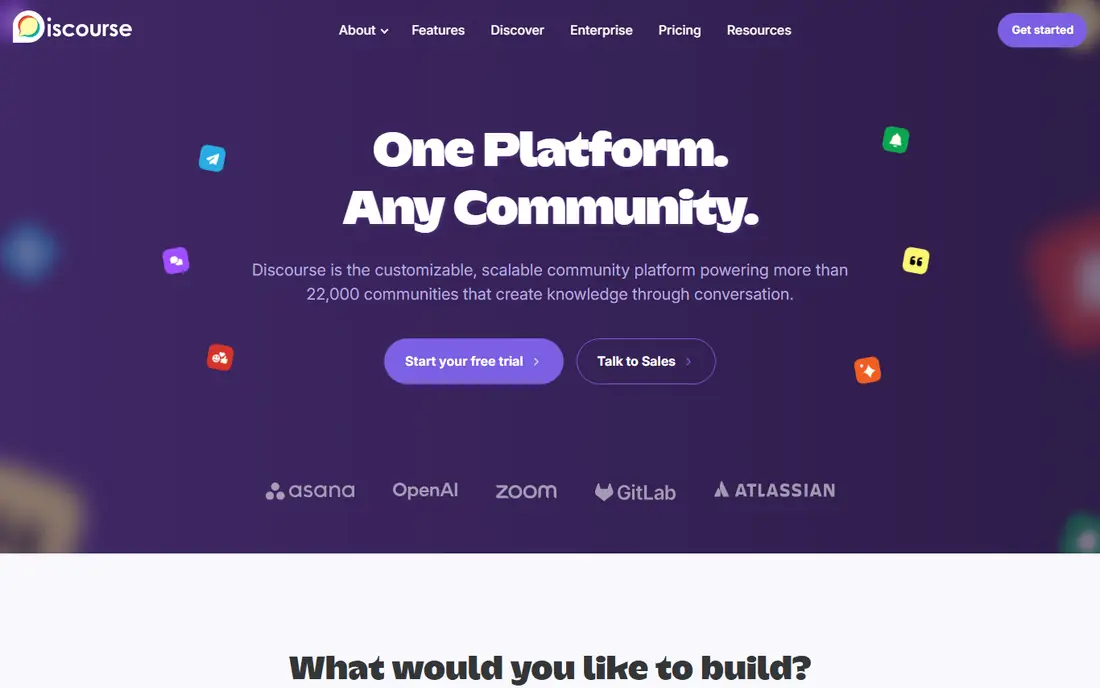
Discourse turns scattered threads into a searchable knowledge base. Categories, tags, trust levels and moderation tools help a support community, open-source project or professional group keep answers findable. Members can still reply by email in many setups, but the web forum is the main home for discussion.
Self-hosting is free apart from your own server costs, which makes Discourse a strong choice for technical teams. Hosted plans remove that work, with a free hosted tier for small communities and paid plans from $100 per month for larger ones. If your group values a lasting archive over inbox habits, Discourse is hard to beat.
- Open source and self-hostable
- Strong search and threading
- Hosted free plan for small communities
- Forum format suits discussion more than email
- Hosted paid plans start at $100 per month
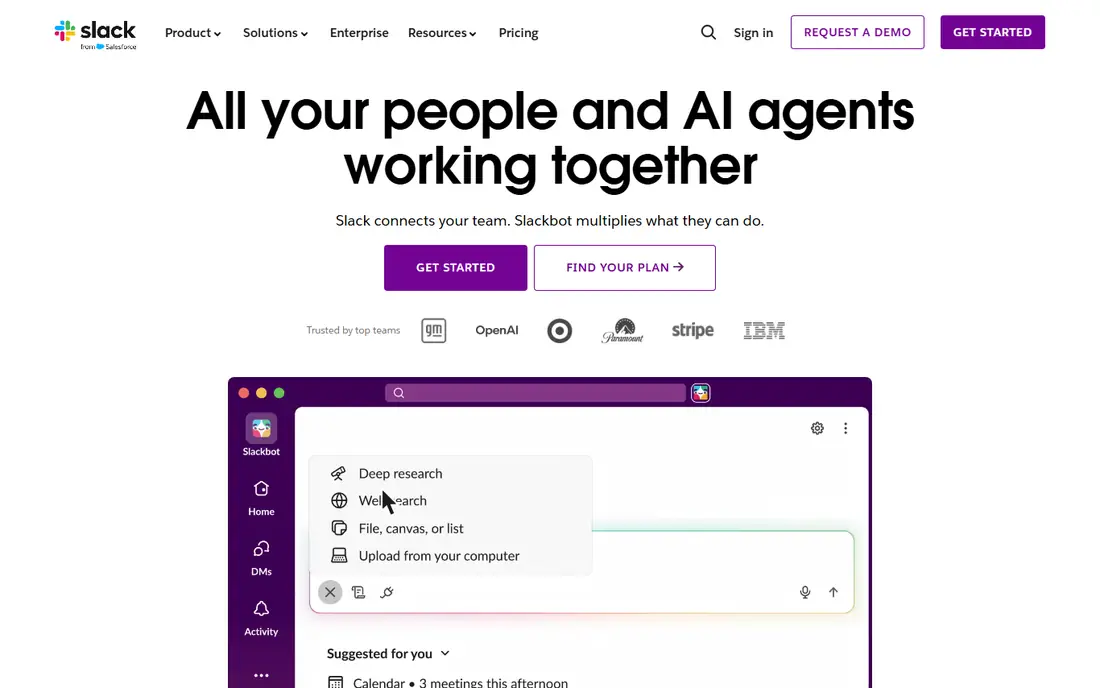
Slack suits a closed team that needs quick answers, channels and file sharing in one place. Threads keep side discussions tidy, and integrations connect chat to calendars, docs and project tools. For a small work group, the free plan covers daily chat without much setup.
The catch is history and cost. Free workspaces show only the most recent 90 days of messages, and paid plans charge per user, starting around $7.25 per user per month on annual billing. That makes Slack a poor fit for a large public community, but a solid fit for a bounded team that already works in chat.
- Familiar channels and threads
- Many integrations
- Good search on paid plans
- Free history limited to 90 days
- Per-user pricing grows fast for large groups
Discord is the free, low-friction option for a community that talks in real time. Servers, channels, roles, voice rooms and events cover gaming groups, creator audiences, study groups and hobby clubs. Unlimited message history on the free tier is a clear advantage over Slack for a casual community.
It is not a mailing list. Important announcements can scroll away, and there is no native email digest that matches Google Groups. If your members check chat daily and value voice, Discord works well. If they rely on email, pair it with a newsletter or pick Groups.io instead.
- Free servers with unlimited history
- Voice channels and events
- Strong moderation bots
- Chat-first layout buries older answers
- No built-in email list workflow
Mighty Networks fits a creator or coach who wants a branded home for members, courses and events without stitching several tools together. Members get a feed, chat, events and course content in one app, and hosts can charge for memberships or courses. Mobile apps on every plan help groups whose members live on their phones.
The cost needs a clear plan. Launch starts at $79 per month on annual billing, with a transaction fee on member payments, and higher tiers cut that fee while raising the monthly price. For a free hobby group, that is too much. For a paid program, the all-in-one setup can save time and tool costs.
- Community, courses and events in one place
- Mobile apps on every plan
- Paid membership tools
- Transaction fees on standard plans
- Price jumps between tiers
Circle suits creators and brands building a structured community around content, courses or events. Spaces keep topics separate, live events and courses sit beside discussion, and the member experience feels calmer than a noisy chat server. That structure helps when a group grows beyond a single feed.
Pricing starts at $89 per month on annual billing for the Professional plan, with a transaction fee on payments and higher tiers for automation, extra spaces and branded apps. A 14-day trial helps you test the fit, but Circle only pays off if you plan to charge members, sell courses or run a serious branded community.
- Clean spaces, courses and events
- Automation on higher tiers
- Good member experience
- No lasting free plan
- Transaction fees and add-ons raise the real cost
Flarum is a light, modern forum for teams that want a simple discussion board without a heavy platform. The core stays fast and clean, and extensions add features such as tags, mentions and moderation tools as needed. For a small club, project group or support forum, that restraint is a strength.
You will need to host it yourself or pay someone to do so, and email participation is not its main design. If your group has a little technical help and wants a tidy, searchable forum at low cost, Flarum is a good pick. If you want a managed service with support, Discourse hosting or Groups.io will feel easier.
- Free and open source
- Fast, simple forum layout
- Extensions for extra features
- Self-hosting needs technical setup
- Email-group feel is limited
NodeBB offers a more feature-rich self-hosted forum than Flarum, with real-time updates, chat-style replies, plugins and themes. It suits communities that want a modern forum feel plus control over data, branding and hosting. Developers can extend it, and larger groups can shape it around their own workflows.
The trade-off is upkeep. You handle hosting, updates and backups unless you pay for managed hosting. That makes NodeBB best for teams with technical capacity or a clear reason to self-host. For a group that just wants to move a mailing list, Groups.io will be simpler.
- Free and open source
- Real-time discussion
- Plugins and themes
- Self-hosting and upkeep take time
- Managed hosting costs extra
Loomio stands out when a group needs to decide, not just chat. Threads can lead to proposals, polls and clear outcomes, which helps cooperatives, nonprofits, clubs and teams that need a record of what was agreed. Discussion stays organised around decisions rather than drifting across channels.
It is not a drop-in Google Groups clone for a large mailing list, and its ecosystem is smaller than Discourse or Slack. Pick Loomio when decision-making is the core job. For a general announcement list, Groups.io remains closer to the original workflow.
- Built for proposals and decisions
- Threaded discussion
- Good for cooperatives and nonprofits
- Smaller ecosystem
- Not a general email list replacement
How we picked these
We compared official pricing and feature pages, email and forum workflows, moderation tools and current availability in October 2026. We kept tools that cover at least one core Google Groups job: a shared address and archive, searchable discussion, or a managed community space. Tools that had closed, stopped new signups or lacked a working group product were left out.
What to decide before you move
Email, forum or chat
Ask members how they actually read the group. If most reply by email, protect that habit with Groups.io. If they search old answers, a forum like Discourse, Flarum or NodeBB will serve them better. If they live in chat, Slack or Discord may be enough, but you will lose the tidy email archive.
Moderation, archives and exports
Check who can moderate, whether old threads stay searchable, and whether you can export members and messages. A group archive is an asset, and a tool that locks it away creates a future migration headache. Test exports before you move a large or long-running group.
Cost at your real size
Free plans often cap members, history or storage, while paid plans may charge per user or per month. Model the cost at your current size and at double that size. A flat monthly plan can beat per-user pricing for a large community, while a self-hosted forum can beat both if you have technical help.
Frequently asked questions
What is the closest alternative to Google Groups?
Groups.io is the closest direct match for an email group, with a shared address, web archive and email replies. Discourse is closer if you want a searchable forum rather than an inbox workflow.
Are there free google group alternatives?
Yes. Groups.io has a free plan for lists up to 100 members, Discourse and Flarum can be self-hosted for free apart from server costs, and Discord is free for chat communities. Each free option has limits, so check members, history and storage before you commit.
Can I migrate a Google Group to another tool?
Many tools support member import, and some support message import, but the details vary by tool and group size. Export your member list and, where possible, your archive first, then test a small import before moving the whole group.
Which alternative is best for a large community?
Discourse suits large, searchable communities, while Circle and Mighty Networks suit large paid or branded communities. For a large free chat community, Discord scales without per-user fees, but it lacks a strong email archive.
Do these tools support private groups?
Yes. Groups.io, Discourse, Slack, Discord, Circle, Mighty Networks, Flarum, NodeBB and Loomio all offer private spaces or restricted membership in some form. Check the exact privacy controls on the plan you choose, since guest access and search indexing vary.
What about google groups alternatives for work teams?
Slack suits fast internal chat, while Discourse suits support and knowledge sharing. Groups.io suits teams that still coordinate by email, and Circle or Mighty Networks suit teams that also sell memberships or courses.
Sources
See where you really rank - block by block
ProMapRanker scans Google Maps across a grid of your service area. Simple monthly plans from $19, white-label on every plan.
Start freeKeep reading
 zscaler alternatives
Best Zscaler Alternatives in 2026
Looking for zscaler alternatives? We compare 9 SASE and zero trust platforms on architecture, data protection, pricing, and fit for your network and team.
Read → zapier alternatives free
Best Zapier Alternatives Free in 2026
Nine automation tools for zapier alternatives free in 2026, all with genuinely free tiers, plus free plan limits, starting prices and upgrade paths explained.
Read → which platform is best for online reputation
Which Platform Is Best for Online Reputation in 2026
Wondering which platform is best for online reputation? We compare 8 review, listing, and response tools for small and multi-location businesses and agencies.
Read →