 ProMapRanker
Google Classroom Alternatives in 2026

Key takeaways
- Canvas is the strongest full LMS replacement for higher education, with broad integrations and mobile apps.
- Schoology and Seesaw suit K-12 best, with parent communication, standards-based grading, and younger learner design.
- Moodle is the best free, open source option for institutions that have technical staff to host and maintain it.
- Microsoft Teams for Education is the closest free match for schools already using Microsoft 365.
Quick comparison
| Pick | Great for | Pricing starts at | Free tier | |
|---|---|---|---|---|
 Canvas | Higher education LMS | See website | Free trial | Visit |
 Schoology | K-12 districts | See website | Free trial | Visit |
 Moodle | Open source control | Free | Yes | Visit |
 D2L Brightspace | Analytics and course design | See website | Free trial | Visit |
 Blackboard Learn | Structured academic management | See website | Free trial | Visit |
 Microsoft Teams for Education | Microsoft 365 schools | Free | Yes | Visit |
 Seesaw | Elementary learning | See website | Yes | Visit |
 Edsby | K-12 unified platform | See website | Free trial | Visit |
 ClassDojo | Classroom communication | Free | Yes | Visit |
The best google classroom alternatives
Google Classroom is simple, free for qualifying schools, and tightly tied to Google Workspace. The alternatives below add what Classroom lacks: deeper gradebooks, analytics, discussion, standards tracking, or parent tools. We compared official pricing, feature pages, and documentation for platforms live in October 2026.
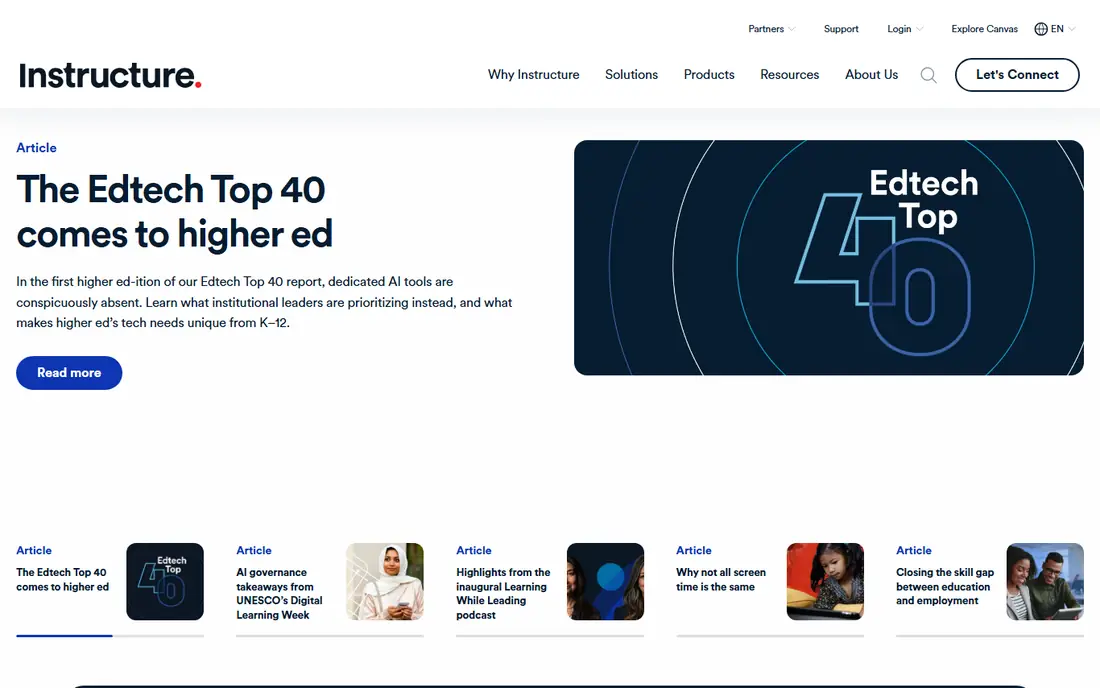
Canvas by Instructure is the most common full LMS replacement for colleges and large schools. It offers a structured gradebook, rubrics, discussions, quizzes, and a wide integration library, plus mobile apps that students actually use. Faculty adoption is often faster than with older LMS platforms, which helps during a migration.
Pricing is institutional and not published as a simple per-teacher plan, so schools need a quote based on enrollment. Migration also takes time, since content, grade history, and integrations need to move and be tested. For higher education, though, Canvas is the safest default choice here.
- Broad integration ecosystem
- Strong mobile apps
- Clear course design tools
- Institutional pricing only
- Migration takes planning for large schools
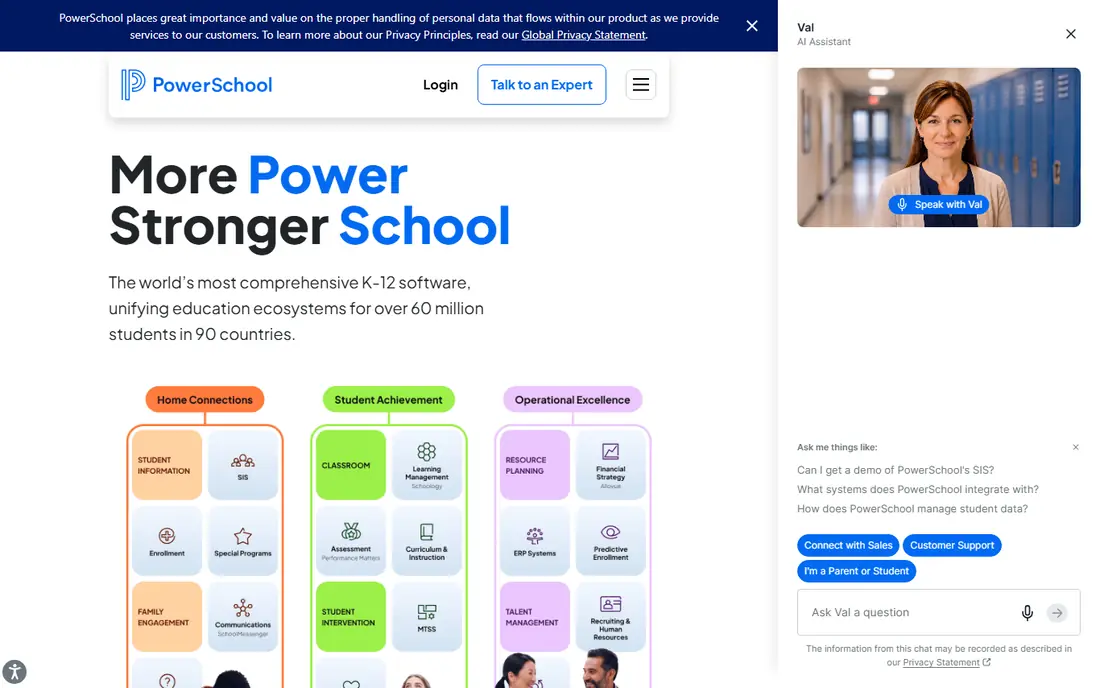
Schoology, now part of PowerSchool, is built for K-12 districts that need more than simple assignment posting. It adds parent portals, standards-based grading, and student information system integration, so grades and rosters stay in sync. The social-style interface is familiar to students who use social apps daily.
Because pricing is bundled with PowerSchool products, standalone cost is hard to compare directly. Districts already using PowerSchool will get the most value, while small schools may find a simpler tool cheaper. For district-wide K-12 use, Schoology is one of the strongest Classroom replacements.
- K-12 focus
- Parent portals
- Standards-based grading and SIS integration
- Pricing is bundled with PowerSchool
- Interface can feel busy
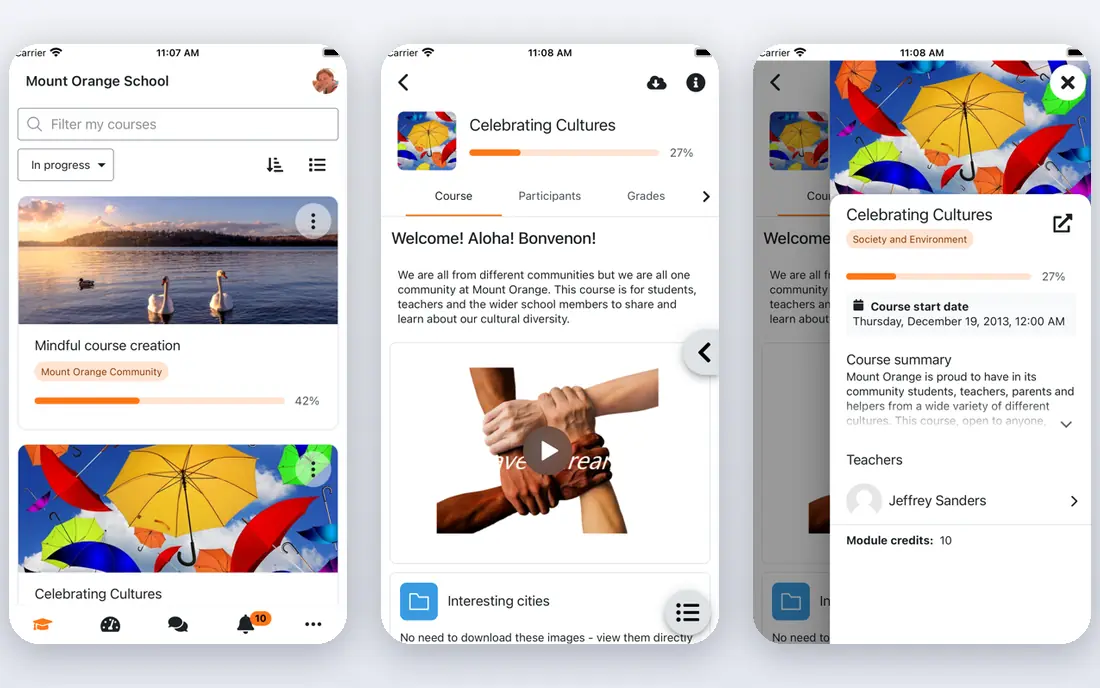
Moodle is free to download and self-host, which gives institutions full control over data, plugins, and customization. It supports courses, quizzes, forums, gradebooks, and a huge plugin library, and it can scale from a single school to a large university. MoodleCloud and partner hosting offer paid options for teams that do not want to run servers.
The cost is staff time. Hosting, updates, backups, and plugin compatibility need technical care, and the default design is less polished than Canvas or Brightspace. For budget-conscious institutions with IT support, Moodle offers the most control for the lowest license cost.
- Free open source software
- Very flexible plugins
- Full data ownership
- Hosting and maintenance need technical staff
- Design is less polished by default
D2L Brightspace suits institutions that want deeper analytics and course design than Classroom offers. Its analytics help teachers spot struggling students early, and adaptive tools can adjust content based on progress. Accessibility compliance is a stated focus, which matters for public institutions.
Setup and pricing are institutional, so small schools may find it heavy. Brightspace also serves higher education more than elementary K-12, where Seesaw or Schoology may fit better. For data-driven colleges, it is a strong rival to Canvas.
- Strong analytics
- Adaptive learning tools
- Accessibility focus
- Institutional pricing
- Setup is heavier than Classroom
Blackboard Learn, now part of Anthology, is built for institutions that need highly structured academic management. It offers detailed gradebooks, course management, and administrative controls that suit large universities with complex programs. Its Predict feature uses data to flag students who may need support.
The interface can feel dated in places compared with Canvas, and pricing is institutional. Schools that already use Anthology products will integrate more easily. For large, structured academic programs, Blackboard remains a credible Classroom alternative.
- Deep administrative controls
- Academic tracking
- Predict analytics feature
- Older interface on some views
- Institutional pricing only
Microsoft Teams for Education is the closest free alternative for schools already using Microsoft 365. It combines video meetings, chat, file sharing, and class notebooks in one app, with assignments and grading built in. For schools on Microsoft tools, it avoids a separate LMS purchase and keeps everything in one ecosystem.
Assignment setup is less streamlined than Google Classroom for some teachers, and schools outside Microsoft 365 will get less value. If your school already pays for Microsoft 365 Education, Teams is the easiest free switch.
- Free for qualifying schools
- Video, chat, and file sharing
- Class Notebook tools
- Assignment workflow is less simple than Classroom
- Best inside Microsoft 365
Seesaw is designed for elementary students, with a simple interface for sharing work, photos, videos, and voice notes. Digital portfolios let teachers and families see progress over time, and family messaging keeps parents in the loop without a separate app. That focus makes it far easier for young children than a full LMS.
Older students and colleges will outgrow it, since its gradebook and assessment tools are lighter than Canvas or Schoology. For elementary schools moving from Classroom, Seesaw is often the best fit for age, simplicity, and family communication.
- Designed for young learners
- Portfolios and family messaging
- Simple student interface
- Less suited to higher education
- Advanced gradebook features are limited
Edsby is a K-12 platform that combines learning, parent communication, attendance, and student information in one system. That unified design helps districts that want one place for grades, messages, and records, rather than separate tools for each job. It is built specifically for K-12 workflows, not adapted from higher education.
Its ecosystem is smaller than Canvas, so some third-party integrations may be missing. Pricing is district-based, so small schools need a quote. For K-12 districts that want a single system, Edsby is a practical alternative to piecing Classroom together with other apps.
- Built for K-12
- Parent communication
- SIS integration and attendance tools
- Pricing varies by district
- Smaller ecosystem than Canvas
ClassDojo is best understood as a communication tool, not a full LMS replacement. It offers free messaging for teachers and parents, classroom points for behavior, and simple sharing of class moments. That makes it useful alongside a LMS, or as a light Classroom replacement for communication alone.
It lacks the gradebook, course structure, and assessment depth of Canvas, Schoology, or Moodle. Schools that need full course management should pair ClassDojo with a LMS, not rely on it alone. For parent communication, though, it is simple and widely adopted.
- Free core communication tools
- Parent messaging
- Classroom behavior tracking
- Not a full LMS
- No deep gradebook or course management
How we picked these
We compared official pricing, feature pages, and documentation for learning platforms live in October 2026. We kept only platforms that cover Classroom jobs: assignments, grading, communication, or course management for K-12, higher education, or training. We left out platforms we could not confirm as live, and we did not list Google Classroom itself.
How to choose a Google Classroom replacement
Start with your school level. Elementary schools should look at Seesaw, Schoology, and Edsby first. Higher education should look at Canvas, Brightspace, and Blackboard. A tool built for college will feel heavy for young children, and a tool built for elementary will lack the gradebook depth a college needs.
Next, check your existing ecosystem. Google Workspace schools will find Classroom hard to beat on simplicity, so only move if you need deeper grading, analytics, or discussion. Microsoft 365 schools should test Teams for Education first, since it is free for qualifying schools and already included.
Finally, plan migration as a full academic year project, not a summer switch. Export courses, test gradebook history, retrain teachers, and run both systems in parallel for at least one term. Most failed LMS moves fail on training and data migration, not on feature lists.
Frequently asked questions
What is the best Google Classroom alternative?
Canvas is best for higher education, Schoology is best for K-12 districts, and Seesaw is best for elementary schools. Microsoft Teams for Education is best for schools already using Microsoft 365.
Is there a free Google Classroom alternative?
Yes. Moodle is free as open source software, Microsoft Teams for Education is free for qualifying schools, and Seesaw and ClassDojo offer free tiers. Paid hosting, support, and premium features add cost to free options.
Can I migrate from Google Classroom to Canvas or Moodle?
Yes, most LMS platforms accept Common Cartridge course exports, and many accept Google Drive content. Expect some manual work on quizzes, gradebook settings, and integrations, and plan a parallel-running term.
What does Google Classroom lack compared with a full LMS?
Classroom lacks SCORM support, deep analytics, weighted gradebook categories, rubric workflows, and discussion forums found in full LMS platforms. It relies on Google Forms for advanced quizzes and on Workspace for file storage.
Is Microsoft Teams for Education better than Google Classroom?
Teams offers stronger video, chat, and collaboration tools, while Classroom offers a simpler assignment workflow. The better choice usually depends on whether your school uses Google Workspace or Microsoft 365.
How much does a paid LMS cost?
Institutional LMS pricing often runs about $5 to $15 per user per year for large deployments, with custom quotes for Canvas, Schoology, Brightspace, and Blackboard. Moodle license cost is free, but hosting and support add cost.
Sources
See where you really rank - block by block
ProMapRanker scans Google Maps across a grid of your service area. Simple monthly plans from $19, white-label on every plan.
Start freeKeep reading
 zoho inventory alternatives
6 Alternatives to Zoho Inventory, Compared on Price and Fit
Zoho Inventory alternatives: 6 tools compared on price, free plans and fit. Katana leads the list for manufacturers. Fit and flaws are laid out for each entry.
Read → zoho crm alternatives
Best Zoho CRM Alternatives (2026)
Need Zoho CRM alternatives? We compare 7 tools on cost, free access and who each suits. Every pick gets a straight assessment. Built for quick decisions.
Read → zelle alternatives
Best Zelle Alternatives in 2026
Compare the best Zelle alternatives for sending money to friends, paying sellers and moving funds abroad, with honest notes on fees, speed and safety in 2026.
Read →