 ProMapRanker
Best Google BigQuery Alternatives in 2026

Key takeaways
- Snowflake is our pick for teams that want a managed cloud warehouse with strong sharing, governance, and multi-cloud support.
- Databricks suits teams that combine SQL analytics with data engineering and machine learning on one lakehouse platform.
- Amazon Redshift and Microsoft Fabric suit teams already committed to AWS or Microsoft, where native integration matters more than portability.
- ClickHouse, DuckDB, and MotherDuck suit real-time, local, or cost-sensitive analytics where a full warehouse would be overkill.
- Pricing models differ by credits, compute units, bytes scanned, or server hours, so compare a real workload, not a headline rate alone.
Quick comparison
| Pick | Great for | Pricing starts at | Free tier | |
|---|---|---|---|---|
 Snowflake | Managed multi-cloud warehouse | See website | Free trial | Visit |
 Databricks | Lakehouse for SQL and machine learning | See website | Free trial | Visit |
 Amazon Redshift | AWS-native analytics at scale | See website | Free trial | Visit |
 Microsoft Fabric | Microsoft and Power BI analytics | See website | Free trial | Visit |
 ClickHouse | Real-time analytical queries | Free | Yes | Visit |
 DuckDB | Local and embedded analytics | Free | Yes | Visit |
 MotherDuck | Serverless DuckDB in the cloud | Free | Yes | Visit |
 Azure Synapse Analytics | Microsoft enterprise warehousing | See website | Free trial | Visit |
 Dremio | Lakehouse queries on open formats | See website | Free trial | Visit |
The best google bigquery alternatives
BigQuery is a serverless Google Cloud warehouse that charges for data scanned or slot capacity. The alternatives below cover the same analytics job with different architectures, from fully managed warehouses to open source engines you run yourself.
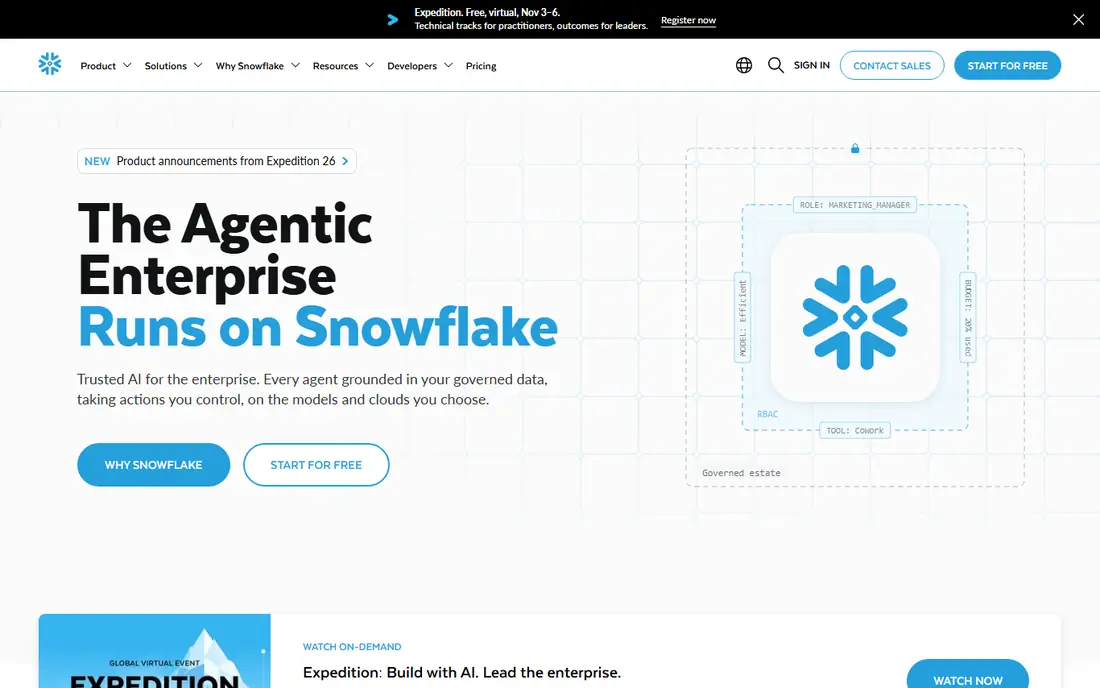
Snowflake separates compute from storage, so you can scale warehouses up for a heavy query and suspend them when idle. That model suits business intelligence teams that need predictable SQL performance, governed access, and sharing with partners or other teams without copying data. Snowflake runs on AWS, Azure, and Google Cloud, which helps organisations that do not want to tie analytics to one cloud. Data sharing, secure views, and role-based access are central to the platform, not add-ons.
Credit pricing is the part to model carefully. Compute is billed in credits, storage is billed separately, and a warehouse left running or sized too large will cost more than expected. Use auto-suspend, right-size warehouses for each workload, and test with a real dashboard before committing. For a managed warehouse with strong sharing and governance, Snowflake is the most direct BigQuery alternative for many teams.
- Separate compute and storage
- Data sharing across accounts
- Strong governance and multi-cloud support
- Credit pricing needs careful warehouse sizing
- Costs can rise with many concurrent users
Databricks combines a lakehouse, SQL analytics, data engineering, and machine learning in one platform. Teams can store data in open formats such as Delta Lake, run SQL for dashboards, and build pipelines and models without moving data between separate systems. Databricks SQL offers warehouses for analysts, while notebooks and jobs serve engineers and data scientists. That breadth suits organisations where analytics, pipelines, and models share the same data.
Pricing uses Databricks units plus underlying cloud compute, which makes a simple comparison with BigQuery difficult. A team should test a real workload, check which SQL warehouse tier fits, and set auto-termination for clusters. Databricks also rewards teams with Spark and engineering skill, so smaller analyst-only teams may find a simpler warehouse easier. For combined analytics and machine learning, Databricks is a strong lakehouse alternative.
- SQL, engineering, and machine learning on one platform
- Delta Lake and open formats
- Strong Spark support
- Pricing by compute units can be hard to forecast
- Platform needs data engineering skill to use well
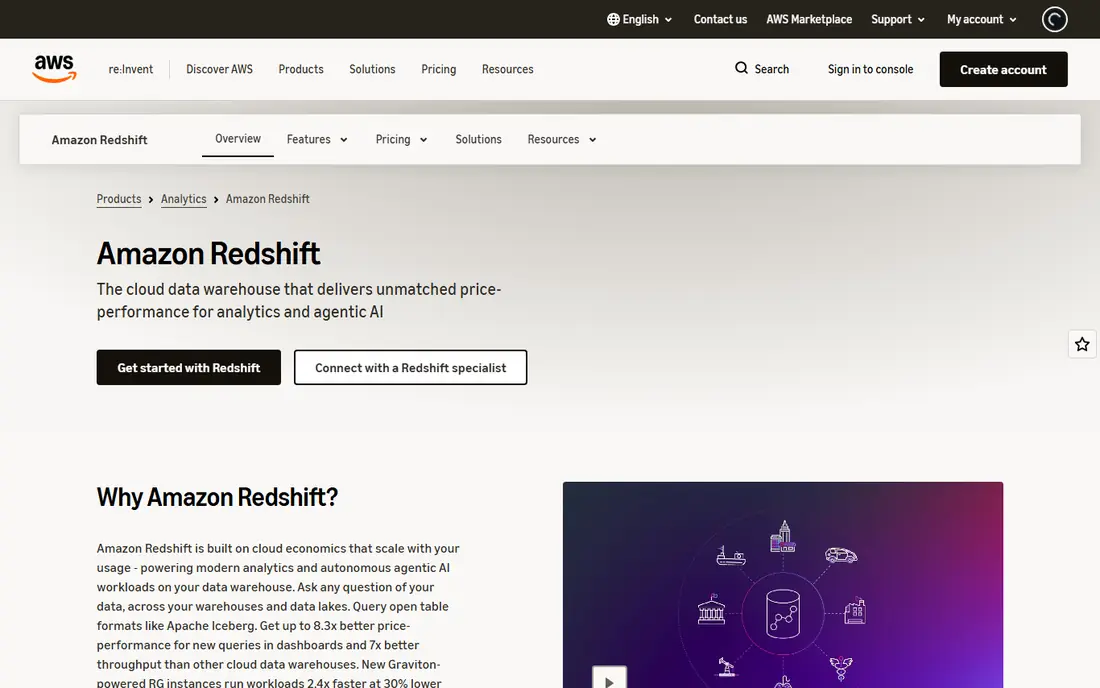
Amazon Redshift is the natural warehouse for teams already running on AWS. It integrates with S3, Glue, Athena, and other AWS services, and it offers both provisioned clusters and a serverless option billed by processing units. For steady, high-volume SQL workloads, a sized provisioned cluster can be predictable, while serverless suits spiky or less predictable queries. Redshift also supports data sharing and materialised views for common reporting patterns.
Provisioned pricing is the main risk, because a cluster running around the clock costs money even when queries are light. Serverless helps, but it needs monitoring for runaway queries and storage growth. Teams moving from BigQuery should also plan for SQL differences and data transfer. If your stack is already AWS, Redshift offers the smoothest path to a managed warehouse.
- Deep AWS integration
- Provisioned or serverless options
- Strong performance for steady SQL workloads
- Provisioned clusters cost money when idle
- Migration from Google Cloud needs planning
Microsoft Fabric brings data engineering, warehousing, real-time analytics, and Power BI into one SaaS platform with shared storage in OneLake. For Microsoft-centred organisations, that unity matters: a Power BI report can read the same data as a warehouse query without a separate export step. Capacity units cover the platform, which can simplify budgeting for teams that already buy Microsoft capacity for other workloads.
Capacity pricing is also the complexity. Choosing the right capacity tier, and understanding what happens when capacity is exceeded, takes testing with real reports and pipelines. Teams outside the Microsoft ecosystem will get less value from Fabric than a cloud-neutral warehouse. For Power BI users and Microsoft shops, Fabric is a coherent alternative that reduces the number of separate analytics tools.
- Unified analytics with Power BI
- OneLake storage model
- Capacity-based pricing for Microsoft teams
- Capacity tiers can be confusing
- Best value is tied to Microsoft 365 and Power BI use
ClickHouse is an open source columnar database built for fast analytical queries over large event and log data. It excels at aggregations, filtering, and time-based analysis, which makes it popular for product analytics, observability, and customer-facing dashboards. You can self-host ClickHouse for free under an open source licence, or use ClickHouse Cloud for a managed service with usage-based billing. That choice lets a team start cheaply and move to managed hosting as scale grows.
ClickHouse is not a drop-in replacement for a transactional database, and it needs tuning for schema design, partitioning, and merges. Teams that self-host should budget for operations, backups, and monitoring. For real-time analytics where query speed and cost per query matter, ClickHouse offers a powerful and flexible alternative to a serverless warehouse.
- Very fast analytical queries
- Open source self-hosting
- Cloud option with a trial and credits
- Self-hosting needs operational skill
- Not a general transactional database
DuckDB is an embedded analytical database that runs inside an app, a notebook, or a local process, and it reads common file formats such as Parquet and CSV directly. Analysts can run SQL over a local file without setting up a server, which makes DuckDB ideal for prototyping, research, and small to mid-size datasets. It is free and open source, and it integrates well with Python and other data tools. For a single analyst or a small team, DuckDB often replaces a warehouse for early work.
The limit is concurrency and sharing. DuckDB is not designed as a multi-user warehouse server, so a team that needs many dashboards querying at once will need a different layer. MotherDuck, listed below, addresses that gap for DuckDB users. If your data fits on one machine and your main need is fast local SQL, DuckDB is simple, free, and hard to beat.
- Free and open source
- Fast local SQL on files
- Easy to embed in apps and notebooks
- Not built for many concurrent users
- Large shared workloads need a cloud layer
MotherDuck takes DuckDB into the cloud as a serverless service, so analysts can query local files and cloud data together and share results with a team. It suits startups and small data teams that like DuckDB speed and SQL, but need a shared, managed place to store and query data. A free tier lets you test interactive analytics without a cluster, and paid use scales with the work you run. The platform also supports open table formats for larger datasets.
MotherDuck is newer than the large warehouses, so enterprise features, governance, and scale limits should be checked against your workload during a trial. It will not replace a full warehouse for every large organisation, but for interactive SQL analytics at modest scale, it offers a low-friction and low-cost path. Teams already using DuckDB will find the move especially natural.
- Serverless DuckDB with cloud sharing
- Per-second style billing for interactive work
- Easy start from DuckDB
- Newer platform than Snowflake or Redshift
- Large enterprise workloads may still need a full warehouse
Azure Synapse Analytics combines data warehousing, data integration, and big data analytics for Azure-centred organisations. Dedicated SQL pools suit steady enterprise workloads, while serverless SQL pools let analysts query files in storage without provisioning a warehouse. Integration with Azure Data Lake, Azure Machine Learning, and Power BI helps Microsoft teams build an end-to-end analytics stack. Security, governance, and compliance controls are built for enterprise use.
Dedicated pools carry the same idle-cost risk as other provisioned warehouses, so teams should use pause, scale, and serverless options where they fit. Synapse also has a learning curve, because it covers several analytics workloads in one workspace. For large Microsoft estates that need a governed enterprise warehouse, Synapse remains a credible BigQuery alternative, even as Fabric grows in the Microsoft portfolio.
- Dedicated and serverless SQL pools
- Deep Azure and Power BI integration
- Enterprise security controls
- Dedicated pools can be expensive when idle
- Platform complexity for smaller teams
Dremio lets teams query data directly in a data lake, using open formats such as Apache Iceberg, without first loading everything into a warehouse. That approach suits organisations that already store large amounts of data in object storage and want SQL access without duplication. A semantic layer helps define governed metrics once, so dashboards and analysts use the same definitions. Dremio offers both cloud and self-managed options.
Lake design still matters. Poor partitioning, file sizes, or table maintenance will slow queries, so Dremio works best with a team that manages its lake well. Pricing for the full cloud platform should be confirmed on the vendor site, because open source, cloud, and enterprise offerings differ. For lakehouse teams that value open formats and direct lake queries, Dremio is a flexible alternative.
- SQL queries directly on data lake storage
- Iceberg and open format support
- Semantic layer for governed metrics
- Performance depends on lake design
- Full platform pricing should be checked on the vendor site
How we picked these
We compared official product and pricing pages, vendor documentation, and published pricing guides for warehouses, lakehouses, and analytical engines that are live in October 2026. We favoured tools that cover SQL analytics, that publish a clear architecture and pricing model, and that fit a distinct workload, from managed warehousing to local analytics. We did not claim hands-on testing. Where a vendor did not publish a simple starting price, we wrote See website rather than inventing a rate.
How to compare warehouse costs fairly
Do not compare a credit, a compute unit, and a byte-scanned rate directly. Pick one real workload, such as a daily dashboard over a known data size, and price it on each platform with the same queries, users, and refresh schedule. Include storage, idle compute, data transfer, and any required add-ons for governance or support. Run a trial with that workload, watch the bill daily, and check how auto-suspend, auto-scaling, and query limits affect cost.
Also check the parts that are easy to miss. Data egress fees, concurrency limits, and support tiers can change the total more than the headline compute rate. Check SQL compatibility for your existing queries, because rewriting a large query library takes time. A platform that looks cheaper on paper can cost more in migration effort, while a platform that fits your cloud and team skills may save time even at a higher compute rate.
Frequently asked questions
What is the closest alternative to BigQuery?
Snowflake is the closest managed warehouse alternative for most teams, because it offers governed SQL analytics, separate compute and storage, and multi-cloud support. Databricks is closer if you also need data engineering and machine learning on the same platform. The best match depends on whether you prioritise managed warehousing, lakehouse flexibility, or cloud-native integration.
Is there a free alternative to BigQuery?
Yes. DuckDB and ClickHouse are free and open source for self-hosted use, and MotherDuck offers a free tier for serverless DuckDB. BigQuery itself also offers a free tier for limited queries and storage each month, so a small workload may not need a paid alternative at all. Free tiers have limits, so check query volume and storage before relying on one for production dashboards.
Which alternative is best for real-time analytics?
ClickHouse is a strong pick for real-time analytical queries, because it is built for fast aggregations over event and log data. Dremio and Databricks can also serve near real-time use cases, depending on how data flows into the lake or warehouse. Test with your actual event volume and query pattern, because real-time performance depends on ingestion design as well as the engine.
Should I choose a warehouse or a lakehouse?
Choose a warehouse when your main users are analysts running governed SQL and dashboards, and when sharing and access control matter most. Choose a lakehouse when engineers and data scientists also need pipelines, open formats, and machine learning on the same data. Many organisations use both, with a warehouse for reporting and a lakehouse for engineering work.
How hard is it to migrate from BigQuery?
Migration effort depends on query count, data size, and how much BigQuery-specific SQL you use. Standard SQL transfers more easily, while BigQuery functions, partitioning, and slot settings need review on the new platform. Plan for data transfer, query testing, dashboard rebuilding, and a parallel run period where both systems answer the same questions before you switch over fully.
Sources
- https://www.snowflake.com/pricing
- https://www.databricks.com/pricing
- https://aws.amazon.com/redshift/pricing
- https://www.microsoft.com/microsoft-fabric/pricing
- https://clickhouse.com/pricing
- https://duckdb.org
- https://motherduck.com/pricing
- https://azure.microsoft.com/pricing/details/synapse-analytics
- https://www.dremio.com/pricing
See where you really rank - block by block
ProMapRanker scans Google Maps across a grid of your service area. Simple monthly plans from $19, white-label on every plan.
Start freeKeep reading
 zoro.to alternatives
Best Zoro.to Alternatives in 2026
We compare the best zoro.to alternatives in 2026, listing only legal licensed anime streaming services, from Crunchyroll to free options for fans today.
Read → zip alternatives
Best Zip Alternatives in 2026
We compare the best zip alternatives for buy now, pay later in 2026, covering pay-in-4 plans, fees, spending limits, and credit reporting options today.
Read → yesware alternatives
Best Yesware Alternatives in 2026
Compare the best yesware alternatives for sales email tracking, templates, and sequences, with current pricing and honest tradeoffs for small sales teams.
Read →