 ProMapRanker
Best Google Alternatives Without AI in 2026

Key takeaways
- A link-first result page is the key test here, not the word privacy alone, since many private engines still add generated answers.
- Startpage and Mojeek are the simplest starting points, with Startpage close to Google results and Mojeek fully independent.
- DuckDuckGo, Brave Search, Kagi, and Ecosia can fit a no-AI setup, but only if you use their no-AI address, setting, or separate chat tab as described below.
- Smaller independent indexes can miss niche pages, so keep a second engine on hand for local or obscure searches.
Quick comparison
| Pick | Great for | Pricing starts at | Free tier | |
|---|---|---|---|---|
 Startpage | Google-style results without AI answers | Free | Yes | Visit |
 Mojeek | Fully independent index | Free | Yes | Visit |
 DuckDuckGo | Everyday private search with a no-AI mode | Free | Yes | Visit |
 Brave Search | Independent index with AI off | Free | Yes | Visit |
 Kagi | Paid ad-free search with AI controls | $10 per month | Free trial | Visit |
 Ecosia | Tree-planting search with AI kept separate | Free | Yes | Visit |
 Qwant | European privacy search | Free | Yes | Visit |
 MetaGer | Nonprofit metasearch | Free | Yes | Visit |
 SearXNG | Self-hosted search for technical users | Free | Yes | Visit |
 Marginalia | Small independent web search | Free | Yes | Visit |
The best google alternatives without ai
Most search engines now use machine learning to rank pages. What this list avoids is the generative layer that writes an answer on top of the links. Each entry states plainly whether AI answers are absent, optional, or kept in a separate place.

Startpage is the easiest switch for people who like Google result quality but not AI Overviews. It returns Google-style links through a privacy layer, so your query is not tied to a personal profile in the same way, and its core results stay link-first without a generated answer block. That familiarity means less relearning for everyday searches.
The honest limit is independence. Startpage still relies on Google results, so it is a privacy and AI buffer in front of Google rather than a fully separate index. If your goal is to leave Google infrastructure entirely, pair Startpage with Mojeek as a second engine.
- Familiar Google-style results
- No AI summaries in core results
- Strong privacy layer
- Depends on Google results behind the scenes
- Fewer vertical search tools
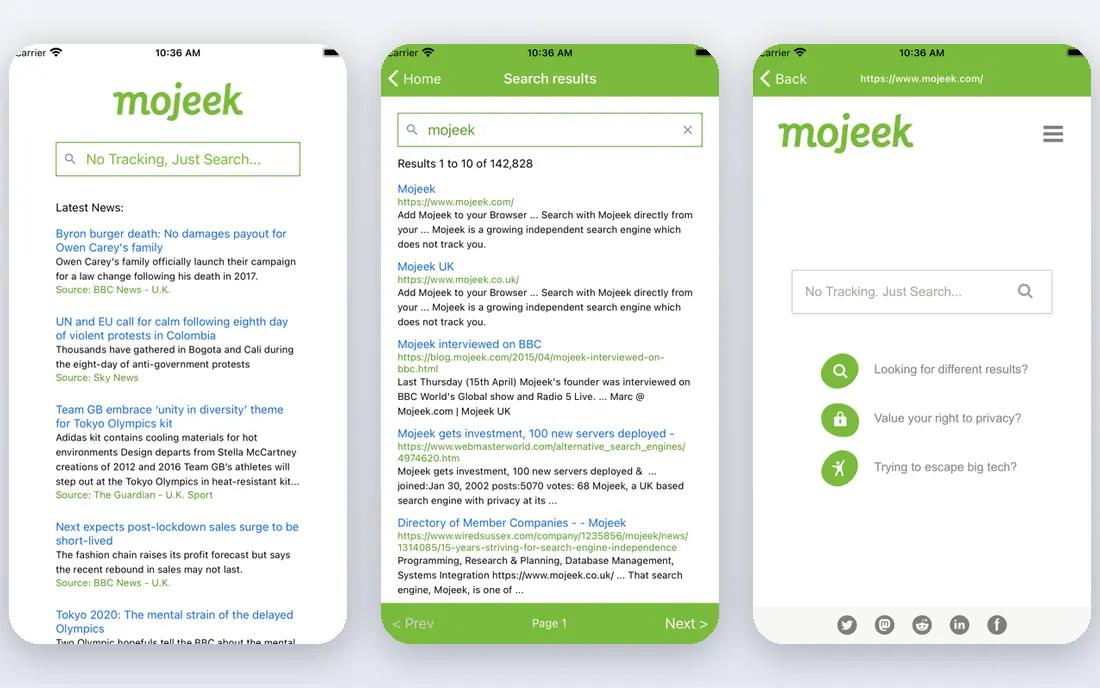
Mojeek is one of the few engines here with its own crawler and index, built in the UK without Google or Bing underneath. Its default results are links, and its summary feature is something you choose to click rather than an answer forced above the results. For readers who want independence as well as a link-first page, Mojeek is the strongest fit.
The cost of independence is coverage. Obscure, local, or very new pages can be harder to find than on a larger index, so heavy researchers should keep a mainstream backup. For general searches, though, Mojeek is a credible daily engine.
- Own crawler and index
- No tracking
- Summary feature is optional and separate
- Smaller index
- Niche or local queries can be thinner
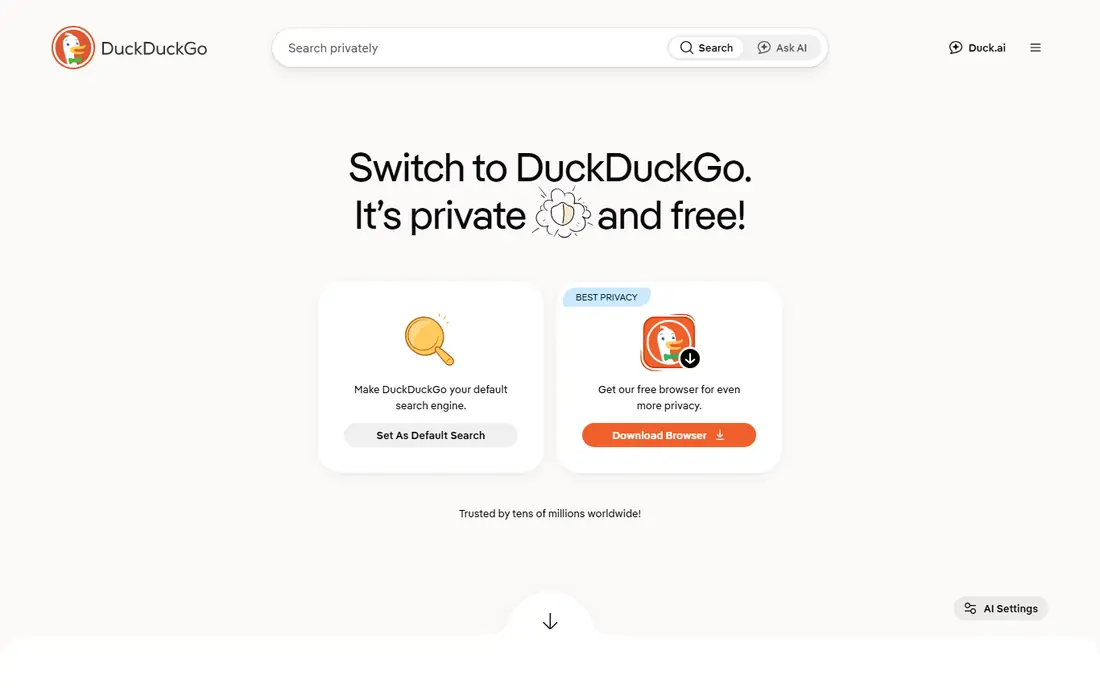
DuckDuckGo is a practical everyday choice, but only with a clear setup note. Its main site can show AI answers, while its dedicated no-AI address gives a link-first experience. Once you set that address as your default, everyday searching stays free of generated summaries, and the interface remains simple and fast.
DuckDuckGo results lean on Bing and other partners, so it is not a fully independent index. It also offers optional AI chat features elsewhere, which you can simply ignore. For most readers, the no-AI address plus a second engine for hard queries is a workable routine.
- Simple interface
- Dedicated no-AI address
- Strong privacy defaults
- AI answers appear on the main site unless you use the no-AI version
- Results lean on Bing
Brave Search runs its own index, which makes it more independent than engines that only repackage Bing or Google. Its AI answer feature can be switched off in settings, leaving a link-first page for most searches. Brave browser users also get a tidy integration, though the search engine works in any browser.
The setting needs care. Clearing cookies can turn the AI feature back on, so check settings after a browser cleanup. Brave's index is also still growing, so very niche queries may need a second engine. Used with AI off, it is a strong independent option.
- Own index
- AI summaries can be switched off in settings
- Clean result page
- AI controls can reset if cookies are cleared
- Niche coverage still growing
Kagi is the paid pick for readers who want control over the result page. It offers lenses, ranking controls, and blocking tools that help research-heavy users shape results, and its AI answer feature is optional rather than forced into every search. You can disable it in search settings and keep results link-first.
Kagi costs $10 per month for unlimited use, and it needs an account, which will put off readers who want a free, no-sign-in engine. For researchers who search all day and want an ad-free page they can tune, the price buys a calmer result page than free engines offer.
- Ad-free results
- Detailed result controls
- AI answers are optional and can be disabled
- Paid for unlimited use
- Needs an account
Ecosia suits readers who want a free engine with a social purpose and a link-first default. Its AI chat lives in a separate tab rather than sitting above core results, so ordinary searches stay a list of links. Ecosia also publishes financial reports on where its revenue goes, which helps readers check its tree-planting claims.
Ecosia results are powered by Bing, so it is not independent, and its coverage follows Bing limits. It also offers an AI-free control setting, which is worth checking if you want the strictest setup. For everyday searching with a purpose, Ecosia is a simple switch.
- Funds tree planting
- AI chat sits in a separate tab
- Familiar result layout
- Results are Bing-powered
- Impact claims need the published reports to verify
Qwant is a European search engine with a privacy focus and a clean result page. Its core results do not force a generated answer above the links, which fits the no-AI brief for general use. It also offers family-friendly options and a straightforward layout that new users learn quickly.
Relevance varies by region and query type, and some AI-adjacent features can appear beside results depending on settings and market. US readers should test local and niche queries before making Qwant their only engine. As a second engine or a European-focused choice, it works well.
- Privacy-focused European engine
- Clean interface
- No forced AI summaries in core results
- Regional relevance varies
- Some AI-adjacent features appear beside results
MetaGer is a nonprofit metasearch engine that gathers results from several sources and presents them without a generative answer layer in core search. Its anonymous proxy option lets readers open results without exposing their address directly to the target site. That combination suits privacy-focused researchers who want a plain list of links.
The interface is utilitarian, and there is no native iPhone app, so mobile users rely on the browser. Result depth also depends on the sources MetaGer queries, so obscure topics may need a second engine. For desktop research with a plain result page, MetaGer is a solid free choice.
- Nonprofit metasearch
- No generative answer layer in core results
- Anonymous proxy option
- Utilitarian interface
- No native iPhone app
- Result depth depends on sources
SearXNG is not a single engine but open-source software you can run yourself or use through a public instance. It gathers results from many sources and shows links without adding a generated answer layer of its own. That makes it the most controllable option here for technical readers who want no AI layer and no single company in the middle.
The catch is effort and trust. Running your own instance needs setup and maintenance, while using a public instance means trusting its operator. Result quality also varies by instance and source mix. For technical users, SearXNG is the most flexible no-AI setup, but it is not a one-click switch for everyone.
- Open source
- No forced AI answers
- You control the instance and sources
- Needs setup or trust in a public instance
- Quality varies by instance
Marginalia is a small independent engine that crawls and ranks the web with its own index, with a focus on personal sites and the smaller web rather than large commercial pages. Its results are link-first, with no AI answer block above them. That makes it a genuinely independent option for discovery and for finding pages that larger engines bury.
Marginalia is not a sole-engine replacement for news, shopping, or local searches, where its small index shows its limits. Use it as a second engine for discovery and for the kind of personal, hobby, and technical pages that big engines rank low. Paired with Startpage or Mojeek, it rounds out a no-AI setup nicely.
- Own index focused on the smaller web
- Link-first results
- No AI answer block
- Small index
- Not suited as a sole engine for news or local searches
How we picked these
We compared official feature pages, privacy policies, and recent independent tests of search engines that keep core results link-first. We kept only engines that are live in October 2026 and that either have no generative answer layer or let you switch it off or keep it in a separate tab. Where an engine's AI feature can return after clearing cookies or changing settings, we said so plainly rather than calling it fully AI-free.
What to check before you switch
Set the engine as your browser default and test the exact setup, not just the homepage. For DuckDuckGo, use its no-AI address. For Brave Search and Kagi, open settings and switch AI answers off, then recheck after clearing cookies. For Ecosia, confirm AI chat stays in its separate tab and does not appear in core results for your queries.
Also test the queries you actually run: local businesses, news, product manuals, and niche topics. Smaller indexes can miss those, so keep a second engine bookmarked for backup. Finally, remember that a private engine protects your searches, while the sites you click can still track you, so pair it with a privacy-focused browser if that matters to you.
Frequently asked questions
What is the best Google alternative without AI?
Startpage is the easiest for most people, since it keeps Google-style results link-first. Mojeek is the best fully independent choice, since it runs its own crawler and index without Google or Bing underneath.
Does DuckDuckGo have AI?
DuckDuckGo offers AI features on its main site, but it also offers a dedicated no-AI address that returns link-first results. Use that address as your default if you want DuckDuckGo without generated answers.
Can I turn AI off in Brave Search?
Yes, Brave Search lets you switch AI summaries off in settings. Check the setting again after clearing cookies, since clearing cookies can turn the feature back on.
Is Kagi really without AI?
Kagi offers an optional AI answer feature that you can disable in search settings, and its paid plans focus on ad-free, controllable results. It is a good fit if you want AI off by choice, but it is not an engine that never built an AI feature.
Why do smaller search engines miss some results?
Smaller engines crawl less of the web than Google or Bing, so niche, local, or very new pages may not appear. That is the trade-off for independence, and it is why keeping a second engine for hard queries is a practical habit.
Sources
See where you really rank - block by block
ProMapRanker scans Google Maps across a grid of your service area. Simple monthly plans from $19, white-label on every plan.
Start freeKeep reading
 zscaler alternatives
Best Zscaler Alternatives in 2026
Looking for zscaler alternatives? We compare 9 SASE and zero trust platforms on architecture, data protection, pricing, and fit for your network and team.
Read → zapier alternatives free
Best Zapier Alternatives Free in 2026
Nine automation tools for zapier alternatives free in 2026, all with genuinely free tiers, plus free plan limits, starting prices and upgrade paths explained.
Read → which platform is best for online reputation
Which Platform Is Best for Online Reputation in 2026
Wondering which platform is best for online reputation? We compare 8 review, listing, and response tools for small and multi-location businesses and agencies.
Read →