 ProMapRanker
Google Alternatives in 2026

Key takeaways
- DuckDuckGo is the easiest private switch for most people, while Brave Search offers a free independent index.
- Startpage suits readers who want Google-style results without Google tracking, while Kagi suits readers who will pay for ad-free control.
- Ecosia suits readers who want search to fund climate projects, while Perplexity suits research questions with citations.
- Check whether an engine uses its own index, since that affects result depth and independence.
Quick comparison
| Pick | Great for | Pricing starts at | Free tier | |
|---|---|---|---|---|
 DuckDuckGo DuckDuckGo | Private everyday search | Free | Yes | Visit |
 Brave Search Brave Search | Independent free search with privacy | Free | Yes | Visit |
 Startpage Startpage | Google results without Google tracking | Free | Yes | Visit |
 Ecosia Ecosia | Climate-focused everyday search | Free | Yes | Visit |
 Kagi Kagi | Ad-free search you can tune | $5 per month | Free trial | Visit |
 Mojeek Mojeek | Fully independent classic search | Free | Yes | Visit |
 Bing Bing | Closest mainstream Google replacement | Free | Yes | Visit |
 Perplexity Perplexity | Research answers with citations | $20 per month | Yes | Visit |
The best google alternatives in 2026
Most Google alternatives trade some convenience for privacy, control or a different kind of answer. Some use their own index, some proxy other results, and some answer with AI, so the source of results matters as much as the homepage design.
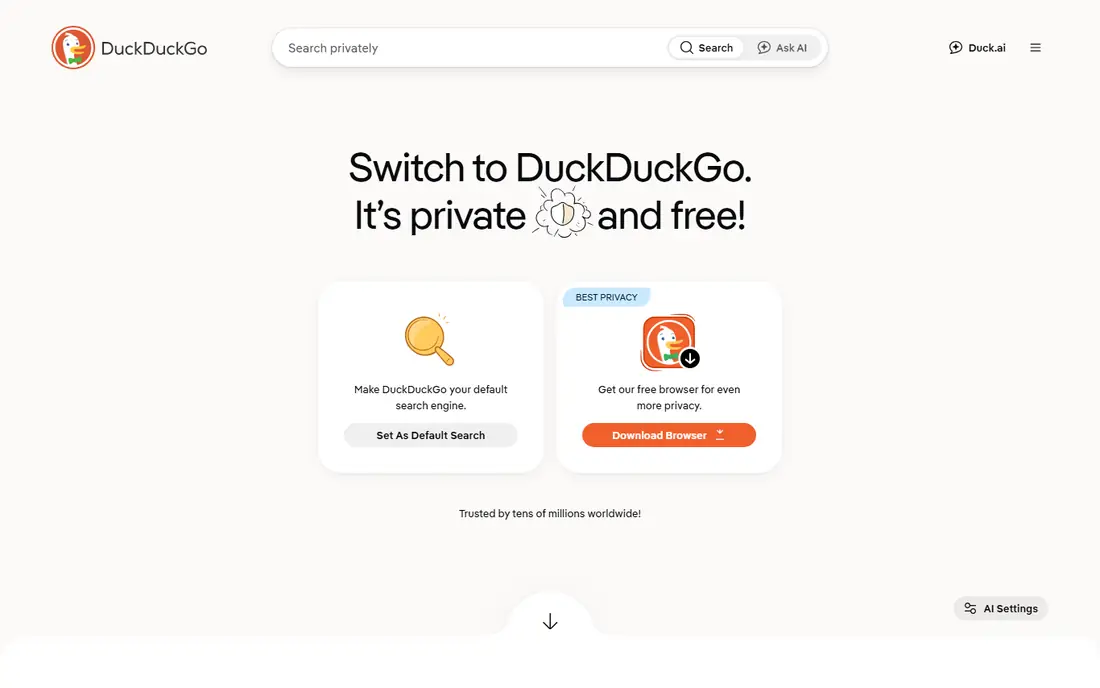
For many readers, DuckDuckGo is the first name worth trying, because it focuses on one job and does it clearly. It is best for private everyday search. DuckDuckGo is the easiest switch, since it offers private search with a familiar results page and no personal profile building. In daily use, that strength is what most people notice first, and it helps explain why this option keeps appearing in current roundups and vendor documentation.
It still relies partly on Bing for results, so very local or obscure queries can feel thinner than Google results. That trade-off does not make it a poor choice, but it does mean you should weigh it against how you plan to use it. Try the free option first if one is offered, and check whether the paid limits match how often you will actually use it. If it fits your routine and budget, it can serve you well for a long time.
- No tracking profiles
- Simple interface
- Useful bang shortcuts
- Some results come from Bing
- Local results can be thinner than Google

If you want a calmer starting point, Brave Search deserves a close look, since it keeps the setup short and the daily routine simple. It is best for independent free search with privacy. Brave Search runs its own index, which gives it more independence than engines that only proxy Bing or Google. In daily use, that strength is what most people notice first, and it helps explain why this option keeps appearing in current roundups and vendor documentation.
Local results and some vertical searches are less complete than Google, so keep another engine handy for those queries. That trade-off does not make it a poor choice, but it does mean you should weigh it against how you plan to use it. Before you pay, compare the plan limits with your real weekly use, not with the longest feature list. If it fits your routine and budget, it can serve you well for a long time.
- Own independent index
- Privacy by default
- Answer features can be limited
- Local and shopping results can lag Google
- Some users see AI answers by default
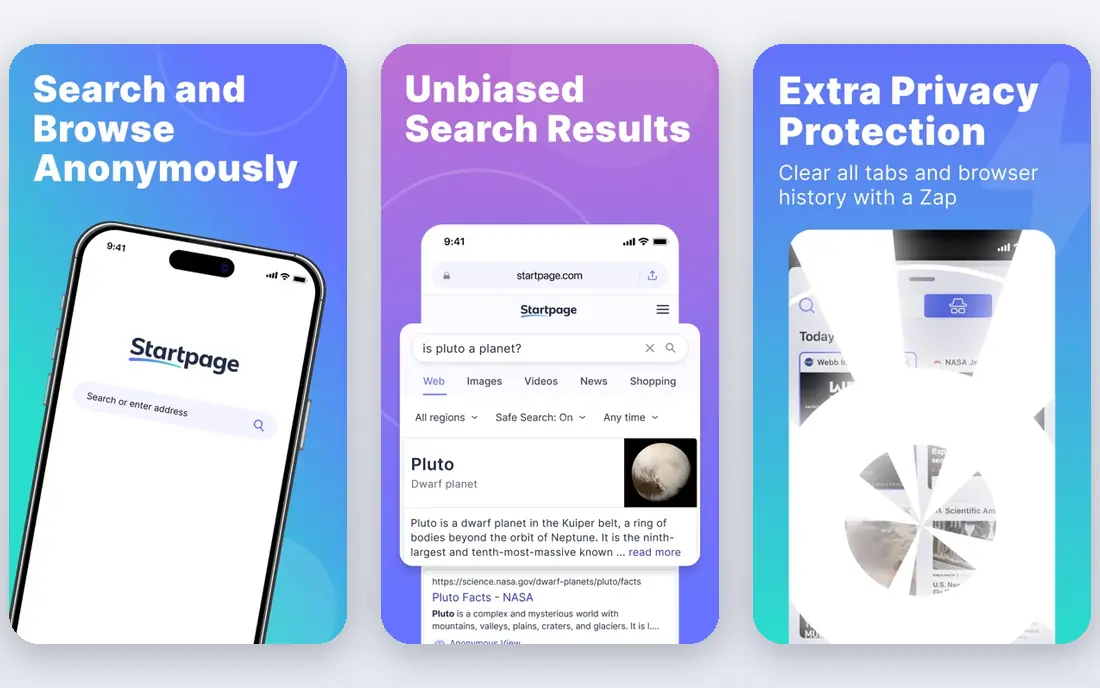
We put Startpage on this list for readers who need a practical option rather than a long feature list. It is best for google results without google tracking. Startpage proxies Google results through a privacy layer, so you get familiar result quality without a Google profile. In daily use, that strength is what most people notice first, and it helps explain why this option keeps appearing in current roundups and vendor documentation.
It does not solve ranking independence, since the underlying results still come from Google. That trade-off does not make it a poor choice, but it does mean you should weigh it against how you plan to use it. It is worth a short trial period, because the right fit usually shows up in the first week of daily use. If it fits your routine and budget, it can serve you well for a long time.
- Google-style results
- No tracking
- Anonymous view for some pages
- Not an independent index
- Inherits Google ranking
Ecosia stands out for a different reason than the leaders above it, and that difference may matter more to you than raw size. It is best for climate-focused everyday search. Ecosia turns everyday searches into funding for climate projects, which gives a clear reason to switch beyond privacy alone. In daily use, that strength is what most people notice first, and it helps explain why this option keeps appearing in current roundups and vendor documentation.
Result depth varies, since it uses partner indexes in many markets, so check how it handles your usual queries. That trade-off does not make it a poor choice, but it does mean you should weigh it against how you plan to use it. Check the current pricing page before you subscribe, since plans and limits change during the year. If it fits your routine and budget, it can serve you well for a long time.
- Free search
- Profits fund climate projects
- Simple interface
- Results depend on partners
- Search depth varies by market
A good shortlist should include Kagi, because it serves a specific kind of user very well. It is best for ad-free search you can tune. Kagi removes ads and lets you raise or lower sources, which suits readers who want control over what ranks first. In daily use, that strength is what most people notice first, and it helps explain why this option keeps appearing in current roundups and vendor documentation.
It is a paid service after a limited trial, so casual searchers may prefer a free engine instead. That trade-off does not make it a poor choice, but it does mean you should weigh it against how you plan to use it. Try the free option first if one is offered, and check whether the paid limits match how often you will actually use it. If it fits your routine and budget, it can serve you well for a long time.
- No ads
- Ranking controls
- Customizable result sources
- Paid after a limited trial
- Costs add up for heavy searchers
Mojeek is the quieter choice here, and quiet can be a strength when you want fewer distractions. It is best for fully independent classic search. Mojeek runs its own crawler and index, with no reliance on Google or Bing infrastructure for core results. In daily use, that strength is what most people notice first, and it helps explain why this option keeps appearing in current roundups and vendor documentation.
Its index is smaller than the giants, so obscure or very recent queries can return fewer useful results. That trade-off does not make it a poor choice, but it does mean you should weigh it against how you plan to use it. Before you pay, compare the plan limits with your real weekly use, not with the longest feature list. If it fits your routine and budget, it can serve you well for a long time.
- Own crawler and index
- No tracking
- No personalization
- Smaller index means thinner results on obscure queries
If the bigger names feel like too much, Bing offers a smaller, more focused way to get the same job done. It is best for closest mainstream google replacement. Bing is the closest drop-in replacement, with a large index and full verticals for images, news, maps and shopping. In daily use, that strength is what most people notice first, and it helps explain why this option keeps appearing in current roundups and vendor documentation.
Privacy is weaker by default than DuckDuckGo or Brave Search, so adjust settings if tracking is your main concern. That trade-off does not make it a poor choice, but it does mean you should weigh it against how you plan to use it. It is worth a short trial period, because the right fit usually shows up in the first week of daily use. If it fits your routine and budget, it can serve you well for a long time.
- Large index
- Maps, news and shopping verticals
- Copilot features
- Tracking and personalization by default
- AI features are prominent
We included Perplexity because it answers a need the other picks do not cover as directly. It is best for research answers with citations. Perplexity answers research questions with citations and follow-ups, which suits students and professionals who need a starting summary. In daily use, that strength is what most people notice first, and it helps explain why this option keeps appearing in current roundups and vendor documentation.
It is not a replacement for browsing link results, and its answers still need checking against primary sources. That trade-off does not make it a poor choice, but it does mean you should weigh it against how you plan to use it. Check the current pricing page before you subscribe, since plans and limits change during the year. If it fits your routine and budget, it can serve you well for a long time.
- Cited AI answers
- Follow-up questions
- Source links
- Not a classic link list
- Answers need checking
- Paid plan for heavy use
How we picked these
We compared official product pages, privacy policies and current search engine roundups for engines that are still offered in October 2026. We noted index source, tracking approach, price and whether AI answers were optional or central, since those facts shape the choice more than marketing claims.
How to choose a search engine
Start with your reason for switching. Privacy, ad-free results, climate funding and AI answers point to different engines, so name your top reason before you compare.
Next, test your own queries. Run ten searches you do every week, including local, shopping and obscure topics, and see which engine handles them well.
Finally, keep a fallback. No alternative matches Google on every query yet, so many readers set one engine as default and keep another for local or shopping searches.
Frequently asked questions
What are the best alternatives to Google for privacy?
DuckDuckGo, Brave Search, Startpage and Mojeek are strong privacy picks. Brave Search and Mojeek use their own indexes, while Startpage proxies Google results privately.
What are the best Google alternatives for everyday search?
DuckDuckGo and Brave Search suit everyday search for most people, while Bing suits readers who want a full mainstream replacement with maps and shopping.
Are there good alternatives to Google News?
Bing News, Yahoo and DuckDuckGo news results can cover daily news, though none matches Google News personalization exactly. Many readers pair a search engine with a dedicated news app.
Is Kagi worth paying for?
Kagi is worth it if you search often, dislike ads and want ranking controls. Casual searchers will likely be happy with a free engine like DuckDuckGo or Brave Search.
Can I use more than one Google alternative?
Yes, and most switchers do. Set one engine as your browser default and use another for research, local or shopping queries where it performs better.
Sources
See where you really rank - block by block
ProMapRanker scans Google Maps across a grid of your service area. Simple monthly plans from $19, white-label on every plan.
Start freeKeep reading
 youtube alternatives
Best YouTube Alternatives in 2026
Looking for youtube alternatives in 2026? We compare Vimeo, Dailymotion, Twitch, Rumble, and more on price, audience, monetization, control and privacy.
Read → what's the best ai tool for photo editing
What Is the Best AI Tool for Photo Editing in 2026
What is the best AI tool for photo editing? We compare ten tools for 2026, from Photoshop and Lightroom to Luminar, Topaz, Canva and mobile editors today.
Read → twitter alternatives
Best Twitter Alternatives in 2026
Compare the best twitter alternatives for 2026, from Bluesky, Threads, and Mastodon to Reddit, Tumblr, and Micro.blog, with free plans and audience notes.
Read →