 ProMapRanker
Best GoGuardian Alternatives in 2026

Districts wanting filtering plus classroom control · Pricing starts at: See website
Key takeaways
- GoGuardian combines classroom management, filtering, and student safety, so the best replacement depends on which of those jobs matters most to your school.
- Lightspeed and Securly suit districts that want filtering plus classroom tools in one suite, while Dyknow and LanSchool suit classroom control first.
- Most school tools price by quote for districts, so ask for per-student pricing and a pilot before a district-wide rollout.
- Use these tools only on school-owned devices and school accounts, with clear notice to students and families and a published privacy policy.
Quick comparison
| Pick | Great for | Pricing starts at | Free tier | |
|---|---|---|---|---|
| Lightspeed Classroom Management | Districts wanting filtering plus classroom control | See website | No | Visit |
 Securly Classroom | Schools wanting filtering and classroom tools together | See website | No | Visit |
 Blocksi | Schools wanting filtering, safety, and classroom tools | See website | No | Visit |
 Dyknow Classroom | Teachers wanting device monitoring and focus tools | See website | No | Visit |
 LanSchool | Classrooms wanting screen sharing and messaging | See website | No | Visit |
 Hapara | Google Workspace schools wanting classroom visibility | See website | No | Visit |
 Linewize | Schools wanting filtering and student safety alerts | See website | No | Visit |
 Bark for Schools | Schools wanting student safety monitoring | See website | No | Visit |
 NetSupport School | Classrooms wanting local network control | See website | No | Visit |
The best goguardian alternatives
GoGuardian Teacher helps teachers view student screens, share content, and keep classes focused, while GoGuardian Admin and Beacon add filtering and safety alerts. The tools below cover classroom management, web filtering, device management, or student safety, and many cover more than one area. Schools should use them only with proper consent, notice, and privacy controls for school use.
Lightspeed Classroom Management
Great for: Districts wanting filtering plus classroom control
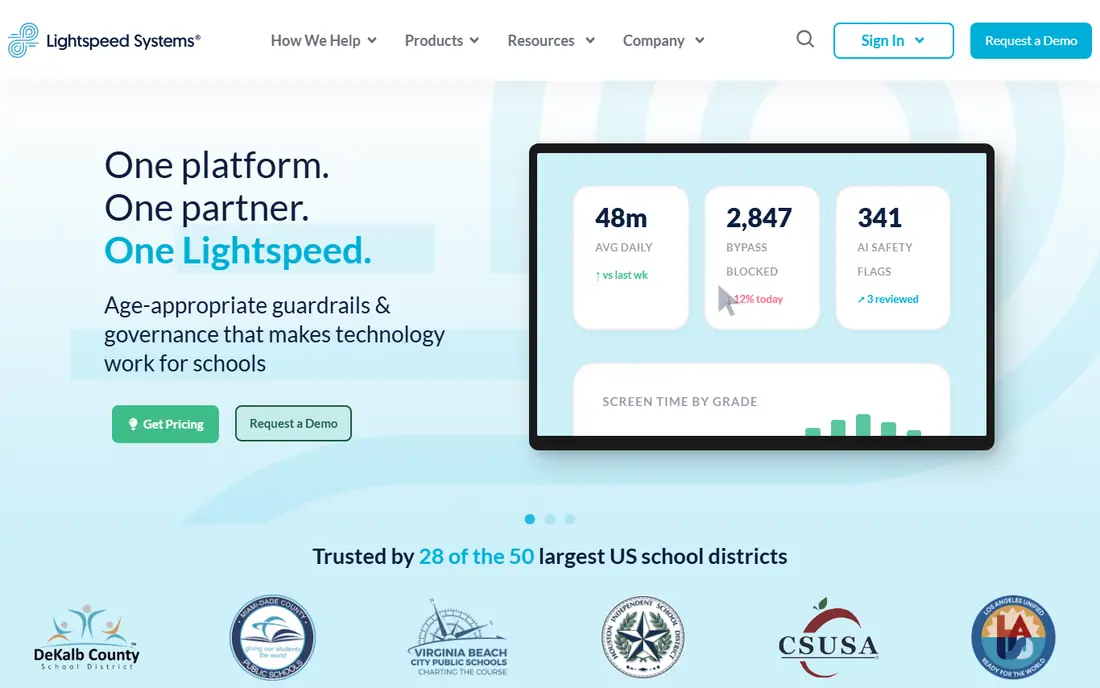
Lightspeed Systems offers classroom management alongside filtering and mobile device management, which suits districts that want one vendor for student device safety. Teachers can view screens, share content, and guide browsing, while IT teams manage filtering policies and device fleets from related consoles. That combination reduces the number of vendors a district must coordinate during rollout.
Lightspeed pricing is quoted for schools and districts, so small schools should ask for per-student pricing and pilot terms before committing. The suite also carries more setup than a classroom-only tool, since filtering policies, device enrolment, and classroom controls all need configuration. For a district-wide deployment, that depth is a benefit, not a drawback.
- Classroom control plus Lightspeed Filter and device management
- Broad device support
- District-level reporting
- Quote-based pricing
- Suite depth can mean longer setup
Securly Classroom
Great for: Schools wanting filtering and classroom tools together
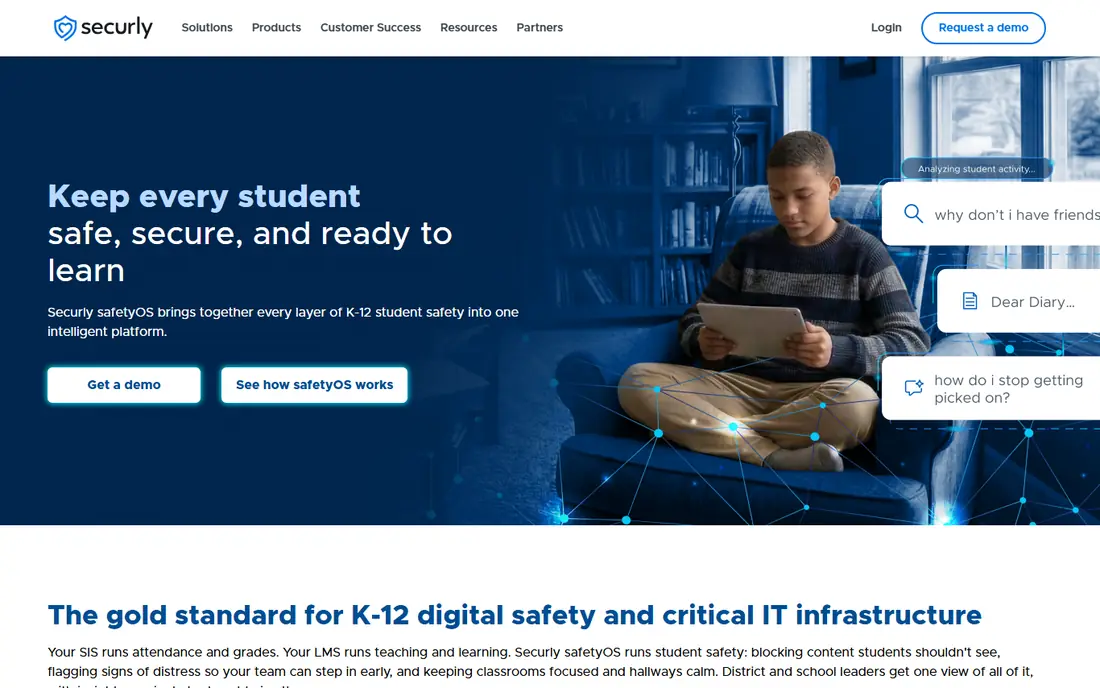
Securly Classroom gives teachers live screen views, tab control, and messaging, while Securly Filter handles web filtering for school and remote devices. Reviewers often praise Securly support and describe pricing as reasonable for districts, which matters when IT teams are small. The combination suits schools that want classroom focus and filtering without managing two unrelated vendors.
Securly Classroom alone does not replace every GoGuardian feature, since the strongest value comes when it is paired with Securly Filter and related safety tools. Schools should price the bundle they actually need, not just the classroom module. For a district already using Securly filtering, adding Classroom is a natural next step.
- Classroom management plus Securly Filter
- Support praised in reviews
- Works across school and remote sites
- Quote-based pricing
- Full suite value needs other Securly products
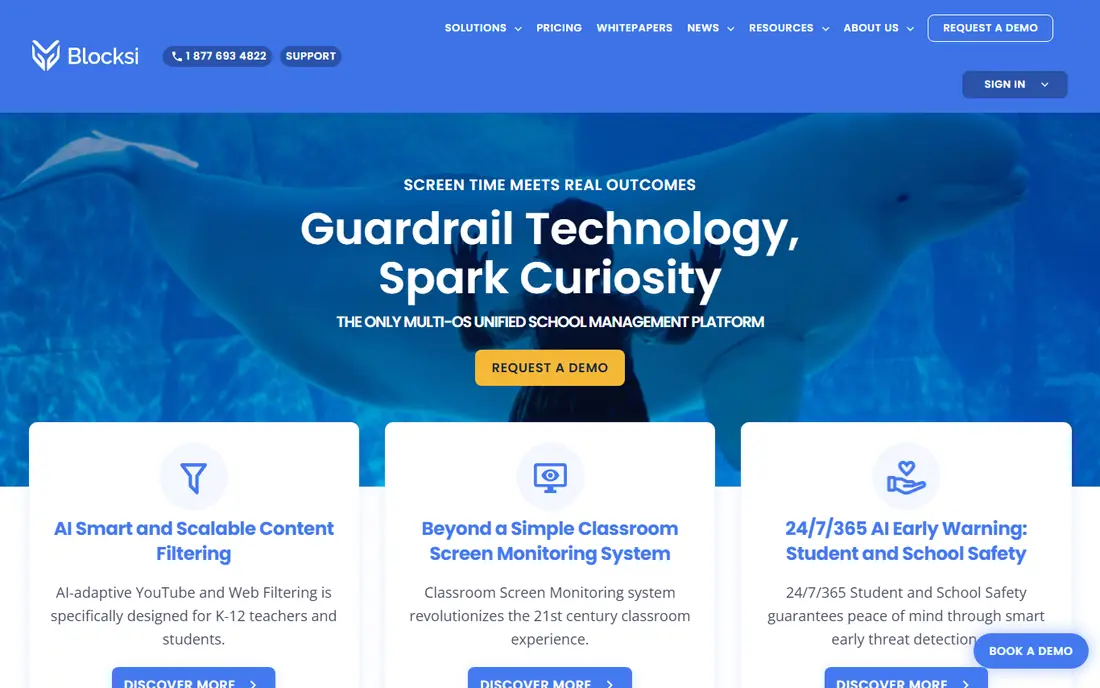
Blocksi combines classroom management, AI-driven content filtering, and student safety alerts in one cloud platform for kindergarten through grade 12. Teachers get live screen monitoring, content control, attendance, and quizzes, while IT teams get filtering across many web and YouTube categories, plus safety alerts with human review. Dashboards for teachers, admins, principals, and parents help different roles see what they need.
Blocksi pricing is often described as competitive for its feature set, but some reviewers note extra costs for certain admin features and pricing changes over time. Schools should confirm which features are included in their quote and lock in renewal terms where possible. For a school that wants one platform for classroom, filtering, and safety, Blocksi covers more ground than most single-purpose tools.
- Filtering, classroom management, and safety alerts in one platform
- Competitive pricing in reviews
- Multi-OS support
- Some admin features add cost
- Pricing changes noted in some reviews
Dyknow Classroom focuses on what happens during a lesson, with device monitoring, blocking, and tools to bring student attention back to the teacher. It has a large base of school reviewers and is often cited for device monitoring and classroom management strength. Teachers who mainly need to keep a class on task, rather than manage district filtering, will find Dyknow direct and practical.
Dyknow is not a full web filtering replacement on its own, so districts that need deep filtering should pair it with a filter product or choose a suite vendor. Pricing is quoted, so ask for per-student terms and a classroom pilot. For lesson-time control, Dyknow is one of the strongest classroom-first options here.
- Strong device monitoring
- Blocking and attention tools
- Large reviewer base in schools
- Quote-based pricing
- Less filtering depth than a full filter suite
LanSchool, backed by Lenovo, helps teachers connect with students through screen sharing, messaging, monitoring, and assessment tools, in class and remotely. Its long history in classroom management shows in a straightforward teacher workflow, with onboarding help and built-in features that get classrooms connected quickly. Safety partnerships add filtering and protection options alongside the core classroom tools.
LanSchool pricing is quotation based, with a free trial available in many listings, so schools should trial it in real classrooms before buying. Filtering alone is not its main strength, so districts needing a deep filter should check how LanSchool pairs with their existing filter. For classroom interaction and control, it remains a dependable choice.
- Screen sharing, messaging, and monitoring
- Lenovo backing
- Cloud and local options
- Quote-based pricing
- Filtering is not its main strength
Hapara, whose name means dawn in Maori, was built by educators working with Google Workspace for Education, and that origin still shapes the product. Teacher Dashboard and Highlights give visibility into Google Classroom work, real-time progress in Drive files, and browsing guidance in Chrome. Teachers can send private messages, leave feedback in student files, and share Classroom content without leaving the Hapara workflow.
Hapara shines inside Google Workspace and is less compelling for schools on Microsoft platforms or mixed device fleets. Pricing is not published on all pages, so request a school quote and a pilot. For a Google school, Hapara offers classroom visibility that feels native to the tools teachers already use daily.
- Deep Google Workspace and Classroom integration
- Real-time Drive visibility
- Teacher dashboard
- Best inside Google Workspace
- Pricing not published on all pages
Linewize provides a student safety platform that combines filtering with classroom management, helping schools keep students safe across devices and operating systems. It suits schools that want filtering as the core, with classroom tools to support teachers during lessons. The platform is designed for kindergarten through grade 12, with controls for school-owned and bring-your-own-device fleets where supported.
Linewize pricing and bundle scope vary, so schools should confirm which classroom, filtering, and safety features are included in their quote. A pilot across different device types will show whether filtering and classroom controls work consistently for your fleet. For safety-first districts, Linewize is a strong suite alternative to GoGuardian.
- Filtering across devices and systems
- Student safety platform
- Classroom control features
- Quote-based pricing
- Suite scope varies by product bundle
Bark for Schools focuses on student safety monitoring for school-provided accounts and devices, alerting schools to concerning activity such as bullying, self-harm signals, and other risks. It is not a full classroom management tool, so teachers who need live screen control should pair it with a classroom product. Its value lies in safety coverage across email, documents, and school accounts, where classroom tools alone do not reach.
Schools must handle Bark with clear policies, notice to families, and careful handling of alerts. Monitoring should be limited to school accounts and devices, with a clear process for who reviews alerts and how families are contacted. Used that way, Bark adds a safety layer that complements, rather than replaces, classroom management.
- Monitoring for school accounts and devices
- Alerts for concerning activity
- Parent and school tools
- Monitoring focus, not full classroom management
- Setup needs clear policies
NetSupport School gives teachers classroom control over local networks, with screen sharing, monitoring, messaging, and assessment tools. It suits schools with on-prem networks and computer labs, where a local tool can be fast and dependable without relying entirely on cloud services. Its long track record in education means many IT teams already know how to deploy it.
NetSupport is less cloud-suite oriented than Lightspeed, Securly, or Blocksi, so schools moving to fully cloud-managed Chromebooks or remote learning should test cloud and remote behaviour carefully. Pricing is by quote, so compare it against cloud classroom tools on total deployment cost, including servers and maintenance where applicable.
- Classroom control on local networks
- Screen sharing and assessment
- Long track record
- More local-network focused than cloud suites
- Pricing by quote
How we picked these
We compared official product pages, school software comparisons, and reviewer feedback for classroom management, filtering, and student safety tools in 2026. We kept only tools that are actively sold for schools, that manage student devices or accounts in a classroom or district setting, and that have a clear current product page. We left out general parental control apps for home use, since they do not fit school deployment, consent, and reporting needs.
What schools should check before choosing
Start with scope and consent. Decide whether you need classroom control, web filtering, device management, safety monitoring, or all four, then check that the tool covers school-owned devices and accounts only, with notice to students and families. Review the privacy policy, data retention, and compliance statements for FERPA, COPPA, and CIPA where applicable, and confirm who can view student screens and alerts, and for how long data is kept.
Next, run a pilot in real classrooms. Test screen viewing, tab control, filtering, and alerts on your actual devices, including Chromebooks, Windows, Mac, and iPads if you use them. Check teacher training time, IT setup, and how the tool behaves on remote and school networks. A tool that works in a demo can still struggle with your device mix, so pilot results matter more than a feature list.
Frequently asked questions
What is GoGuardian?
GoGuardian is a set of school tools for classroom management, web filtering, and student safety, used on school-owned devices and accounts. GoGuardian Teacher focuses on classroom control, while related products handle filtering and safety alerts.
Which GoGuardian alternative is best for a small school?
Dyknow Classroom and LanSchool are strong classroom-first picks for smaller schools, while Blocksi and Securly offer broader suites at competitive district pricing. Start with a pilot in a few classrooms before a school-wide purchase.
Do these tools work on Chromebooks?
Most tools here support Chromebooks alongside Windows, Mac, and other devices, but coverage varies by feature. Check Chromebook support for screen viewing, filtering, and safety monitoring specifically, since some features differ by platform.
Are classroom monitoring tools private for students?
Schools should limit monitoring to school-owned devices and school accounts, give clear notice to students and families, and follow privacy laws and district policy. Ask vendors about data retention, access controls, and compliance statements before deployment.
Can parents see what these tools do?
Many school tools offer parent dashboards or reports, but parent visibility varies by product and district policy. Ask your school or vendor which reports parents receive and how families can ask questions about monitoring.
Sources
See where you really rank - block by block
ProMapRanker scans Google Maps across a grid of your service area. Simple monthly plans from $19, white-label on every plan.
Start freeKeep reading
 zyte alternatives
Best Zyte Alternatives in 2026
These zyte alternatives cover managed scraping APIs, proxy networks and no code tools for lawful collection from your own or consented sources only in 2026.
Read → zerto alternatives
Best Zerto Alternatives in 2026
Compare the best zerto alternatives for disaster recovery and replication, with recovery targets, cloud options and honest trade-offs for teams in 2026.
Read → zerofox alternatives
Best ZeroFox Alternatives in 2026
We compared 9 zerofox alternatives for brand protection, phishing takedowns, dark web monitoring, and social impersonation, with clear coverage notes.
Read →