 ProMapRanker
Best GoCanvas Alternatives in 2026

Key takeaways
- Jotform is the most flexible starting point for small teams because it pairs a free plan with a large template library and mobile apps.
- Fulcrum and TrueContext suit larger field operations where location data, complex workflows, and reporting matter more than a low entry price.
- SafetyCulture and GoFormz are strong when inspections or existing paper forms drive the work, rather than general data collection alone.
- Offline access varies by plan and device, so check that specific point before you move a team that works outside signal range.
Quick comparison
| Pick | Great for | Pricing starts at | Free tier | |
|---|---|---|---|---|
 Jotform | Small teams and general forms | $34 per month | Yes | Visit |
 Fulcrum | Location-based field data | $43 per user per month | Free trial | Visit |
 TrueContext | Complex field workflows | See website | Free trial | Visit |
 Device Magic | Simple offline forms | $25 per user per month | Free trial | Visit |
 FastField | Straightforward inspections | $24 per user per month | Free trial | Visit |
 GoFormz | Digitising existing paper forms | Free | Yes | Visit |
 SafetyCulture | Inspections and safety checks | Free | Yes | Visit |
 Kizeo Forms | Affordable mobile forms | $18 per user per month | Free trial | Visit |
 Formstack Forms | Forms with workflow automation | See website | Free trial | Visit |
The best GoCanvas alternatives
These nine options cover general mobile forms, inspections, and field workflows. We compared official feature pages, pricing pages, app store listings, and public reviews to sort them by fit rather than by marketing claims alone.
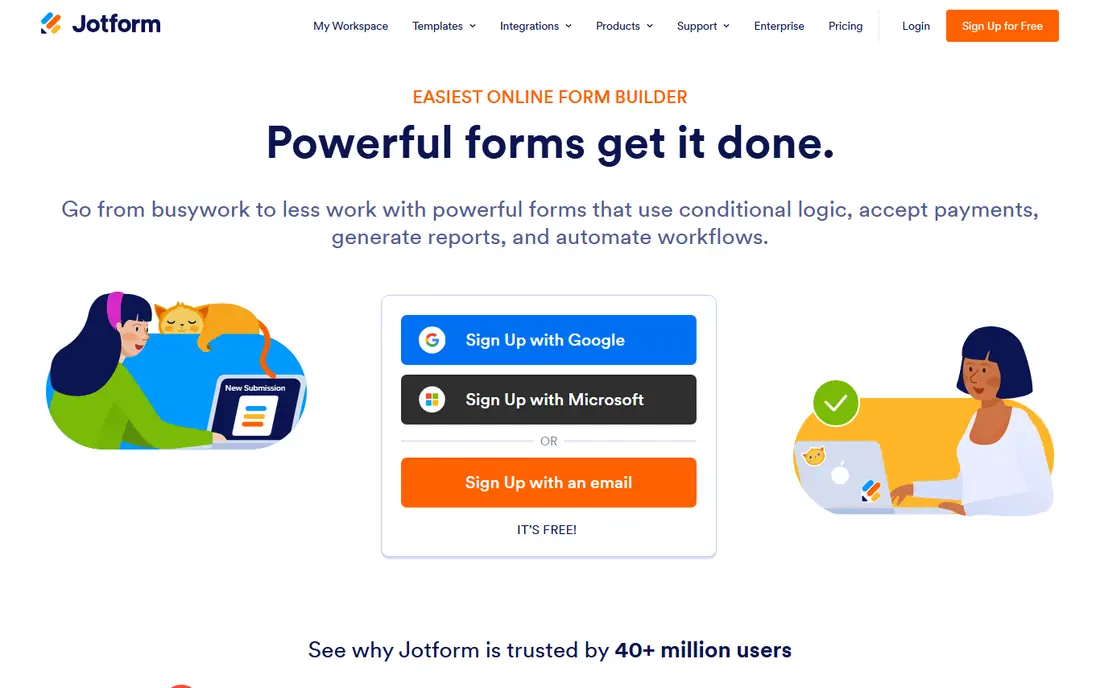
For teams that collect many kinds of information, Jotform is the easiest place to start. Its builder covers signatures, photos, payments, and conditional questions, and the mobile app lets staff fill in forms away from a desk. Templates cut setup time for common jobs such as job applications, service requests, and customer feedback.
The catch is scale. Lower plans cap monthly submissions, and team seats are limited outside the enterprise tier, so a growing field crew may outgrow the entry plan sooner than expected. Still, for a small business that wants one form tool for both office and field use, the free plan gives a fair trial before any payment.
- Large template library
- Mobile apps for iOS and Android
- Offline form filling and many integrations
- Submission limits on lower plans
- Only one user per team on most paid plans
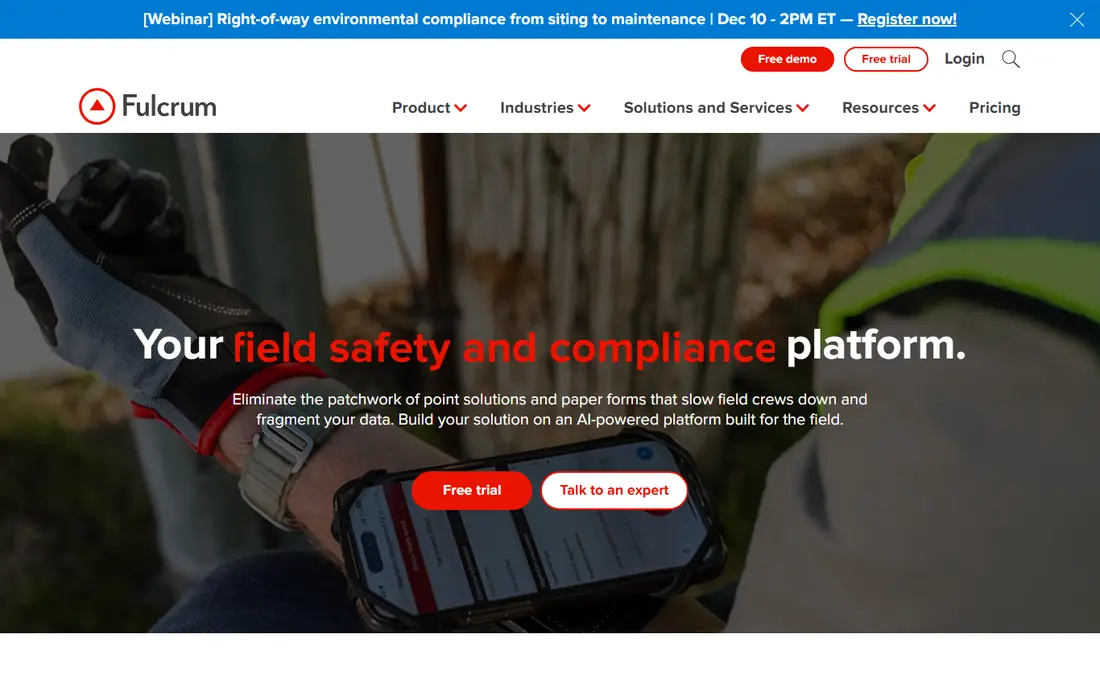
Fulcrum stands out when where something happened matters as much as what happened. Inspectors, utility crews, and environmental teams can capture GPS points, photos, barcodes, and signatures in one record, then turn that record into a report. The form builder is flexible, with conditional logic for different field conditions.
That depth comes with a steeper learning curve and a higher price than simpler tools. Small teams with basic checklists may find it more than they need. For organisations that map assets or run repeated site visits, though, the location tools justify the cost.
- Strong GPS and mapping features
- Drag-and-drop form builder
- PDF report generation
- Higher per-user price
- More setup than a simple form builder

TrueContext, formerly ProntoForms, is built for field service teams with multi-step work. A form can trigger follow-up tasks, route data to other systems, and feed dashboards that managers check daily. It also supports translation for teams working in several languages, which helps larger operations.
The main drawback is opacity around price and plan limits. Some features, including single sign-on and document scanning, are reserved for higher tiers, so a demo and a written quote matter before committing. If your process has approvals, dispatch steps, or dispatch handoffs, that workflow depth is the reason to shortlist it.
- Workflow automation
- Offline mobile use
- Pre-built analytics dashboards
- Pricing is not fully public
- Advanced features sit on higher tiers
Device Magic keeps the job simple: build a form, send it to a phone or tablet, collect the data offline, and sync it later. That focus suits trades, delivery teams, and inspectors who work in basements, rural sites, or other low-signal places. It also connects to common business tools, so submitted data does not sit in a separate silo.
Its design is less polished than newer form builders, and teams should check how device-based billing works as headcount grows. For straightforward data capture without a long setup project, it remains a dependable choice.
- Offline data collection
- Easy dispatch of forms to devices
- Broad integration options
- Interface feels dated next to newer rivals
- Pricing can rise with device counts
FastField suits teams that want to get a form into the field this week, not next quarter. The builder is direct, the mobile app works offline, and completed forms can be shared as PDFs. That combination covers inspections, audits, and service reports without extra complexity.
Where it falls short is in deeper automation. If you need multi-stage approvals or heavy system integrations, a larger platform may fit better. For a small or mid-sized crew that values speed and clarity over breadth, FastField is easy to recommend.
- Quick form setup
- Offline mobile use
- Photo and signature capture
- Fewer advanced workflow features
- Integrations are less extensive than larger platforms
GoFormz takes a different route from most rivals: it starts with the paper form your team already knows. You upload that form, add digital fields, and staff fill it in on a tablet in the same layout they recognise. That familiarity can cut training time, especially for crews that resist change.
The free plan is useful for testing, but team pricing climbs on paid tiers, so cost it for your full crew, not just one user. The form editor also rewards patience. Still, when preserving an existing form layout matters, few tools match this approach.
- Turns existing paper forms into digital versions
- Free basic plan
- Conditional logic
- Paid plans rise steeply for teams
- Design tools take practice to master
SafetyCulture, known for its iAuditor inspection app, is the inspection-first option on this list. Its template library covers safety checks, quality audits, and site inspections, and the free plan supports small teams. Completed inspections can raise actions, so problems do not disappear after a form is submitted.
Larger teams will need paid seats to get the full reporting and training features, and the price adds up across many frontline workers. If inspections are your core job rather than a side task, the templates and mobile experience make it a strong pick.
- Very large template library
- Free plan for up to 10 users
- Offline inspections and action tracking
- Full features require paid seats
- Task follow-up is less flexible than dedicated workflow tools
Kizeo Forms offers a lower entry price than most field-form tools, which makes it attractive for small businesses and nonprofits. Forms work offline, support photos, signatures, and barcodes, and results can be exported for reporting. Setup is straightforward, and the mobile apps are easy for new staff to learn.
Its integration catalogue is narrower than Jotform or Fulcrum, so teams that need deep connections to other systems should test those links first. For core mobile data collection on a tight budget, Kizeo Forms delivers good value.
- Low entry price
- Offline use on iOS and Android
- Signature and photo capture
- Smaller integration library
- Less suited to very large enterprise rollouts
Formstack Forms appeals to teams that want forms to do more after submission. Responses can trigger approvals, generate documents, and move data into a CRM or storage system without manual copying. That automation helps office teams as much as field teams, since back-office follow-up is often where paper processes stall.
The trade-off is complexity and less transparent pricing on some tiers. A team that only needs a simple checklist will find it overbuilt. For organisations that already use workflows elsewhere, Formstack is a natural fit.
- Conditional logic and workflow routing
- Document generation
- Many native integrations
- Pricing is quote-led for some plans
- Can feel heavy for very simple forms
How we picked these
We compared official feature pages, pricing pages, app store listings, and public reviews for each product, and we checked that each one offers mobile form collection that works for field teams in October 2026. We favoured tools with offline access, signature or photo capture, and a clear route from a submitted form to a report or another system. Price was taken from vendor or recent comparison sources, and where a price could not be pinned down we wrote See website rather than guessing.
What to check before you switch
Start with the work itself, not the feature list. List the five forms your team uses most, then test each one on the shortlisted tool with a real phone in a low-signal spot. Offline behaviour, photo size, and signature quality are the details that cause trouble after a switch, and they are easy to test in an afternoon.
Next, map what happens after submission. Ask who receives the form, whether it creates a task or a PDF, and how long that step takes. A tool that collects data well but leaves follow-up to email will not save much time. Finally, price the whole team, including seasonal staff, and check whether billing is per user, per device, or per seat, since that choice changes the total quickly.
Frequently asked questions
Are GoCanvas alternatives good for offline work?
Most of the tools here offer offline form filling, including Fulcrum, Device Magic, FastField, SafetyCulture, and Kizeo Forms. Check the exact plan, since some offline features or sync limits differ by tier, and test with your own devices before rolling out to a full crew.
Which GoCanvas alternative is cheapest for a small team?
Kizeo Forms and GoFormz have the lowest entry points on this list, and Jotform and SafetyCulture both offer free plans. The cheapest headline price is not always the cheapest total, so compare submission limits, user seats, and device billing for your team size.
Can these apps replace paper forms completely?
Yes, for most field jobs, especially with GoFormz for existing layouts and SafetyCulture for inspections. Keep a backup process for the first few weeks, and confirm that exported PDFs meet any client or regulator format requirements you must follow.
Do I need a separate tool for reporting?
Not usually. Fulcrum, TrueContext, and SafetyCulture include dashboards or report generation, while others export data to spreadsheets or business tools. If reporting is central to your work, shortlist the tools with built-in dashboards first.
How hard is it to move forms from GoCanvas?
Moving simple forms is usually quick, since most builders use drag-and-drop fields. Complex forms with conditional logic, calculations, or integrations take longer, so rebuild your most complex form first as a test before moving the rest.
Sources
- https://www.jotform.com
- https://www.fulcrumapp.com
- https://www.truecontext.com
- https://www.devicemagic.com
- https://www.fastfieldforms.com
- https://www.goformz.com
- https://www.safetyculture.com
- https://www.kizeo-forms.com
- https://www.formstack.com
- https://www.jotform.com/blog/gocanvas-alternatives/
- https://www.itechguides.com/best/mobile-forms-automation-software/
See where you really rank - block by block
ProMapRanker scans Google Maps across a grid of your service area. Simple monthly plans from $19, white-label on every plan.
Start freeKeep reading
 zyte alternatives
Best Zyte Alternatives in 2026
These zyte alternatives cover managed scraping APIs, proxy networks and no code tools for lawful collection from your own or consented sources only in 2026.
Read → zerto alternatives
Best Zerto Alternatives in 2026
Compare the best zerto alternatives for disaster recovery and replication, with recovery targets, cloud options and honest trade-offs for teams in 2026.
Read → zerofox alternatives
Best ZeroFox Alternatives in 2026
We compared 9 zerofox alternatives for brand protection, phishing takedowns, dark web monitoring, and social impersonation, with clear coverage notes.
Read →