 ProMapRanker
Best Glitchy.com Alternatives for AI Website Builders in 2026

Key takeaways
- Wix is our pick for most small businesses because it pairs AI site creation with booking, stores, and a large app market in one place.
- Framer suits design-led sites and portfolios, while Hostinger is the lowest priced starting point in this list for a simple business site.
- Webflow gives the most design control, but it asks more of the person building the site than the simpler AI-first builders do.
- Check what is included before you pay: hosting, a custom domain, and AI credits are not bundled the same way on every plan.
Quick comparison
| Pick | Great for | Pricing starts at | Free tier | |
|---|---|---|---|---|
 Wix | Small business sites | $17 per month | Yes | Visit |
 Framer | Design-led portfolios | $10 per month | Yes | Visit |
 Hostinger | Low-cost business sites | $2.99 per month | No | Visit |
 Squarespace | Polished brand sites | $19 per month | Free trial | Visit |
 Webflow | Design control and CMS sites | See website | Yes | Visit |
 Durable | Fast local business sites | See website | Yes | Visit |
 10Web | AI sites on WordPress | $10 per month | Free trial | Visit |
 Jimdo | Simple starter sites | See website | Yes | Visit |
 GoDaddy | Domain plus site in one place | See website | Yes | Visit |
The best AI website builders as alternatives to Glitchy.com
If you came here looking for AI website builders as alternatives to Glitchy.com, the tools below cover the same basic job: describe your business, get a working site, then edit it without code. We compared official feature pages, pricing pages, and public reviews, and we did not claim hands-on testing we did not do. Prices below are starting prices where the vendor publishes them, and you should confirm the current rate before checkout.
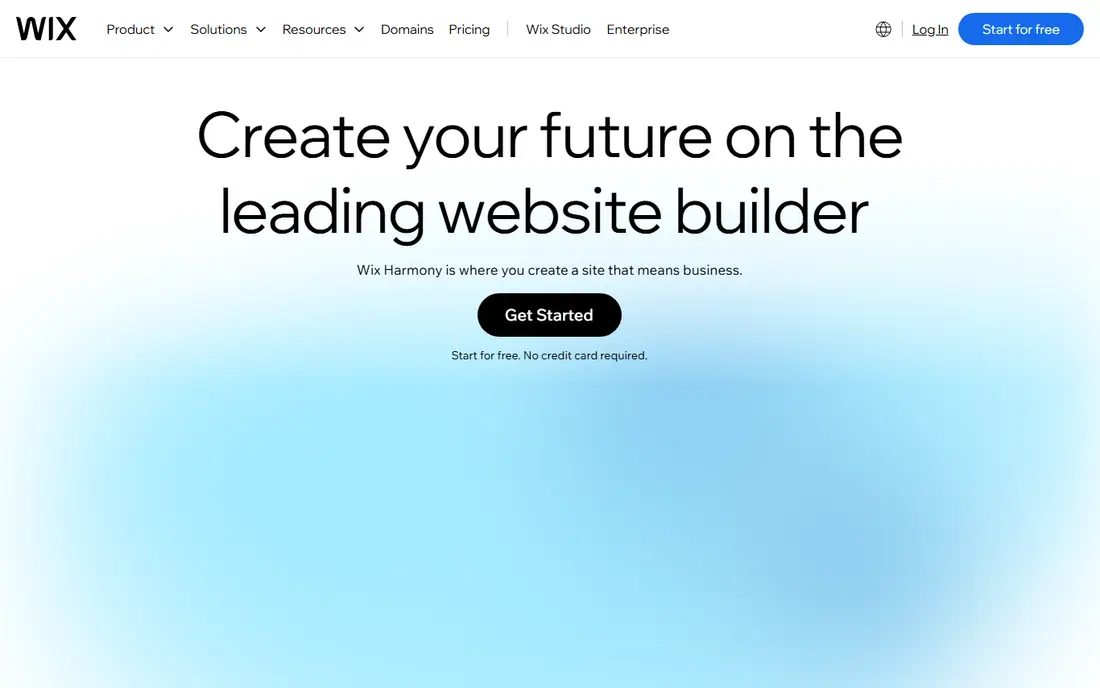
Wix is the safest default in this group for a small business owner who wants one account to cover the site, the domain, and the day-to-day tools. Its AI builder asks about your business and goals, then produces a multi-page draft with copy, images, and contact options that you can edit in the regular Wix editor. That second step matters, because a generated draft is rarely finished, and Wix gives you room to fix pages, add sections, and change the layout without starting again.
The trade-off is lock-in and cost creep. Once the site lives on Wix, moving it elsewhere means rebuilding, so treat the choice as a longer commitment rather than a quick test. The free plan is useful for trying the editor, but a paid plan is the realistic route for a business site with a custom domain and no Wix branding.
- AI site creation plus a full editor
- Built-in stores, bookings, and blog tools
- Large app market
- Sites cannot be moved to another platform easily
- Higher plans are needed for the full feature set
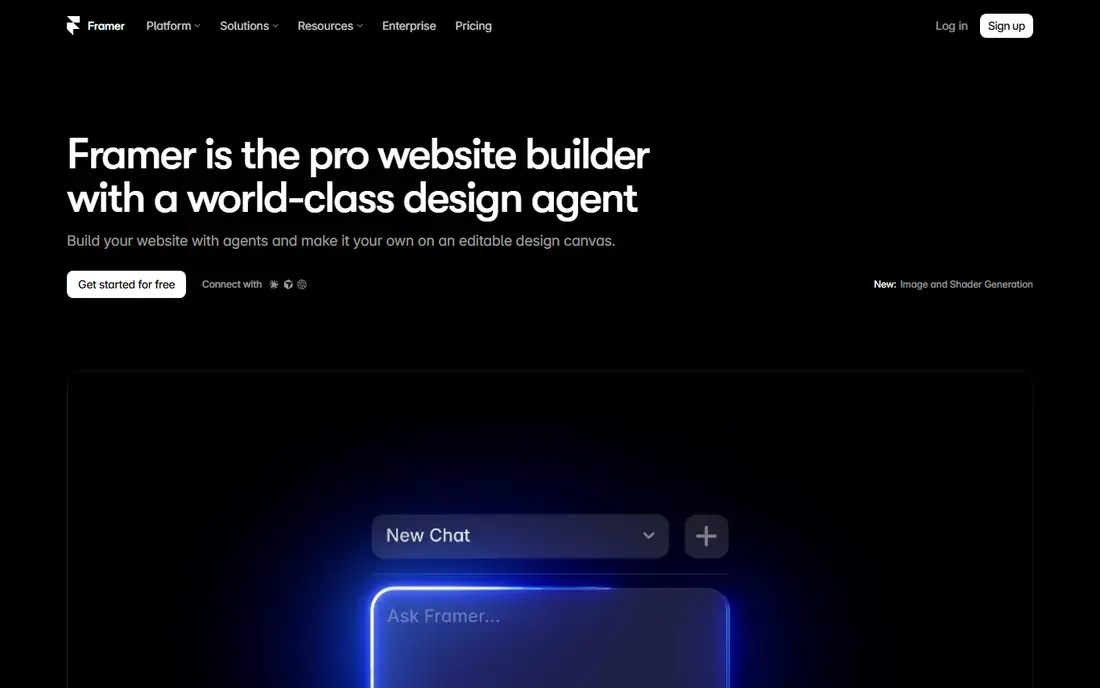
Framer is the pick here when how the site looks matters most. Its AI tools generate pages that tend to look finished sooner, with typography, spacing, and motion handled in a way that suits portfolios, startups, and product landing pages. Designers will like the control over breakpoints and interactions, while non-designers can still start from a generated page and adjust it visually.
The limit is scope. Framer is less comfortable as an all-in-one business system than Wix, and teams that need deep booking, membership, or store features may find themselves adding other tools. For a site whose main job is to impress visitors and explain a product clearly, that trade is often worth it.
- Strong visual design and animation controls
- Fast publishing
- Good portfolio and landing page results
- Less suited to large, complex business sites
- E-commerce is not its main strength
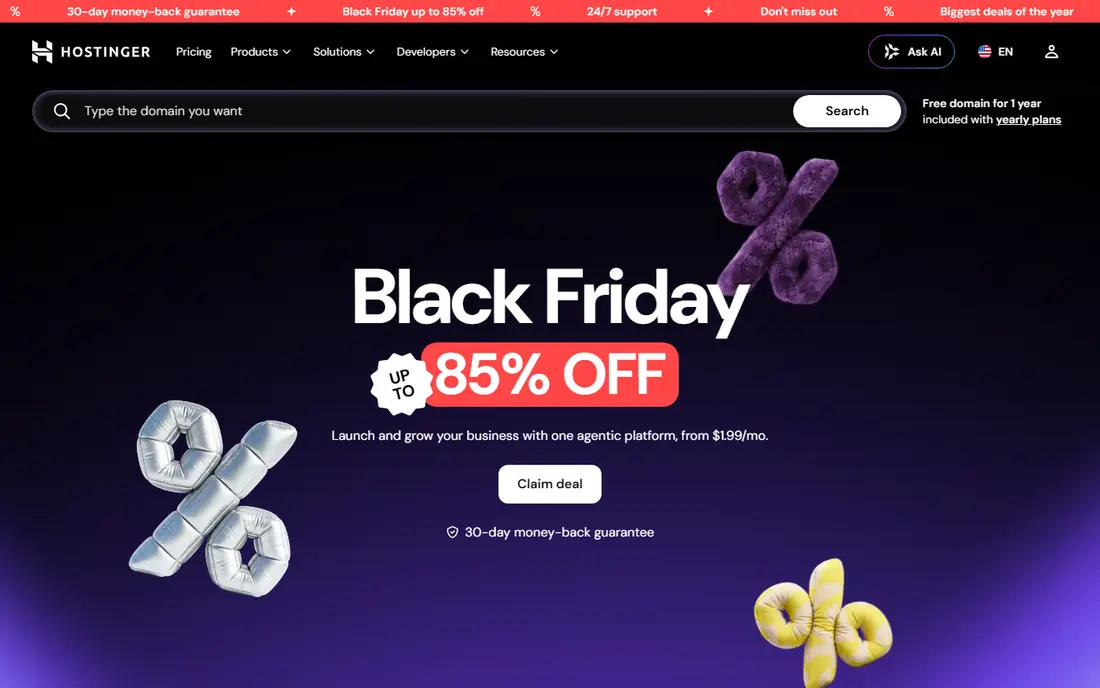
Hostinger makes sense when budget is the deciding factor and the site itself is fairly simple. The AI builder creates a full site from a short business description, hosting is included, and the editing tools cover the usual pages, text, images, and contact forms. For a new business that needs a credible presence quickly, that combination is hard to beat on price.
What you give up is depth. The design system is more limited than the premium builders, and the cheapest headline rate usually depends on a longer billing term, so read the renewal terms before you commit. If the site later needs a large store or a complex layout, you may outgrow it, but as a low-cost start it does the job well.
- Very low starting price
- AI generation with hosting included
- AI writing and image tools
- Fewer advanced design controls than Framer or Webflow
- Renewal pricing can differ from the intro rate
Squarespace appeals to businesses that want a site to look considered from day one. Its templates are consistently tidy, its Blueprint AI tool builds a starting layout from your answers, and the built-in commerce and blogging tools mean fewer add-ons for a typical brand site. Writers, photographers, restaurants, and small shops often find the balance right.
The catch is flexibility. You can customise a great deal, but you cannot reshape the underlying system as freely as you can in Webflow, and some advanced features sit on higher plans. If you value a clean, coherent look over total control, Squarespace remains a strong choice.
- Strong templates and visual polish
- Built-in commerce and blogging
- Blueprint AI for a guided start
- Less flexible than Webflow for custom layouts
- No permanent free plan
Webflow is the tool to choose when a marketing team or agency wants real design control and a content system that can grow. Its AI site builder can produce a starting point, but the real value is the editor itself, which lets you control layout, styles, interactions, and collections in detail. That makes it a good fit for content-heavy marketing sites that change often.
That power comes with a learning curve. A first-time site owner may find Webflow slower than Wix or Durable, and pricing depends on the site plan and workspace plan you need, so use See website rather than guessing a single figure. For teams with design skills, the control is worth the extra effort.
- Precise visual design controls
- Strong CMS for larger sites
- Clean code output for developers
- Steeper learning curve
- AI features still benefit from design knowledge
Durable is built for speed. A local service business can answer a few questions and get a working site, plus basic customer tools such as invoicing and a simple CRM, without piecing together several products. The editing experience stays simple, which is a plus for owners who do not want to spend weekends on a website.
The downside is that simplicity limits design freedom. If your brand needs a highly custom look, Durable will feel plain next to Framer or Squarespace. For plumbers, cleaners, consultants, and other service businesses that mainly need calls, bookings, and a clear services page, it is a practical, fast route.
- Very fast AI site creation
- Built-in CRM, invoicing, and booking tools
- Simple editing
- Design options are narrower than Framer or Webflow
- Less suited to large content sites
10Web is the natural pick if you specifically want WordPress. It generates a WordPress site with AI, hosts it, and lets you edit with Elementor, which opens up a huge plugin world that closed builders cannot match. That matters for blogs, membership content, and sites that may need unusual features later.
WordPress itself is the trade-off. Updates, plugins, and occasional fixes are part of owning a WordPress site, even on managed hosting. If you want the most hands-off experience, a closed builder is easier, but if you want WordPress without setting up hosting yourself, 10Web is a sensible middle path.
- AI generation on WordPress
- Managed hosting included
- Familiar WordPress plugin options
- WordPress adds maintenance and learning
- Best value comes with annual billing
Jimdo suits a first website for a small project, a side business, or a local club. The guided setup asks simple questions, produces a site, and keeps editing straightforward, so a beginner is less likely to get stuck. The free plan lets you test the flow before paying.
Its limits show up as the site grows. Jimdo does not offer the same depth of commerce, apps, or design control as Wix or Webflow, so ambitious sites may need to move later. As a low-pressure starting point, though, it is easy to recommend for simple needs.
- Quick guided setup
- Simple editor for beginners
- SEO basics included
- Limited advanced features
- Design range is narrower than larger builders
GoDaddy is convenient when you already buy domains there or want one bill for domain and site. Its Airo AI tools can turn a domain and a short description into a starter site, and the account also covers email and basic marketing tools. For a very small business that values having everything in one place, that convenience counts.
Design control is modest compared with Framer or Webflow, and checkout can present extra products, so take care to buy only what you need. If you already use GoDaddy and want a simple site without a second account, it is a reasonable choice.
- Domain, hosting, and site tools in one account
- Airo AI tools for a fast start
- Marketing tools included
- Design flexibility is modest
- Upsells appear during checkout, so read each step
How we picked these
We started from the job itself: an AI builder that takes a short description and returns a hosted, editable site. We compared official pricing and feature pages, app store listings where relevant, and public user reviews, and we left out tools that only generate code for developers, since they do not match what most Glitchy.com searchers want. We also left out any product we could not confirm as live and working in October 2026. Prices marked See website are those where the vendor gates pricing behind a plan choice or a quote, and we would rather say that plainly than print a guess.
What to check before you choose an AI website builder
Start with the pages your site must have, not with the AI demo. List the must-haves first: a contact form, booking, a store, a blog, or a portfolio, then check each builder against that list on its pricing page. A builder that generates a pretty home page but charges extra for bookings may cost more than a plainer option that includes them.
Next, check ownership and exit costs. Closed builders are easier to start, but moving later usually means rebuilding, while WordPress options such as 10Web give you more portability at the cost of more upkeep. Also check the domain question: does the plan include a free domain for a year, a custom domain connection, or neither, and what does renewal cost after the first term.
Finally, test the editor with your own content before you pay for a year. Generate a draft, replace the sample text with your real services and prices, and try it on a phone. If editing feels awkward in the trial, it will feel worse after launch, when changes need to happen fast. A short trial now saves a rebuild later.
Frequently asked questions
Are AI website builders good enough for a real business site?
Yes, for most small business sites they are. They handle home, services, about, contact, and blog pages well, and many include stores and bookings. They are weaker for highly custom apps or unusual workflows, where a developer-built site or WordPress with plugins fits better.
Can I use my own domain with these builders?
Yes, on paid plans you can usually connect a domain you already own or buy one through the builder. Free plans typically use a builder subdomain, which is fine for testing but not ideal for a business brand.
Do I own the site I build with an AI builder?
You own your content, but the site design and hosting usually stay tied to the builder, except for WordPress-based options where you can move the site more freely. Read the terms for export options before you commit to a long plan.
How much should a small business expect to pay?
Starting prices in this list range from a few dollars a month to around 19 dollars a month, with higher plans for stores and advanced features. Annual billing usually lowers the monthly rate, so compare the total yearly cost, not just the headline monthly figure.
Is AI-generated copy ready to publish?
Not quite. AI copy is a useful draft, but check facts, prices, service areas, and contact details, and rewrite it in your own voice. Search engines and customers both respond better to accurate, specific wording than to generic filler.
Sources
See where you really rank - block by block
ProMapRanker scans Google Maps across a grid of your service area. Simple monthly plans from $19, white-label on every plan.
Start freeKeep reading
 zoro.to alternatives
Best Zoro.to Alternatives in 2026
We compare the best zoro.to alternatives in 2026, listing only legal licensed anime streaming services, from Crunchyroll to free options for fans today.
Read → zip alternatives
Best Zip Alternatives in 2026
We compare the best zip alternatives for buy now, pay later in 2026, covering pay-in-4 plans, fees, spending limits, and credit reporting options today.
Read → yesware alternatives
Best Yesware Alternatives in 2026
Compare the best yesware alternatives for sales email tracking, templates, and sequences, with current pricing and honest tradeoffs for small sales teams.
Read →