 ProMapRanker
Glean Alternatives in 2026: 9 Tools Compared

Key takeaways
- Guru and GoSearch suit teams that want verified knowledge and AI answers without a large enterprise contract.
- Microsoft Copilot suits companies already deep in Microsoft 365, while Notion AI suits teams already living in Notion.
- Coveo and Algolia suit customer-facing search, not internal employee knowledge, so match the tool to the audience.
- Onyx suits technical teams that want open-source control and self-hosting, but it needs engineering time.
- Glean itself is excluded from this list, since these are alternatives to it, not a repeat of it.
Quick comparison
| Pick | Great for | Pricing starts at | Free tier | |
|---|---|---|---|---|
 Guru | Verified knowledge governance | $25 per seat per month | Free trial | Visit |
 GoSearch | Small team enterprise search | Free | Yes | Visit |
 Microsoft Copilot | Microsoft 365 teams | $30 per user per month | No | Visit |
 Notion AI | Notion-native teams | See website | No | Visit |
 Coveo | Customer support search | See website | No | Visit |
 Algolia | Customer-facing product search | See website | Free trial | Visit |
 Elastic | Engineering-led search infrastructure | See website | Free trial | Visit |
 Onyx | Open-source self-hosted search | Free | Yes | Visit |
 Slack AI | Slack-heavy teams | See website | No | Visit |
The best alternatives to Glean
Glean offers AI-powered enterprise search across company apps, with permissions and citations. Alternatives split into two groups. Some focus on internal employee search and knowledge, while others focus on customer-facing search or raw search infrastructure. The list below excludes Glean itself. Our pick for most small and mid-size teams is Guru, because it pairs verified knowledge with AI answers and a published self-serve price.
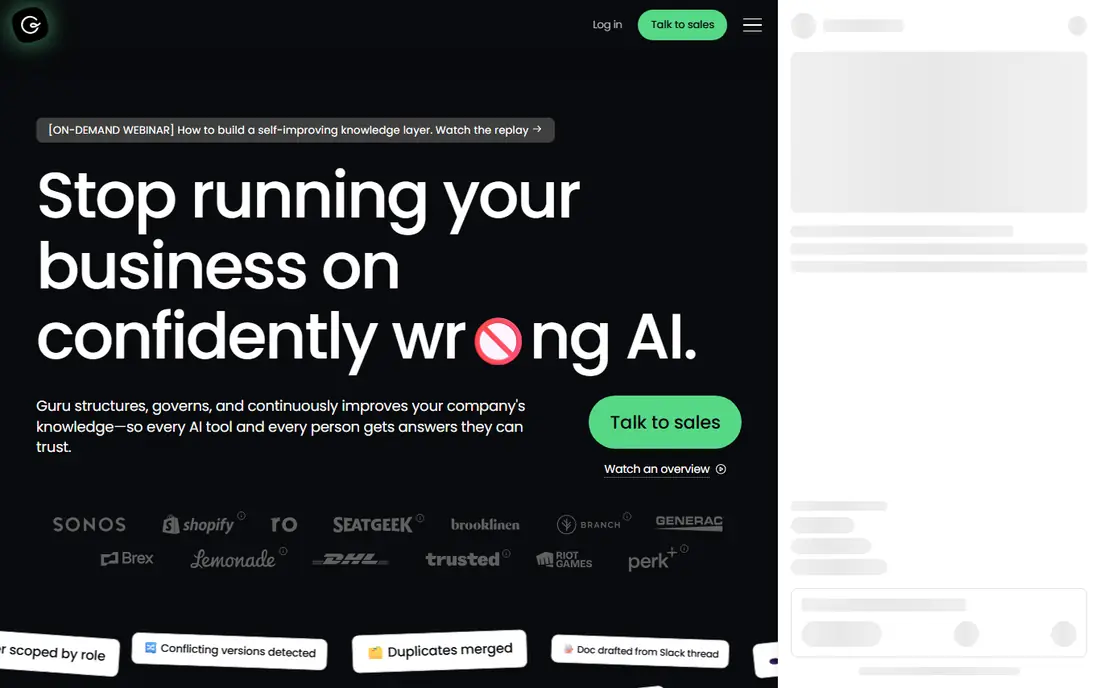
Guru helps teams keep internal knowledge accurate. Cards and collections can be verified by owners, with expiry dates that prompt review. That verification step matters when AI answers pull from outdated docs, since an old process can look confident while being wrong. Connectors pull content from common apps, and AI agents can answer questions using verified sources first.
The self-serve price helps smaller teams start, but the seat minimum may exclude very small groups. Guru also works best when someone owns content quality, rather than when docs are left to decay. For support, operations and enablement teams that need trusted answers, Guru is a strong alternative to a broad enterprise search tool.
- Verification workflows for trusted answers
- Many connectors
- Knowledge agents
- Self-serve tier has a seat minimum
- Enterprise features need a sales plan
- Best with curated content
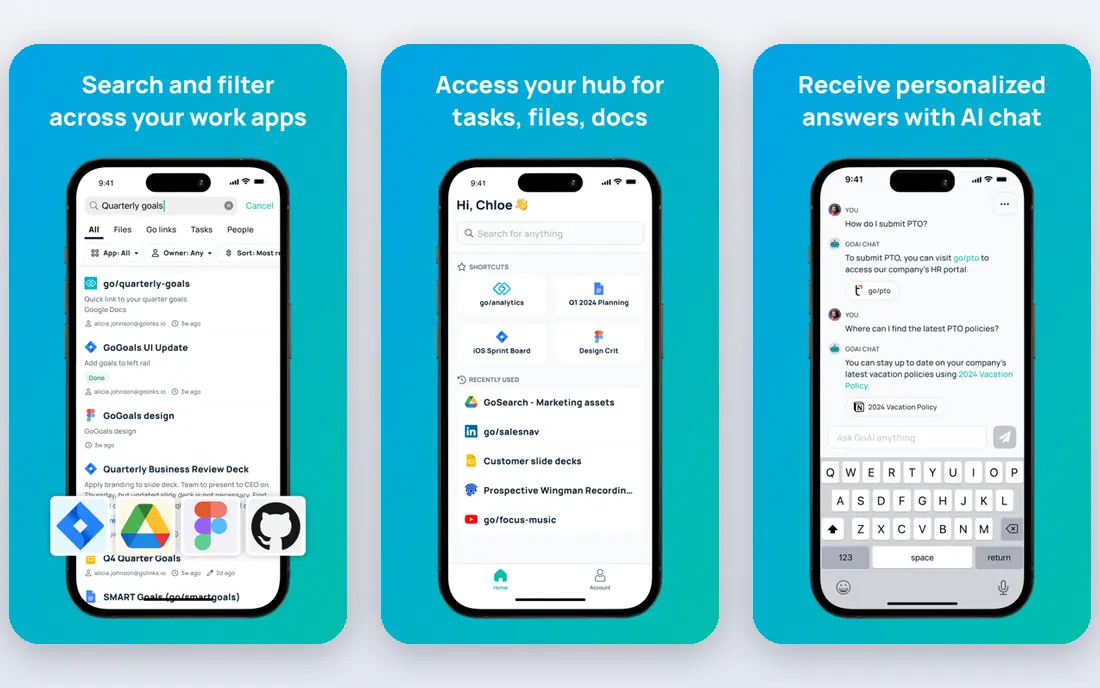
GoSearch positions itself as a modern enterprise search tool with AI answers, agents and governance controls. A free plan makes it accessible to small teams that cannot meet large seat minimums. Its federated approach queries data where it lives in some setups, which can help teams worried about copying sensitive data into a central index. That design is worth checking in a pilot for regulated work.
As a newer vendor, GoSearch does not have the same long enterprise history as Coveo or Elastic. Connector coverage and support depth should be tested with your actual apps before a wide rollout. For small teams that want a fast start and transparent per-seat pricing, GoSearch is a practical alternative.
- Free plan with no seat minimum
- Multi-model AI answers
- Federated search approach
- Newer vendor than enterprise rivals
- Connector depth varies by app
- Enterprise proof needs a pilot
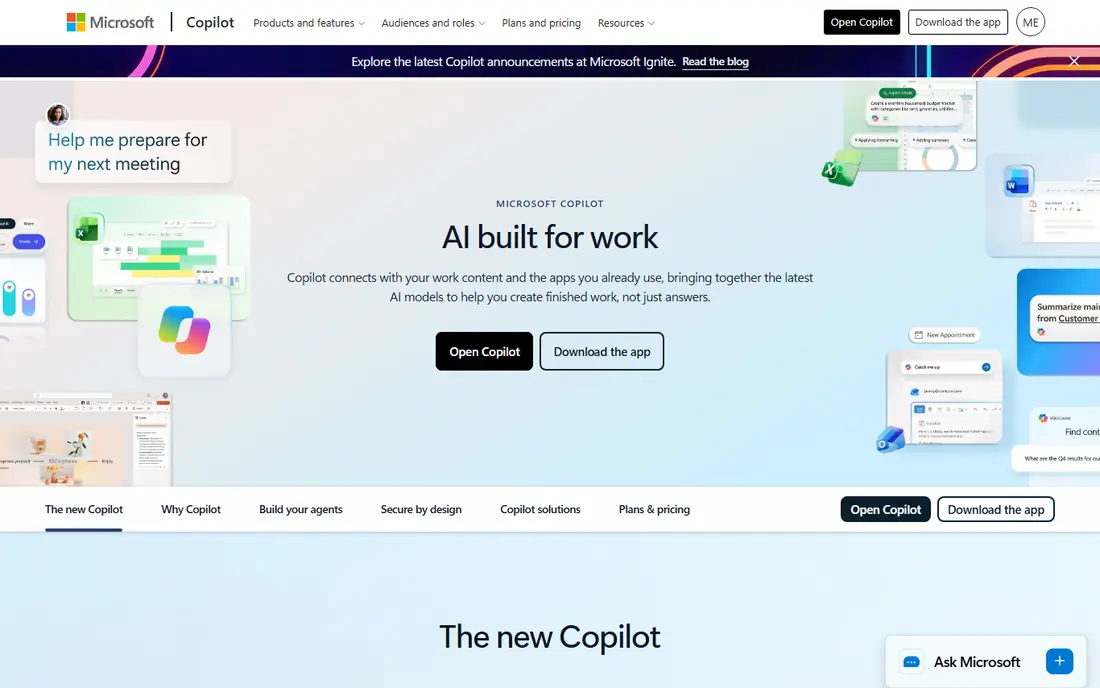
Microsoft Copilot, as the Microsoft 365 Copilot add-on, searches and summarizes content inside Teams, SharePoint, OneDrive and Outlook. For companies already standardized on Microsoft 365, that native fit is hard to beat. Permissions follow Microsoft settings, and admins can manage rollout, data controls and access in familiar tools. Users also stay inside apps they already open daily.
The add-on price is on top of Microsoft 365 licences, so the total cost per user is higher than it first looks. Search quality also drops outside the Microsoft stack, so teams using Salesforce, Jira and other tools heavily may need another search layer. For Microsoft-first companies, Copilot is the most natural Glean alternative.
- Native Teams, SharePoint and Outlook search
- Enterprise admin controls
- Familiar Microsoft tools
- Add-on price on top of Microsoft 365
- Weaker outside the Microsoft stack
- Needs governed rollout
Notion AI adds AI search and agents to a workspace teams already use for docs, wikis and projects. Enterprise connectors can extend search beyond Notion, but the core strength is inside Notion itself. Setup is fast for teams with clean pages and databases, since there is no new system to learn. That makes it a good fit for startups and product teams that already live in Notion.
The limit is scope. If most knowledge lives in Google Drive, Confluence or Salesforce, Notion AI alone will miss it. Pricing is also an add-on to a Notion plan, so check the current per-user add-on cost. For Notion-first teams, it is a low-friction alternative. For mixed-app companies, pair it with a broader search tool or pick a different alternative.
- Search inside existing Notion workspace
- Custom agents
- Low setup for Notion teams
- Add-on cost on top of Notion
- Limited outside Notion
- Needs good Notion structure
Coveo uses machine learning to improve relevance for customer support, help centres and e-commerce search. Generative answering can summarize relevant articles for customers and agents, which can reduce support tickets. That customer focus makes Coveo a strong choice for companies whose main search problem is external, not internal employee knowledge.
Deployment takes longer than a small-team tool, and pricing is enterprise contract based. Internal teams that want a Google-like search across Slack, Drive and tickets may find Coveo heavier than needed. For customer-facing search at scale, Coveo is a credible alternative, but it should not be judged as a direct internal knowledge clone.
- Strong relevance for support and commerce
- Generative answering
- Enterprise scale
- Quote-only enterprise pricing
- Longer deployment
- Internal knowledge is not its main focus
Algolia is a search API for websites, apps and product catalogs. It delivers fast, typo-tolerant results as users type, with ranking controls for merchandising and personalization. Developers can build search for products, docs and content with detailed control over relevance. That speed and control explain its popularity for customer-facing sites.
Algolia is not a ready-made internal knowledge search tool. It needs engineering to connect sources, manage permissions and build an AI answer layer. Usage pricing also grows with search volume, so high-traffic sites should model costs. For product and site search, Algolia is excellent. For employee knowledge, Guru or GoSearch are better fits.
- Very fast search-as-you-type
- Developer-friendly API
- Strong commerce relevance
- Needs developer work
- Not an employee knowledge tool
- Usage pricing grows with traffic
Elastic, built on Elasticsearch, gives engineering teams a powerful search engine with vector search, analytics and data visualization. Teams can index internal content, logs and product data, then build custom search experiences on top. Self-hosting and cloud options give control over data location and scale. That flexibility suits companies with strong engineering teams and unusual data needs.
The trade-off is effort. Elastic is infrastructure, not a finished employee search product. Building permissions, AI answers, connectors and a polished interface takes time and staff. Smaller teams without dedicated search engineers should pick a managed tool instead. For engineering-led companies, Elastic is a flexible alternative foundation.
- Powerful search and vector search
- Self-host or cloud options
- Huge ecosystem
- Needs engineering to build a product on it
- Pricing and hosting complexity
- Not a turnkey knowledge tool
Onyx, formerly Danswer, is an open-source AI search tool that teams can self-host. It connects to common workplace apps, uses retrieval-augmented generation to answer questions from internal docs, and lets teams choose models. That control appeals to privacy-focused teams that want data to stay inside their own infrastructure. The open-source version has no per-seat licence cost.
Self-hosting is not free in effort. Teams need to deploy, update, secure and monitor the system, and connector setup takes engineering time. A managed cloud tier exists for teams that want less maintenance, so check current pricing for that option. For technical teams that value control over convenience, Onyx is a strong alternative.
- Open-source and self-hostable
- Configurable models
- No per-seat licence on the open version
- Self-hosting needs engineering and maintenance
- Support is community-led on the free tier
- Connector setup takes time
Slack AI adds AI search, summaries and recaps inside Slack, where many teams already discuss work. It can find answers from messages and connected content without leaving the chat app. That low friction helps teams that live in channels and direct messages all day. It also reduces the need to switch tools for a quick question.
The limit is scope and tier. Slack AI needs a Business or Enterprise tier in current listings, and it works best inside Slack rather than across every company app. Teams with knowledge spread across Drive, Confluence and tickets will still need broader search. For Slack-heavy teams, it is a useful alternative or companion to a wider knowledge tool.
- Search and summaries inside Slack
- Conversational answers
- No new app to learn
- Requires a higher Slack tier
- Limited outside Slack
- AI features depend on plan
How we picked these
We compared official product pages, pricing pages and recent enterprise search comparisons, and we favoured tools that still operate in October 2026 and clearly cover internal search, knowledge or customer search. We excluded Glean itself, since this is an alternatives list, and we left out general chatbots without workplace connectors or permissions. Where pricing was quote-only or an add-on to another plan, we wrote See website.
How to choose a Glean alternative
Start with where knowledge lives. If most answers sit in Notion, pick Notion AI. If they sit in Microsoft 365, pick Copilot. If they sit across many apps and need verification, pick Guru or GoSearch. If the audience is customers, pick Coveo or Algolia instead. Next, check permissions. A search tool must respect who can see each document, or it can expose private content in answers.
Run a pilot with real questions from support, sales and operations teams. Check answer accuracy, citations and how often the tool says it does not know rather than guessing. Also check admin controls, audit logs and data retention. A tool that answers fast but cannot prove its sources will create more work than it saves.
Frequently asked questions
What are the best alternatives to Glean?
Guru, GoSearch, Microsoft Copilot and Notion AI are the strongest internal alternatives, depending on where your knowledge lives. Guru leads on verified knowledge, GoSearch on small-team access, Copilot on Microsoft 365 fit and Notion AI on Notion fit. Coveo and Algolia lead for customer-facing search.
Is there a free alternative to Glean?
Yes. Onyx is open-source and free to self-host, and GoSearch offers a free plan. Both have trade-offs, since Onyx needs engineering time and GoSearch free limits may not suit large teams. Algolia and Elastic also offer trials, but full use is paid.
What is the best alternative to Glean for small teams?
GoSearch and Guru are the most accessible for small teams, with free or published self-serve pricing. Onyx suits small technical teams that can self-host. Notion AI and Slack AI suit small teams already using those platforms, since setup is minimal.
Does an alternative need to index all company data?
Not always. Federated tools query some sources where they live, while index-based tools copy content into a central index. Federated search can reduce data duplication, but it may be slower or less complete for some sources. Check how each tool handles permissions, retention and sensitive data before rollout.
Can Glean alternatives answer questions with citations?
Many can, but citation quality varies. Guru emphasizes verified sources, while GoSearch, Copilot and Notion AI also surface sources for answers. Test with real internal questions and check whether citations point to current docs, not outdated versions.
Should I pick a customer search tool for internal knowledge?
Usually no. Coveo and Algolia excel at customer-facing search, but they need extra work to become internal knowledge tools with permissions and verification. Pick an internal tool first, and use a customer tool for your website or help centre if that is a separate problem.
Sources
See where you really rank - block by block
ProMapRanker scans Google Maps across a grid of your service area. Simple monthly plans from $19, white-label on every plan.
Start freeKeep reading
 zoho inventory alternatives
6 Alternatives to Zoho Inventory, Compared on Price and Fit
Zoho Inventory alternatives: 6 tools compared on price, free plans and fit. Katana leads the list for manufacturers. Fit and flaws are laid out for each entry.
Read → zoho crm alternatives
Best Zoho CRM Alternatives (2026)
Need Zoho CRM alternatives? We compare 7 tools on cost, free access and who each suits. Every pick gets a straight assessment. Built for quick decisions.
Read → zelle alternatives
Best Zelle Alternatives in 2026
Compare the best Zelle alternatives for sending money to friends, paying sellers and moving funds abroad, with honest notes on fees, speed and safety in 2026.
Read →