 ProMapRanker
Best Gladly Alternatives in 2026


Large teams and deep customization · Pricing starts at: $19 per agent per month
Key takeaways
- Zendesk suits large teams that need deep ticketing and customization, while Freshdesk suits teams that want a full help desk at a lower seat price.
- Intercom suits product-led teams that support users inside a website or app, while Help Scout suits email-first small teams.
- Gorgias suits ecommerce stores with order questions, while HubSpot Service Hub suits teams already using HubSpot CRM.
- Per-seat price is only part of the bill, since AI resolutions, add-ons, and higher tiers can raise costs fast.
- Gladly itself is not listed here, since this guide covers replacements for its people-centered, omnichannel approach.
Quick comparison
| Pick | Great for | Pricing starts at | Free tier | |
|---|---|---|---|---|
| Zendesk | Large teams and deep customization | $19 per agent per month | No | Visit |
 Freshdesk | Full help desk at a lower seat price | $19 per agent per month | No | Visit |
 Intercom | Support inside a product messenger | $29 per seat per month | No | Visit |
 Help Scout | Email-first small teams | $25 per user per month | Yes | Visit |
 HubSpot Service Hub | Teams already on HubSpot CRM | $20 per seat per month | Yes | Visit |
 Salesforce Service Cloud | Enterprises already on Salesforce | $25 per user per month | No | Visit |
 Zoho Desk | Budget teams using Zoho apps | $7 per user per month | Yes | Visit |
 Gorgias | Ecommerce order support | $10 per month | No | Visit |
 Front | Shared inbox teams | $25 per seat per month | No | Visit |
 LiveAgent | Ticketing, chat, and call center in one | $15 per agent per month | No | Visit |
The best Gladly alternatives
We compared customer service platforms that handle email, chat, phone, or social messages in one workspace, with ticketing, automation, and reporting. Gladly itself is not listed here.
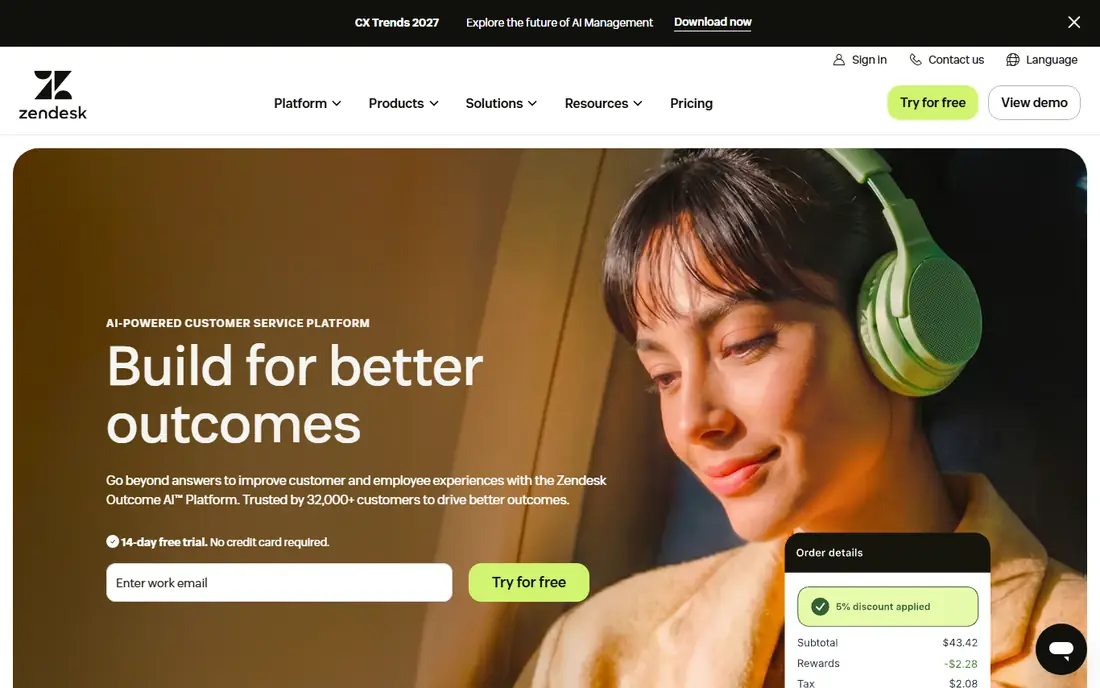
Zendesk is the default choice for teams that need a help desk to scale without changing platforms. Ticketing, a help center, live chat, and reporting sit in one system, and workflows can route, prioritize, and escalate work with detailed rules. Large teams also benefit from the marketplace, which covers common CRM, ecommerce, and phone tools.
The cost story needs care. The $19 Support Team price covers ticketing basics, while the Suite plans that most omnichannel teams need start higher. AI resolutions and Copilot add further fees, so model a realistic month with agent count, AI volume, and add-ons before you sign.
- Mature ticketing, omnichannel workspace, and reporting
- Large marketplace of integrations and apps
- Strong workflow, trigger, and SLA controls
- Entry Suite plans cost more than the basic Support Team price
- AI add-ons and Copilot fees can raise the total bill sharply
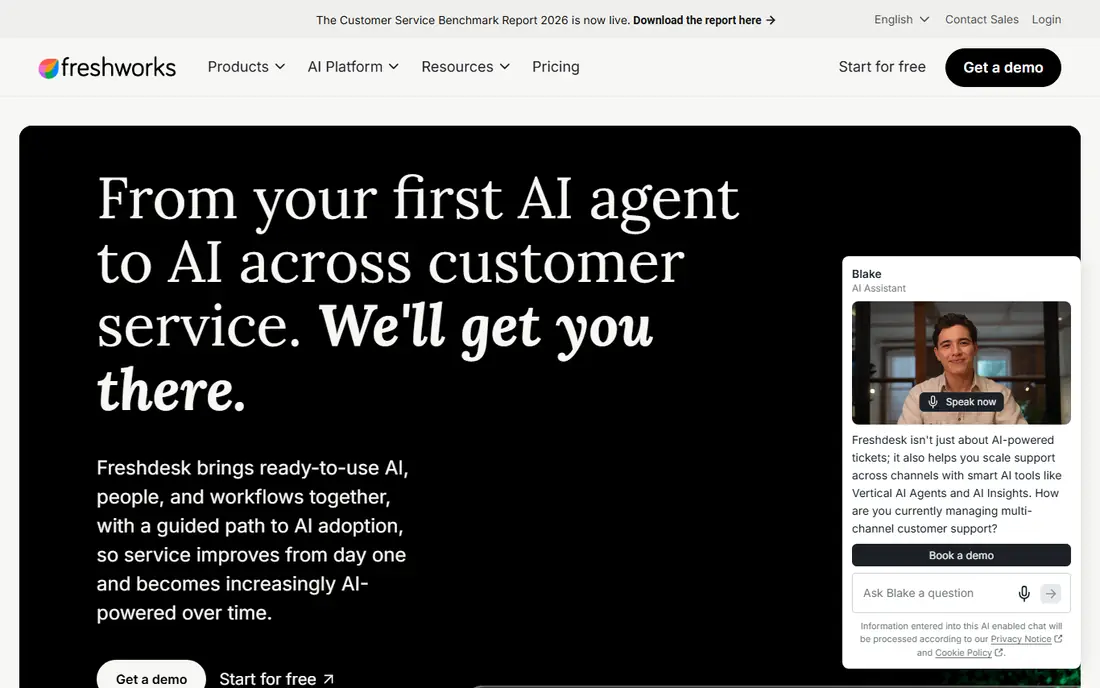
Freshdesk gives small and mid-size teams a complete help desk without enterprise pricing. Ticketing, a knowledge base, automations, and reporting are included, and setup is faster than on a heavily customized platform. Teams that mainly handle email will find the Growth plan a practical starting point.
Omnichannel teams must check the product track. Standard Freshdesk does not carry the full omnichannel workspace at every tier, so teams that need chat, SMS, and messaging in one place should price Freshdesk Omni instead. AI sessions and Copilot also add fees, so include them in the total.
- Covers ticketing, knowledge base, and automations at a lower seat price than Zendesk
- Easy setup for small and mid-size teams
- Freddy AI tools for agent help and automation
- Standard Freshdesk is email-first, so omnichannel teams need Freshdesk Omni
- AI sessions and Copilot add separate costs

Intercom suits companies whose customers already use a website or app, since support happens where the product lives. The messenger, help center, and customer data sit together, and Fin can resolve routine questions before an agent steps in. Product-led teams often prefer this flow to a ticket-only inbox.
Pricing needs a full model. The Essential seat price is only one part, and Fin outcomes add a per-outcome fee on top. Teams with high chat volume should test Fin on real questions, measure resolution quality, and budget for both seats and outcomes.
- Messenger-first support inside websites and apps
- Fin AI agent resolves common questions and hands off the rest
- Strong product tours, messages, and customer data views
- Seats and Fin outcomes are billed separately, so costs grow on both sides
- Less suited to email-only teams that do not need a messenger
Help Scout is a calm choice for small teams that live in email. The shared inbox keeps conversations in one place, assignments and internal notes stay simple, and a help center gives customers a self-service path. New agents can start quickly because the interface follows email habits they already know.
The limit is channel breadth and scale. Teams that need heavy voice, WhatsApp, or complex enterprise routing will find Help Scout narrower than Zendesk or Salesforce. For email-first support with some chat, it offers a clear balance of price, simplicity, and control.
- Shared inbox feels like email, which shortens training
- Includes a help center and Docs
- AI Answers with a spending cap for controlled AI costs
- Built around email and chat, so WhatsApp-first support is weaker
- Larger, complex contact centers may outgrow it
HubSpot Service Hub makes most sense when the business already runs on HubSpot. Support agents see CRM records, deals, and past conversations without switching systems, and managers can report on support alongside sales and marketing. Free tools give a small team a way to start without a paid plan.
Teams outside HubSpot gain less from the connection, and the price rises with seats and tiers. Check the Starter limits against your ticket volume and channel needs, and confirm onboarding costs before choosing a higher tier.
- Tickets, live chat, and help center sit next to HubSpot CRM data
- Free service tools cover up to two users
- Reporting connects support to sales and marketing data
- Full value depends on HubSpot adoption
- Higher tiers and onboarding can raise costs for larger teams
Salesforce Service Cloud is the enterprise pick for companies already standardized on Salesforce. Cases connect to accounts, contacts, orders, and custom objects, which gives agents full context without a separate CRM lookup. Automation and reporting suit large, multi-team service operations.
That depth brings complexity. Implementation, admin time, and add-on pricing can make the total cost much higher than the entry seat price suggests. Teams without Salesforce expertise should budget for setup help, and smaller teams should check whether a simpler help desk covers the same job.
- Deep CRM connection for case, account, and order data
- Strong automation, routing, and reporting for large teams
- Broad ecosystem of Service Cloud apps
- Setup and administration take real expertise
- Total cost rises with add-ons, AI features, and implementation time
Zoho Desk is the budget pick that still covers the core help desk job. Ticketing, a knowledge base, customer happiness tracking, and automation are included, and the free edition suits very small teams. Teams already using Zoho CRM, Books, or other Zoho apps gain extra value from the shared data.
The cheapest plan is not the full product. AI agents and the more useful Zia features sit on higher tiers, so check which plan includes the automation you need. For price-sensitive teams that can live without premium polish, Zoho Desk is hard to beat on entry cost.
- Lowest entry price in this list, with a free edition for up to three users
- Covers ticketing, knowledge base, and automation
- Zia AI features on higher plans
- Most useful AI features sit on higher plans
- Interface and setup feel less polished than premium rivals for some teams
Gorgias is built for online stores, and that focus shows in every ticket. Agents see order history, shipping status, and customer details beside the conversation, so order questions can be answered without switching to a separate admin panel. Ticket-based pricing also helps small stores with a lean team but steady order volume.
General support teams gain less from the ecommerce focus, and high ticket volume can push the bill past a per-seat plan. Stores should model monthly tickets, not just agent count, and check automation coverage for refunds, exchanges, and shipping questions.
- Priced by ticket volume rather than per seat, which suits lean stores
- Shows order and customer data beside each ticket
- Automations handle common order questions
- Ticket-based pricing can rise with volume
- Less suited to non-ecommerce teams that need general help desk depth
Front suits teams that manage support, sales, and operations inboxes together. The shared inbox keeps email habits intact while adding assignments, internal discussion, and automation rules. SMS and social messages can sit beside email, which helps teams that answer customers in several places.
Front is not the cheapest option, and teams that need a deep help center or complex SLA engine may prefer a full help desk. For inbox-led teams that value collaboration over ticket complexity, it offers a clear, focused workspace.
- Shared inbox still feels like email, with assignments, internal comments, and rules
- Covers email, SMS, and social messages
- Strong collaboration for team inboxes
- No free plan, and pricing rises with seats
- Less of a full ticketing and help center suite than Zendesk or Freshdesk for some teams
LiveAgent gives budget-conscious teams a broad channel mix without enterprise pricing. Ticketing, live chat, call center tools, and a knowledge base sit in one system, which suits small businesses that need voice and chat but cannot pay for a premium suite. The entry price is also lower than many rivals.
The trade is polish and depth. The interface is more functional than modern, and the best reporting and AI features require higher tiers. Teams that need a simple, affordable all-channel desk will find it practical, while teams that need deep customization should look at Zendesk or Salesforce.
- Combines ticketing, live chat, and a call center in one product
- Includes a knowledge base and automation rules
- Lower entry price than premium suites
- Interface feels less modern than newer rivals
- Advanced AI and reporting features sit on higher plans
How we picked these
We compared official pricing pages, feature pages, and current listings for customer service platforms that handle at least two support channels in one workspace. We favored platforms with a current product, clear seat or ticket pricing, and a documented trial or free tier where one exists. Where pricing was unclear or varied by add-ons, we wrote See website or used the published entry price with its billing basis.
What to check before you switch
Start with channels, not price. List every channel customers actually use, including email, chat, phone, SMS, and social, then check which plans include each one. A low seat price that leaves out a key channel will cost more in workarounds and a second tool than a higher plan that covers everything.
Next, model the full bill for a realistic month. Include seats, AI resolutions or sessions, add-ons, and any onboarding fee, and test AI tools on real tickets before committing. A platform that looks cheap on seats can become expensive once AI volume grows, while a ticket-priced tool can become expensive once ticket volume spikes.
Finally, plan migration and training. Export ticket history, test imports, and rebuild automations, macros, and help center content before launch. A short pilot with one team often reveals routing, permission, and reporting gaps that a demo hides, and it gives agents time to learn the new workspace.
Frequently asked questions
What is the main difference between Gladly and a ticket-based help desk?
Gladly organizes support around the customer and one continuous conversation, while ticket-based help desks organize work around tickets. Both can handle omnichannel support, but the daily workflow feels different for agents. Choose by whether your team thinks in customers or in tickets.
Which Gladly alternative is cheapest for a small team?
Zoho Desk and Gorgias often have the lowest entry costs, depending on whether you pay per seat or per ticket. Zoho Desk offers a free edition for up to three users, while Gorgias starts with a low monthly ticket plan. Model your team size and ticket volume before choosing on price alone.
Do these platforms offer a free trial?
Most paid platforms in this list offer a free trial, and Help Scout, HubSpot Service Hub, and Zoho Desk offer free tiers with limits. Trial length varies, so check the current trial terms on the vendor site. Use the trial with real tickets, not just a demo account.
Can I keep my ticket history when switching?
Most platforms support ticket import from common help desks, but fields, attachments, and custom data may not map perfectly. Test an import with a sample set before a full migration, and keep the old system available until the new history checks out. Plan time for cleanup after import.
Do I need AI features in a help desk?
AI can resolve routine questions and help agents draft replies, but it adds cost and needs good help center content to work well. Start with a strong knowledge base and clear macros, then add AI where ticket volume is high and answers repeat. Measure resolution quality, not just deflection.
Which platform suits an ecommerce store best?
Gorgias suits stores with order-heavy support, since it shows order data beside tickets and prices by tickets. Zendesk, Freshdesk, and Intercom also work for ecommerce, especially for larger stores with broader support needs. Choose by order volume, channels, and whether per-seat or per-ticket pricing fits better.
Sources
See where you really rank - block by block
ProMapRanker scans Google Maps across a grid of your service area. Simple monthly plans from $19, white-label on every plan.
Start freeKeep reading
 zyte alternatives
Best Zyte Alternatives in 2026
These zyte alternatives cover managed scraping APIs, proxy networks and no code tools for lawful collection from your own or consented sources only in 2026.
Read → zerto alternatives
Best Zerto Alternatives in 2026
Compare the best zerto alternatives for disaster recovery and replication, with recovery targets, cloud options and honest trade-offs for teams in 2026.
Read → zerofox alternatives
Best ZeroFox Alternatives in 2026
We compared 9 zerofox alternatives for brand protection, phishing takedowns, dark web monitoring, and social impersonation, with clear coverage notes.
Read →