 ProMapRanker
Best Gitpod Alternatives in 2026


GitHub teams, managed setup · Pricing starts at: $0.18 per hour
Key takeaways
- GitHub Codespaces is the easiest managed replacement for most GitHub-based teams.
- Coder and DevPod suit teams that want self-hosted control and devcontainer standards.
- Daytona and CodeSandbox suit fast, disposable environments for agents, demos, and front-end work.
- Google Cloud Workstations, Eclipse Che, and Codeanywhere cover Google Cloud, Kubernetes, and simple cloud IDE needs.
Quick comparison
| Pick | Great for | Pricing starts at | Free tier | |
|---|---|---|---|---|
| GitHub Codespaces | GitHub teams, managed setup | $0.18 per hour | Yes | Visit |
 Coder | Self-hosted team environments | Free | Yes | Visit |
 DevPod | Solo developers, own infrastructure | Free | Yes | Visit |
 Daytona | Fast disposable sandboxes | See website | Free trial | Visit |
 CodeSandbox | Browser front-end development | See website | Yes | Visit |
 Google Cloud Workstations | Google Cloud developers | See website | No | Visit |
 Eclipse Che | Kubernetes workspaces | Free | Yes | Visit |
 Codeanywhere | Simple cloud IDE | $12 per month | Yes | Visit |
The best Gitpod alternatives
We compared cloud development environments on hosting model, devcontainer support, IDE choice, startup speed, and pricing. Note that Gitpod became Ona and joined OpenAI during 2026, and its managed cloud offering closed to new signups. The tools below are independent alternatives, not the Gitpod product itself under a new name.
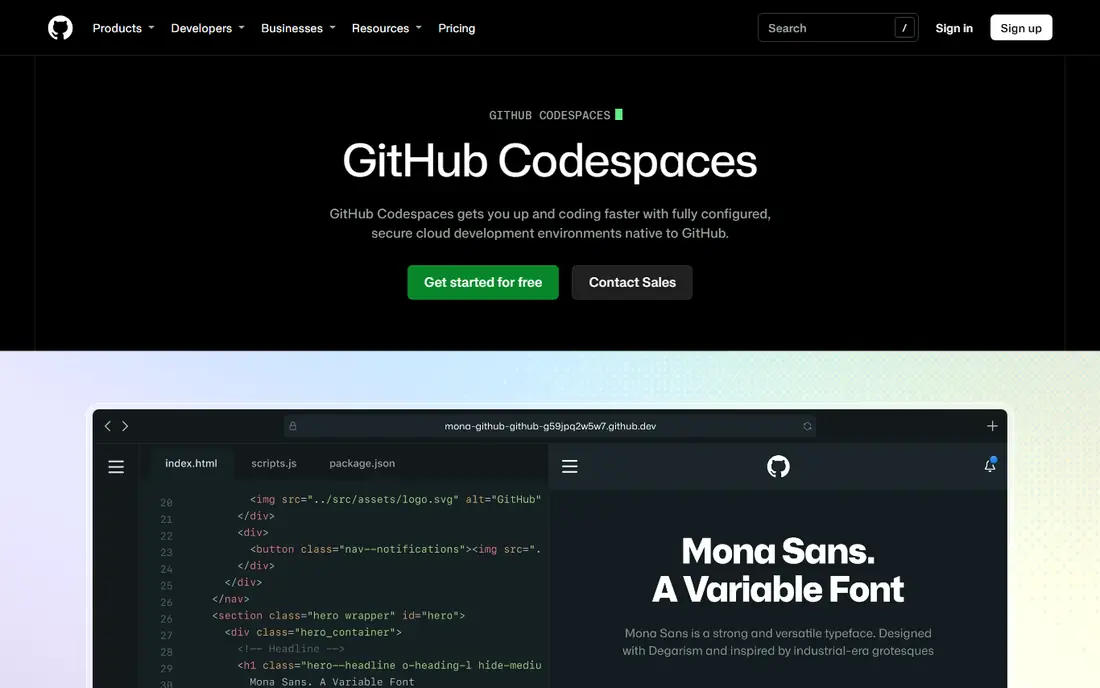
GitHub Codespaces is the default managed pick for GitHub users. A codespace spins up from a repository, installs the defined tools, and opens in a browser or local editor. Teams avoid the classic onboarding problem where each laptop has a slightly different setup.
Pricing is usage based, starting at $0.18 per hour for a two-core machine, with a free monthly allowance for personal accounts. That model suits intermittent work well. Teams with always-on environments should set spending limits and auto-stop rules, or costs can creep up.
- Managed environments straight from a GitHub repo
- Devcontainer support with prebuilds
- Browser, VS Code, and JetBrains access
- Costs rise with larger machines and long running workspaces
- Best value stays inside GitHub workflows

Coder gives platform teams a way to run cloud development environments on their own infrastructure. Templates define machines, images, and policies, and developers launch workspaces from a central dashboard. That control helps with compliance, network rules, and GPU access.
The cost is operational effort. Coder is not a sign-up-and-go service for a solo developer. For teams with twenty or more developers and an existing Kubernetes setup, the control and long-term cost profile often justify the setup work.
- Self-hosted control for platform teams
- Templates and automation for workspaces
- Open source core with paid premium tiers
- Needs a platform team to run well
- Setup effort is higher than a managed service
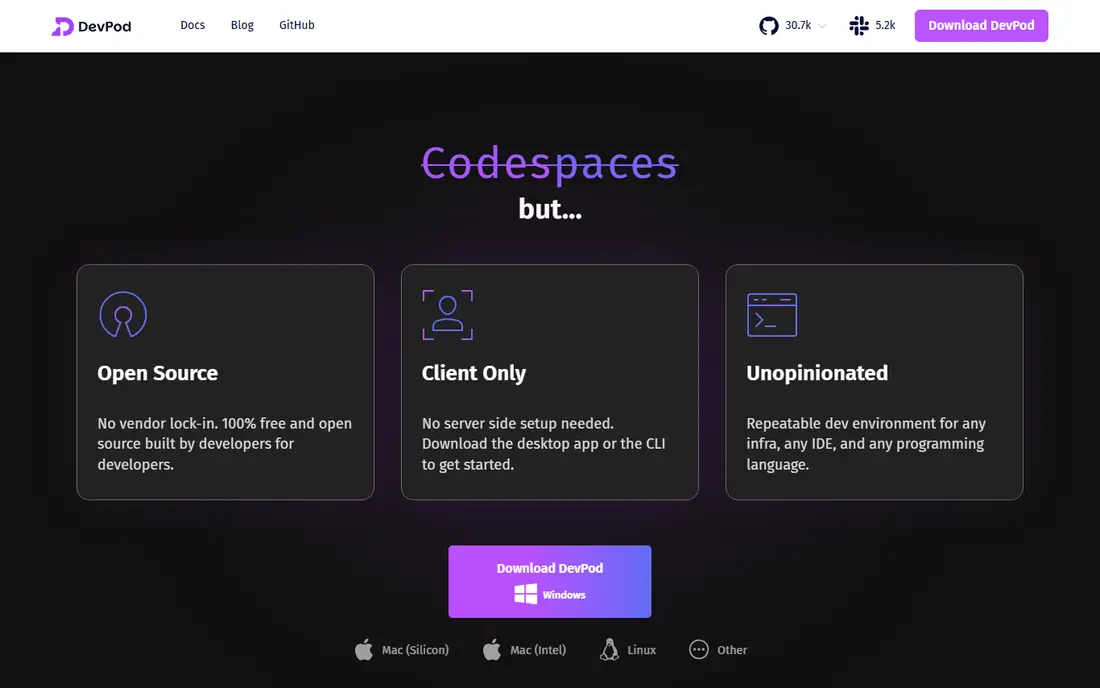
DevPod is the lightest path to a cloud development environment. It runs on your machine, provisions a devcontainer on infrastructure you choose, and connects your IDE to it. You pay only for the cloud VM or local resources you use, with no platform fee.
Team features are the gap. There is no central user management or usage dashboard comparable to Coder or Codespaces. For solo developers and small teams who value portability and low cost, DevPod remains a practical, honest choice.
- Free client-only tool
- Works with Docker, Kubernetes, SSH, and cloud VMs
- Devcontainer standard keeps configs portable
- No central team dashboard
- Recent releases have been infrequent, so check current maintenance status
Daytona focuses on environments that can be created, used, and thrown away quickly. That suits demos, support reproductions, and agent-driven tasks where a fresh, clean machine matters more than a long-lived workstation. Its API makes it easy to spin up many environments on demand.
Buyers should verify the current managed plan before committing, since Daytona moved development focus during 2026. For teams that need disposable sandboxes at scale, the speed and API design still make it worth a trial.
- Fast creation of standardised sandboxes
- API-first design for programmatic use
- Managed cloud option for teams
- Open source repo history changed during 2026, so check current managed offering
- Pricing is usage based and needs monitoring
CodeSandbox is the fastest way to start a front-end project in a browser. Templates, live preview, and sharing make it ideal for prototypes, tutorials, and client demos. A link can open a working project without any local setup.
Back-end and large monorepo teams will hit limits sooner. CodeSandbox is strongest where the browser, the preview, and fast sharing matter most. For full-stack teams, pair it with a general environment tool rather than forcing it to cover everything.
- Instant browser IDE for web projects
- Easy sharing and collaboration
- Templates for common front-end frameworks
- Less suited to heavy back-end or monorepo work
- Larger VMs need paid plans
Google Cloud Workstations suits teams already standardised on Google Cloud. Workstations run as managed VMs in your project, with access through a browser editor, local IDE, or SSH. Idle timeouts and persistent disks help balance cost and convenience.
Pricing needs careful reading. A management fee, VM charges, and disk charges combine, so a small workstation and a large workstation differ sharply in monthly cost. Google Cloud teams gain network and identity control that a generic hosted IDE cannot match.
- Managed workstations inside your Google Cloud project and network
- Persistent disks and IDE choice
- Google security controls apply
- Pricing combines management, VM, and disk charges
- Setup assumes Google Cloud familiarity
Eclipse Che is the open source, Kubernetes-native option for teams that want full control. Workspaces are defined as code, run in containers, and can be launched from a browser with a consistent toolset. That repeatability helps large engineering organisations standardise environments.
The price is effort. Running Eclipse Che well needs Kubernetes skills and ongoing maintenance. Teams without that capacity should choose a managed service. Teams with it get a flexible, vendor-neutral platform.
- Open source, Kubernetes-native workspaces
- Browser IDEs including VS Code and JetBrains options
- Devfile standard for repeatable setups
- Installation and maintenance can be complex
- Learning curve is steeper than managed services
Codeanywhere is a straightforward cloud IDE for developers who want to code from a browser without managing infrastructure. Containers, collaboration, and a free plan make it easy to try. It suits students, freelancers, and small teams with standard web stacks.
Larger platform teams will want more template control, audit features, and scale than Codeanywhere emphasises. For individual developers and small projects, its simplicity is the selling point, and the paid starting price is modest.
- Simple browser IDE with containers
- Free plan for light use
- Easy to start without infrastructure setup
- Less depth for large team platform needs
- Advanced environment features are narrower than Coder or Codespaces
How we picked these
We compared official feature pages, pricing pages, and public documentation for cloud development environments live in October 2026. We included managed, self-hosted, and client-only models so readers can match hosting control to team size. We did not claim hands-on testing, and we used See website where pricing is usage based or quote based.
How to choose a cloud development environment
Start with hosting control. Managed services are fastest to adopt but keep data and compute with the vendor. Self-hosted tools keep control in your cloud account but need a platform team. Client-only tools are cheapest but leave team management to you.
Next, check devcontainer or devfile support. A standard config file lets developers move between tools and keeps environments reproducible. A proprietary config locks you into one vendor and makes migration painful later.
Finally, test cold start and daily cost. Measure how long a fresh environment takes, how long a prebuilt environment takes, and what a typical developer day costs at your machine size. A tool that starts fast but bills for idle time can cost more than a slower tool with auto-stop. Also check editor support and extension sync, since developers will reject an environment that lacks their usual tools. Check network rules for private repositories and package registries, since a blocked registry can stall onboarding. Check how environments handle secrets, since credentials should never sit in plain text in a shared image. A short checklist covering editor, network, secrets, and cost will prevent most adoption problems. Also confirm the tool supports your language toolchains and build images, since a mismatch forces developers to maintain custom images. Confirm prebuild caching works for your main branches, since uncached builds erase the speed advantage of a cloud environment.
Frequently asked questions
What is the best Gitpod alternative?
GitHub Codespaces is the best managed replacement for most teams, especially GitHub users. Coder is better for self-hosted platform teams, and DevPod is better for solo developers who want free, portable environments. Match the pick to hosting needs first.
Is Gitpod still available?
Gitpod became Ona and joined OpenAI during 2026, and its managed cloud offering closed to new signups. Enterprise deployment in a customer cloud remains a sales-led option. Most teams looking for a Gitpod-style service should choose an independent alternative from this list.
Do cloud development environments replace local laptops?
No, they complement local machines by giving a consistent, shareable environment. Many developers still use a local IDE connected to a cloud environment. That hybrid setup gives local editing speed with cloud consistency.
How much do cloud development environments cost?
Costs range from free client tools, where you pay only for your own cloud VM, to usage based managed services such as Codespaces from $0.18 per hour. Self-hosted platforms add infrastructure costs but no per-developer platform fee in their free tiers.
What is a devcontainer?
A devcontainer is a configuration file that defines the tools, extensions, and settings for a development environment. It lets any developer launch the same setup from the same repository. Tools that support this standard make onboarding and environment changes far more reliable.
Sources
See where you really rank - block by block
ProMapRanker scans Google Maps across a grid of your service area. Simple monthly plans from $19, white-label on every plan.
Start freeKeep reading
 zyte alternatives
Best Zyte Alternatives in 2026
These zyte alternatives cover managed scraping APIs, proxy networks and no code tools for lawful collection from your own or consented sources only in 2026.
Read → zerto alternatives
Best Zerto Alternatives in 2026
Compare the best zerto alternatives for disaster recovery and replication, with recovery targets, cloud options and honest trade-offs for teams in 2026.
Read → zerofox alternatives
Best ZeroFox Alternatives in 2026
We compared 9 zerofox alternatives for brand protection, phishing takedowns, dark web monitoring, and social impersonation, with clear coverage notes.
Read →