 ProMapRanker
Best Gigapixel AI Alternatives in 2026

Key takeaways
- Gigapixel AI is Topaz Labs image upscaling software, so the alternatives here focus on enlarging photos while rebuilding detail, not just stretching pixels.
- ON1 Resize AI suits large-format print work, Upscayl suits free offline use, and Adobe Super Resolution suits photographers already in Creative Cloud.
- Web tools are fastest for one-off images, while desktop tools give better batch control and privacy for client work.
- Only upscale images you own or have a licence to use, and check the output at full size before printing, since AI detail can look different up close.
Quick comparison
| Pick | Great for | Pricing starts at | Free tier | |
|---|---|---|---|---|
 ON1 Resize AI | Large-format print photographers | See website | No | Visit |
 Upscayl | Free offline upscaling | Free | Yes | Visit |
 Lets Enhance | Quick cloud upscaling for web and print | $9 per month | Yes | Visit |
 VanceAI | Flexible web and desktop upscaling | See website | Yes | Visit |
 Adobe Super Resolution | Creative Cloud photographers | See website | No | Visit |
 Aiarty Image Enhancer | High-fidelity desktop upscaling | See website | Yes | Visit |
 Magnific AI | Creative upscaling with generative detail | $39 per month | No | Visit |
 Bigjpg | Anime and illustration upscaling | $9 per month | Yes | Visit |
 HitPaw Photo Enhancer | Simple desktop enhancement and upscaling | See website | Yes | Visit |
The best gigapixel ai alternatives
Topaz Gigapixel AI enlarges images with AI models tuned for different source material, from photos to illustrations. The tools below offer a similar job with different trade-offs in price, print control, offline processing, and output style. We compared them on enlargement quality, batch handling, platform, and how clearly pricing is published.
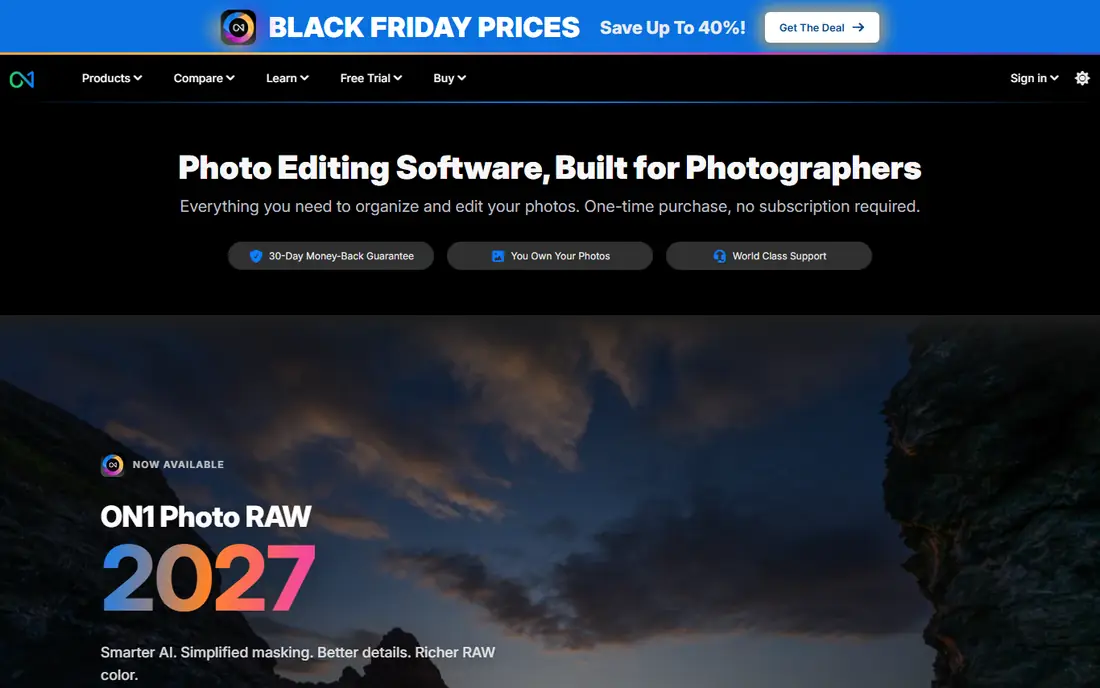
ON1 Resize AI is the print-first pick in this list. It handles large-format output, canvas wrap, tiling, and geometry controls that matter when an image must fill a poster or gallery print, not just look good on screen. Photographers who already use ON1 Photo RAW will find the workflow familiar, and standalone licences suit owners who prefer to buy rather than subscribe.
ON1 is more tool than a casual user needs for a single social image, and pricing varies by standalone licence or bundle, so check the current store page before buying. For print work, though, that extra control is the point. Test it on your largest intended print size, since flaws that hide on screen show clearly at poster scale.
- Print-focused resizing and geometry controls
- Standalone licence options
- Photoshop and Lightroom integration
- Price varies by licence and bundle
- Heavier tool if you only need a quick web upscale
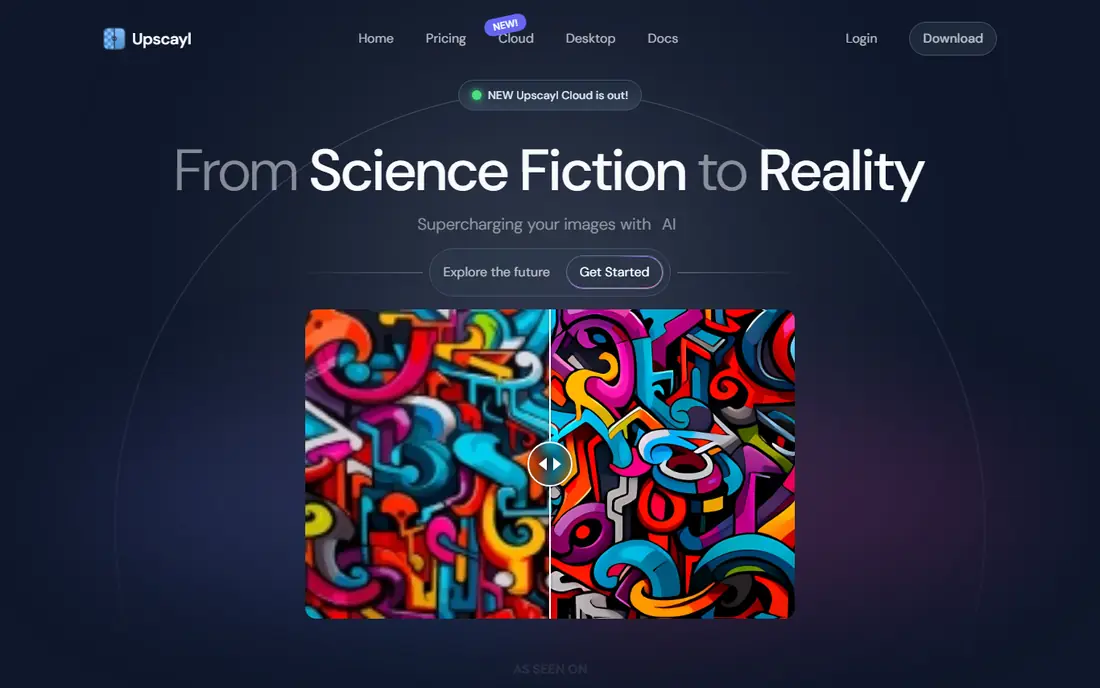
Upscayl is the best free option here, and it runs on your own computer rather than sending images to a cloud server. That local processing suits client work and private photos, and the open-source models give control over which model fits your image type. It supports Windows, macOS, and Linux, with batch handling for larger jobs.
The trade is hardware and polish. Larger upscales need a decent GPU, and the interface assumes more technical comfort than a one-click web tool. If you have a capable machine and want free, private upscaling without a subscription, Upscayl is hard to beat. If you need a polished one-click result on a weak laptop, a cloud tool may be faster.
- Free and open source
- Runs locally for privacy
- Multiple models and up to 16x in some workflows
- Needs a capable computer for larger jobs
- Interface is more technical than web tools
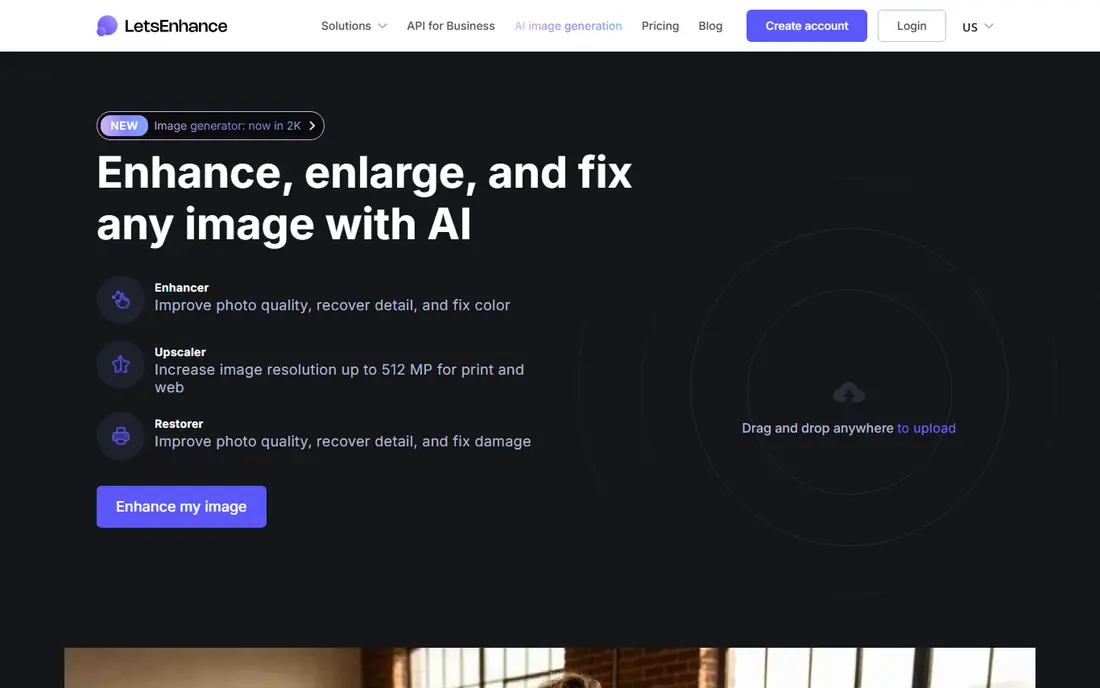
Lets Enhance is the quick web pick, with browser-based upscaling that needs no install and works on any computer. It handles photos, artwork, and ecommerce images, with models and sliders for output control. Paid plans start near 9 dollars per month, and a free credit allowance lets you test output before paying.
Credit pricing means you should count images, not just months. A plan that looks cheap can run out quickly if you upscale large batches, and free credits will not cover a full archive project. For one-off images, client proofs, and web use, Lets Enhance is fast and convenient. For heavy batch work, a desktop licence may be cheaper over a year.
- Browser-based and easy to use
- Up to 16x on some plans
- No software install
- Credit-based pricing
- Free credits are limited
VanceAI covers both web and desktop workflows, which suits photographers who want quick cloud results for some jobs and local batch processing for others. Web plans offer 2x, 4x, or 8x upscaling with credit-based billing, while the desktop version supports local batch work on Windows and Mac. That flexibility helps mixed workflows where some images are sensitive and some are not.
The split between web and desktop plans can confuse pricing, since a web subscription does not automatically cover every desktop feature. Check which plan matches your actual workflow before paying, and test the same image on both routes if you plan to use both. For varied work, VanceAI gives more routes than a web-only or desktop-only tool.
- Web and desktop options
- Up to 8x on web plans
- Batch processing on desktop
- Credit-based web pricing
- Desktop and web plans differ
Adobe Super Resolution is the obvious pick if you already pay for Creative Cloud, since it lives inside Lightroom and Adobe Camera Raw. It doubles linear resolution, giving a 4x pixel increase, and it works well on RAW files without leaving your editing workflow. For photographers who already catalogue and edit in Lightroom, that integration saves more time than any standalone feature list suggests.
Super Resolution is not a standalone purchase, so non-subscribers must buy into Creative Cloud to use it. It also caps at 4x in the main workflow, which is less than some dedicated upscalers offer. If you already subscribe and need clean enlargements inside your normal edit, use it first before buying another tool.
- Built into Lightroom and Camera Raw
- Fast RAW enhancement
- No extra app to learn
- Requires a Creative Cloud plan
- 4x limit in the main workflow
Aiarty Image Enhancer targets photographers who want natural detail recovery rather than an over-sharpened look. It runs on desktop, supports batch processing, and offers manual controls for users who want to tune output rather than accept a single automatic result. Independent tests have praised its balance of sharpness and natural texture on real photos.
Aiarty pricing varies by yearly or lifetime licence and by promotion, so check the current store page rather than relying on an older review. It is also a desktop tool at heart, so web-only users will prefer a cloud option. For a photo archive or client batch, Aiarty is a strong desktop rival to Gigapixel.
- Desktop batch processing
- High-fidelity detail recovery
- Manual controls
- Yearly and lifetime pricing varies by promotion
- Desktop only for full features
Magnific AI suits creative work where the goal is a striking enlarged image rather than a strictly faithful photo restoration. It offers up to 16x upscaling with generative detail, which can rescue low-resolution art, AI-generated images, and design assets that other tools leave soft. The web interface makes it easy to test different styles without installing software.
That generative strength is also its main caution. Magnific can invent texture that was not in the original, which is fine for art but risky for documentary photos, evidence, or client work where accuracy matters. At near 39 dollars per month, it is also one of the pricier tools here. Use it for creative enlargement, and check outputs closely before delivering them as faithful photos.
- Up to 16x creative upscaling
- Generative detail for art and design
- Web based
- Higher price
- Generative detail can invent texture not in the original
Bigjpg is built for anime, comics, and illustration, where line art and flat colour need different handling from photographic texture. It offers up to 16x upscaling, with a free tier for small jobs and paid plans near 9 dollars per month for larger work. Illustrators and publishers working with scanned or low-resolution artwork will find its models more faithful to line work than a generic photo upscaler.
Bigjpg is less impressive on detailed photographs, where a photo-tuned tool like ON1, Aiarty, or Adobe Super Resolution will usually give a cleaner result. Free tier limits also mean larger illustration batches need a paid plan. Choose Bigjpg when your source material is mostly illustration, not when it is mostly photos.
- Tuned for anime and line art
- Up to 16x
- Web based with API options
- Less suited to detailed photos
- Free tier has limits
HitPaw Photo Enhancer, also sold as HitPaw FotorPea in some listings, offers a simple desktop route to upscaling and enhancement. It suits users who want one app to enlarge, denoise, and sharpen photos without learning a full editor. High-resolution output and batch options help for ecommerce and social work, where many images need the same treatment.
The free tier can add a watermark, so paid plans are needed for clean client delivery, and pricing varies by monthly or longer billing. HitPaw also leans toward ease over fine model control, so photographers who want to pick a specific AI model for each image type may prefer Gigapixel, ON1, or Aiarty. For straightforward desktop enhancement, it is a friendly middle ground.
- Simple desktop workflow
- High-resolution output
- Photo enhancement alongside upscaling
- Free tier adds watermark in some cases
- Subscription pricing varies
How we picked these
We compared official product pages, pricing pages, and independent upscaler tests published in 2026. We kept only tools that enlarge images with AI or advanced detail rebuilding, that are actively sold or maintained today, and that work for photos, print, or illustration. We left out generic photo editors without a dedicated upscaling workflow, and we did not list Gigapixel itself, since this list is about alternatives to it.
What to check before you upscale for print or clients
Start with the source file, not the tool. A heavily compressed or tiny original will not become a sharp large print no matter which upscaler you use, and generative tools may invent detail that looks plausible but is not real. Test your worst real file, not a clean demo image, and view the result at 100 percent and at your intended print size. Check faces, text, fabric, and fine lines, since those areas show artefacts first.
Next, check rights, format, and batch cost. Only upscale images you own or have a licence for, export in a format your printer or client accepts, and count batch credits or desktop time before committing to a large archive job. A web tool may be cheapest for ten images and expensive for ten thousand, while a desktop licence may be the reverse. Match the tool to the volume, not just the single-image quality.
Frequently asked questions
What is Gigapixel AI?
Gigapixel AI is Topaz Labs image upscaling software that enlarges photos and illustrations while rebuilding detail with AI models. It is used for print, restoration, and enlarging low-resolution images for professional delivery.
Which Gigapixel alternative is best for print?
ON1 Resize AI is the strongest print-first pick here, thanks to large-format, canvas, and geometry controls. Adobe Super Resolution and Aiarty are also strong for photographers, but ON1 gives the most print-specific workflow.
Is there a free Gigapixel alternative?
Upscayl is free and open source, and it runs locally on Windows, macOS, and Linux. Lets Enhance, VanceAI, and Bigjpg also offer free tiers or credits, but those are limited compared with a full desktop licence.
Can AI upscaling restore a very blurry photo?
It can improve sharpness and detail, but it cannot recover information that was never in the original file. Generative tools may invent plausible texture, so check results carefully before using them for documentary or client work.
Should I use a web or desktop upscaler?
Web tools are fastest for one-off images and weak computers, while desktop tools give better privacy, batch control, and long-term cost for large jobs. Many photographers use both, with web for proofs and desktop for final delivery.
Sources
See where you really rank - block by block
ProMapRanker scans Google Maps across a grid of your service area. Simple monthly plans from $19, white-label on every plan.
Start freeKeep reading
 zyte alternatives
Best Zyte Alternatives in 2026
These zyte alternatives cover managed scraping APIs, proxy networks and no code tools for lawful collection from your own or consented sources only in 2026.
Read → zerto alternatives
Best Zerto Alternatives in 2026
Compare the best zerto alternatives for disaster recovery and replication, with recovery targets, cloud options and honest trade-offs for teams in 2026.
Read → zerofox alternatives
Best ZeroFox Alternatives in 2026
We compared 9 zerofox alternatives for brand protection, phishing takedowns, dark web monitoring, and social impersonation, with clear coverage notes.
Read →