 ProMapRanker
Best Frontify Alternatives in 2026

Key takeaways
- Frontify pairs brand guidelines with asset storage, so the closest replacements either do both or pair a strong DAM with a separate guidelines tool.
- Most enterprise DAM platforms in this list use custom quotes, while Pics.io, Cloudinary, and Dash publish clearer starting prices.
- Teams that mainly share approved assets with partners should weigh portals, permissions, and search more heavily than template libraries.
- Small teams often get more value from a simpler DAM than from an enterprise platform that needs weeks of setup.
Quick comparison
| Pick | Great for | Pricing starts at | Free tier | |
|---|---|---|---|---|
 Bynder | Enterprise brand governance | See website | No | Visit |
 Brandfolder | Asset distribution and analytics | See website | No | Visit |
 Canto | Mid-market DAM with fast adoption | See website | No | Visit |
 Acquia DAM | Enterprise DAM with product data | See website | No | Visit |
 MediaValet | Video-heavy enterprise libraries | See website | No | Visit |
 Aprimo | Marketing work plus DAM | See website | No | Visit |
 Pics.io | Small teams on Google Drive or S3 | $100 per month | Free trial | Visit |
 Cloudinary | Media delivery plus DAM | Free | Yes | Visit |
 Dash | Growing ecommerce brands | $109 per month | Free trial | Visit |
The best Frontify alternatives
These nine options cover the same ground as Frontify in different ways, from full enterprise brand platforms to lighter asset libraries. We compared official feature pages, pricing pages, and public documentation to judge fit, not just feature lists.
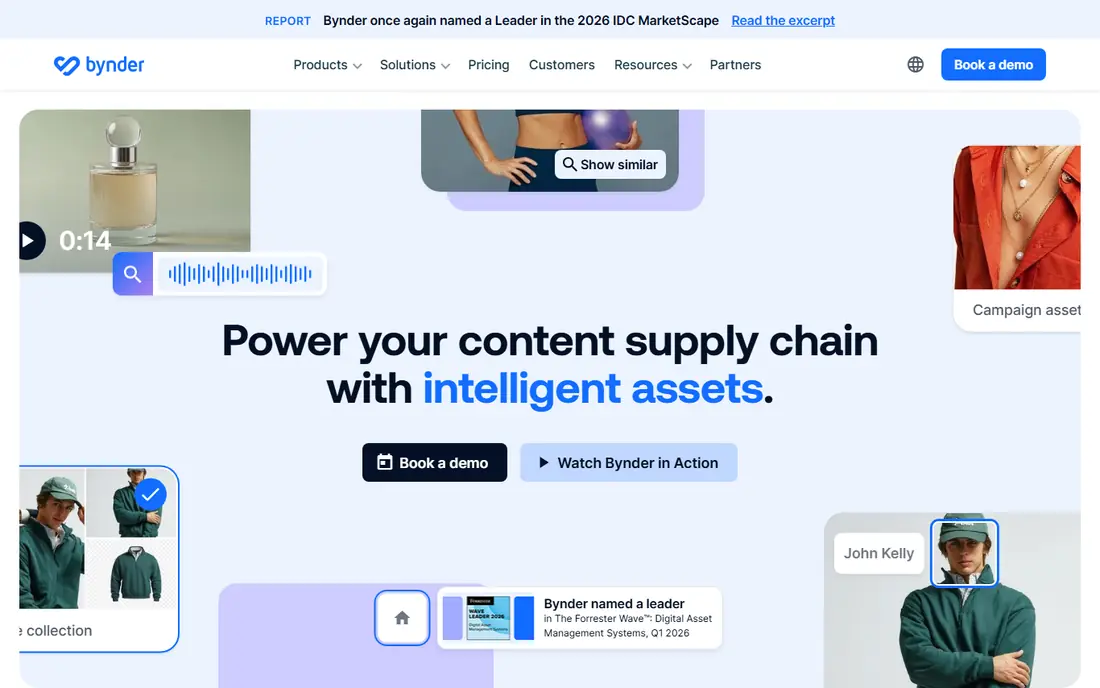
Bynder suits large brands that need strict control over how logos, templates, and campaign files are used across regions. Its brand portals give partners one approved place to find assets, and permission controls help keep outdated files out of circulation. Teams that work with many agencies often value the approval workflows, which route assets through review before they go live.
The trade-off is cost and complexity. Pricing is quoted for each account, so budgeting requires a sales conversation and a clear list of users, storage, and modules. Smaller teams may find the platform more than they need, especially if they only want a searchable library and a few shared folders.
- Strong brand portals
- Configurable approvals
- Broad integrations
- Custom pricing only
- Setup can take time for large libraries
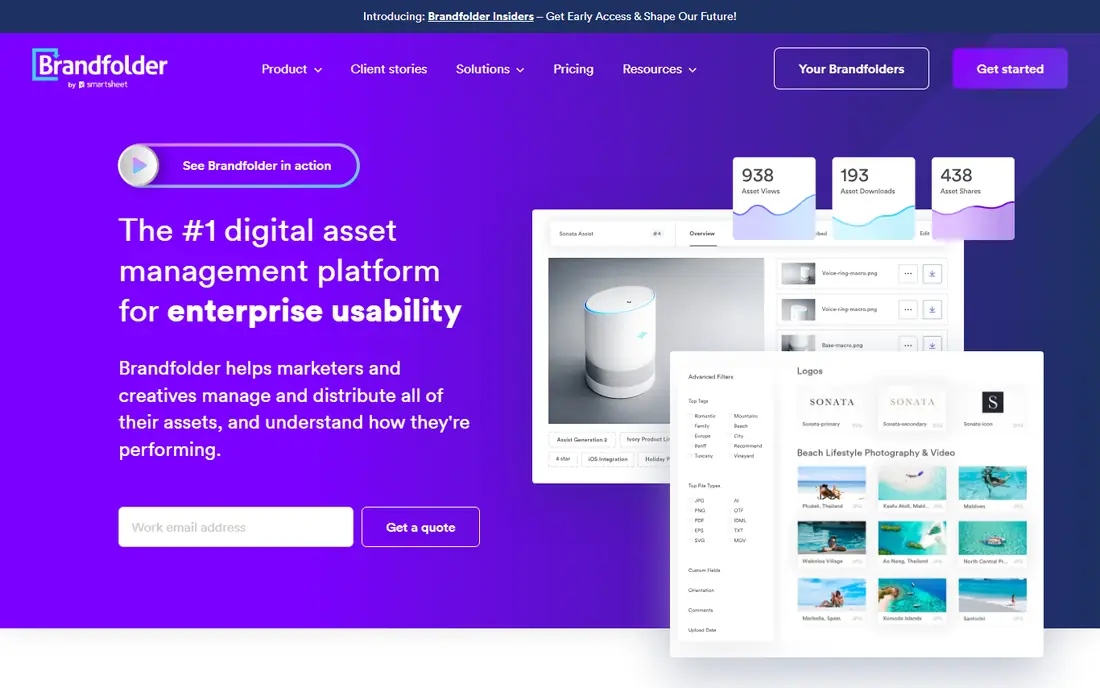
Brandfolder, part of Smartsheet, focuses on getting approved assets into the hands of people who need them and showing how those assets are used. Usage analytics help marketing leaders see which files partners actually download, which can guide what to update or retire. Its portals also suit distributed teams that cannot rely on email attachments or shared drives.
The main drawback is pricing transparency. Brandfolder does not publish a standard price, so teams must request a quote and check what storage, users, and analytics are included. That makes side-by-side budgeting harder than with tools that publish a monthly rate.
- Clear asset analytics
- Strong portals
- Smartsheet ecosystem links
- Custom pricing only
- Costs can rise with scale

Canto appeals to mid-sized teams that want a proper DAM without a long implementation project. Search, visual browsing, and smart albums make it easier for non-technical staff to find the right file quickly. Sharing controls let teams send assets to agencies or retailers without giving full library access.
Pricing is the friction point. Canto lists plan names but requires a quote, so the final cost depends on storage, users, and the tier chosen. Teams should ask early which features, such as AI tagging, are included in the quoted tier rather than assuming they are standard.
- Easy search and sharing
- Visual organization
- Smart albums
- Custom pricing only
- Advanced features sit in higher tiers
Acquia DAM, formerly Widen, fits organizations that manage large asset libraries alongside product information and multi-channel publishing. Central storage, workflow automation, and controlled delivery help teams keep product images and marketing files consistent. Companies already using Acquia products may also gain from shared account and support arrangements.
For smaller teams, Acquia DAM is likely too heavy. It is priced by quote, and implementation can involve metadata design, migration, and training. That effort pays off at scale, but it is hard to justify for a team with a few thousand assets and simple sharing needs.
- Centralized asset control
- Workflow automation
- Widen heritage
- Enterprise pricing
- Longer implementation for complex setups
MediaValet stands out for organizations with large video libraries, since it handles video search, preview, and sharing as a core strength rather than an add-on. Unlimited users on its plans can also help when many partners, agencies, and regional teams need access. Hosting on Azure may matter to IT teams with existing Microsoft arrangements.
The cost model still requires a quote, and the platform is aimed at enterprise buyers. Teams that mainly store images and documents may not need its video depth, and they may prefer a tool with a published price and a faster start.
- Unlimited users on plans
- Strong video handling
- Azure hosting
- Custom pricing only
- Enterprise focus may overwhelm small teams
Aprimo goes beyond asset storage by linking DAM to marketing planning, budgeting, and content workflows. That combination suits marketing departments that want assets, campaign plans, and approvals in one system. Governance controls help large teams keep brand and rights information attached to each file.
Breadth is also its weakness. Aprimo covers a lot of ground, so teams that only need a DAM may pay for workflow features they never use. A demo should focus on the exact asset tasks your team does daily, not on the full platform tour.
- Combines DAM with marketing workflow
- Strong governance
- Content planning
- Custom pricing only
- Broad scope needs careful setup
Pics.io takes a different approach by adding DAM features on top of Google Drive or Amazon S3, rather than asking teams to move every file into a new vault. That can shorten migration a great deal for teams already organized in Drive. Visual search and metadata tools help turn a folder pile into a searchable library.
The catch is that storage and access still depend on the underlying Drive or S3 setup, so permissions and costs need checking in both places. It also lacks some of the deep governance and portal features found in enterprise DAM platforms, which matters less for small teams and more for global brands.
- Layers DAM over existing storage
- Visual search
- Lower starting price
- Depends on Drive or S3 storage
- Fewer enterprise governance tools
Cloudinary suits teams that need to store, transform, and deliver images and video at scale, especially on websites and apps. Its free tier lets small teams test the platform, and paid plans add storage and transformation capacity. Automatic transformations, such as resizing and format changes, save design time for web publishing.
It is less of a direct Frontify replacement for brand guidelines. Cloudinary does DAM and delivery well, but teams that need rich guideline pages and template governance may need a second tool or a different pick from this list. Developer comfort also helps, since its strengths show most in a technical workflow.
- Free starting tier
- Media transformation
- CDN delivery
- Developer leaning
- DAM features less focused on brand guidelines
Dash targets fast-growing ecommerce and direct-to-consumer brands that want a simple DAM without enterprise sales cycles. Every plan includes the core features, and unlimited users mean a growing team does not pay per seat as it hires. The Shopify link helps product teams keep store imagery in step with the library.
The limit to watch is scale. Pricing depends in part on asset counts and downloads, so a brand with a very large library should confirm the tier that fits before signing up. Dash also lacks some enterprise governance depth, but for its target buyer that simplicity is the point.
- Published pricing
- Unlimited users
- Shopify integration
- Less enterprise depth
- Asset and download limits shape cost
How we picked these
We compared official product pages, pricing pages, and public documentation for brand and DAM platforms that cover Frontify ground: asset storage, search, sharing, permissions, and brand control. We favored tools that are actively sold in October 2026, that publish enough detail to judge fit, and that span enterprise, mid-market, and small-team budgets. Where a vendor does not publish a price, we wrote See website rather than repeating a third-party estimate as fact.
What to check before you switch
Start with the job your team actually does each week. Count how many people need to upload, approve, and download assets, and note whether partners outside the company need portal access. A tool with strong portals saves time for partner-heavy teams, while a tool with strong search saves time for internal creative teams.
Guidelines, templates, and approvals
If Frontify guidelines and templates are central to your work, shortlist tools that treat guidelines as a first-class feature, not as a folder of PDFs. Ask vendors to show how a guideline page is built, how templates are locked, and how an outdated asset is retired from every portal at once.
Migration and total cost
Ask for a migration plan, including metadata mapping and a test import, before you judge a quote. Check storage limits, user limits, and which features sit in higher tiers, since those details often decide the real annual cost. A short paid pilot with a real subset of assets tells you more than a sales demo.
Frequently asked questions
Is Frontify itself a DAM or a brand guidelines tool?
Frontify covers both areas, with brand guidelines, templates, and digital asset management in one platform. That is why some replacements here are pure DAM tools, while others add guidelines or workflow features.
Which Frontify alternative is best for a small team?
Pics.io, Cloudinary, and Dash are the most accessible starting points in this list, thanks to published prices and lighter setup. Dash fits ecommerce brands, Pics.io fits teams already on Drive or S3, and Cloudinary fits teams focused on web media delivery.
Do any of these tools publish their prices?
Yes, in part. Pics.io, Cloudinary, and Dash publish starting prices, while the enterprise tools in this list generally require a custom quote. Always confirm storage, users, and included features in writing before comparing quotes.
Can I migrate assets from Frontify to another DAM?
Most DAM vendors offer migration help, but the effort depends on metadata quality and file volume. Export a sample set first, test how tags and permissions transfer, and budget time for cleanup of duplicate or outdated files.
Do I need brand guidelines features, or is a DAM enough?
A DAM alone is enough if your main need is storing and sharing approved files. If teams need written rules, do-and-do-not examples, and locked templates, choose a platform with dedicated guidelines features or keep a separate guidelines tool.
What should I ask in a DAM demo?
Ask the vendor to search for a real asset using a vague description, share it with an outside partner, and retire an outdated version. Those three tasks reveal search quality, permission control, and governance better than a feature checklist.
Sources
See where you really rank - block by block
ProMapRanker scans Google Maps across a grid of your service area. Simple monthly plans from $19, white-label on every plan.
Start freeKeep reading
 zyte alternatives
Best Zyte Alternatives in 2026
These zyte alternatives cover managed scraping APIs, proxy networks and no code tools for lawful collection from your own or consented sources only in 2026.
Read → zerto alternatives
Best Zerto Alternatives in 2026
Compare the best zerto alternatives for disaster recovery and replication, with recovery targets, cloud options and honest trade-offs for teams in 2026.
Read → zerofox alternatives
Best ZeroFox Alternatives in 2026
We compared 9 zerofox alternatives for brand protection, phishing takedowns, dark web monitoring, and social impersonation, with clear coverage notes.
Read →