 ProMapRanker
Frontend Cloud Platform With Best Performance in 2026

Key takeaways
- Cloudflare Pages stands out for global edge delivery and unlimited bandwidth on its free tier, based on vendor and comparison sources.
- Vercel stands out for Next.js performance and developer experience, since the same company builds both the framework and the platform.
- Netlify stands out for framework choice and built-in features, but its credit based pricing needs a close read.
- We report only performance claims from published sources, and we recommend testing your own build on each platform before you choose.
Quick comparison
| Pick | Great for | Pricing starts at | Free tier | |
|---|---|---|---|---|
 Vercel | Next.js performance | $20 per user per month | Yes | Visit |
 Netlify | Framework choice and features | $19 per month | Yes | Visit |
 Cloudflare Pages | Global edge delivery | $5 per month | Yes | Visit |
 AWS Amplify | AWS ecosystem hosting | See website | Yes | Visit |
 Firebase Hosting | Google ecosystem hosting | See website | Yes | Visit |
 Render | Full stack static hosting | See website | Yes | Visit |
 Azure Static Web Apps | Microsoft ecosystem hosting | See website | Yes | Visit |
 GitHub Pages | Simple docs and portfolios | Free | Yes | Visit |
 DigitalOcean App Platform | Simple cloud hosting | See website | No | Visit |
The best frontend cloud platforms for performance
We compared vendor docs and published platform comparisons, focusing on edge delivery, build behaviour, caching and pricing, rather than inventing benchmark numbers for your site.
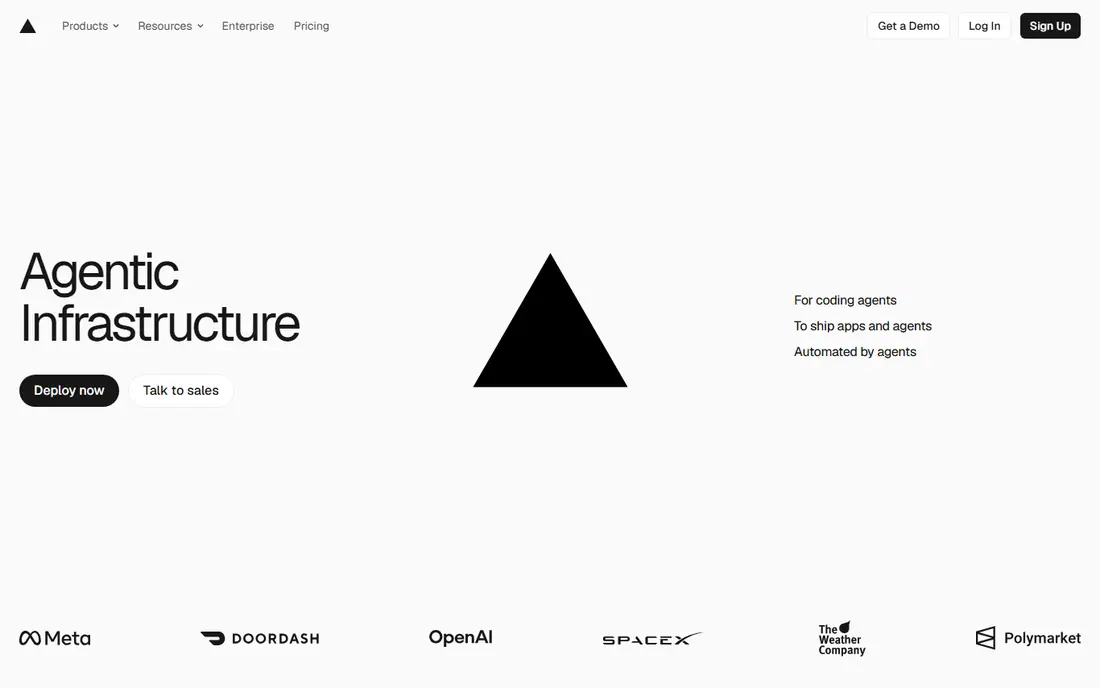
Vercel is the natural performance pick for Next.js sites, because Vercel builds Next.js and tunes its platform for that framework. Features such as image optimisation, incremental static regeneration and edge middleware work with little configuration, which removes a common source of slow pages. Preview deploys also make it easier to catch performance regressions before they reach production.
The catch is pricing and scope. The free Hobby plan does not cover commercial use, and Pro pricing is per user, so a larger team pays more even if traffic stays modest. If your site is not Next.js, compare Vercel with Netlify and Cloudflare Pages on your actual framework before you assume it will be fastest.
- Native Next.js support
- Global edge network
- Preview deploys for every change
- Hobby plan is for personal, non-commercial use
- Costs grow with team size and usage
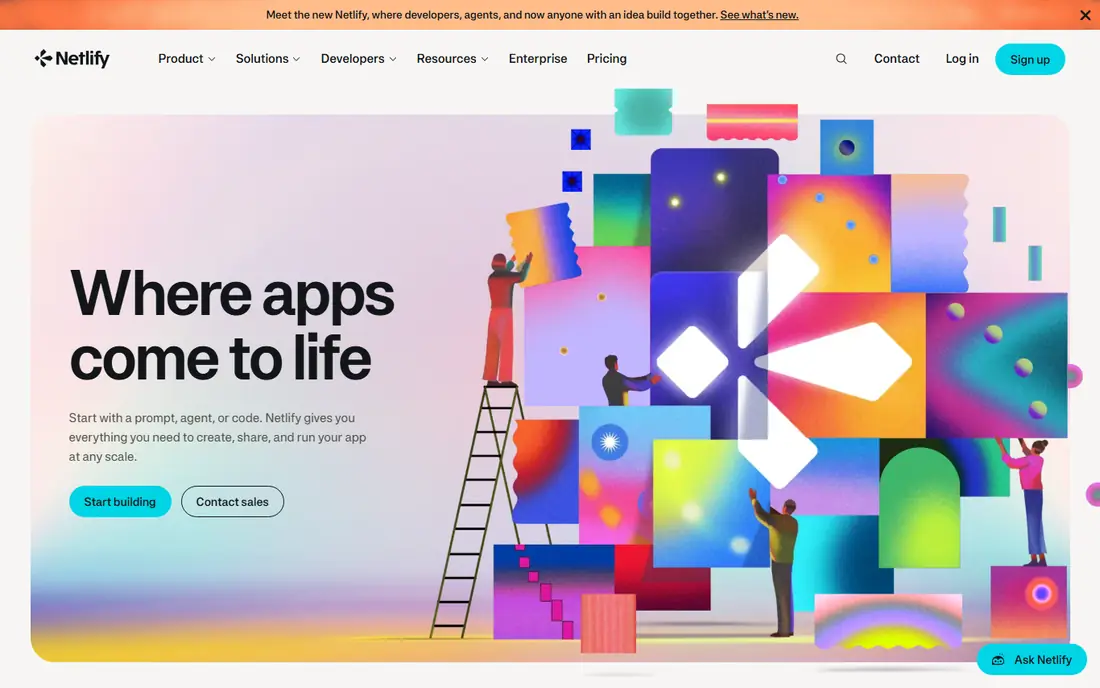
Netlify suits teams that build with many frameworks and want useful extras in one place. Forms, serverless functions, edge functions and deploy previews are built in, which saves time compared with wiring separate services together. Its framework adapters cover Astro, Nuxt, SvelteKit and others, so a team with mixed sites can standardise on one platform.
Performance claims need a careful read. Published comparisons note that Netlify Next.js builds go through an adapter, which can add build and runtime friction compared with native support. Its move to credit based billing also means builds, bandwidth and function use draw from one pool, so test a typical month before you commit.
- Broad framework support
- Built-in forms and functions
- Strong preview and collaboration tools
- Credit based pricing can be hard to forecast
- Next.js support uses an adapter
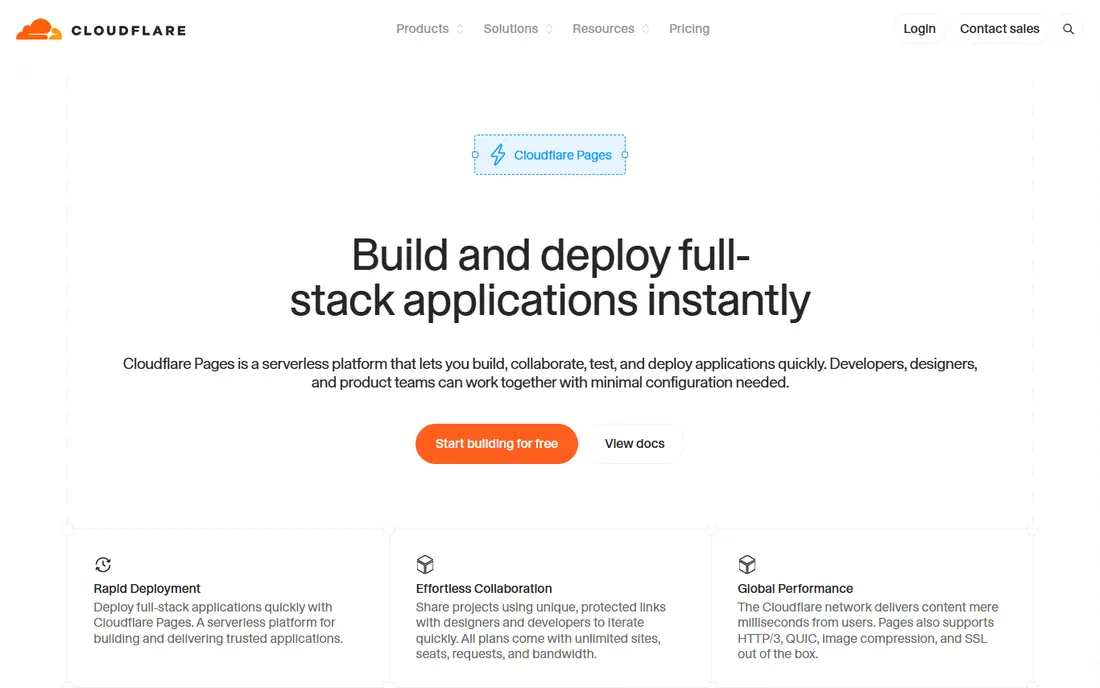
Cloudflare Pages is the performance value pick for static and edge heavy sites. Its global network serves cached content close to visitors, and published comparisons highlight unlimited bandwidth on the free tier, which removes a common overage worry. Workers integration also lets you add dynamic logic at the edge without a separate origin server.
The trade-off is framework fit. Next.js support uses OpenNext, and some Node.js modules and rendering patterns face edge runtime limits. For Astro, Hugo, Jekyll or plain static sites, that matters less, and the edge network advantage is clearer. Test your build, especially if it relies on server features.
- Large global edge network
- Unlimited bandwidth on the free tier
- Workers integration for dynamic parts
- Next.js runs through OpenNext with some runtime limits
- Setup can feel more manual
AWS Amplify suits teams already on AWS who want frontend hosting tied to backend services. Hosting uses a global CDN, and Amplify connects to Cognito for auth, DynamoDB or other data stores, and Lambda for functions. That makes it a good fit for full stack apps that already live in AWS.
The drawback is complexity and billing detail. Build minutes, storage, data transfer and request counts are billed separately, and a new account free tier lasts for a limited period. Keep an eye on usage in the AWS console, and compare total cost with a simpler frontend platform if you only need static hosting.
- Pay as you go pricing
- Global CDN delivery
- Easy link to AWS auth, data and functions
- Pricing has many parts
- AWS console depth can overwhelm small teams
Firebase Hosting is a clean choice for single page apps and static sites in the Google ecosystem. Deploys are simple, SSL is included, and the global CDN serves content quickly for most visitors. It pairs well with Firebase Authentication and Firestore when you need login and data without running your own backend.
The limit is server side work. Firebase Hosting is strongest for static content, and heavier server rendering or complex backends may fit better on Vercel, Amplify or a full stack platform. Check the Spark free tier limits and Blaze pay as you go rates before a high traffic launch.
- Fast global CDN for static and single page apps
- Simple deploys
- Links to Firebase auth and data
- Pay as you go Blaze pricing needs care at scale
- Less suited to complex server rendering
Render suits teams that want a static frontend and a small backend on the same platform. You can deploy a site from Git, add a web service or database, and keep the whole project in one dashboard. That simplicity helps small teams move fast without managing several vendors.
Performance is less about marketing and more about your instance choice, region and caching setup. Free tiers are useful for testing, but production sites should use paid instances and check response times from the regions your visitors actually use. Compare Render with Vercel or Cloudflare Pages if pure frontend speed is the top goal.
- Static sites plus backends in one place
- Simple deploys from Git
- Free static hosting tier
- Performance depends on instance and region choice
- Free instances have limits
Azure Static Web Apps fits teams already on Microsoft Azure or GitHub. It deploys from GitHub Actions, serves content globally, and connects to Azure Functions for APIs. That makes it a practical choice for enterprise teams that need Azure compliance, identity and billing in one place.
The catch is that the advantage narrows outside Azure. If your team does not use Azure or GitHub, the setup and billing may feel heavier than Vercel, Netlify or Cloudflare Pages. Test build times and API latency with your real repo before you standardise on it.
- Global delivery through Azure
- GitHub Actions integration
- API support with Azure Functions
- Best value is inside Azure
- Documentation depth can slow first setup
GitHub Pages is the simplest performance option for docs, portfolios and project sites. Publishing from a repo is straightforward, and static content is served through a CDN, so simple pages load quickly for most visitors. It is hard to beat on cost for public projects.
The limit is function. GitHub Pages serves static files, so dynamic features need a separate API or third party service. It is not the pick for apps with heavy server rendering, auth flows or edge logic, but for static content it is fast, free and easy to maintain.
- Free for public repos
- Simple publishing from Git
- Reliable CDN for static content
- No server functions by itself
- Private repo and team features need paid GitHub plans
DigitalOcean App Platform suits developers who like DigitalOcean pricing and want a simple path from repo to live app. You pick an instance size, connect Git, and deploy frontend and backend parts together. That clarity helps small teams avoid the billing surprises of larger clouds.
For pure frontend performance, it is not the leader in published comparisons, which tend to favour the large edge networks of Cloudflare, Vercel and Netlify. If your visitors are global and your site is mostly static, test DigitalOcean against Cloudflare Pages on the same build before you choose.
- Simple app deploys from Git
- Clear instance sizing
- Good for small full stack apps
- No permanent free tier for apps
- Edge network is smaller than the largest frontend specialists
How we picked these
We compared vendor documentation and published platform comparisons, and we kept only platforms that host frontend sites today with a live pricing page or a clear free tier. We gave weight to edge delivery, framework support, build behaviour and caching, and we avoided inventing benchmark numbers. Performance varies by build, image size and visitor location, so the right test is your own site, not a generic score.
How to test frontend performance before you commit
Deploy the same production build to two or three finalists, then measure the same pages from the regions your visitors use. Check largest contentful paint and interaction time on a mid-range phone connection, not just on office wifi, and look at cache hit rates for repeat visits. Keep images optimised, fonts limited and third party scripts lean, because those choices often matter more than the platform gap between finalists.
What slows a frontend site most
Large images, unoptimised fonts, heavy client JavaScript and slow APIs hurt performance on every platform. A platform can serve cached static files quickly, but it cannot fix a page that ships too much code or waits on a slow backend. Fix content and code first, then use the platform edge, caching and preview tools to keep gains in place.
Frequently asked questions
Which frontend cloud platform has the best performance?
There is no single winner for every site. Cloudflare Pages leads on global edge reach and bandwidth value, Vercel leads for Next.js, and Netlify leads for framework breadth, so test your own build on the finalists.
Is Cloudflare Pages really free for high traffic sites?
Cloudflare Pages offers unlimited bandwidth on its free tier in published comparisons, with build limits and Workers usage as the main constraints. Check the current limits on the vendor site before a large launch.
Do I need a paid plan for a fast frontend site?
Not always. Free tiers from Vercel, Netlify, Cloudflare Pages and Firebase Hosting can serve small and mid-size sites well. Paid plans matter for commercial use, team size, build volume and advanced features.
How much does framework choice affect performance?
A lot. Native framework support usually means faster builds and fewer runtime limits, while adapter based support can add friction. Pick the platform that supports your framework natively when speed is the top goal.
Should I trust published benchmark numbers?
Use them as a starting point, not a verdict. Benchmarks use different builds, regions and test setups, so run your own production build on each finalist and measure the pages your visitors actually open.
Sources
- https://vercel.com
- https://www.netlify.com
- https://pages.cloudflare.com
- https://aws.amazon.com/amplify/pricing/
- https://firebase.google.com/products/hosting
- https://render.com
- https://azure.microsoft.com/en-us/products/app-service/static
- https://pages.github.com
- https://www.digitalocean.com/products/app-platform
See where you really rank - block by block
ProMapRanker scans Google Maps across a grid of your service area. Simple monthly plans from $19, white-label on every plan.
Start freeKeep reading
 worlds best local seo company
8 Worlds Best Local SEO Companies for Map Pack Growth in 2026
Compare the worlds best local seo company options for Google Business Profile work, citations, reviews, and multi-location rankings and reporting in 2026.
Read → world's best web hosting company
World's Best Web Hosting Company in 2026
Searching for the world's best web hosting company? We compared 10 hosts on price, renewal rates, speed, and support to help you choose well today in 2026.
Read → who's got the best nanny tax services
Who's Got the Best Nanny Tax Services in 2026
We answer who's got the best nanny tax services, comparing full filing, back taxes, software, and pricing so families can handle nanny taxes correctly.
Read →