 ProMapRanker
Best Freshdesk Alternatives in 2026


Large, multi-channel support teams · Pricing starts at: $55 per agent per month
Key takeaways
- Zoho Desk is the cheapest paid starting point in this list, with a free edition for up to 3 agents, while Help Scout gives small email-first teams a free plan for up to 5 users.
- Zendesk and Salesforce-style depth is not the only route: Intercom suits in-app chat, Gorgias suits online stores, and Helpshift suits mobile apps.
- Per-seat prices hide the real bill, since several tools charge separately for AI resolutions, phone minutes, or ticket volume.
- If your team already uses HubSpot CRM, HubSpot Service Hub is the natural shortlist entry, because tickets sit next to the customer record.
- Front and LiveAgent are strong picks when shared inboxes and phone support matter more than a classic ticket queue.
Quick comparison
| Pick | Great for | Pricing starts at | Free tier | |
|---|---|---|---|---|
| Zendesk | Large, multi-channel support teams | $55 per agent per month | Free trial (14 days) | Visit |
 Zoho Desk Zoho Desk | Budget teams and Zoho users | $7 per agent per month | Yes | Visit |
 Help Scout Help Scout | Email-first small teams | $25 per user per month | Yes | Visit |
 Intercom Intercom | In-app chat and AI support | $29 per seat per month | Free trial (14 days) | Visit |
 HubSpot Service Hub HubSpot Service Hub | Teams already on HubSpot CRM | $20 per seat per month | Yes | Visit |
 Front Front | Collaborative shared inboxes | $25 per seat per month | Free trial | Visit |
 LiveAgent LiveAgent | Ticketing plus a built-in call center | $15 per agent per month | Free trial (30 days) | Visit |
 Gorgias Gorgias | Online stores and ticket volume pricing | $10 per month | No | Visit |
 Helpshift Helpshift | Mobile app support | See website | Free trial | Visit |
The best Freshdesk alternatives
We compared nine tools that cover the same ground as Freshdesk, from full help desks to shared inboxes and app support, and kept the focus on price, channels, and the catch in each plan.
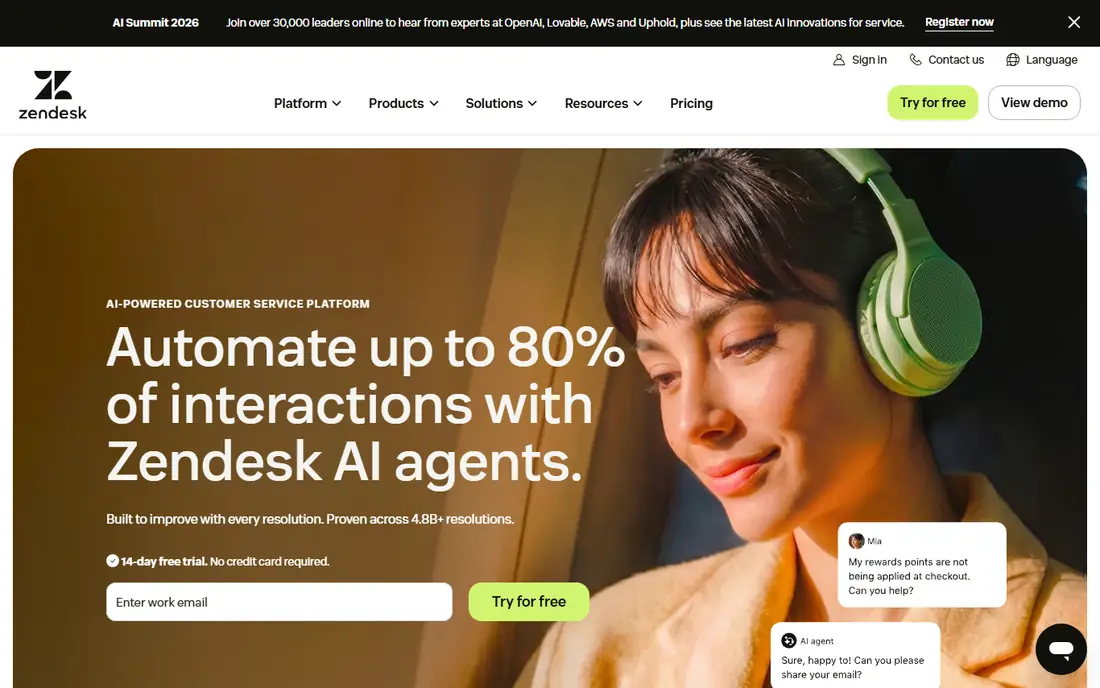
Zendesk is the default choice when a support operation has outgrown a simple queue. It handles email, chat, phone, and social tickets in one place, with routing rules, service level agreements, and reporting that managers at larger companies tend to ask for first. The marketplace also matters, because most common tools a team already uses will have a ready integration.
The trade-off is cost and complexity. Suite Team starts at $55 per agent per month on annual billing, and that is before AI add-ons, so a small team can quickly pay enterprise money for features it never opens. Zendesk fits best when you have a dedicated admin, or at least someone willing to own the setup, and when ticket volume justifies the spend.
- Deep ticketing, routing and reporting
- Large app marketplace
- Strong omnichannel coverage
- Suite pricing climbs fast
- AI features can add separate per-resolution charges
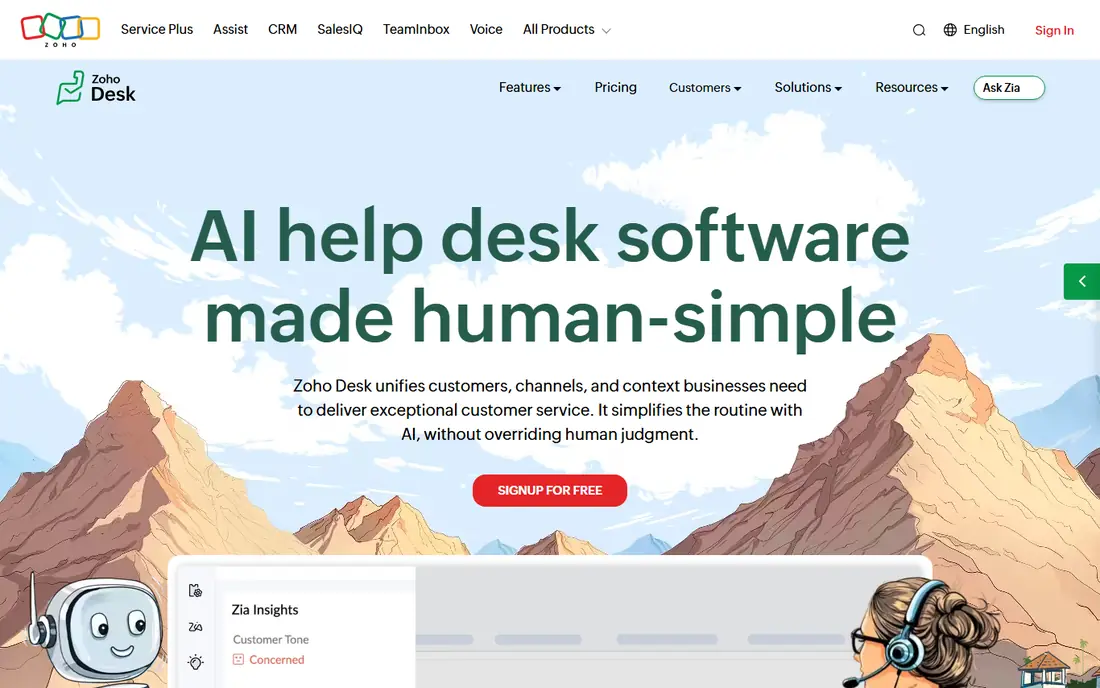
Zoho Desk is the easiest recommendation for a team watching every dollar. The Express plan starts at $7 per agent per month on annual billing, and the free edition covers up to 3 agents, which is enough for a very small team to get started without a card. Multichannel ticketing, a self-service portal, and automation are all in the mix.
Where Zoho Desk shows its price is in the tiers. The most useful AI assistant features and deeper automation sit on Professional and higher plans, so the cheapest plan is not the whole product. If your business already runs Zoho CRM, Books, or another Zoho app, the shared data makes the choice simpler, and the learning curve stays short.
- Low entry price
- Free edition for up to 3 agents
- Works well with other Zoho apps
- Higher-tier features such as advanced AI sit on pricier plans
- Interface feels busy at first
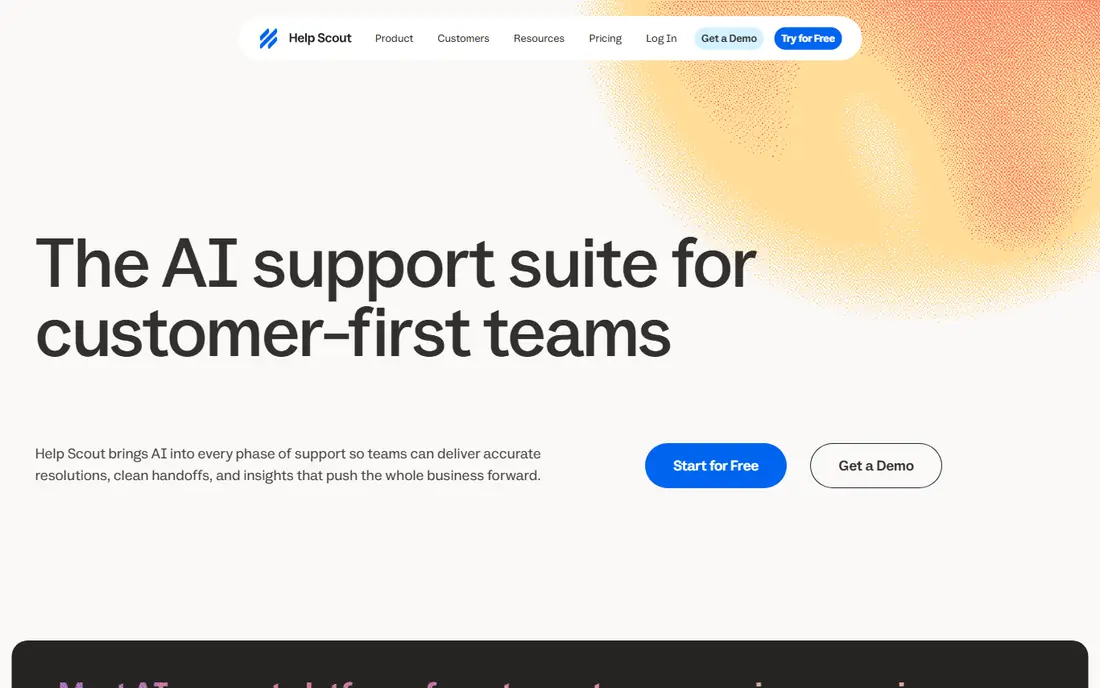
Help Scout appeals to teams that live in email and want support to feel like a conversation, not a ticket number. Customers get a normal reply, agents share one inbox with internal notes and collision detection, and a simple help center covers self-service. The free plan for up to 5 users makes it a low-risk trial for a tiny team.
The limit is channel depth. Help Scout is weaker than Zendesk or LiveAgent if phone calls are a core channel, and its AI pricing is metered per resolution, so heavy AI use needs its own budget line. For a small team that answers mostly by email and chat, that simplicity is the point, and it keeps training time close to zero.
- Clean shared inbox
- Free plan for up to 5 users
- Simple to learn
- Phone support is not built in
- AI answers are charged per resolution
Intercom is built for support that happens inside a website or app, rather than in an email inbox. Its messenger, targeted messages, and help center sit close to the product, so a SaaS team can answer a user without asking them to leave the screen they are stuck on. The Fin AI agent is the headline feature, and it can close a large share of routine chats without an agent touching them.
Pricing needs careful reading. Essential starts at $29 per seat per month on annual billing, and Fin outcomes are charged per resolution, so a busy month costs more than the seat price suggests. Intercom makes sense for product-led companies where chat volume is high and fast, in-product answers protect sign-ups and renewals.
- Strong in-app messenger
- Fin AI agent can resolve many chats
- Good for product-led companies
- AI outcomes are charged per resolution on top of seat prices
- Costs rise with volume
HubSpot Service Hub is less a standalone help desk and more a support layer on top of a CRM most of the team already opens each day. Tickets, conversations, and customer feedback sit next to deals, company records, and past purchases, which saves agents from hunting across tools for context. The free tools cover up to 2 users, so a tiny team can start without paying.
The catch is the ecosystem lock-in. Starter starts at $20 per seat per month, but Professional and Enterprise tiers cost far more and can include a one-time onboarding fee, so the bill grows with ambition. If your sales and marketing teams already live in HubSpot, that shared record is worth a lot. If they do not, a cheaper standalone desk will give you more for less.
- Tickets tied to CRM records
- Free tools for up to 2 users
- Shared inbox and live chat included
- Higher tiers add onboarding fees
- Best value only shows inside the HubSpot system
Front suits teams whose real problem is a shared inbox, not a ticket system. Support, success, and operations staff can work the same email, SMS, and social messages together, leave internal comments, assign threads, and set rules, without turning every message into a formal ticket. That style fits account teams and small support teams that handle varied requests.
Front is not the cheapest route to classic help desk reporting. Starter starts at $25 per seat per month on annual billing and is capped at 10 seats, and there is no free plan, only a trial. Choose Front when collaboration on messages is the daily work, and choose a full help desk when strict service level reporting matters more.
- Shared email, SMS and social inboxes
- Internal comments and assignments
- Clean team workflows
- No free plan
- Starter is capped at 10 seats
- Heavier help desk reporting costs more
LiveAgent earns its place by bundling a call center with ticketing and live chat at a price smaller teams can afford. Starting at $15 per agent per month on annual billing, it covers email, chat, phone, and social tickets, plus a knowledge base and automation rules. The 30-day trial is longer than most rivals offer, which gives a team time to test call handling properly.
The look and feel is the compromise. LiveAgent does not feel as polished as Help Scout or Intercom, and some advanced reporting and automation features require higher tiers. If phone support is a must and budget is tight, that trade is easy to accept, because buying a separate phone system would cost far more.
- Ticketing, live chat and call center in one tool
- Low entry price
- Long trial
- Interface looks dated next to newer rivals
- Advanced features sit on higher tiers
Gorgias is priced differently from almost every other tool here, and that difference is the reason online stores pick it. Instead of paying per agent, a store pays by ticket volume, starting at $10 per month for 50 tickets, with unlimited seats, so seasonal staff can join without adding seat fees. Order, shipping, and customer data from Shopify and similar platforms appear inside the ticket, which cuts the back-and-forth on "where is my order" questions.
Volume pricing cuts both ways. Overage charges apply past the ticket allowance, and AI agent resolutions are charged per interaction on top of the ticket count, so a busy sale period can push the bill well above the starter price. Gorgias fits stores with clear ticket counts and a team that can watch volume, and it fits less well for support teams with unpredictable spikes.
- Priced by ticket volume, not per seat
- Order data inside tickets
- Unlimited seats
- AI resolutions add per-interaction charges
- Overage fees apply past the ticket allowance
Helpshift is the specialist in this list, and it belongs here because "alternatives to Freshdesk" often comes from app teams, not just website teams. It is built for support inside mobile apps, with in-app messaging, FAQs, and automation that keep users inside the app instead of sending them to email. That matters for app ratings, since a frustrated user who leaves the app to get help is more likely to leave a bad review.
The main drawback is pricing transparency. Helpshift does not publish a simple starting price, so buyers need a sales conversation to get a quote, and that makes budgeting harder than with Zoho Desk or LiveAgent. If your product is a mobile app and most support happens there, Helpshift is worth that conversation. If most support arrives by email, a general help desk will serve you better.
- Built for in-app mobile support
- In-app messaging and FAQs
- Automation for app teams
- Pricing is not published on a simple price list
- Less suited to email-heavy general support
How we picked these
We compared official feature pages, pricing pages, app store listings, and public reviews for tools that cover the same jobs as Freshdesk: multichannel ticketing, shared inboxes, live chat, phone support, self-service, and automation. We kept tools that are still sold and supported in October 2026, and we left out products that only handle one narrow channel or that have no clear support use. Prices in this article come from vendor pricing pages and recent published pricing reviews, and we wrote "See website" where a vendor does not publish a starting price, rather than guessing.
We also weighed the fit for different team shapes. A five-person email team and a fifty-agent omnichannel operation do not need the same tool, so this list mixes budget picks, email-first picks, chat-led picks, and ecommerce and mobile specialists. That spread is deliberate: the best alternative to Freshdesk is the one that matches your channels, your team size, and the bill you can actually predict.
What to check before you switch
Match the tool to your busiest channel
Start with where customers actually reach you. Email-heavy teams do well with Help Scout or Zoho Desk, chat-led product teams do well with Intercom, phone-heavy teams need LiveAgent or Zendesk, and app teams should look hard at Helpshift. A tool that is excellent on the wrong channel will feel like a downgrade, however good its reviews are.
Add up the full bill, not just the seat price
Ask each vendor what AI resolutions, phone minutes, ticket overages, and onboarding cost on your expected volume. Gorgias charges by tickets plus AI interactions, Intercom charges per Fin outcome, and HubSpot adds onboarding on higher tiers. A short trial with real ticket volume, or a quote based on last month's numbers, tells you more than the headline price.
Test migration and the help center early
Import a sample of old tickets, set up your help center, and run your five most common requests through the new tool before you commit. Check that macros, automations, and integrations with your store, CRM, or app survive the move. A tool that migrates cleanly and answers routine questions without an agent will save more time than a cheaper tool that needs constant manual work.
Frequently asked questions
What are the best alternatives to Freshdesk?
Zendesk, Zoho Desk, Help Scout, Intercom, and HubSpot Service Hub are the most common picks, with Front, LiveAgent, Gorgias, and Helpshift covering shared inbox, phone, ecommerce, and mobile needs. The right choice depends on your main channel, team size, and budget. Small email teams usually start with Help Scout or Zoho Desk, while larger omnichannel teams lean toward Zendesk.
Is there a free alternative to Freshdesk?
Yes. Zoho Desk has a free edition for up to 3 agents, Help Scout has a free plan for up to 5 users, and HubSpot Service Hub offers free service tools for up to 2 users. Free plans limit features and seats, so they suit very small teams or a trial period. Once you need automation, reporting, or more agents, a paid plan is usually required.
What are Helpshift alternatives?
Helpshift alternatives for mobile app support include Intercom, Zendesk, and Freshdesk itself, plus general help desks with strong chat and in-app messaging. Intercom is the closest match for in-product chat, while Zendesk covers app support alongside email, phone, and social channels. If your app is the whole product, compare in-app messaging quality and FAQ tools first, not just ticket features.
Which Freshdesk alternative is cheapest?
Zoho Desk is the cheapest paid option in this list, starting at $7 per agent per month on annual billing for Express, with a free edition for tiny teams. LiveAgent at $15 per agent per month and Gorgias at $10 per month for 50 tickets are also low-cost, depending on whether you pay per seat or per ticket. Always check AI, phone, and overage charges, since those can change which tool is cheapest for your volume.
Is Zendesk better than Freshdesk?
Zendesk is stronger for large, complex support operations that need deep routing, reporting, and a large integration marketplace. Freshdesk is simpler and cheaper for small and mid-size teams that want multichannel ticketing live fast. The better tool is the one that fits your team size and admin capacity, since Zendesk needs more setup to earn its higher price.
Should I choose a shared inbox or a full help desk?
Choose a shared inbox such as Front or Help Scout when your team handles varied messages together and values speed and collaboration over formal ticket reporting. Choose a full help desk such as Zendesk, Zoho Desk, or LiveAgent when you need service level tracking, detailed reporting, automation rules, and a structured help center. Many teams start with a shared inbox and move to a help desk as volume and reporting needs grow.
Sources
- https://www.zendesk.com
- https://www.zoho.com/desk
- https://www.helpscout.com
- https://www.intercom.com
- https://www.hubspot.com
- https://www.front.com
- https://www.liveagent.com
- https://www.gorgias.com
- https://www.helpshift.com
- https://assembly.com/blog/freshdesk-alternatives
- https://www.spotsaas.com/blog/best-help-desk-software
- https://rankite.com/blog/top-10-help-desk-software
See where you really rank - block by block
ProMapRanker scans Google Maps across a grid of your service area. Simple monthly plans from $19, white-label on every plan.
Start freeKeep reading
 zendesk alternatives
Best Zendesk Alternatives in 2026
Compare the best Zendesk alternatives in 2026, from budget help desks to AI-first support tools, with current pricing, free plans, and honest trade-offs.
Read → wordpress alternatives
Best WordPress Alternatives in 2026
Looking for the best WordPress alternatives? We compare 8 free and paid options for blogs, business sites, stores, and developer-led projects in 2026.
Read → which real estate company has the best training
Best Real Estate Company Training in 2026
Compare which real estate company has the best training, from Keller Williams and eXp to Compass and Coldwell Banker, by program, mentor, and fit in 2026.
Read →