 ProMapRanker
Best Freshchat Alternatives in 2026


AI-led messaging at scale · Pricing starts at: $29 per seat per month
Key takeaways
- Live chat pricing splits into per-agent plans and flat workspace plans, and that choice matters more as teams grow.
- Intercom and Zendesk offer the deepest support suites, but AI answers are often billed separately.
- Tidio, Crisp and tawk.to give small teams a useful free starting point.
- HubSpot Live Chat is strongest when the CRM already holds customer records.
- Check AI pricing, seat minimums and channel limits before you commit to a plan.
Quick comparison
| Pick | Great for | Pricing starts at | Free tier | |
|---|---|---|---|---|
| Intercom | AI-led messaging at scale | $29 per seat per month | No | Visit |
 Zendesk | Full help desk with chat | $55 per agent per month | No | Visit |
 LiveChat | Dedicated high-volume chat | $19 per agent per month | No | Visit |
 Tidio | Small stores with chatbots | $29 per month | Yes | Visit |
 Crisp | Flat workspace pricing | $45 per month | Yes | Visit |
 HubSpot Live Chat | CRM-native chat | Free | Yes | Visit |
 Help Scout | Chat plus email in one inbox | $25 per user per month | Yes | Visit |
 Olark | Simple human-first chat | $29 per agent per month | No | Visit |
 tawk.to | Free chat for tight budgets | Free | Yes | Visit |
The best freshchat alternatives
These nine tools cover website chat, in-app messaging and shared inboxes, and we compared their published pricing, free tiers and support depth.

Intercom is the default shortlist pick for software teams that want chat, AI answers and in-app messages in one system. Its Fin AI agent can resolve routine questions, route harder cases to people, and hand over full context so customers do not repeat themselves. Product tours, outbound messages and a shared inbox sit beside that AI layer, which makes Intercom more than a simple chat bubble.
The cost model needs careful planning. Seat pricing is only part of the bill, because AI outcomes are billed separately, and a busy support team can see that charge rise fast. Small teams with low volume may find a simpler chat tool cheaper. Teams with high volume and clear automation goals, by contrast, may save agent time even after AI fees are counted.
- Strong AI agent and automation
- In-app messaging and product tours
- Deep reporting for larger teams
- AI resolution fees add up
- Pricing grows quickly with seats and usage
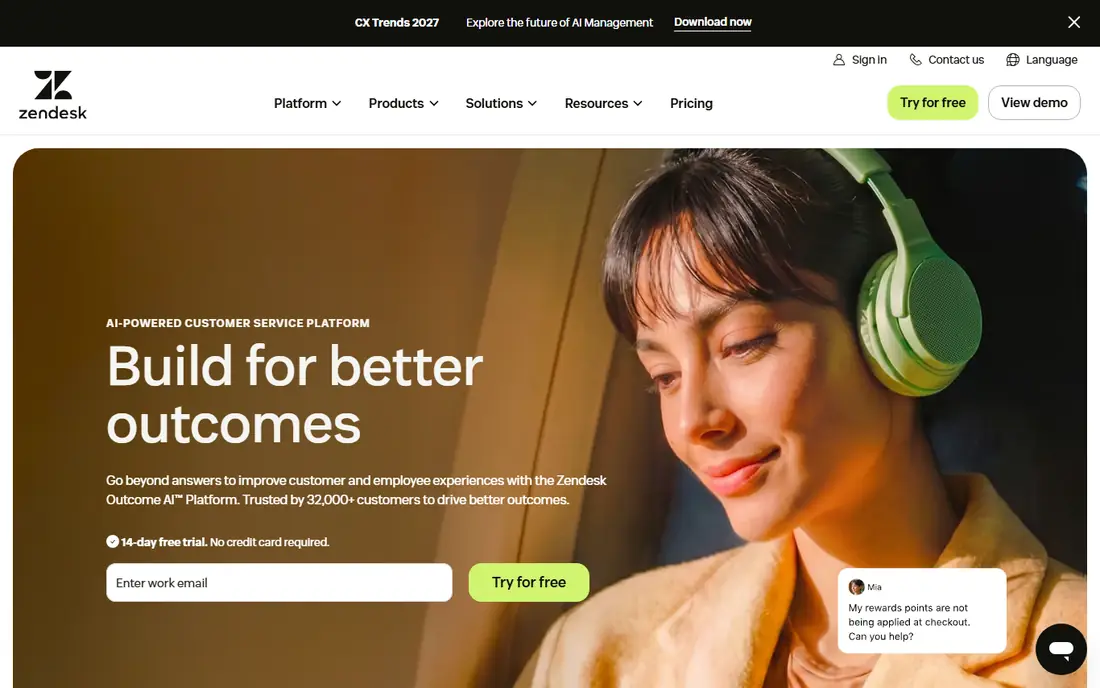
Zendesk suits a support team that needs chat inside a full help desk, not chat on its own. Tickets, email, phone, social messages and live chat can flow into one queue, with service level rules, macros and reporting to track response times. That structure helps larger teams keep quality steady when volume rises and staff change shifts.
The trade-off is weight. A team that only wants a website widget may find Zendesk setup slow and its interface busy. Costs also rise with advanced AI and reporting tiers. If your team already runs tickets, knowledge base articles and SLAs, Zendesk chat fits naturally. If chat is your only channel, a lighter tool may be faster to run.
- Mature ticketing, SLAs and reporting
- Messaging across many channels
- Large integration library
- Heavy to configure for chat-only use
- Higher tiers needed for advanced AI and reporting
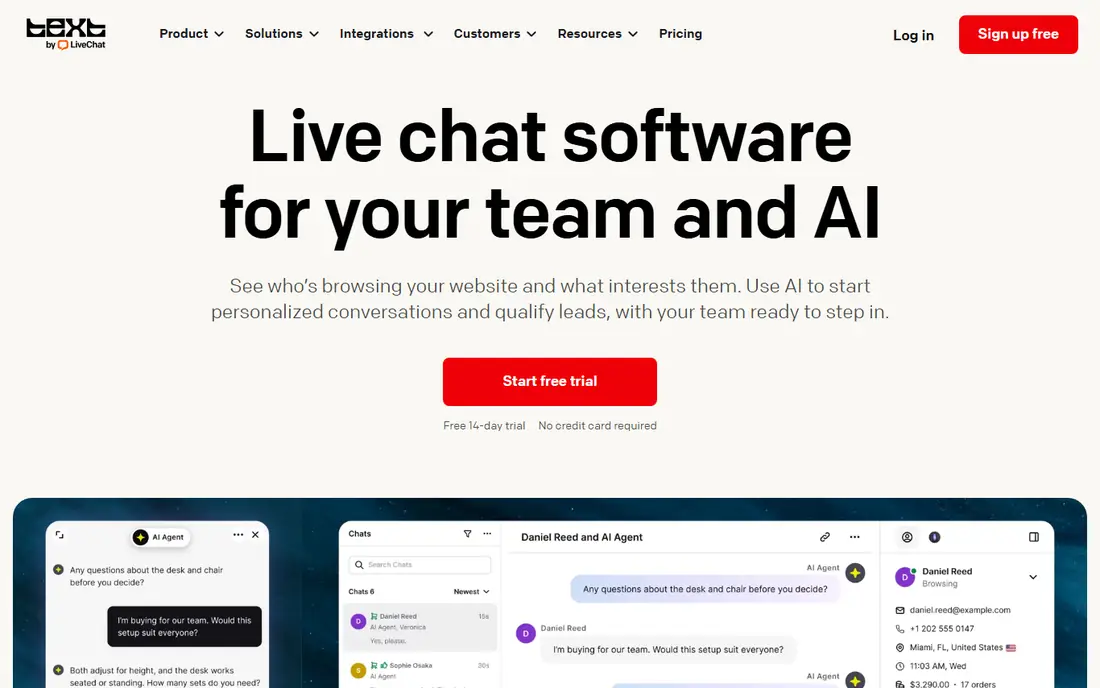
LiveChat stays focused on doing website chat well. Agents get a clear inbox, visitor details, chat routing, tags and canned replies, and managers get reports on wait times and chat volume. The widget is easy to customise, and integrations link chats to CRM and help desk tools when a conversation needs follow-up.
Its focus is also its limit. LiveChat is not a full omnichannel help desk at the entry price, so email, social and phone handling may need other tools or higher plans. For a team whose main job is live chat, that focus is a plus. For a team that wants every channel in one queue, Zendesk or Intercom may fit better.
- Polished chat widget and agent app
- Strong routing and canned responses
- Many integrations
- Other channels cost extra
- AI features sit on higher tiers
Tidio is a friendly starting point for a small store or service business that wants chat plus a chatbot without a long setup. The free tier lets a team test the widget, and paid plans add live chat seats, automation and the Lyro AI agent for common questions. Its store integrations help agents see order details while they chat, which shortens many support conversations.
Larger teams should read the limits. Conversation counts, agent seats and AI usage vary by plan, and the jump to a higher tier can be steep. For a small team that wants quick answers on product, delivery and returns questions, Tidio offers a good balance of price and ease.
- Fast setup
- Lyro AI chatbot for routine questions
- Good fit for Shopify and small stores
- Light at enterprise scale
- AI and agent limits need checking on mid tiers
Crisp stands out on pricing structure. Instead of charging per agent, its paid plans charge per workspace, which can make a big difference when many part-time staff share support. The platform covers live chat, email, a knowledge base and chatbots, so a small team can run several channels without buying separate tools.
The limit is scale and control. Crisp does not match Zendesk for deep SLA reporting and enterprise admin, and AI features have usage caps that vary by tier. For startups, agencies and small SaaS teams that want predictable billing and a clean inbox, Crisp is one of the best value picks in this list.
- Flat workspace price instead of per-agent billing
- Chat, email and knowledge base in one place
- Free tier for small teams
- Fewer enterprise controls than Zendesk
- AI usage limits vary by plan
HubSpot Live Chat is hard to beat when a team already uses HubSpot CRM. Chats link straight to contact records, so agents see past tickets, deals and page visits without switching tools. The free tier covers live chat and a basic chatbot, which is enough for many small businesses to answer sales and support questions from their site.
The catch is the upgrade path. Richer automation, AI agents and advanced reporting sit on paid Service Hub plans, and those plans are priced per seat. A team outside HubSpot may find a standalone chat tool simpler. A team already in HubSpot, though, gets a chat tool that fits its customer data with little extra setup.
- Free chat with CRM records
- No-code chatbot builder
- Tickets and conversations linked to contacts
- Advanced AI and automation need paid Service Hub tiers
- Best value stays inside HubSpot
Help Scout suits teams that answer email all day and want chat in the same queue. Agents work from one shared inbox, assign conversations, add internal notes and link replies to help docs. The interface stays calm under load, which helps small teams avoid the clutter that comes with larger help desk suites.
It is less strong for social messaging. Teams that handle most support through WhatsApp or social direct messages may need another tool or an integration. For email-first teams that want chat as a second channel, Help Scout gives a clear and humane way to work, without forcing a move to a heavy enterprise suite.
- Clean shared inbox for email and chat
- Docs and knowledge base included
- Calm interface for small teams
- No native WhatsApp or social DM depth at entry level
- AI tools vary by plan
Olark is for teams that want live chat and nothing else getting in the way. Setup is quick, the widget is clear, and agents can use shortcuts, transcripts and simple automation to handle chats. It suits small businesses, schools and service firms where a person, not a bot, should answer most questions.
That simplicity has a cost. Olark does not offer the same AI agent depth as Intercom, nor the omnichannel ticketing of Zendesk. If your team wants bots to resolve routine questions at scale, look elsewhere. If your team wants dependable human chat with a short learning curve, Olark remains a solid and honest choice.
- Very simple setup
- Clean agent view
- Automation and transcripts without clutter
- No chatbot depth to match AI-led rivals
- Multi-channel support is limited
tawk.to is the only serious free option in this list with unlimited agents. A small business can add chat to its site, answer from desktop or mobile, and monitor visitors without paying a seat fee. That makes it a practical test tool, and for many tiny teams it may be all they ever need.
Free does have limits. The widget carries tawk.to branding unless you pay to remove it, and automation, AI and reporting are thinner than paid tools. Support teams that need bots, SLAs and deep reporting will outgrow it. Teams that need simple, free, human chat should start here and only pay when volume or branding demands it.
- Free core chat with unlimited agents
- Useful mobile apps
- Paid options remove branding and add features
- Branding stays on the free widget
- Automation is thinner than paid rivals
How we picked these
We compared official pricing pages, free tiers, channel coverage and AI pricing for live chat and messaging tools, and we kept only tools that are available and supported in October 2026. We looked for a working website widget, a usable agent inbox, routing and reporting, and clear limits on seats, conversations and AI use.
We did not claim hands-on testing. Our findings rest on vendor documentation, pricing pages and public reviews, and we treated AI charges as a separate cost from seat prices. Prices and AI terms change often, so we suggest checking the current plan page and modelling a busy month before you buy.
How to choose the right chat tool
Start with volume and channels. A team that answers ten chats a day has different needs from a team that answers hundreds across chat, email and social. List the channels you must cover, then shortlist tools that cover them natively, rather than through fragile workarounds. A clean inbox matters more than a long feature list when agents work under pressure.
Next, model the full bill. Add seat costs, AI resolution fees, chatbot usage and any fee for removing branding or adding reporting. Test the free tier or trial with real questions from your site, and check how a bot hands over to a person. A bot that traps customers in loops will cost more in lost trust than it saves in agent time.
Finally, check fit with your CRM and help desk. Chat that links to contact records, orders and tickets saves agents from asking customers to repeat details. If your team already uses a CRM, a native chat tool may beat a prettier standalone widget. Pick the tool your agents will open every day, not the one with the longest sales page.
Frequently asked questions
Is live chat better than email for support?
Live chat suits quick questions, such as delivery times, pricing and setup help, because customers get an answer without waiting for an email reply. Email still suits complex cases that need documents, long explanations or follow-up over days.
Do I need an AI chatbot as well as live chat?
Not always. A small team can start with human chat and add a bot for common questions, such as hours, returns and order status. Add AI when routine volume is high enough that bot answers save real agent time, and keep a clear path to a person.
What does per-seat pricing mean for chat tools?
Per-seat pricing charges for each agent who can answer chats, so costs rise as you add staff, even part-time staff. Flat workspace pricing, such as Crisp, can be cheaper for larger or part-time teams, so compare both models at your actual headcount.
Can free chat tools handle a growing business?
Free tools can handle early growth, but branding, automation, reporting and AI limits often force an upgrade. Start free when volume is low, and move to a paid plan when you need SLAs, deeper reporting or bot automation.
How do AI chat costs work?
Some vendors charge per seat, some charge per AI resolution or conversation, and some charge for both. Model a busy month using your real chat volume, and check what counts as a resolution, so the AI bill does not surprise you at renewal.
Should chat sit inside my help desk or stand alone?
Chat inside a help desk suits teams that handle tickets, email and chat together, because context stays in one place. A standalone chat tool suits teams that only need website chat and want the simplest setup.
Sources
See where you really rank - block by block
ProMapRanker scans Google Maps across a grid of your service area. Simple monthly plans from $19, white-label on every plan.
Start freeKeep reading
 zyte alternatives
Best Zyte Alternatives in 2026
These zyte alternatives cover managed scraping APIs, proxy networks and no code tools for lawful collection from your own or consented sources only in 2026.
Read → zerto alternatives
Best Zerto Alternatives in 2026
Compare the best zerto alternatives for disaster recovery and replication, with recovery targets, cloud options and honest trade-offs for teams in 2026.
Read → zerofox alternatives
Best ZeroFox Alternatives in 2026
We compared 9 zerofox alternatives for brand protection, phishing takedowns, dark web monitoring, and social impersonation, with clear coverage notes.
Read →