 ProMapRanker
Best Freeform Alternatives in 2026


Large remote teams and workshops · Pricing starts at: $8 per member per month
Key takeaways
- We read Freeform here as the Apple Freeform whiteboard app, so this list covers shared infinite canvases for brainstorming and planning.
- Miro is the most complete team replacement, while FigJam is the cheapest paid option for design-led teams.
- Excalidraw and Microsoft Whiteboard keep costs near zero, but with fewer templates and facilitation tools.
- Free plans on Miro, Mural, and Lucidspark cap editable boards, so check that limit before you move a whole team.
Quick comparison
| Pick | Great for | Pricing starts at | Free tier | |
|---|---|---|---|---|
| Miro | Large remote teams and workshops | $8 per member per month | Yes | Visit |
 FigJam | Design teams already using Figma | $3 per editor per month | Yes | Visit |
 Mural | Facilitated workshops and training | $9.99 per member per month | Yes | Visit |
 Microsoft Whiteboard | Teams already paying for Microsoft 365 | Free with Microsoft account | Yes | Visit |
 Lucidspark | Structured ideation and decision workshops | $9 per user per month | Yes | Visit |
 Excalidraw | Quick hand-drawn style sketches | Free | Yes | Visit |
 tldraw | Fast, browser-first whiteboarding | Free | Yes | Visit |
 Canva Whiteboards | Visual and marketing teams already in Canva | Free | Yes | Visit |
 Whimsical | Clean flowcharts, wireframes, and mind maps | $10 per editor per month | Yes | Visit |
The best Freeform alternatives
Apple Freeform is a free, simple canvas for sketching, notes, and mood boards on Apple devices. The tools below add cross-platform access, team editing, templates, and facilitation features, at the cost of varying free limits.

Miro is the broadest replacement for Freeform when a team needs more than a sketch pad. Boards support sticky notes, diagrams, frames, voting, timers, and hundreds of templates for retros, journey maps, and planning. Integrations with tools such as Jira, Asana, and Slack help turn a workshop into tracked work.
The free plan is useful for trying Miro, but three editable boards will not carry a working team for long. Paid plans start at $8 per member per month billed annually, so a team with many occasional editors should check viewer and editor roles before paying.
- Huge template library
- Deep integrations
- Unlimited viewers on paid plans in many setups
- Free plan caps editable boards at three
- Per-seat cost grows quickly
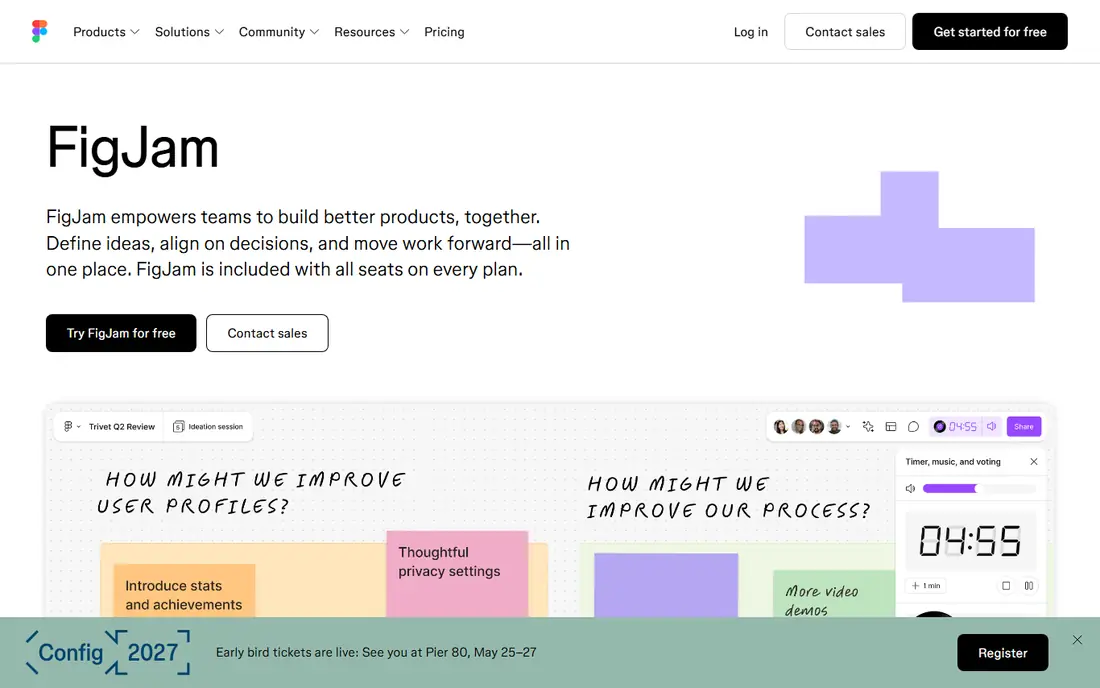
FigJam feels closest to Freeform in spirit: a light canvas that stays out of the way. Sticky notes, shapes, connectors, and sections cover most brainstorming needs, and work can move directly into Figma design files. That handoff is the reason design teams pick it over a general whiteboard.
Outside design, FigJam is thinner. It lacks the template depth and facilitation tooling of Miro and Mural, and very large boards can feel less structured. For a Figma team, though, the $3 per editor per month collab seat is hard to beat.
- Low editor pricing
- Native Figma handoff
- Simple, fast canvas
- Weaker for non-design work
- Fewer enterprise controls than Miro
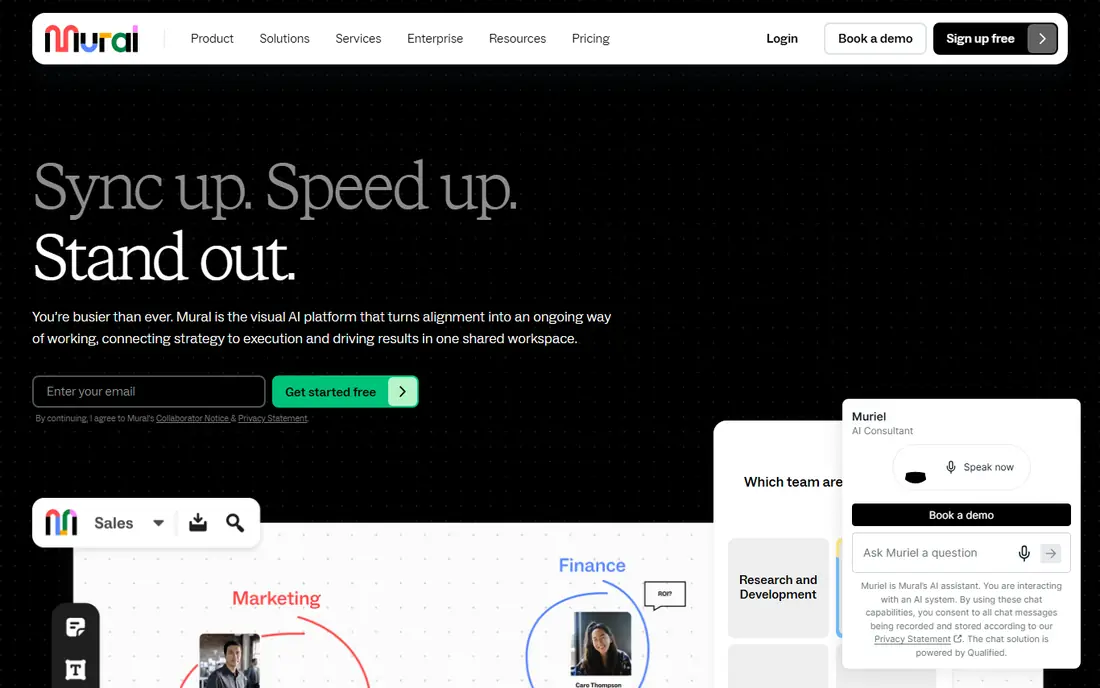
Mural is built for a facilitator running a session, not just a team doodling together. Private mode, voting, timers, and guided frameworks help a workshop reach a decision instead of ending in a pile of notes. Templates cover design thinking, agile ceremonies, and training formats.
Casual users will feel the price. The Team plan is $9.99 per member per month billed annually, and the free plan limits you to three editable murals at a time. Teams that run regular facilitated sessions get value from that structure. Occasional brainstormers may prefer a cheaper board.
- Strong facilitation tools
- Rich template library
- Unlimited view-only visitors on free plan
- Free plan caps editable murals at three at a time
- Paid cost is high for casual use
Microsoft Whiteboard
Great for: Teams already paying for Microsoft 365
Microsoft Whiteboard is the low-friction pick for Microsoft shops. Boards live inside Teams meetings and on the web, with ink, sticky notes, images, and shapes for quick collaboration. If your team already pays for Microsoft 365, there is no new subscription to justify.
The trade-off is depth. Whiteboard is simpler than Miro or Mural, with fewer templates and facilitation features. Note also that the standalone Windows, iOS, and Android apps retired on 16 October 2026, so plan on Teams and web access going forward.
- No extra cost inside Microsoft 365
- Works in Teams and on the web
- Simple ink and notes
- Standalone apps were retired in October 2026, so use is now in Teams and web
- Fewer templates than Miro
Lucidspark sits between a freeform canvas and a diagramming tool. It handles brainstorming, grouping, voting, and breakout-style work, then connects to Lucidchart when ideas need to become formal diagrams. That path suits product and operations teams that move from messy ideas to clear plans.
The free plan shares the common three-editable-board limit, and the Individual plan is $9 per user per month in recent comparisons. The interface is more structured than Freeform, which is a strength for workshops and a small learning curve for casual sketching.
- Voting, timers, and facilitator controls
- Strong Lucidchart connection
- Board import options
- Free plan caps editable boards at three
- Interface takes longer to learn than FigJam
Excalidraw is the simplest tool on this list, and that is its appeal. Open the site, sketch with a hand-drawn look, share a link, and collaborate without an account for basic use. Developers and small teams use it for architecture sketches, flow diagrams, and quick explanations.
It is not a workshop platform. Templates, facilitation tools, and admin controls are limited, and team libraries sit in Excalidraw Plus, priced around $6 per user per month billed monthly in recent comparisons. For fast sketches, the free editor is enough. For managed team boards, look at Miro or Mural.
- Free to use with no account for basic boards
- Open source and self-hostable
- Very fast to start
- No large template library
- Team features require the paid Plus tier
tldraw gives you a clean, responsive canvas in the browser with shapes, arrows, text, and freehand drawing. It feels immediate, which makes it a good fit for explaining an idea in a call, sketching a flow, or dropping a diagram into a doc. The open source core also appeals to teams that want to embed a canvas in their own product.
Compared with Miro, tldraw is deliberately lean. You will not find the same template library, voting, or facilitation suite out of the box. Treat it as a fast sketching layer, and pair it with another tool if you need managed workshops.
- Very fast canvas
- Open source core
- Easy embedding and sharing
- Fewer built-in templates and workshop tools
- Paid team features vary by offering
Canva Whiteboards work well when the output needs to look polished. Teams can pull in photos, icons, brand assets, and presentation templates, then move a board into a deck or social graphic. The free plan covers basic boards, and Pro adds brand tools and more storage.
For structured workshops, Canva is lighter than Miro or Mural. Voting, timers, and facilitator controls are not its focus. It shines when a brainstorm ends in a visual deliverable rather than a decision log.
- Huge graphics and template library
- Brand kit on Pro
- Easy export to presentations
- Less suited to deep workshop facilitation
- Pro pricing is per person, not per editor only
Whimsical trades infinite-canvas chaos for clean, readable diagrams. Flowcharts, wireframes, mind maps, and sticky-note boards all look tidy without much formatting effort. Viewers are free, so stakeholders can review without a paid seat, which helps keep team costs down.
The focus is also a limit. If you want a messy, open brainstorming canvas with dozens of media types, Miro or Canva will feel freer. If you want a flowchart or wireframe that is ready to share, Whimsical is the tidier choice.
- Very clean output
- Viewers are free
- Strong for flows and wireframes
- Less freeform than Miro
- Paid plan is $10 per editor per month
How we picked these
We compared official pricing pages, free plan limits, cross-platform availability, and the fit for the Apple Freeform use case: shared visual thinking on a canvas. We favoured tools live in October 2026 with real-time collaboration, and we excluded Google Jamboard, which ended in 2024. Apple Freeform itself is not listed, since this guide is about alternatives to it.
What to check before you switch
First, count editors, not just users. Tools that charge per editor, such as FigJam and Whimsical, can be much cheaper than per-member tools when many people only view boards. Tools that cap editable boards on free plans will force an upgrade sooner than their marketing suggests.
Second, test the export path. A board that cannot leave as an image, PDF, or editable file becomes a trap when a project ends. Check whether frames, sticky notes, and comments survive export in a usable form.
Third, check device support. Freeform is Apple-first, so a cross-platform team should test the new tool on Windows, Android, and the web, not just on a Mac or iPad, before migrating shared boards.
Frequently asked questions
Is Freeform the same as Apple Freeform?
In this guide, yes. We read Freeform as the Apple Freeform whiteboard app for sketching and shared boards, and the alternatives here cover that same shared-canvas use.
Which Freeform alternative is free?
Excalidraw and tldraw offer free browser use, and Miro, FigJam, Mural, Lucidspark, Canva, and Whimsical offer free plans. Free plans usually cap editable boards, so check the limit for ongoing team use.
What is the best Freeform alternative for a whole team?
Miro is the most complete team pick, with templates, integrations, and facilitation tools. FigJam is the best value for design teams, and Microsoft Whiteboard is the best value inside Microsoft 365.
Can I import boards from Freeform?
Direct Freeform import is limited across these tools, so plan on rebuilding key boards or exporting them as images and PDFs first. Test one complex board in the new tool before migrating a full set.
Which alternative works on Windows and Android as well as Apple devices?
Miro, Mural, FigJam, Lucidspark, Canva, Excalidraw, and tldraw are web-based and cross-platform. Microsoft Whiteboard now runs in Teams and on the web after its standalone apps retired in October 2026.
Do I need a paid plan for simple brainstorming?
Not always. A free plan or a free browser tool covers occasional brainstorming well. Paid plans matter when you need unlimited editable boards, admin controls, or facilitation features for regular workshops.
Sources
See where you really rank - block by block
ProMapRanker scans Google Maps across a grid of your service area. Simple monthly plans from $19, white-label on every plan.
Start freeKeep reading
 zyte alternatives
Best Zyte Alternatives in 2026
These zyte alternatives cover managed scraping APIs, proxy networks and no code tools for lawful collection from your own or consented sources only in 2026.
Read → zerto alternatives
Best Zerto Alternatives in 2026
Compare the best zerto alternatives for disaster recovery and replication, with recovery targets, cloud options and honest trade-offs for teams in 2026.
Read → zerofox alternatives
Best ZeroFox Alternatives in 2026
We compared 9 zerofox alternatives for brand protection, phishing takedowns, dark web monitoring, and social impersonation, with clear coverage notes.
Read →