 ProMapRanker
Free Kling AI Alternatives in 2026

Key takeaways
- PixVerse and Hailuo AI are the most useful free-first starting points, because they offer daily free credits rather than a one-time trial only.
- Luma Dream Machine suits cinematic camera movement, but its free output is limited and draft quality in many cases.
- Runway suits editing and production workflows, while its free credits are best treated as a test, not a daily production plan.
- Google Veo, through Google tools, suits realistic scenes with sound, but availability and quotas vary by region and account.
- Free tiers change often, so check the credit balance inside your own account before you plan a project around a free plan.
Quick comparison
| Pick | Great for | Pricing starts at | Free tier | |
|---|---|---|---|---|
 PixVerse | Daily free social and stylized clips | See website | Yes | Visit |
 Hailuo AI | Realistic short clips on a free allowance | See website | Yes | Visit |
 Luma Dream Machine | Cinematic camera movement | See website | Yes | Visit |
 Runway | Video editing and production controls | See website | Free trial | Visit |
 Google Veo | Realistic scenes with generated sound | See website | Free trial | Visit |
 Pika | Fast creative effects and social clips | See website | Yes | Visit |
 Vidu | Consistent characters across clips | See website | Free trial | Visit |
 Adobe Firefly Video | Marketing and design workflows | See website | Free trial | Visit |
 Wan | Open model for self-hosted video | Free | Yes | Visit |
The best free Kling AI alternatives
We compared official product pages and current free-tier descriptions for video generators that are live in October 2026, and we did not include Kling AI itself in this list. Our pick for most free users is PixVerse for daily practice, while Hailuo AI is our pick for realistic short clips.
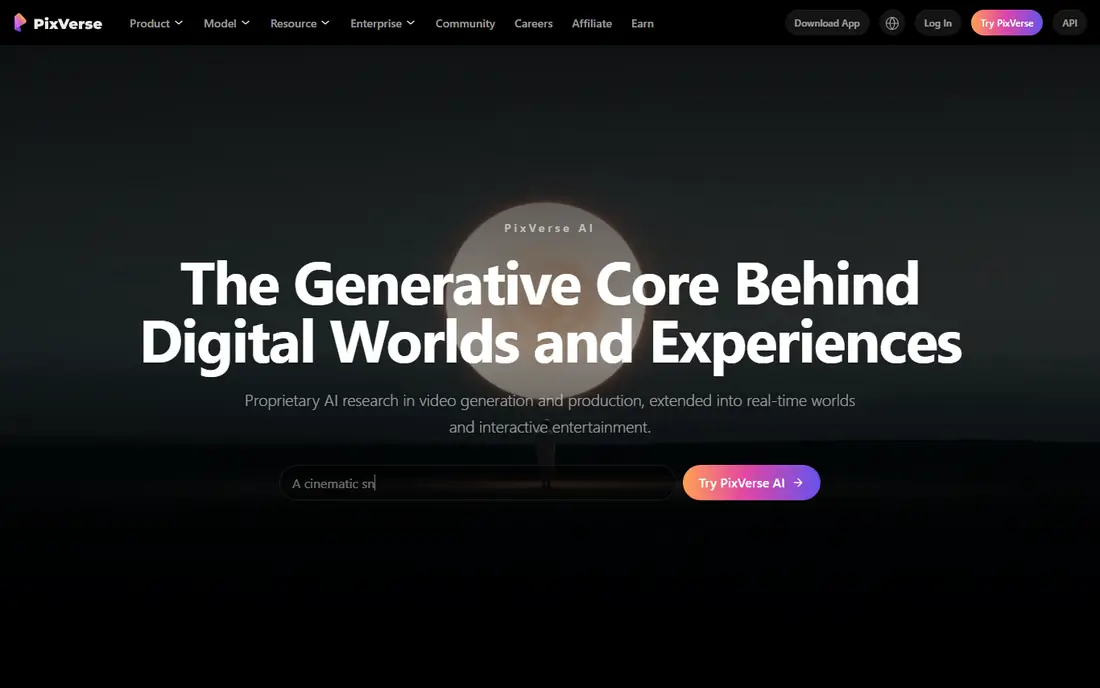
PixVerse fits the daily habit that makes a free tool useful. Instead of a single signup bonus that runs out in a weekend, it offers daily free credits in current descriptions, so you can test a prompt, learn what works, and come back the next day. Its effect templates and vertical formats also suit short social clips without a long editing step.
The limits are real. Daily credits do not roll over in the reported terms, and free exports are not the same quality as paid exports. Treat PixVerse as a practice and social clip tool, and check the credit count in your account before you promise a client a free-tier delivery.
- Daily free credits reported in current roundups
- Effect templates and vertical video
- Fast for short social clips
- Free credits expire daily in reported terms
- Free resolution is limited
- Paid plans are needed for higher quality exports

Hailuo AI, from MiniMax, is often named as the closest free-first rival to Kling for realistic motion. It handles text to video and image to video, with character references and facial expression work that suit short story clips and product shots. For a creator who wants lifelike movement without paying on day one, it is a sensible first test.
Free access is limited to a small number of generations per day in current roundups, so it rewards careful prompting rather than bulk trial and error. Write a clear prompt, use a strong reference image when you have one, and save paid credits for final renders. Used that way, Hailuo gives you a lot for no cost.
- Strong realistic motion for short clips
- Image to video and character work
- Useful free allowance for testing
- Free generation count is small per day in reported terms
- Longer or complex prompts may need paid credits
- Output quality varies by prompt

Luma Dream Machine stands out for camera work. Its keyframes and camera movement controls help a shot feel filmed rather than generated, with smoother transitions between start and end frames than many free tools manage. For a creator who cares about how a shot moves, not just what it shows, Luma is worth testing first.
The free tier is the catch. Current descriptions point to limited free draft output, with watermarked or lower-priority results in some cases, and paid plans start higher than PixVerse or Hailuo. Use the free tier to learn camera prompts, and budget for a paid plan if you need clean, final-quality exports.
- Natural camera movement and transitions
- Keyframe controls
- Strong composition for cinematic shots
- Free tier is limited and draft quality in many reports
- Paid plans are priced higher than some rivals
- Queue priority is lower on free use
Runway is less of a casual clip toy and more of a production tool. It combines video generation with editing, camera controls, and timeline work, so you can generate a shot and then shape it into a larger edit without leaving the platform. That workflow suits marketers, editors, and creators who need control over the final cut.
Free credits are limited, and current roundups describe them as a test allowance rather than a daily production plan. If you only need a few free clips, Runway will let you judge its quality. If you need daily output, pair it with a more generous free tool and use Runway for final edits.
- Text to video and image to video plus editing tools
- Camera controls and timeline workflow
- Strong for production use
- Free credits are limited and best for testing
- Some models and exports need a paid plan
- Learning curve is higher than a simple generator
Google Veo, from Google DeepMind, generates realistic video with sound, which saves a separate sound design step for many short scenes. It is available through Google tools such as Flow and AI Studio in some regions, with free quotas reported in current roundups. For a creator who wants a polished final render, Veo is a strong candidate.
Availability is the problem to check first. Quotas, regions, and access routes vary, and a free quota that suits one test project may not cover a full series. Try Veo for final renders, after you have tested prompts on a daily free tool, and confirm what your own account allows before you plan around it.
- Realistic scenes and storytelling
- Generated sound alongside video
- Clean output in some free access routes
- Free quota varies by region and tool
- Access routes change
- Monthly quota can run out fast on heavy use
Pika is built for speed and creative effects, which suits social creators who want a quick transformation or a stylized clip without a long setup. Its effects and prompt editing tools make it easy to try an idea, see the result, and adjust in the same session. For beginners, that fast loop matters more than advanced camera controls.
Free terms for Pika have shifted, and current reports differ on how many free credits a new account receives. Check your account balance before you start, and do not assume an old review still describes the current free plan. Used with that check, Pika remains a useful free-first tool for short, fun clips.
- Fast and simple for social clips
- Creative effects and prompt edits
- Easy for beginners
- Free credit terms have changed over time
- Generation may need purchased credits in some accounts
- Free output may carry limits
Vidu suits creators who need the same character to appear across several clips, which is a common failure point for video generators. Its reference tools help keep a face, outfit, or style more consistent from shot to shot, so a short story or product series holds together better. That strength matters when you are building a sequence, not just a single clip.
Free access is described as trial-based rather than a generous daily plan, so Vidu is best for testing character consistency before you pay. Run a short sequence on the trial, check whether the character holds up across three or four shots, and only then decide on a paid plan.
- Character consistency across clips
- Image to video and reference tools
- Useful for short stories
- Free access is trial-based in current reports
- Paid plans needed for regular use
- Quality varies by reference image
Adobe Firefly Video fits designers and marketers who already work in Adobe tools. It generates video from text for ads, social posts, and design projects, and it slots into an Adobe workflow more cleanly than a standalone generator. Adobe also stresses that Firefly models are trained on licensed content, which some commercial users value.
Free generations are limited, and the tool makes most sense if you already use Adobe products or need that commercial comfort. For a casual creator who only wants free clips, PixVerse or Hailuo will go further. For a design team, Firefly is a practical add-on to an existing Adobe setup.
- Text to video for marketing and design
- Adobe workflow integration
- Commercially safer training claims from Adobe
- Free generations are limited
- Best value comes inside Adobe plans
- Less focused on long cinematic clips
Wan, the open video model from Alibaba, is the only option in this list where free can mean no hosted credit cap, because you run the model yourself. That suits developers, researchers, and creators whose prompts or footage cannot leave their own machines, or who need a custom setup. It also avoids the daily credit treadmill of hosted free tiers.
The cost is technical effort and hardware. You need a capable machine, time to set up the model, and patience for slower generation than a hosted service. For most casual creators, a hosted free tool is easier. For a technical user who wants control, Wan is a genuine free alternative.
- Open weights you can run yourself
- No hosted credit cap if you self-host
- Useful for private or custom work
- Needs technical setup and hardware
- Quality depends on your setup
- Support is community-based rather than a hosted service
How we picked these
We compared official product pages and current free-tier descriptions for video generators that are live in October 2026, and we excluded Kling AI itself because this list is for alternatives to it. We favored tools with a real free plan, daily credits, or a trial that lets you test generation, and we mixed realistic, cinematic, social, and open options. Where free credit counts vary by source, we wrote See website for pricing and described the free tier in general terms rather than stating a disputed number as fact.
How to get the most from a free video tier
Start with the clip, not the tool. Write one clear shot, with a subject, an action, and a camera move, and test that same prompt across two or three free tools. You will learn faster from one shared prompt than from ten different prompts on one tool, and you will see which tool handles your subject best.
Plan around credits and watermarks
Check three things before a project: how many free credits you have, whether they reset daily or monthly, and whether free exports carry a watermark. A watermarked draft is fine for internal review, but it is not a client delivery. Keep final renders for the tool with the cleanest output, and use daily free tools for practice and storyboards.
Use reference images for consistency
For image to video work, start with a strong, well-lit reference image and a simple action. Complex actions and crowded scenes fail more often on free tiers, where resolution and generation time are limited. Short, clear prompts with one main action give you the best return on scarce free credits.
Frequently asked questions
What is the best free Kling AI alternative?
PixVerse is the best free-first starting point for daily practice, while Hailuo AI is strong for realistic short clips. Luma Dream Machine is better for cinematic camera work, but its free tier is more limited.
Are there free alternatives to Kling AI with no watermark?
Some free routes report clean output, including parts of Google Veo access, but terms vary by account and region. Always export one test clip and check it before you assume a free tier is watermark-free.
Can I use free AI video tools for commercial work?
Check the license for each tool and plan, because free tiers often limit commercial use. Adobe Firefly Video is often chosen for commercial work, but confirm the current terms for your plan before you publish.
How many free videos can I make per day?
It depends on the tool. PixVerse and Hailuo report daily free credits, while Runway and Vidu are more trial-based. Free credit counts change often, so check your account balance rather than relying on an old review.
Is Wan really free?
Wan model weights are open and free to use, but running them yourself needs hardware and technical setup. There is no hosted credit bill, but your own computing cost and time are the real price.
Why do free video tools limit credits?
Video generation uses heavy computing, so vendors limit free use to control cost and queue times. Daily credits, trials, and lower priority queues are how they offer a free taste without giving away unlimited rendering.
Sources
See where you really rank - block by block
ProMapRanker scans Google Maps across a grid of your service area. Simple monthly plans from $19, white-label on every plan.
Start freeKeep reading
 zscaler alternatives
Best Zscaler Alternatives in 2026
Looking for zscaler alternatives? We compare 9 SASE and zero trust platforms on architecture, data protection, pricing, and fit for your network and team.
Read → zapier alternatives free
Best Zapier Alternatives Free in 2026
Nine automation tools for zapier alternatives free in 2026, all with genuinely free tiers, plus free plan limits, starting prices and upgrade paths explained.
Read → which platform is best for online reputation
Which Platform Is Best for Online Reputation in 2026
Wondering which platform is best for online reputation? We compare 8 review, listing, and response tools for small and multi-location businesses and agencies.
Read →