 ProMapRanker
Free Alternatives to Zoom in 2026

Key takeaways
- Google Meet is our pick for most people, with free group calls for up to 100 people and 60 minutes.
- Microsoft Teams free suits Microsoft 365 users and small teams that also need chat and file sharing.
- Jitsi Meet is the best fully free option with no time limit on its public service in many guides, and it can be self-hosted.
- Webex free suits business meetings with 100 people, but its free group calls are capped at 40 minutes.
- Whereby suits simple browser calls with no downloads, especially for small groups.
Quick comparison
| Pick | Great for | Pricing starts at | Free tier | |
|---|---|---|---|---|
 Google Meet | Everyday free video calls | Free | Yes | Visit |
 Microsoft Teams | Microsoft 365 teams | Free | Yes | Visit |
 Jitsi Meet | Fully free open source calls | Free | Yes | Visit |
 Cisco Webex | Business free meetings | Free | Yes | Visit |
 Whereby | Simple browser calls | Free | Yes | Visit |
 Discord | Community voice and video | Free | Yes | Visit |
 Zoho Meeting | Small team meetings | Free | Yes | Visit |
 Livestorm | Free webinars and meetings | Free | Yes | Visit |
The best free Zoom alternatives
This list includes alternatives only, never Zoom itself, and every tool below offers a genuinely free plan, not only a trial. We compared official pricing pages and public guides, and we focused on free participant limits, free time limits, browser access, screen sharing, recording and chat features.
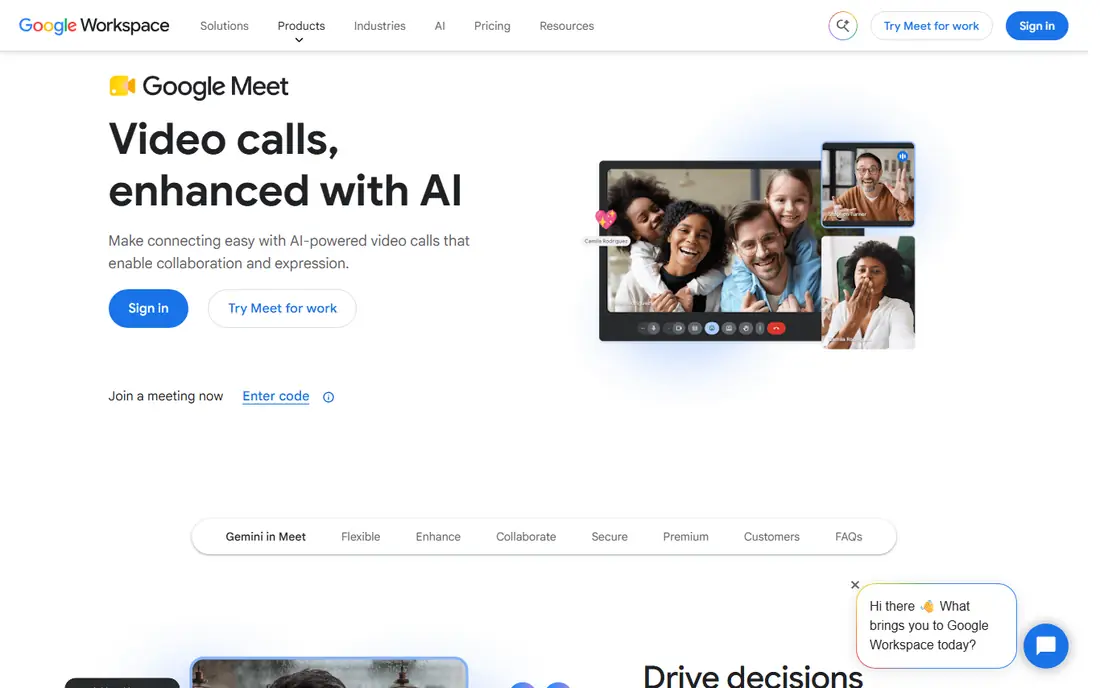
Google Meet is the simplest free replacement for most people. You need only a Google account to start or join a call, and guests can join from a browser without installing software in many cases. Screen sharing, chat, captions and reactions cover the basics for classes, family calls and small team meetings.
The 60-minute group limit is the main catch. For a longer meeting, you will need to restart the call or move to a paid Workspace plan. One-on-one calls are more generous, with no time limit in current guides. If your team already uses Gmail and Google Calendar, Meet is the lowest-friction free choice.
- Free group calls for up to 100 people and 60 minutes
- One-on-one calls have no time limit in current guides
- Works in a browser with a Google account
- Group free calls end after 60 minutes
- Advanced recording and large meetings need paid Workspace plans
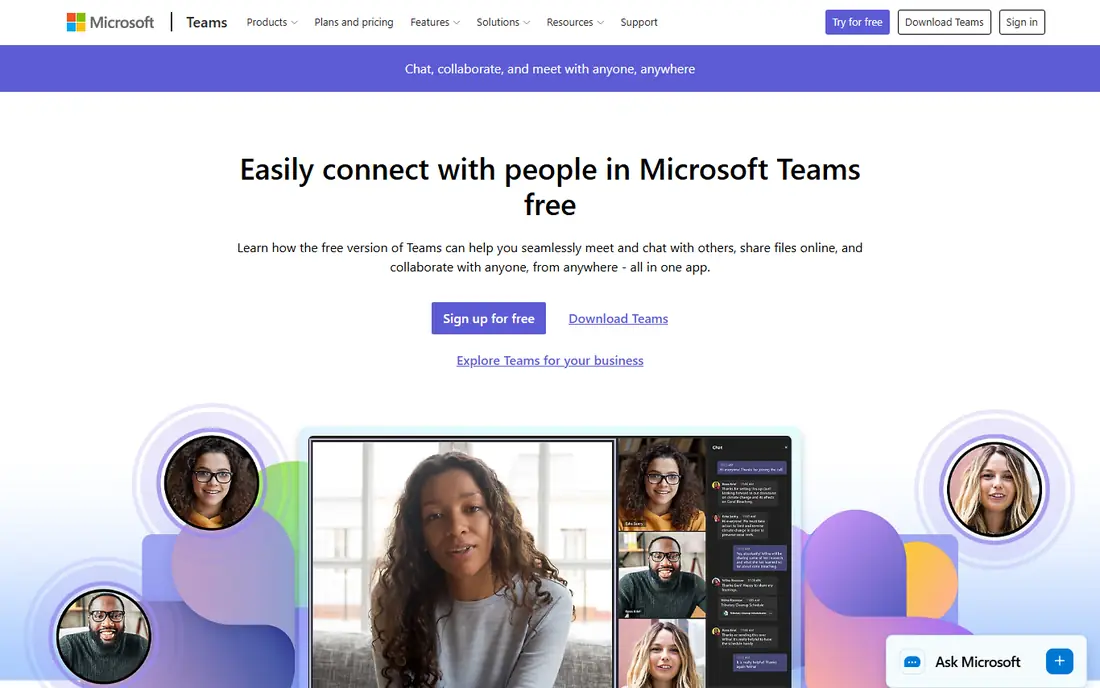
Microsoft Teams free suits teams that already live in Microsoft tools. Beyond video calls, you get persistent chat, team channels and file sharing, so a meeting is part of a wider workspace rather than a one-off link. Free group calls support up to 100 people for 60 minutes in current guides, which matches Google Meet for small teams.
For a single casual call, Teams can feel heavier than Meet or Whereby, because it asks guests to use an app or account flow. Paid Microsoft 365 plans add longer meetings, larger capacities, webinars and recording. If your work already runs on Outlook and OneDrive, Teams free is a strong, practical choice.
- Free group calls for up to 100 people and 60 minutes
- Includes chat, file sharing and team channels
- Good fit for Microsoft 365 users
- Full meeting features need paid Microsoft 365 plans
- Setup can feel heavy for a one-off call
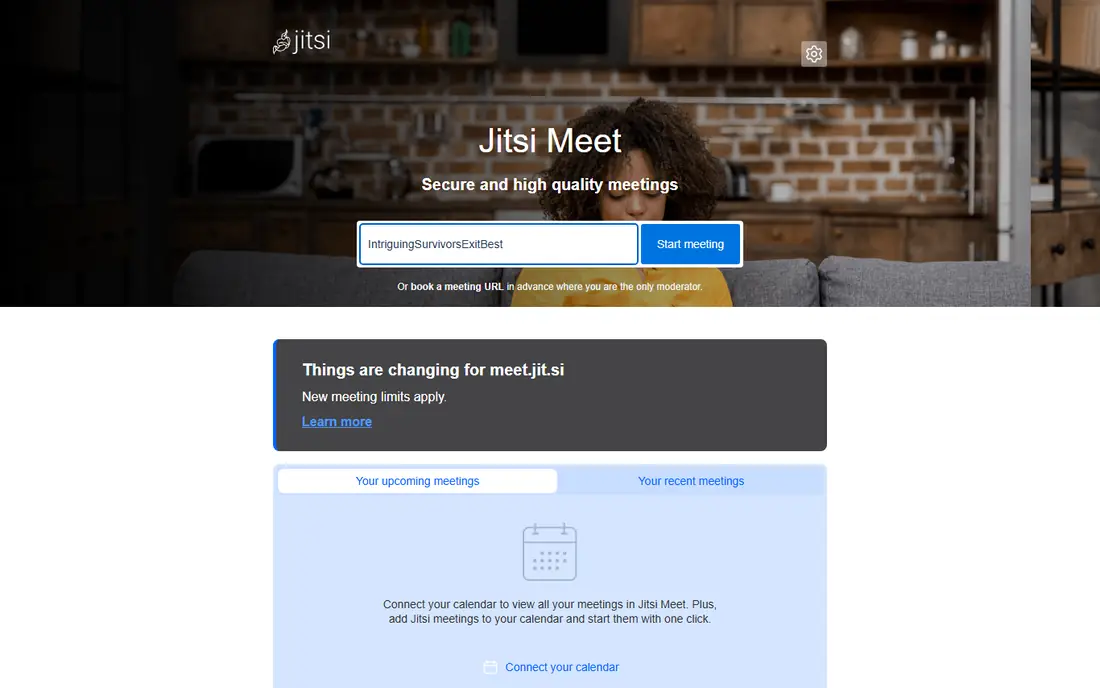
Jitsi Meet is the most open option in this list. You can start a meeting in a browser, share a link, and join without creating an account in many cases. Screen sharing, chat and reactions cover everyday calls, and the open source code lets organisations host their own server for privacy and control.
The trade-off is polish and support. The public service can vary under heavy load, and recording, streaming and large-meeting tuning need extra setup compared with Meet or Teams. For privacy-focused teams, schools and open source projects, Jitsi free value is hard to beat. For large business webinars, a paid platform may be more reliable.
- Free and open source with no account needed for many calls
- Browser-based with screen sharing and chat
- Can be self-hosted for full control
- Public service quality can vary with load
- Recording and advanced features need extra setup
Cisco Webex free suits business users who want a familiar, secure meeting tool without paying yet. Free meetings support up to 100 participants, with screen sharing, chat and meeting controls that feel designed for work rather than casual chat. Webex also integrates with calendars and business tools that many companies already use.
The 40-minute free limit matches Zoom free plan, so it does not solve the time-limit problem on its own. Paid Webex plans start at $12 per user per month in current guides and add longer meetings, recording and larger capacities. Choose Webex free if you want business controls for short meetings, and upgrade when meetings regularly run longer.
- Free meetings for up to 100 people
- Business-grade security and meeting controls
- Good screen sharing and chat
- Free group meetings are capped at 40 minutes
- Webinars and large events need paid plans
Whereby is built for simplicity. You create a room link, share it, and guests join from a browser without installing an app. That low friction suits client calls, tutoring, interviews and small team check-ins, where you do not want to teach guests a new tool for a 20-minute call.
Free limits are the catch. Current guides put free meetings at a small participant count and a limited duration, with paid plans starting at about $9 per month for larger rooms. Whereby is not the best choice for a 100-person all-hands meeting. For small, frequent browser calls, it is one of the easiest free tools to use.
- Simple browser rooms with no downloads for guests
- Easy custom room links
- Good for small groups and client calls
- Free plan limits room size and meeting length in current guides
- Large meetings need paid plans
Discord suits communities, clubs, study groups and gaming teams that meet often. You can create a server, set up voice and video channels, share screens and chat in one place, all for free. That persistent setup means a group does not need a new link for every call.
Formal business users may find Discord less suitable. It lacks some business meeting controls, webinar registration and calendar integration found in Teams, Webex or Livestorm. For a community that wants a free, always-on meeting space, Discord is a strong and popular choice.
- Free voice, video and screen sharing for communities
- Persistent servers, channels and roles
- Good for groups that meet often
- Less suited to formal business meetings and webinars
- Meeting controls differ from business platforms
Zoho Meeting suits small teams that already use Zoho apps for mail, CRM or projects. The free plan covers small meetings with screen sharing and chat, and it integrates with the wider Zoho suite. That link helps small businesses keep meetings, contacts and projects in one ecosystem.
Free limits mean it is not a large-meeting tool without a paid plan. Paid Zoho Meeting plans add larger capacities, recording and webinar features. If you already use Zoho, its free meeting tool is a convenient add-on. If you do not use Zoho, Google Meet or Teams may offer larger free capacities.
- Free plan for small meetings
- Good fit for Zoho users
- Includes screen sharing and chat
- Free capacity and duration are limited
- Larger meetings and webinars need paid plans
Livestorm suits small webinars, training sessions and audience events, not only internal meetings. Its free plan supports small sessions with registration, polls and Q and A, which helps teachers, marketers and community organisers run a structured event. Hosts and guests join from a browser, which lowers friction for external attendees.
The free plan is for testing and small events, with attendee limits that rule out large webinars. Paid plans scale by attendees and features, so check the cost at your expected audience size. For a first webinar or a small class, Livestorm free is a useful way to test format before you pay.
- Free plan for small webinars and meetings
- Registration, polls and Q and A for audience events
- Browser-based for hosts and guests
- Free plan limits attendees and session size
- Larger webinars need paid plans
How we picked these
We compared official pricing pages and public guides for video meeting tools that offer a genuinely free plan in October 2026. We kept only tools with a free tier, not only a trial, and we left out Zoom itself, because this article covers alternatives. We did not claim hands-on testing. We judged each tool on free participant and time limits, browser access, screen sharing, chat, recording and ease of joining, and we marked paid starting prices where guides gave a clear figure.
How to choose a free Zoom alternative
Start with your meeting size and length. A 100-person, 60-minute free call suits Google Meet or Teams, while a small browser call suits Whereby, and a community hangout suits Discord. Write down your usual participant count and meeting length, then match those numbers to free limits. A free tool that ends your meeting mid-discussion is not free in practice.
Next, check how guests join. Browser joining with no account suits external clients, while a team workspace suits internal staff who meet daily. Also check screen sharing, chat, captions and recording, because those features matter more than video quality for most work meetings. Test a real call with your usual guests before you switch a whole team.
Finally, check the paid price at your next step. Free plans are a starting point, and longer meetings, larger audiences and recording usually need a paid plan. Compare the paid price for your team size, and check whether pricing follows hosts, users or attendees. The best free alternative is the one your guests can join easily and your team can afford when it grows.
Frequently asked questions
What are the best free Zoom alternatives?
Google Meet, Microsoft Teams, Jitsi Meet and Webex are among the best free alternatives, each with a different strength. Google Meet suits everyday calls, Teams suits Microsoft users, Jitsi suits fully free and private calls, and Webex suits business meetings. Whereby suits simple browser calls, while Discord suits communities.
Is there a free Zoom alternative with no time limit?
Jitsi Meet is the closest to a no-time-limit free option, because its public service does not impose the same 40 or 60 minute cap as many business tools in current guides, and self-hosting removes vendor limits entirely. Google Meet one-on-one calls also have no time limit in current guides. For large group calls with no time limit, self-hosted Jitsi or a paid plan is the reliable route.
What is the best free alternative to Zoom for large meetings?
Google Meet and Microsoft Teams free both support up to 100 participants for group calls, with a 60-minute limit in current guides. Webex free also supports 100 participants, with a 40-minute limit. For larger audiences, paid plans or a webinar tool such as Livestorm are needed, because free plans cap both size and duration.
Can I use a free Zoom alternative in a browser?
Yes, Google Meet, Jitsi Meet, Whereby and Livestorm all support browser joining, and Teams and Webex offer browser options for many meetings. Browser access suits external guests who do not want to install an app. Check whether screen sharing and full controls work in your browser before a large meeting.
Do free Zoom alternatives include recording?
Some free plans include limited recording, while many reserve full cloud recording for paid plans. Google Meet and Teams free plans limit recording features, and Jitsi recording needs extra setup. Check the recording terms on each vendor page, and use local recording or a paid plan if you need reliable meeting records.
Sources
See where you really rank - block by block
ProMapRanker scans Google Maps across a grid of your service area. Simple monthly plans from $19, white-label on every plan.
Start freeKeep reading
 outreach alternatives
Outreach Alternatives in 2026
Compare outreach alternatives for 2026, from Salesloft and Apollo to HubSpot and Lemlist, with pricing, channels, features, limits, and honest trade-offs.
Read → best web conference tools
Best Web Conference Tools in 2026
Compare the best web conference tools for meetings, webinars and team calls, with current pricing, free plans and honest limits for each option here today.
Read → best voice cloning tools
Best Voice Cloning Tools in 2026
Compare the best voice cloning tools in 2026, from ElevenLabs and Descript to Resemble and Cartesia, with consent rules, pricing, licenses, and limits.
Read →