 ProMapRanker
Free Alternatives to SpyFu in 2026


Your own rankings and clicks · Pricing starts at: Free
Key takeaways
- No single free tool replaces a paid competitor suite, but a stack of free tools covers keyword ideas, your own rankings, and basic competitor checks.
- Google Search Console and Google Keyword Planner are the free foundation, because they use real Google data for your own site.
- Ubersuggest, Semrush, and Ahrefs Webmaster Tools give the closest free competitor views, but each limits searches or covers only sites you verify.
- Every tool here has a genuine free tier or free plan. Tools with only a paid trial were left out.
Quick comparison
| Pick | Great for | Pricing starts at | Free tier | |
|---|---|---|---|---|
| Google Search Console | Your own rankings and clicks | Free | Yes | Visit |
 Google Keyword Planner | Keyword volume ranges from Google | Free | Yes | Visit |
 Ubersuggest | Quick keyword and difficulty checks | Free | Yes | Visit |
 Semrush | Limited daily competitor research | Free | Yes | Visit |
 Ahrefs Webmaster Tools | Audits and backlinks for your sites | Free | Yes | Visit |
 Moz Link Explorer | Free backlink and domain checks | Free | Yes | Visit |
 AnswerThePublic | Question-based keyword ideas | Free | Yes | Visit |
 Google Trends | Trend direction and seasonality | Free | Yes | Visit |
 Keyword Surfer | Volume data inside search results | Free | Yes | Visit |
The best free alternatives to SpyFu
Here are the free tools we shortlisted for site owners who want competitor and keyword insight without paying for a suite, with honest limits on each free tier.
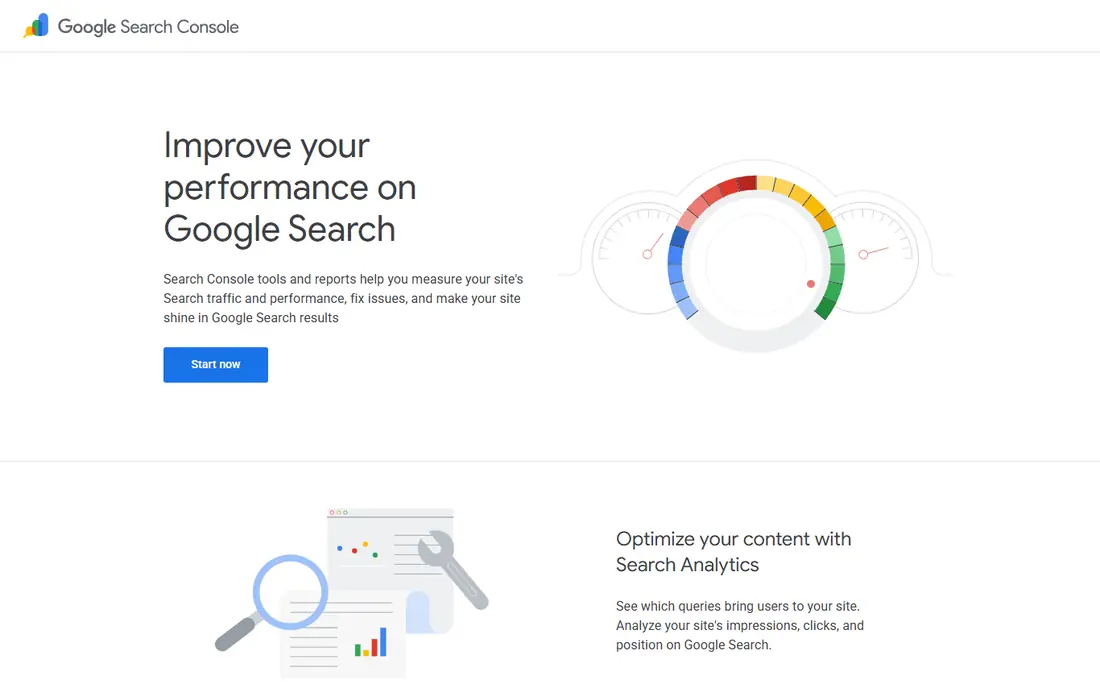
Google Search Console is the first free tool every site owner should set up. It shows the queries your pages actually appear for, with clicks and impressions, plus indexing and coverage problems. That first-party data is more honest than any estimate, because it comes from Google for your own site.
The limit is scope. Search Console tells you nothing about a competitor's keywords, and it only covers sites you verify. Use it to find pages that rank on page two, queries that bring impressions but few clicks, and technical problems that block indexing. Those findings alone often beat a paid competitor report for a small site.
- Free
- Real clicks, impressions, and queries for your site
- Indexing and coverage reports
- Shows only your own verified sites
- No competitor keyword lists
- Data has reporting limits
Google Keyword Planner is the free baseline for keyword volume. It gives volume ranges, competition levels, and cost estimates for keyword ideas, drawn from Google's own data. For a new site, those ranges are enough to sort strong topics from weak ones before writing.
The ranges are the catch. Without ad spend, volumes stay broad, such as 1,000 to 10,000 per month, which is not precise enough to rank close topics. Pair Planner with Search Console for your own data and with Ubersuggest for difficulty scores. Used that way, Planner anchors your research in real Google data at no cost.
- Free inside a Google Ads account
- Volume ranges and competition straight from Google
- Keyword ideas by seed term
- Ranges stay broad without ad spend
- Needs a Google Ads account
- No competitor ranking detail
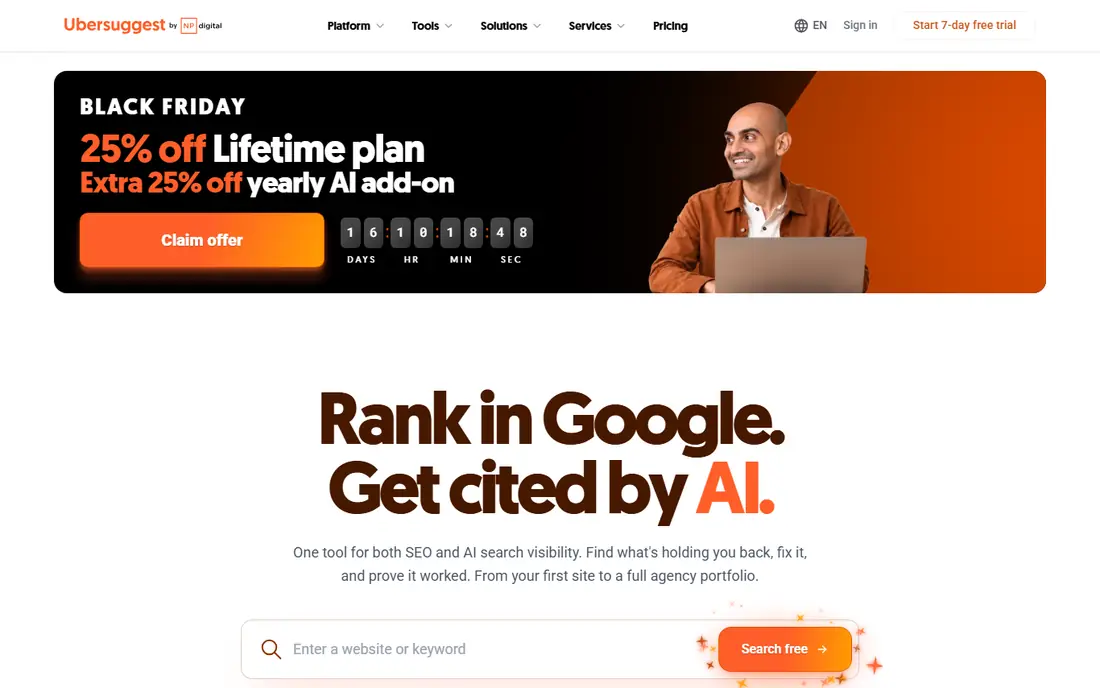
Ubersuggest is the closest free stand-in for quick SpyFu-style checks. The free tier shows keyword ideas with search volume, SEO difficulty, paid difficulty, and cost-per-click, plus a snapshot of top-ranking pages. That combination helps you judge if a keyword is winnable before you write.
The daily limit shapes how you use it. With 3 free searches per day, save Ubersuggest for final keyword choices, not for broad brainstorming. Brainstorm with AnswerThePublic or Keyword Planner first, then spend your three searches on the terms you are closest to targeting. Paid plans from $29 per month remove the limit if you outgrow the free tier.
- Free tier with keyword ideas, volume, and difficulty
- SERP snapshot for top pages
- Backlink overview
- Free tier allows only 3 searches per day in the web app
- Paid plans start at $29 per month for more
Semrush offers the widest free competitor view here, within tight limits. A free account allows about 10 reports per day in recent guides, covering keyword research, competitor top keywords, and a small site audit with tracked keywords. For a focused check on one or two competitors, that allowance is workable.
The limit is speed, not access. Ten reports per day means a full competitor gap analysis takes days, not minutes, and you must save results as you go. Use Semrush free for spot checks on priority competitors, and use Search Console for your own site. If daily competitor work becomes routine, a paid plan will save more time than the free tier costs in effort.
- Free account with daily research queries
- Competitor keyword and domain views
- Small site audit
- Free account allows about 10 reports per day
- Full competitor depth needs a paid plan
Ahrefs Webmaster Tools is the best free audit tool for your own site. Once you verify a site, you get backlink data, a site audit, and keyword rankings for that site, with the data quality Ahrefs is known for. It finds broken links, redirect chains, and pages with thin content that hurt rankings.
The catch mirrors Search Console: it covers only sites you own. You cannot use the free tier to research a competitor's backlinks or keywords, which is the core SpyFu job. Use it to fix your own site and to track your own backlinks, and use Semrush free or Moz free checks for limited competitor views.
- Free for sites you verify
- Backlink data, site audit, and keyword rankings for your own sites
- Strong data quality
- Covers only your own verified sites
- No competitor domain research on the free tier
Moz Link Explorer gives a free window into backlinks and domain strength. Free queries, listed at about 10 per month in recent guides, show linking domains, anchor text, and Domain Authority for a quick comparison between sites. That is enough to check a competitor's link profile at a glance or to verify a link you earned.
Ten queries per month is a hard ceiling for serious link research. Save them for high-value checks, such as a new competitor or a site you plan to pitch. Domain Authority is a third-party score, not a Google metric, so use it to compare sites roughly, not to judge a single site in isolation.
- Free link queries each month
- Domain Authority for quick comparison
- Backlink and anchor views
- Free queries are limited to about 10 per month
- Depth is far below a paid link index
AnswerThePublic answers a different question from the tools above: what do people actually ask about a topic. The free tier allows 3 searches per day and returns question-shaped ideas, such as how, why, and what questions around a seed term. Those questions make strong subheadings and FAQ sections.
It does not give volume or difficulty data on its own, so pair it with Keyword Planner or Ubersuggest. Brainstorm a topic in AnswerThePublic, take the best questions, then check volume and difficulty elsewhere. That two-step workflow turns a free question tool into a practical content plan.
- Free tier with question and phrase ideas
- Visual maps of what people ask
- Good for subheadings
- Free tier allows only 3 searches per day
- No volume or difficulty data on the free view
Google Trends is free, unlimited, and underused. It shows whether interest in a term is rising, falling, or seasonal, and it lets you compare terms and regions side by side. That direction matters more than a single volume figure when you choose between two topics or time a post.
The scale is relative, not absolute. A score of 100 means peak interest for that term in that period, not 100 searches, so pair Trends with Keyword Planner for volume ranges. Use Trends to avoid building a page around a fading term, and to time seasonal content before interest peaks.
- Free and unlimited
- Shows relative interest over time
- Compares terms and regions
- Spots seasonality
- Shows relative interest on a 0 to 100 scale, not raw search counts
- No difficulty or competitor data
Keyword Surfer puts keyword data where you already browse. As a free Chrome extension, it overlays search volume and cost-per-click data on Google results pages and shows related terms in the sidebar, plus estimated traffic for ranking pages. For passive research while you browse competitors, it costs nothing and needs no separate tool.
The limits are real. It works only in Chrome, volume figures are estimates, and it gives no difficulty score or detailed SERP analysis. Use it as a companion to the free stack, not as a replacement for it. When a term looks promising in Surfer, confirm it in Keyword Planner and Ubersuggest before committing to a page.
- Free Chrome extension
- Shows volume and CPC data inside Google results
- Related terms in the sidebar
- Chrome only
- Volume estimates can be rough
- No difficulty score or deep SERP analysis
How we picked these
We compared vendor free tiers and recent free-tool guides, and we kept only tools with a genuine free tier or free plan that works without a paid trial. We favored tools that cover different jobs: your own data, keyword volume, competitor checks, backlink checks, question ideas, and trend direction. We left out tools that offer only a 7-day or 14-day trial, since a trial is not a free alternative for ongoing use.
What to check before you buy
Build a stack, not a single replacement. No free tool here matches a paid suite on its own, but together they cover the core jobs. Start with Search Console and Keyword Planner for your own data, add Ubersuggest and Semrush free for competitor spot checks, and add AnswerThePublic and Trends for content ideas and timing.
Spend free searches with care
Free limits reward planning. List your priority keywords and competitors before opening a limited tool, and save every result in a spreadsheet as you go. Wasting a Ubersuggest search on a broad one-word term, or a Moz query on a site you do not care about, costs you a day or a month of allowance. Batch your questions, then run them in one session.
Know when free stops being enough
Free tools break down when you track more than a small set of keywords, research many competitors weekly, or need full backlink data for outreach. At that point, compare the time you spend working around limits with the price of a paid plan. For a hobby site or a single small business site, the free stack here is usually enough for months.
Frequently asked questions
What are the best free alternatives to SpyFu?
Google Search Console and Google Keyword Planner for your own data, plus Ubersuggest and Semrush free for limited competitor checks, and Ahrefs Webmaster Tools for free audits of your own sites. Together they form the strongest free stack.
Are there SpyFu free alternatives for competitor keywords?
Yes, within limits. Semrush free allows about 10 reports per day for competitor keyword checks, and Ubersuggest free allows 3 searches per day. Neither gives full paid-suite depth, but both give usable competitor views at no cost.
Is Ubersuggest really free?
Yes, with limits. The free tier allows 3 searches per day in the web app, with keyword ideas, volume, and difficulty. Paid plans from $29 per month remove the daily limit and add more projects and tracking.
Can I check a competitor's backlinks for free?
Only in a limited way. Moz Link Explorer offers about 10 free queries per month for backlink and domain checks. Ahrefs Webmaster Tools is free, but only for sites you verify and own, not for competitors.
What is the best free keyword research tool?
Google Keyword Planner for volume ranges from Google, paired with AnswerThePublic for question ideas and Google Trends for direction. Add Ubersuggest free when you need a difficulty score for a final keyword choice.
Do free SEO tools replace a paid suite?
No, not fully. Free tools cover idea generation, your own rankings, and spot checks well, but they limit searches, holdings, and competitor depth. They suit a small site or a learning phase, and a paid plan makes sense once competitor research becomes weekly work.
Sources
See where you really rank - block by block
ProMapRanker scans Google Maps across a grid of your service area. Simple monthly plans from $19, white-label on every plan.
Start freeKeep reading
 zscaler alternatives
Best Zscaler Alternatives in 2026
Looking for zscaler alternatives? We compare 9 SASE and zero trust platforms on architecture, data protection, pricing, and fit for your network and team.
Read → zapier alternatives free
Best Zapier Alternatives Free in 2026
Nine automation tools for zapier alternatives free in 2026, all with genuinely free tiers, plus free plan limits, starting prices and upgrade paths explained.
Read → which platform is best for online reputation
Which Platform Is Best for Online Reputation in 2026
Wondering which platform is best for online reputation? We compare 8 review, listing, and response tools for small and multi-location businesses and agencies.
Read →