 ProMapRanker
Best Free Alternatives to Moz Pro in 2026


Own site search performance · Pricing starts at: Free
Key takeaways
- Google Search Console and Bing Webmaster Tools give the most reliable free data, because they come from the search engines themselves.
- Ahrefs Webmaster Tools gives free audits and backlink data for sites you verify, which is the closest free match to Moz Pro for site owners.
- Semrush, Ubersuggest and AnswerThePublic cover free keyword and content ideas, but daily limits apply.
- Screaming Frog SEO Spider covers technical audits for free up to 500 URLs, which suits most small sites.
- No single free tool replaces every Moz Pro feature, so most teams combine two or three free tools.
Quick comparison
| Pick | Great for | Pricing starts at | Free tier | |
|---|---|---|---|---|
| Google Search Console | Own site search performance | Free | Yes | Visit |
 Ahrefs Webmaster Tools | Free audits and links | Free | Yes | Visit |
 Semrush | Free keyword and domain checks | Free | Yes | Visit |
 Ubersuggest | Simple keyword ideas | Free | Yes | Visit |
 Screaming Frog SEO Spider | Technical site crawls | Free | Yes | Visit |
 Google Keyword Planner | Keyword ideas and volumes | Free | Yes | Visit |
 Bing Webmaster Tools | Bing search performance | Free | Yes | Visit |
 AnswerThePublic | Question based content ideas | Free | Yes | Visit |
 Rank Math | WordPress on-page SEO | Free | Yes | Visit |
The best free alternatives to Moz Pro
Moz Pro combines rank tracking, keyword research, site audits and link data in one paid suite. No free tool matches all of that at once, so this list focuses on tools with a genuinely free tier that each cover part of the job well. Trial-only tools are excluded.
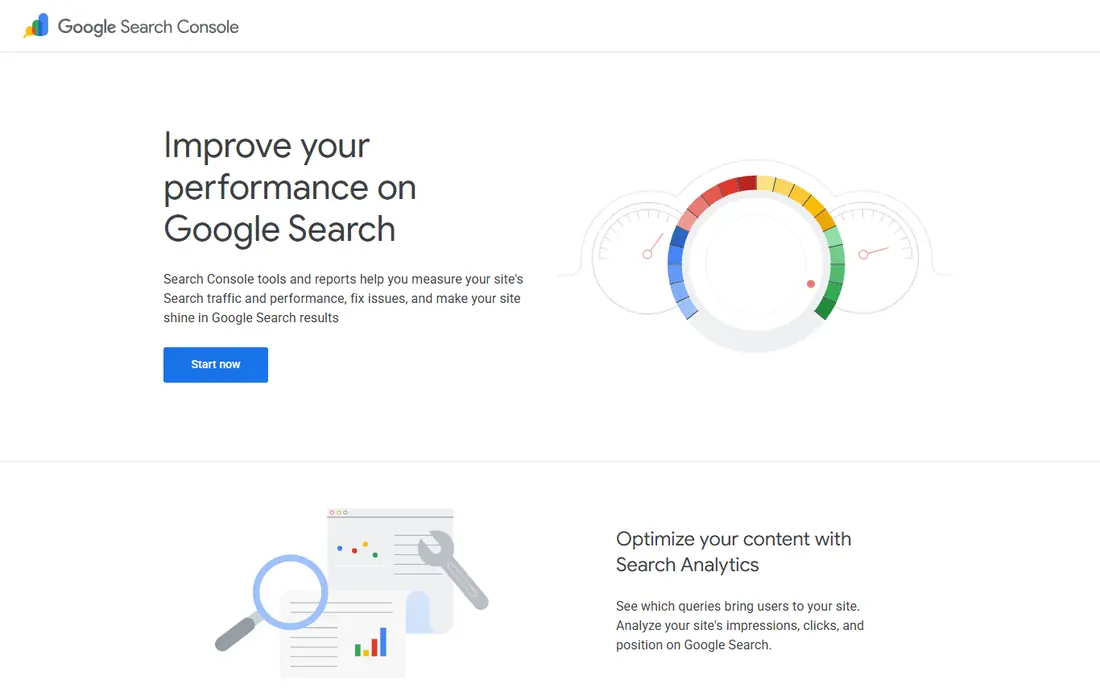
Google Search Console is the first free tool every site owner should set up. It shows the actual queries that bring people to your site, which pages rank, and whether Google can index them. That first party data is more reliable for your own site than any third party estimate, and it costs nothing.
Its limit is scope. Search Console will not show a rival's keywords or links, and it does not track a keyword list in the Moz Pro sense. Pair it with a free keyword tool for ideas and a free audit tool for technical checks.
- First party Google data on queries, clicks and impressions
- Indexing and Core Web Vitals reports
- Completely free
- Only works for sites you own and verify
- No competitor keyword or backlink research
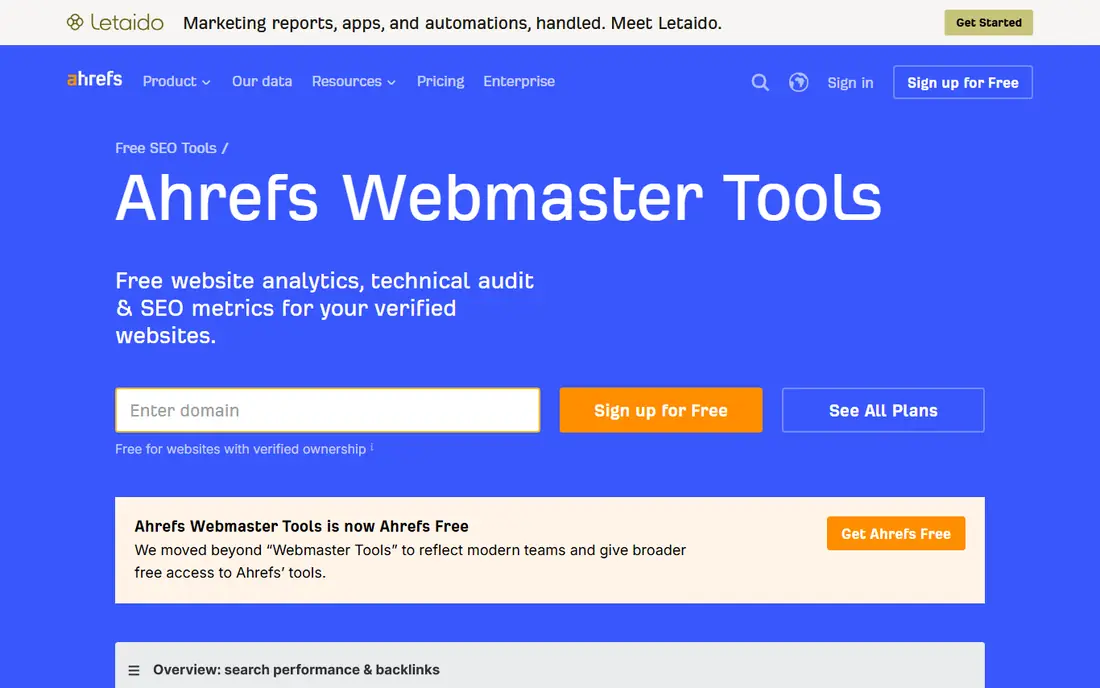
Ahrefs Webmaster Tools is the closest free match to Moz Pro for site owners. After you verify your site, you get a site audit, backlink reports and organic keyword data drawn from Ahrefs data. That combination covers much of what a small site needs for technical health and link awareness.
The catch is ownership. You cannot use it to research a rival in depth, which is a key Moz Pro use case. For your own site, though, it is one of the strongest free tools available, and it pairs well with Search Console.
- Free site audit and backlink data for verified sites
- Organic keyword data for your own domain
- Useful health scores
- Only covers sites you verify
- Competitor research needs a paid Ahrefs plan
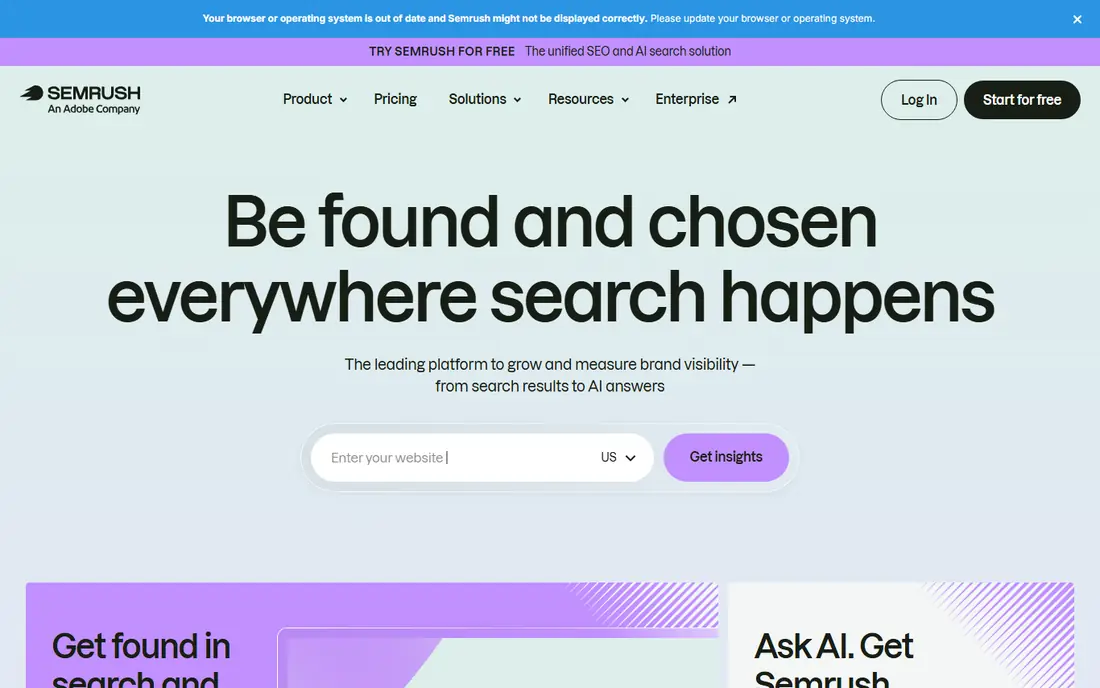
A free Semrush account lets you run a limited number of daily reports on keywords, domains and backlinks. That is enough for occasional competitor checks and keyword ideas, and it gives a taste of the full suite without a trial clock. For a small site owner, those daily checks can cover weekly planning.
Heavy users will hit the limits fast. Semrush free is best as a spot check tool alongside Search Console and Ahrefs Webmaster Tools, not as a full daily research suite. If you need unlimited competitor research, a paid plan or a different tool will be needed.
- Free account with limited daily reports
- Keyword, domain and backlink overviews
- Useful for competitor spot checks
- Free account limits are tight
- Full research needs a paid plan
Ubersuggest suits owners who want quick keyword ideas without a complex dashboard. Type in a topic or a domain and you get keyword suggestions, search volume ranges, content ideas and a basic site overview. The free tier covers a few searches a day, which suits a small content calendar.
It is not a replacement for deep competitor or link research. Use it for brainstorming and planning posts, then check performance in Search Console and technical health in a free crawler.
- Easy keyword and domain overviews
- Content ideas and basic audits
- Limited free searches each day
- Data depth is below larger suites
- Free limits can frustrate heavy research
Screaming Frog is the best free technical audit tool for small sites. Its free version crawls up to 500 URLs and reports broken links, redirect chains, missing meta data, duplicate pages and other issues that hurt search performance. For a site under 500 pages, that covers a full audit at no cost.
Larger sites will need the paid version to crawl beyond 500 URLs, and beginners may find the interface dense at first. Start with a crawl of your main sections, fix the errors it flags, and repeat the crawl after changes.
- Free crawl up to 500 URLs
- Finds broken links, redirects, missing titles and duplicate content
- Desktop tool
- Free version caps at 500 URLs
- Interface takes time to learn for beginners
Google Keyword Planner is a free tool inside Google Ads that gives keyword ideas and search volume ranges. It is useful for planning content around terms people actually search for, and its data comes from Google itself. You need a Google Ads account to use it, but you do not need to run ads to access the planner.
The volume figures are ranges, not exact counts, and they can be broad for niche terms. Use Keyword Planner for ideas and relative demand, then check real performance in Search Console once a page is live.
- Keyword ideas and volume ranges from Google
- Forecasts for paid search
- Free with a Google Ads account
- Exact volumes may need active ad spend
- Ranges can be broad for low volume terms
Bing Webmaster Tools gives free data on how your site performs in Bing search, plus site scans, keyword reports and indexing tools. It is a useful second console alongside Google Search Console, and its audit reports can catch issues Google does not flag. It costs nothing for verified sites.
Bing is smaller than Google for most US sites, so its traffic data will usually be lower. Still, the audit and keyword tools alone make it worth setting up, especially since setup takes only a few minutes.
- Free Bing search data and site audits
- Keyword research and indexing tools
- Complements Google Search Console
- Focused on Bing search, which is smaller than Google in the US
- No competitor depth
AnswerThePublic turns a seed keyword into questions people ask, plus comparisons and related phrases. That is valuable for planning blog posts, FAQs and guides that match real search intent. The visual layout makes it easy to spot gaps in your content, even for non-technical users.
Free use is limited to a small number of searches per day, so plan your topics in advance. It is a brainstorming tool, not a rank tracker or audit tool, so pair it with Search Console and a crawler for the full picture.
- Question, comparison and related keyword ideas
- Visual topic maps
- Useful for content planning
- Free searches are limited each day
- Search volume data is limited on the free tier
Rank Math is a free WordPress SEO plugin that covers on-page work Moz Pro users often do in a separate dashboard. It checks titles, meta descriptions and content, adds schema markup, manages sitemaps and redirects, and scores each post as you write. For a WordPress site, it brings much of the day to day SEO work into the editor.
It only works on WordPress, and it does not track rankings or research rivals in depth. Pair it with Search Console for performance data and a free audit tool for technical health, and you have a strong free stack for a WordPress site.
- Free WordPress plugin with on-page checks, schema and sitemap tools
- Clear content scoring
- Works inside WordPress
- WordPress only
- Some advanced features need a paid plan
How we picked these
We compared official product pages and free tier descriptions for SEO tools live in October 2026. We included only tools with a genuinely free tier that can be used on an ongoing basis, and we excluded trial-only tools. We favoured tools that cover search performance, keyword ideas, audits, links or on-page work, and we noted ownership limits and daily caps where they apply.
What to check before you choose
Start with your own site. Set up Google Search Console and Bing Webmaster Tools first, since they give verified data no third party tool can match. Add Ahrefs Webmaster Tools for audits and links, and Screaming Frog for a technical crawl if your site is under 500 pages. That core stack covers health and performance at no cost.
Next, add keyword and content tools for planning. Use Google Keyword Planner for volume ranges, Ubersuggest for quick ideas and AnswerThePublic for questions people ask. Remember that free tools cap daily use and rarely give deep competitor data. If competitor backlinks and rankings become a daily job, that is the point where a paid tool starts to make sense.
Frequently asked questions
Can free tools fully replace Moz Pro?
For a small site, a combination of free tools can cover most Moz Pro jobs, including audits, keyword ideas and on-page checks. For ongoing competitor research, large rank tracking lists and deep link analysis, a paid tool still has an edge. Most small teams start free and upgrade only when the limits slow their work.
Which free tool is closest to Moz Pro?
Ahrefs Webmaster Tools is closest for site owners, because it combines audits, backlinks and organic keywords for verified sites. Google Search Console is closest for verified search performance data. Neither covers full competitor research for free, so many teams use both.
Do free SEO tools have daily limits?
Yes, most do. Semrush, Ubersuggest and AnswerThePublic limit daily reports or searches on free tiers, while Screaming Frog limits free crawls to 500 URLs. Check the current limit on each pricing page before you plan a large project around a free tool.
Is Google Search Console enough on its own?
It is enough for tracking your own search performance, indexing and Core Web Vitals, but it does not help with keyword ideas, competitor research or full technical audits. Pair it with a keyword tool and a crawler for a more complete free setup.
Which free tool should a WordPress site use first?
Rank Math is a strong first pick for WordPress, because it handles on-page checks, schema, sitemaps and redirects inside WordPress. Pair it with Google Search Console for performance data and Ahrefs Webmaster Tools for audits and links.
Sources
- https://search.google.com/search-console
- https://ahrefs.com/webmaster-tools
- https://www.semrush.com
- https://neilpatel.com/ubersuggest/
- https://www.screamingfrog.co.uk/seo-spider/
- https://ads.google.com/home/tools/keyword-planner/
- https://www.bing.com/webmasters
- https://answerthepublic.com
- https://rankmath.com
See where you really rank - block by block
ProMapRanker scans Google Maps across a grid of your service area. Simple monthly plans from $19, white-label on every plan.
Start freeKeep reading
 zoro.to alternatives
Best Zoro.to Alternatives in 2026
We compare the best zoro.to alternatives in 2026, listing only legal licensed anime streaming services, from Crunchyroll to free options for fans today.
Read → zip alternatives
Best Zip Alternatives in 2026
We compare the best zip alternatives for buy now, pay later in 2026, covering pay-in-4 plans, fees, spending limits, and credit reporting options today.
Read → yesware alternatives
Best Yesware Alternatives in 2026
Compare the best yesware alternatives for sales email tracking, templates, and sequences, with current pricing and honest tradeoffs for small sales teams.
Read →