 ProMapRanker
Free Alternatives to Lightroom in 2026

Key takeaways
- Darktable is the closest full free replacement, since it pairs a photo library with non-destructive RAW editing.
- RawTherapee suits careful RAW work on single files, while digiKam suits organising a very large archive.
- Photopea and GIMP cover browser and pixel editing, while Snapseed covers quick mobile edits.
- Every tool on this list has a genuine free tier, and none of them is Lightroom itself.
Quick comparison
| Pick | Great for | Pricing starts at | Free tier | |
|---|---|---|---|---|
 Darktable | Full RAW library and editing | Free | Yes | Visit |
 RawTherapee | Detailed RAW processing | Free | Yes | Visit |
 digiKam | Organising large collections | Free | Yes | Visit |
 LightZone | Simple non-destructive editing | Free | Yes | Visit |
 Photopea | Browser editing with PSD support | Free | Yes | Visit |
 GIMP | Pixel editing and retouching | Free | Yes | Visit |
 Polarr | Quick filters and adjustments | Free | Yes | Visit |
 Snapseed | Mobile photo editing | Free | Yes | Visit |
 Paint.NET | Simple Windows editing | Free | Yes | Visit |
The best free alternatives to lightroom
We compared free tools that cover the two halves of Lightroom work: organising photos and editing RAW files without destroying the original. Every option below has a genuine free tier, and we list alternatives only, never Lightroom itself. Some tools are stronger on editing, others on libraries, so pick based on which half you use most.
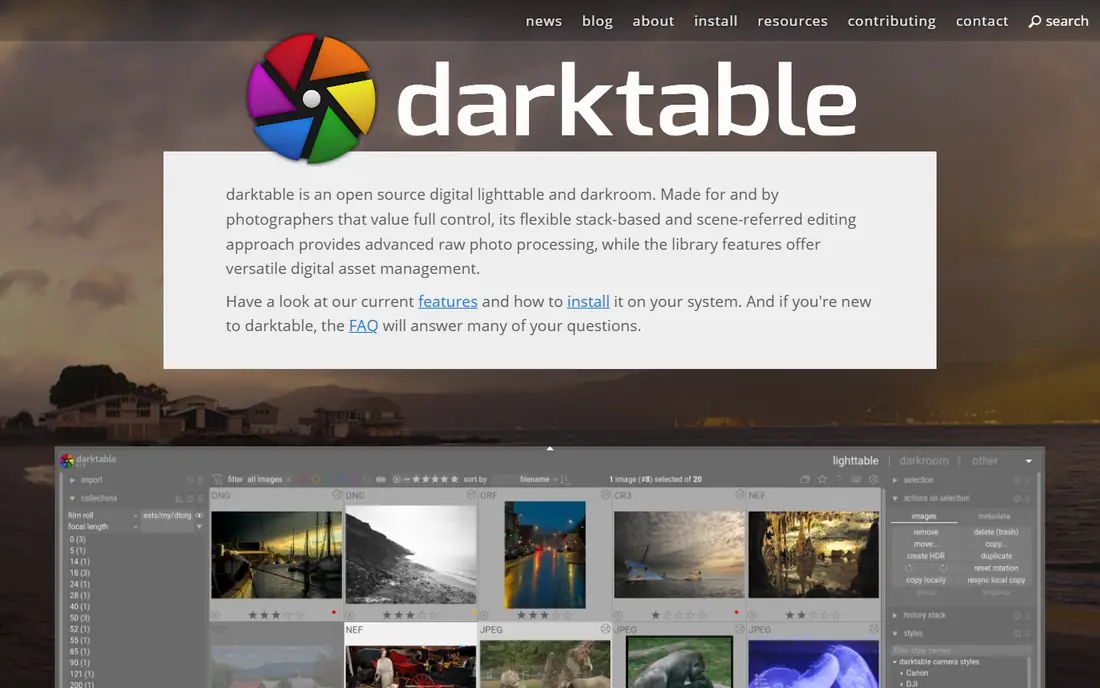
Darktable is the closest free match for Lightroom because it does both jobs in one program. Import photos, rate and tag them, edit RAW files without changing the original, and export finished images. Its module-based editing gives fine control over exposure, colour, and tone, and it supports a wide range of cameras.
The learning curve is real. New users should expect to spend time learning modules, masks, and export settings before the workflow feels fast. For photographers who want a free, complete RAW workflow on desktop, that effort is worth it, and the open-source community keeps camera support moving.
- Non-destructive RAW editing plus a photo library
- Strong colour management
- Runs on Windows, macOS, and Linux
- Steep learning curve
- Interface can feel dense for beginners
- No cloud sync built in
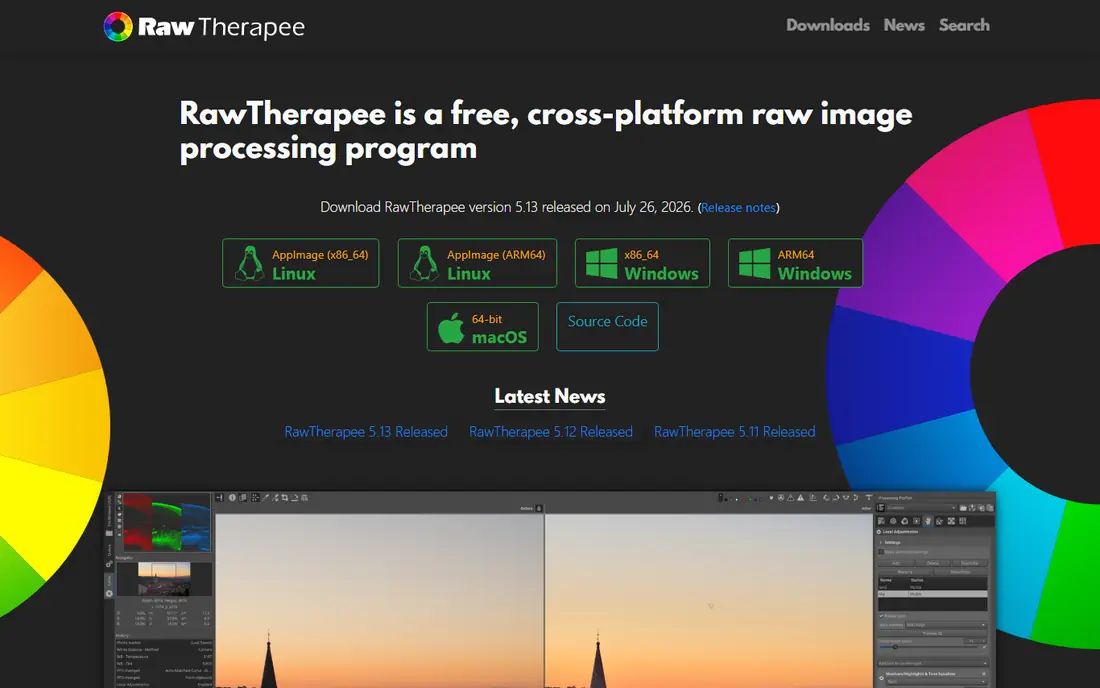
RawTherapee is for photographers who care most about squeezing detail from a RAW file. It offers detailed controls for demosaicing, noise, sharpening, and colour, and it keeps edits non-destructive. For a small set of important images, that control can produce excellent results.
It is not a library tool. If you need to organise thousands of photos, pair RawTherapee with digiKam or another manager, or choose Darktable instead. For careful edits of a few files, RawTherapee remains one of the best free options available.
- Deep RAW detail and colour control
- Non-destructive editing
- Free and open source
- No real photo library
- Interface feels technical
- Batch workflow is slower than a catalogue tool
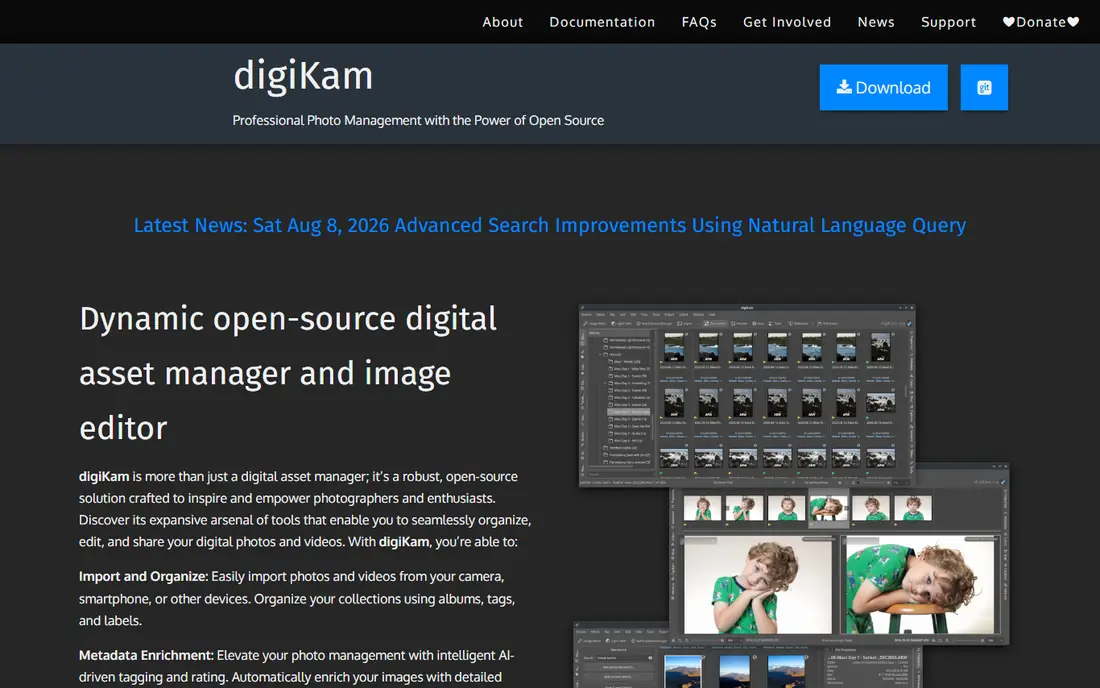
DigiKam excels at the library half of Lightroom work. It handles large collections, with albums, tags, ratings, face tagging, and search across metadata. Photographers with years of files will find its organising tools more complete than those in a pure editor.
Editing is present but basic, so many users pair digiKam with Darktable or RawTherapee for serious RAW work. That two-tool workflow takes a little setup, but it gives a free library plus a free editor without a subscription. For archive organisation alone, digiKam is hard to beat.
- Strong photo management for large archives
- Tagging, ratings, and search
- Basic editing included
- Editing is basic beside a dedicated RAW editor
- Interface is busy
- Setup takes time on very large libraries
LightZone takes a different, simpler approach to tone editing, based on zones rather than sliders alone. That model can feel intuitive for photographers who think in terms of shadows, midtones, and highlights. Edits stay non-destructive, so the original file is never changed.
Its community is smaller than Darktable, and camera support can lag for new models. Check that your camera files open cleanly before adopting it as your main editor. For straightforward RAW edits with less clutter, LightZone is a calm, free choice.
- Non-destructive editing with a zone-based approach
- Simpler than Darktable for many users
- Free and open source
- Smaller community and slower updates
- Fewer camera profiles than larger tools
- No full catalogue
Photopea is the best free option when you cannot or do not want to install software. Open it in a browser, edit a photo with layers and adjustments, and export the result. Its support for PSD files makes it useful for people who receive layered files from others and need to open them without a paid app.
The free version is ad-supported, and a paid plan removes ads, but the core editing tools are free. Avoid uploading sensitive client files to any browser editor without reading its privacy terms. For quick edits on a shared computer or Chromebook, Photopea is hard to beat.
- Runs in any browser with no install
- Opens PSD and many other formats
- Layers, masks, and adjustments included
- Free version shows ads
- Needs an internet connection
- Large files can feel slow in a browser
GIMP is not a Lightroom clone, but it covers the pixel-editing half that Lightroom does not. Use it for retouching, compositing, text, and detailed edits after a RAW file has been developed elsewhere. Its plugin library and scripting support extend it far beyond basic editing.
Pair GIMP with Darktable for a complete free workflow: develop RAW in Darktable, export a TIFF, then retouch in GIMP. That two-step process takes longer than a single app, but it gives professional control at no cost. For retouching alone, GIMP is the strongest free pick.
- Full pixel editing with layers and masks
- Huge plugin and script library
- Free and open source
- Not a RAW catalogue
- Interface takes time to learn
- RAW support needs a plugin workflow
Polarr suits people who want fast, attractive edits without learning a full RAW editor. Its filters, masks, and adjustment tools cover everyday fixes, and it runs on desktop, web, and mobile. For social posts and quick shares, it is faster than a catalogue tool.
Serious RAW work will hit its limits sooner, and some features need a paid plan. Treat Polarr as a quick-edit companion, not a full Lightroom replacement for large RAW libraries. For beginners, its gentle learning curve is a real plus.
- Easy filters and adjustments on desktop, web, and mobile
- Free tier covers everyday edits
- Good for social sharing
- Advanced tools sit behind paid plans
- RAW depth is thinner than Darktable
- Free tier has limits
Snapseed is Google's free mobile photo editor, and it remains one of the best free options on a phone. It offers selective edits, tuning, filters, and RAW support, with a touch interface that suits quick work. For photographers who edit on the go, it covers most everyday needs without a subscription.
It does not replace a desktop library. Use Snapseed for mobile edits and sharing, and keep Darktable or digiKam for archive work on a computer. Its price is genuinely free, with no paid tier gating the core tools, which makes it an easy second app to keep.
- Free mobile editing from Google
- Selective adjustments and filters
- Supports RAW files on mobile
- No desktop catalogue
- Editing is single-image focused
- No cloud library sync
Paint.NET is a simple, fast editor for Windows users who find GIMP too much. It handles layers, adjustments, and plugins, and it opens quickly for everyday edits. For JPEG fixes, crops, and simple composites, it is more than enough.
It is not a RAW catalogue, and RAW files need a plugin workflow. Windows-only support also limits it for Mac and Linux users. For a free, friendly Windows editor beside a RAW tool, Paint.NET earns its place.
- Lightweight and fast on Windows
- Layers and plugins
- Much easier to learn than GIMP
- Windows only
- RAW support needs a plugin
- No photo catalogue
How we picked these
We compared official feature pages, download pages, and public docs, and we kept only tools with a genuine free tier, not just a trial. We favoured tools that cover RAW editing, photo libraries, or pixel editing in a way that replaces part of Lightroom work. Where a tool needed a plugin for RAW support, we said so rather than overstating it.
How to move from Lightroom without losing your photos
Start by testing a candidate on copies of your files, not on your only library. Export a small set of RAW files and JPEGs, import them into the new tool, and check that colours, ratings, and metadata survive. Lightroom catalogues do not transfer perfectly, so expect some manual work on collections and edits.
Keep your originals safe
Back up your photo library before any migration, and keep the original RAW files separate from edited exports. Non-destructive editors in this list do not change originals, but a backup protects against a failed import or a mistaken export. Store one copy offsite if you can, even on a simple external drive kept elsewhere.
Choose one library and one editor
Many free workflows use two tools, such as digiKam for the library and Darktable for editing. That is normal, and it works well once you set a folder habit. Keep imports in one dated folder structure, use consistent tags, and export finished images to a separate folder so originals and finals never mix.
Test your most common job end to end
Before cancelling a paid plan, run your most common job through the free tool: import, edit, export for print, and export for social media. Check export quality, colour, and file size on each output. If that job holds up, the free tool will likely handle your everyday work.
Frequently asked questions
What are the best free Lightroom alternatives for RAW editing?
Darktable is the most complete free RAW editor with a library, while RawTherapee suits detailed work on single files. LightZone offers a simpler non-destructive path, and Snapseed covers RAW editing on mobile. Test your own camera files in each before choosing.
Are there free alternatives to Adobe Lightroom that work on mobile?
Snapseed and Polarr both offer free mobile editing, with Snapseed the stronger free pick for detailed mobile work. Polarr suits quick filters and social sharing across devices. Neither replaces a desktop catalogue, so pair them with a desktop tool for archive work.
What is the best alternative to Lightroom for organising photos?
DigiKam is the strongest free organiser on this list, with tagging, ratings, and search for large archives. Darktable also includes a library beside its editor, which suits photographers who want one program. Choose digiKam when organisation matters more than editing depth.
Is there a Lightroom alternative that is free and works in a browser?
Photopea is the best free browser option, with layers, adjustments, and PSD support and no install needed. Polarr also runs in a browser with a free tier for quick edits. For large RAW libraries, a desktop tool will still be faster than a browser editor.
Can free tools really replace Lightroom?
For many photographers, yes, especially when Darktable or a Darktable plus GIMP workflow covers editing and retouching. You may lose cloud sync, some AI tools, and a polished catalogue transfer, but you gain a free workflow with no subscription. Test your most common job before cancelling.
Sources
See where you really rank - block by block
ProMapRanker scans Google Maps across a grid of your service area. Simple monthly plans from $19, white-label on every plan.
Start freeKeep reading
 zoho inventory alternatives
6 Alternatives to Zoho Inventory, Compared on Price and Fit
Zoho Inventory alternatives: 6 tools compared on price, free plans and fit. Katana leads the list for manufacturers. Fit and flaws are laid out for each entry.
Read → zoho crm alternatives
Best Zoho CRM Alternatives (2026)
Need Zoho CRM alternatives? We compare 7 tools on cost, free access and who each suits. Every pick gets a straight assessment. Built for quick decisions.
Read → zelle alternatives
Best Zelle Alternatives in 2026
Compare the best Zelle alternatives for sending money to friends, paying sellers and moving funds abroad, with honest notes on fees, speed and safety in 2026.
Read →