 ProMapRanker
Best Free Alternatives to Dassault Systemes CAD Software in 2026

Key takeaways
- FreeCAD is the strongest fully free replacement for parametric 3D modeling, with no license limits on commercial use of the software itself.
- Onshape Free and Fusion personal use are powerful, but their free tiers limit privacy or commercial use, so read the terms before work projects.
- LibreCAD, SolveSpace, and OpenSCAD cover 2D drafting, light mechanical parts, and scripted models better than a general 3D tool.
- Tinkercad and SketchUp Free are best for beginners and concept models, not for detailed manufacturing drawings.
- Blender is free and excellent for visualization, but it is not a parametric CAD tool, so use it alongside a real CAD program for engineering work.
Quick comparison
| Pick | Great for | Pricing starts at | Free tier | |
|---|---|---|---|---|
 FreeCAD | Parametric 3D modeling | Free | Yes | Visit |
 Onshape Free | Cloud CAD collaboration | Free | Yes | Visit |
 Autodesk Fusion personal use | Hobby CAD and CAM | Free | Yes | Visit |
 LibreCAD | 2D drafting | Free | Yes | Visit |
 SolveSpace | Light parametric parts | Free | Yes | Visit |
 OpenSCAD | Scripted 3D models | Free | Yes | Visit |
 Tinkercad | Beginner 3D design | Free | Yes | Visit |
 SketchUp Free | Concept models | Free | Yes | Visit |
 Blender | Visualization and rendering | Free | Yes | Visit |
The best free alternatives to Dassault Systemes CAD software
Dassault Systemes makes tools such as SolidWorks and CATIA, which are powerful but priced for professional engineering teams. The free tools below do not match every enterprise feature, but they cover learning, hobby projects, prototyping, and many small engineering jobs at no cost. We compared official feature pages, license terms, and free-tier limits, and we kept only tools with a genuinely usable free version in October 2026.
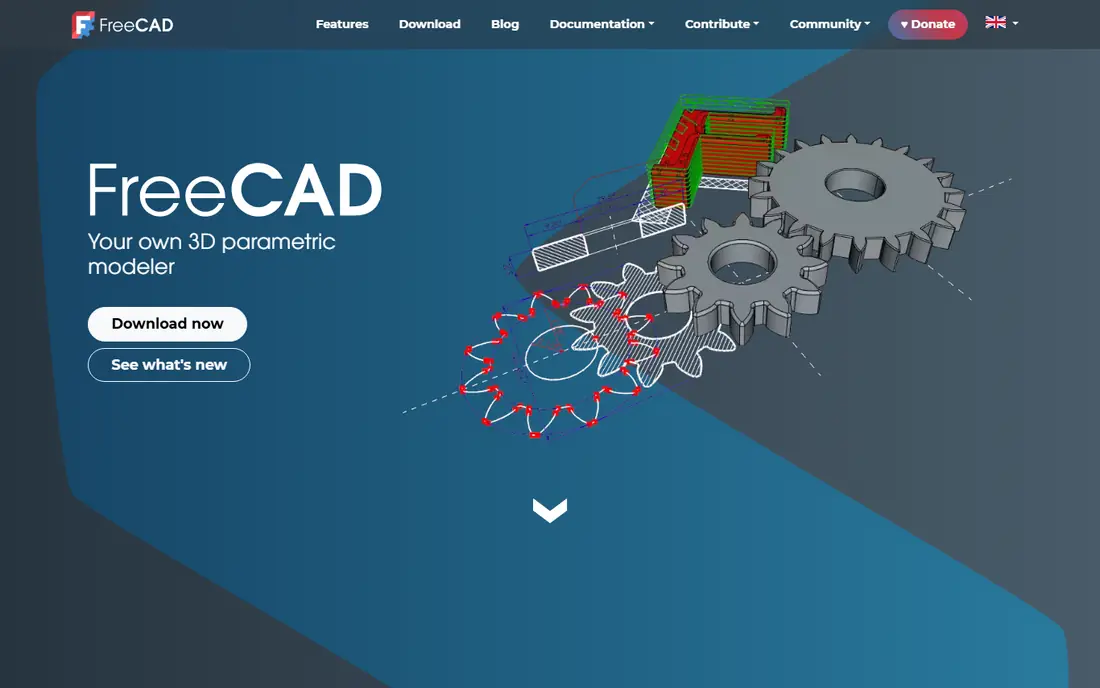
FreeCAD is the first tool to try when you want a real CAD program without a license fee. You sketch profiles, add constraints, and build parametric solids that update when dimensions change, which is the core workflow of SolidWorks-style modeling. Workbenches extend it to assemblies, technical drawings, sheet metal, and basic analysis, so one program covers a wide range of mechanical work.
The honest catch is polish and scale. The interface takes time to learn, and some workbenches feel less finished than their commercial counterparts. Large assemblies with many parts can also test your patience. For single parts, small assemblies, 3D printing, and learning parametric design, FreeCAD is genuinely capable, and its open-source license means no seat limit or expiry.
- Full parametric modeling at no cost
- Workbenches for parts, assemblies, drawings, and sheet metal
- STEP and DXF exchange
- Interface feels less polished than commercial CAD
- Large assemblies can be slower to manage
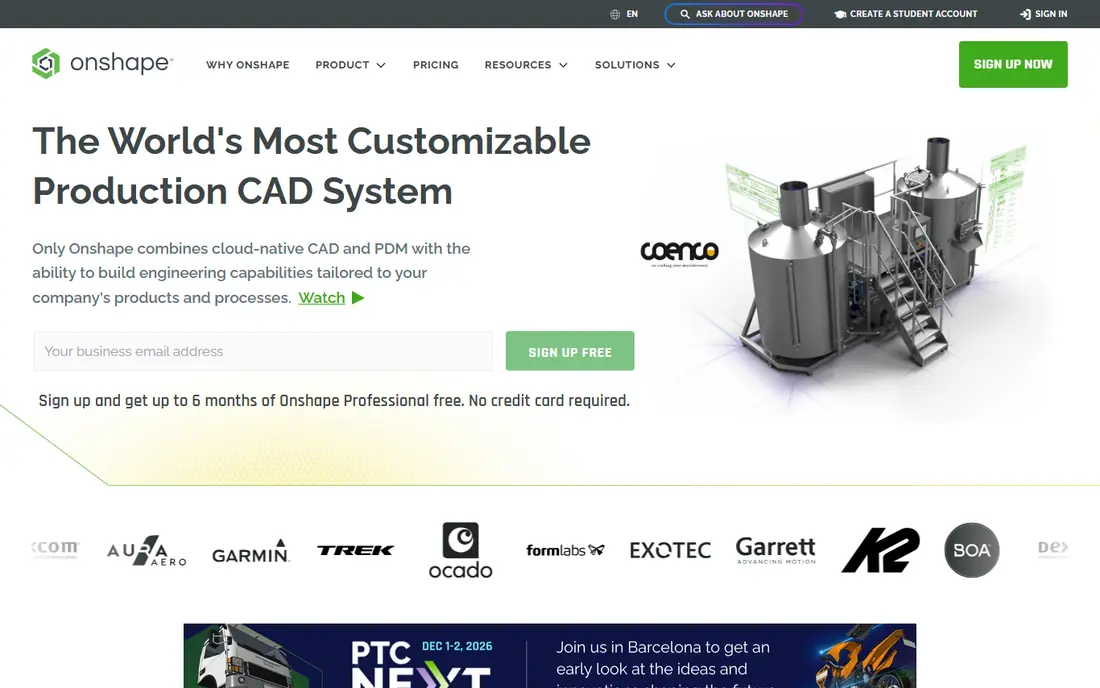
Onshape Free gives you professional-grade parametric CAD in a browser, with assemblies, drawings, and version history included. Because it runs in the cloud, teams can share a design, comment, and track changes without sending files back and forth. Students and hobbyists get a strong learning tool without buying a workstation.
The limit is privacy. Free-plan documents are public, which rules out confidential client work or unreleased products. If your designs must stay private, you need a paid or education plan. For open projects, learning, and public collaboration, Onshape Free is one of the best free CAD options available.
- Full cloud CAD in a browser
- Version control and real-time collaboration built in
- No install needed
- Free-plan documents are public, so it is not for private commercial work
- Needs an internet connection
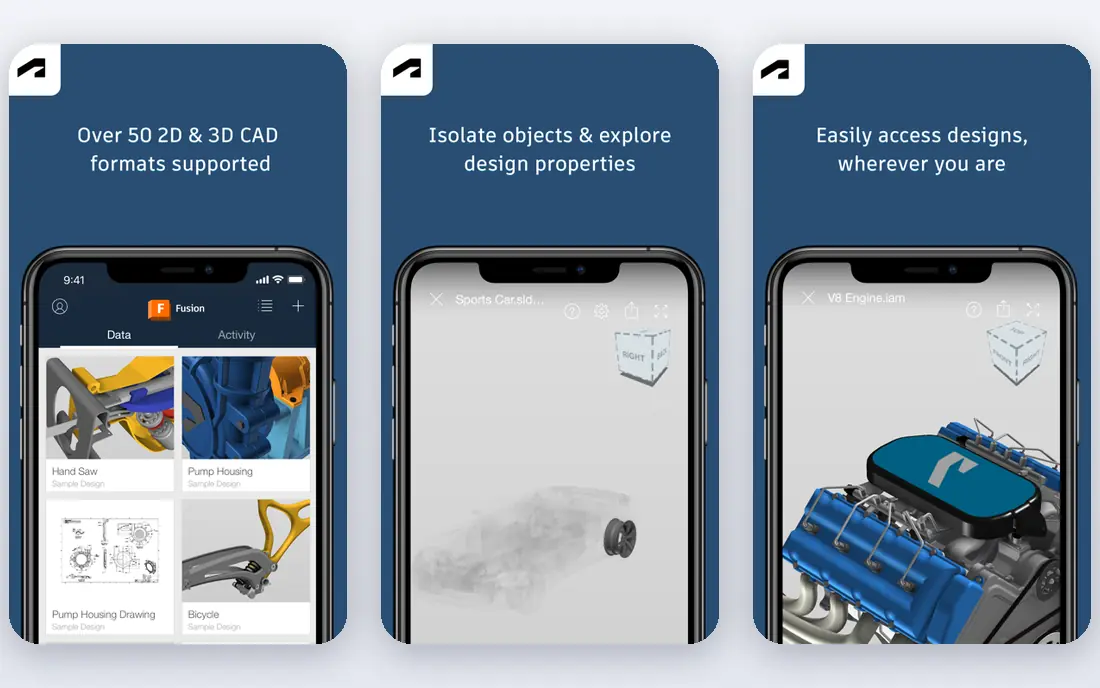
Fusion for personal use is a strong pick for makers who want CAD plus toolpaths in one program. You can model parts, prepare them for 3D printing, and generate CNC toolpaths without paying for a commercial seat. The tutorial library is large, which helps beginners move from first sketch to finished part.
The terms matter. Personal use is for non-commercial projects, and it limits some features compared with a paid subscription, including the number of active documents and some manufacturing options. If you start selling parts or doing client work, you need a commercial plan. For hobby and learning use, the free tier is generous and practical.
- Integrated CAD, CAM, and rendering
- Strong for 3D printing and CNC hobby work
- Large tutorial library
- Personal-use license is non-commercial and limited
- Cloud features require an Autodesk account
LibreCAD is the tool to pick when your work is flat: floor plans, laser-cut parts, brackets, and technical drawings in 2D. It reads and writes DXF files, supports layers and dimensions, and runs on modest hardware. For workshops that cut from 2D profiles, it covers the job without a subscription.
It will not replace 3D CAD. If you need solid models, assemblies, or 3D printing from a parametric model, pair LibreCAD with FreeCAD or Onshape instead. As a focused 2D drafting tool, though, it is free, stable, and easy to keep on any machine.
- Free open-source 2D CAD
- Strong DXF support
- Runs on Windows, macOS, and Linux
- 2D only, so it cannot model 3D parts
- Interface is functional rather than modern
SolveSpace is a small, fast program for mechanical parts defined by constraints. You sketch, constrain, extrude, and combine solids, and the solver keeps the geometry consistent as dimensions change. It runs well on older hardware and suits engineers who want a quick parametric tool without a large install.
The scope is narrow by design. SolveSpace lacks the broad workbenches, large-assembly tools, and drawing automation of FreeCAD or commercial CAD. Use it for brackets, linkages, and simple parts, and move to a larger tool when a project grows into assemblies and formal drawings.
- Lightweight and fast
- Constraint-based 2D and 3D modeling
- Small download and simple workflow
- Small feature set compared with full CAD suites
- Limited assembly and drawing tools
OpenSCAD takes a different approach: you write code that describes a model, using shapes, unions, differences, and variables. That makes parametric designs easy to adjust, since changing one number can resize a whole family of parts. It is popular for 3D-printed enclosures, mounts, and custom parts where exact dimensions matter.
The trade is interaction. There is no click-and-drag sketching, so designers who think visually may find it slow at first. It also lacks assemblies and engineering drawings in the commercial sense. For coders and makers who value repeatable, version-controlled models, OpenSCAD is a strong free companion to a visual CAD tool.
- Models defined by code, so designs are repeatable and parametric
- Excellent for 3D printing
- Free and open source
- No interactive sketching or direct modeling
- Learning curve for users who prefer drawing with a mouse
Tinkercad is the friendliest starting point on this list. It runs in a browser, uses simple shapes that you combine and cut, and includes lessons that teach 3D design step by step. Students, beginners, and hobbyists can go from first idea to a printable model in one sitting, with no install and no cost.
Precision is the limit. Tinkercad does not offer constraint-based sketches or detailed engineering drawings, so it cannot replace FreeCAD or Fusion for manufacturing work. Treat it as a learning and concept tool, and move to a parametric program when your designs need exact dimensions and revision control.
- Free browser-based 3D design
- Very easy for beginners and students
- Built-in lessons and 3D printing export
- Limited precision and parametric control
- Not suited to engineering drawings or complex assemblies
SketchUp Free is built for quick concept models, especially in architecture and interior design. You push and pull faces into shapes, place models from the 3D Warehouse, and present ideas fast. The web version needs no install, and the learning curve is gentle compared with engineering CAD.
The free version has limits. It lacks the full desktop toolset, extension support, and layout tools of paid SketchUp, and it is not designed for parametric mechanical parts or manufacturing drawings. Use it to explore ideas and communicate a concept, then move detailed engineering work to FreeCAD or Onshape.
- Fast browser-based modeling for buildings and concepts
- Large 3D Warehouse library
- Easy to learn
- Free web version limits tools and file options
- Not a parametric engineering CAD tool
Blender earns a place here for visualization, not engineering. It can model complex shapes, render photorealistic images, and animate a product for a presentation, all for free. Many CAD users pair Blender with a parametric tool: design the part in FreeCAD, then render it in Blender for clients or marketing.
Do not treat Blender as a CAD replacement. It has no parametric sketch constraints in the engineering sense, no drawing standards workflow, and no tolerance system for manufacturing. Used in its proper role, though, it is one of the most capable free 3D tools available.
- Free and open source
- Excellent modeling, rendering, and animation
- Huge community and tutorials
- Not parametric CAD
- Lacks engineering drawings, constraints, and manufacturing tolerances
How we picked these
We compared official feature pages, download pages, and license terms, and we kept only tools with a free version that is usable for real work in October 2026, not a short trial. We required honest free limits in each write-up, so tools with public-only documents or non-commercial terms say so plainly. We left out paid-only CAD programs and trial-only tools, since the topic is genuinely free alternatives.
How to choose a free CAD tool
Start with the output you need. If you need machined parts or 3D prints with exact dimensions, pick FreeCAD or Fusion personal use. If you need 2D drawings for cutting, pick LibreCAD. If you need to share designs with a team in a browser, Onshape Free fits, as long as public documents are acceptable. For learning, Tinkercad and SketchUp Free lower the barrier, and you can move up later without losing the concepts you learned.
Next, check file exchange. STEP files carry 3D geometry between CAD programs, DXF files carry 2D profiles, and STL files carry meshes for printing. Test a round trip with your supplier, printer, or collaborator before you commit to a tool, since import quality varies. Finally, keep your source files, not only exports, so you can edit dimensions later without rebuilding a model from scratch.
Frequently asked questions
What is the best completely free alternative to Dassault Systemes CAD software?
FreeCAD is the best fully free option for parametric 3D modeling, since it has no license fee, no document privacy limit, and no commercial-use restriction on the software itself. Onshape Free and Fusion personal use are also strong, but their free terms limit privacy or commercial work.
Is Onshape Free really free?
Yes, Onshape offers a free plan, but free-plan documents are public. That makes it ideal for learning and open projects, and unsuitable for confidential commercial designs unless you move to a paid plan.
Can I use Fusion personal use for client work?
No, the personal-use license is for non-commercial projects. Client work, products for sale, and business use require a commercial Fusion subscription, so check Autodesk terms before using free work commercially.
Can free CAD tools open SolidWorks files?
Free tools can import neutral formats such as STEP and IGES, and some can import other formats with varying fidelity. Native SolidWorks files are best converted to STEP before moving to a free tool, and you should check dimensions after import.
Which free CAD tool is best for 3D printing?
FreeCAD, Fusion personal use, and OpenSCAD all work well for 3D printing, with FreeCAD and Fusion offering visual modeling and OpenSCAD offering scripted parametric designs. Tinkercad is easiest for beginners, but it lacks the precision of the others.
Do I need a powerful computer for free CAD?
Browser tools such as Onshape Free, Tinkercad, and SketchUp Free run on modest machines with a good connection. Desktop tools such as FreeCAD and Blender benefit from more memory and a better graphics card, especially for large models and rendering.
Sources
See where you really rank - block by block
ProMapRanker scans Google Maps across a grid of your service area. Simple monthly plans from $19, white-label on every plan.
Start freeKeep reading
 zscaler alternatives
Best Zscaler Alternatives in 2026
Looking for zscaler alternatives? We compare 9 SASE and zero trust platforms on architecture, data protection, pricing, and fit for your network and team.
Read → zapier alternatives free
Best Zapier Alternatives Free in 2026
Nine automation tools for zapier alternatives free in 2026, all with genuinely free tiers, plus free plan limits, starting prices and upgrade paths explained.
Read → which platform is best for online reputation
Which Platform Is Best for Online Reputation in 2026
Wondering which platform is best for online reputation? We compare 8 review, listing, and response tools for small and multi-location businesses and agencies.
Read →