 ProMapRanker
Best Formstack Alternatives in 2026

Key takeaways
- Jotform offers the broadest all-round form builder, while Typeform offers the most polished conversational experience.
- Tally and Google Forms offer the most generous free plans, with very different design and payment options.
- Cognito Forms suits calculation-heavy forms, while Paperform suits designed, page-like forms.
- Formstack users who need regulated workflows should check HIPAA, approvals and Salesforce links in any replacement.
Quick comparison
| Pick | Great for | Pricing starts at | Free tier | |
|---|---|---|---|---|
 Jotform | All-round form building | $34 per month | Yes | Visit |
 Typeform | Conversational surveys and lead forms | $28 per month | Yes | Visit |
 Google Forms | Free, simple forms | Free | Yes | Visit |
 Cognito Forms | Calculation-heavy forms | $19 per month | Yes | Visit |
 Paperform | Designed, page-like forms | $24 per month | Yes | Visit |
 Zoho Forms | High-volume forms in Zoho | $10 per month | Yes | Visit |
 Wufoo | Simple, long-running forms | $16.25 per month | Yes | Visit |
 Tally | Generous free forms | $24 per month | Yes | Visit |
 Microsoft Forms | Forms inside Microsoft 365 | Free | Yes | Visit |
The best Formstack alternatives
Formstack is known for online forms, documents and workflows, with strength in regulated teams and approval processes. These alternatives cover the same core work, from simple surveys to payment forms and branded lead capture. We compared official feature pages, pricing pages, app store listings, privacy policies and public reviews.
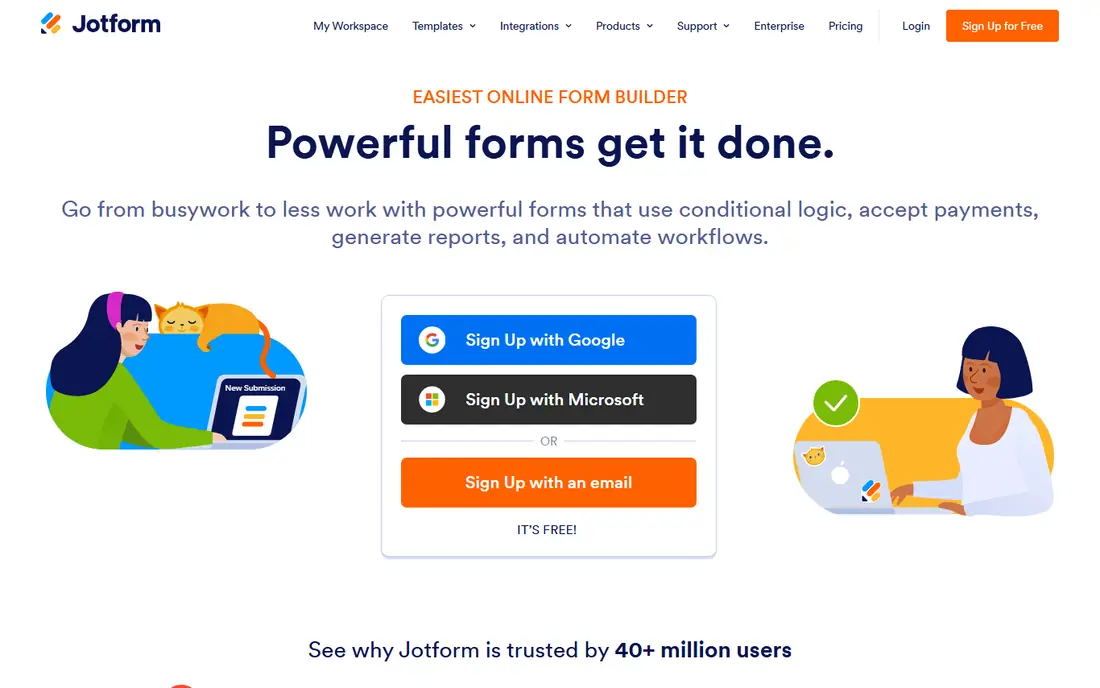
Jotform is the broadest replacement in this list, covering contact forms, surveys, registrations, orders and payments in one builder. Its template library is large, payment options are wide, and the mobile app supports offline collection for field work. Teams that need one builder for many form types will find it flexible.
The free plan caps forms at five and submissions at 100 per month, so growing teams will need a paid plan. Most plans are also focused on a single user, with team collaboration on higher tiers. For breadth and template choice, Jotform remains the default all-round pick.
- Huge template library
- Many payment integrations
- Offline mobile collection
- Free plan caps forms and submissions
- Most plans are single-user focused
Typeform suits forms where completion rate matters, such as lead capture, onboarding and research surveys. Its one-question-at-a-time flow feels more like a conversation than a long page, which helps respondents finish. Branding and logic options also help marketing teams keep forms on brand.
The free plan is very limited, with only 10 responses per month, so it works as a trial rather than a free tool. Paid plans also rise with volume. If form experience and completion matter more than low cost, Typeform is a strong choice. If volume is high and budget is tight, look at Tally or Google Forms.
- One-question-at-a-time experience
- Polished branding
- Strong logic and integrations
- Free plan allows only 10 responses per month
- Paid plans rise with response volume
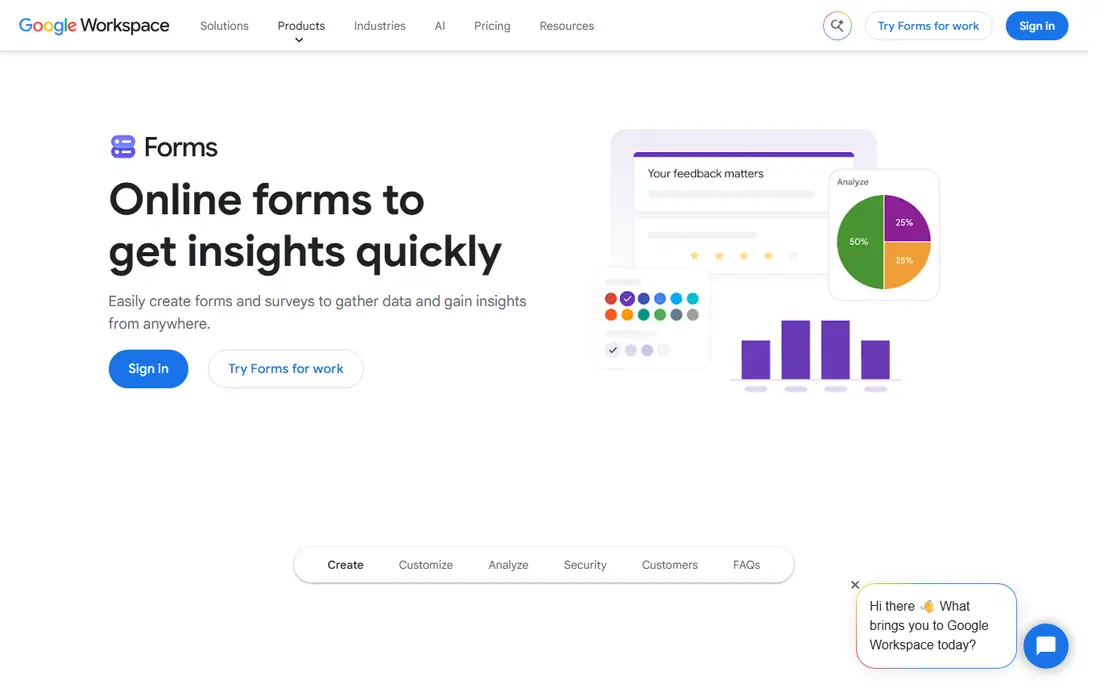
Google Forms is the simplest free answer when you need a form in minutes. Anyone with a Google account can build, share and collect responses, with results flowing into Sheets for analysis. There are no stated limits on forms or submissions for personal use, which suits schools, clubs and small teams.
Payments, advanced branding and complex logic are missing, so it does not replace a payment or workflow form builder. Design options are also basic. For free, simple surveys, sign-ups and feedback forms, Google Forms is still the most practical option.
- Free with a Google account
- No stated form or submission limits
- Easy sharing and Sheets links
- No payments
- Limited branding and logic compared with paid builders
Cognito Forms suits order forms, quotes, registrations and other forms where calculations matter. Its calculation engine handles formulas, totals and conditional pricing, and it supports secure payments and approval workflows. That depth helps finance, event and service teams build forms that do real work, not only collect data.
Design polish is simpler than Typeform or Paperform, so branded marketing forms may need extra work. The free plan caps entries at 100 per month. For calculation-heavy forms on a tight budget, Cognito Forms offers strong value at a low entry price.
- Strong calculation engine
- Secure payments
- Conditional logic and approvals
- Design options are simpler than Paperform or Typeform
- Free plan caps entries at 100 per month
Paperform suits teams that want forms to look like designed pages, not standard form layouts. Its document-style editor lets you mix text, images, video and form fields in a flowing page, with payments and e-signatures for orders and agreements. That style suits landing pages, bookings and branded applications.
The free plan caps submissions at 30 per month, so it is a trial rather than a long-term free tool. Check form limits on the entry paid tier for your use case. For design-led forms that also take payments, Paperform is a distinctive and capable pick.
- Document-style editor
- Payments and e-signatures
- Strong visual customisation
- Free plan caps submissions at 30 per month
- Entry paid plan limits form count in some tiers
Zoho Forms suits teams already using Zoho apps, with native links to Zoho CRM and other Zoho tools. The entry price is low, and the free plan allows 500 submissions per month across three forms, which suits small teams with steady volume. Offline mobile submissions help field teams.
Design depth is thinner than Paperform or Typeform, and the free plan form cap is tight. Teams outside Zoho will get less value from the ecosystem links. For Zoho users who need high-volume forms at low cost, Zoho Forms is a practical choice.
- Low entry price
- Strong Zoho CRM links
- Offline mobile submissions
- Free plan caps forms at three
- Design depth is thinner than Paperform
Wufoo is a long-running form builder that still suits simple contact, registration and survey forms. Its builder is straightforward, embedding is easy, and it has served small teams for years. Teams that want a stable tool without a learning curve will find it comfortable.
Modern features such as advanced payments, workflow automation and design depth lag behind Jotform and Paperform. The free plan also caps entries. For simple forms that have worked for years, Wufoo remains a dependable, low-friction option.
- Simple, stable builder
- Long track record
- Easy embedding
- Fewer modern features than Jotform
- Free plan caps entries at 100 per month
Tally offers the most generous free plan in this list, with unlimited forms and submissions under fair use. Its block-based editor feels modern and clean, and it supports payments through Stripe. That combination suits creators, startups and small teams that need volume without an early paid plan.
Design depth is thinner than Paperform, and advanced team, branding and integration features need paid plans. Still, the free plan alone covers many real use cases. For budget teams that need unlimited responses, Tally is the strongest free-first pick here.
- Unlimited forms and submissions on free plan
- Clean block editor
- Payment support
- Design depth is thinner than Paperform
- Advanced team features need paid plans
Microsoft Forms suits teams already on Microsoft 365, with native links to Teams and Excel for sharing and analysis. Personal use is free, and business use is included in Microsoft 365 plans. It handles surveys, quizzes, polls and simple registrations with minimal setup.
Payments and advanced branding are missing, and logic is simpler than Jotform or Cognito Forms. For internal surveys and feedback inside Microsoft 365, it is a convenient and free option. For payment or branded lead forms, pair it with a paid builder from this list.
- Free with Microsoft account
- Native Teams and Excel links
- Unlimited submissions for personal use
- No payments
- Branding and logic are limited compared with paid builders
How we picked these
We compared official feature pages, pricing pages, app store listings, privacy policies and public reviews. We kept only tools that exist and work in October 2026 and that build online forms for surveys, registrations, payments or lead capture. We checked that each homepage belongs to the named product, and we noted free plan limits, because those limits change the real cost.
How to choose a form builder
Start with the form job. A survey needs logic and analysis, an order form needs calculations and payments, and a lead form needs branding and CRM links. A builder that excels at one job can be weak at another, so test with a real form from your work, not only a template.
Check free plan limits before you build
Free plans cap forms, submissions, entries or payments in different ways. A tool that looks free can hit a cap during a campaign or event. Check the cap that matters for your use, and test an export of responses before you commit to a builder for live work.
Test payments, logic and notifications end to end
Build a full test form with payments, conditional logic, confirmation emails and notifications, then submit it as a real user would. Check how responses appear, how files upload, and how data exports. A builder that looks good in the editor can still frustrate respondents at the payment or submit step.
Keep regulated data in mind
If you collect health, financial or other sensitive data, check compliance, access controls, data residency and retention options before you choose. Formstack users in regulated teams should compare HIPAA support, approval workflows and audit trails in any replacement, and get compliance details in writing from the vendor.
Frequently asked questions
What is the best Formstack alternative overall?
Jotform is the best all-round alternative, thanks to its template range, payment options and form types. Typeform suits polished lead forms, Cognito Forms suits calculation-heavy forms, and Tally suits free high-volume forms. The best overall pick depends on whether you prioritise breadth, design, calculations or cost.
Which form builder has the best free plan?
Tally offers the most generous free plan, with unlimited forms and submissions under fair use. Google Forms and Microsoft Forms also offer free, unlimited personal use for simple forms. Paid builders such as Jotform, Typeform and Paperform offer free plans, but with much tighter submission caps.
Can these form builders take payments?
Yes, many can. Jotform, Cognito Forms, Paperform and Tally support payments through common payment providers, with fees set by the provider. Google Forms and Microsoft Forms do not take payments. Check which payment provider your business uses before you choose, because support varies.
Do these tools support approval workflows?
Some do, with varying depth. Cognito Forms and Jotform offer approval and workflow features on paid plans, while simpler tools focus on collection only. Formstack users who rely on multi-step approvals should trial the workflow features with a real approval chain before switching.
Can I embed forms on my website?
Yes. Most builders in this list offer embed codes, share links and, in some cases, WordPress plugins. Test the embed on your actual site, including mobile layout and loading speed, before launch. A form that looks good in the builder can still break inside a theme or page builder.
How do I move forms from Formstack to a new builder?
Export your form fields, responses and workflow rules from Formstack first, then rebuild the form in the new builder and test it end to end. Move one live form at a time, keep the old form running until the new one is proven, and check integrations for CRM, email and payments after migration.
Sources
- https://www.jotform.com/pricing
- https://www.typeform.com/pricing
- https://www.google.com/forms/about
- https://www.cognitoforms.com/pricing
- https://paperform.co/pricing
- https://www.zoho.com/forms/pricing
- https://www.wufoo.com/pricing
- https://tally.so/pricing
- https://www.microsoft.com/en-us/microsoft-365/online-surveys-polls-quizzes
See where you really rank - block by block
ProMapRanker scans Google Maps across a grid of your service area. Simple monthly plans from $19, white-label on every plan.
Start freeKeep reading
 zyte alternatives
Best Zyte Alternatives in 2026
These zyte alternatives cover managed scraping APIs, proxy networks and no code tools for lawful collection from your own or consented sources only in 2026.
Read → zerto alternatives
Best Zerto Alternatives in 2026
Compare the best zerto alternatives for disaster recovery and replication, with recovery targets, cloud options and honest trade-offs for teams in 2026.
Read → zerofox alternatives
Best ZeroFox Alternatives in 2026
We compared 9 zerofox alternatives for brand protection, phishing takedowns, dark web monitoring, and social impersonation, with clear coverage notes.
Read →