 ProMapRanker
Best FOMO Alternatives in 2026

Key takeaways
- TrustPulse starts at $5 per month and Nudgify has a free plan, so small stores can test social proof without a large monthly bill.
- WiserNotify charges per visitor rather than per impression, which can suit busy sites where one visitor sees several popups.
- Proof and Evidence aim at larger sites and data driven teams, with higher entry prices and deeper targeting and analytics.
- Only show activity that really happened. Tools that pull from live orders, signups and reviews protect trust better than invented popups.
- WordPress and Shopify users should check the native app or plugin first, since setup time differs a lot between platforms.
Quick comparison
| Pick | Great for | Pricing starts at | Free tier | |
|---|---|---|---|---|
 TrustPulse | Simple WordPress popups | $5 per month | Free trial | Visit |
 Proof | High traffic personalization | $79 per month | Free trial | Visit |
 Nudgify | Shopify urgency nudges | $9 per month | Yes | Visit |
 WiserNotify | Visitor based pricing | $16 per month | Free trial | Visit |
 ProveSource | Quick setup on small sites | See website | Yes | Visit |
 Evidence | Webhook driven notifications | $40 per month | Free trial | Visit |
 Provely | Low cost live conversions | See website | Free trial | Visit |
 SocialProofy | Budget widget variety | See website | Free trial | Visit |
 NotificationX | WordPress and WooCommerce | $39 per year | Yes | Visit |
The best FOMO alternatives
These tools show recent activity, live visitor counts, reviews and announcements on a website. We compared pricing pages, feature lists and platform support, and kept only tools that show real activity rather than invented sales.

TrustPulse suits a small site that wants a familiar popup quickly. Setup follows a common pattern: add a snippet or plugin, connect a source such as recent orders or signups, then set display rules for pages, timing and frequency. The low entry price makes it easy to test on one site before committing to a larger plan.
The trade off is depth. Larger teams may want more widget types, A/B testing or detailed audience rules, and those features tend to sit on higher tiers or on rival tools. TrustPulse still covers the core job well: show verified recent activity, keep the popup on brand, and measure whether visitors respond.
- Low entry price
- Works with WordPress and Shopify
- Targeting and analytics included
- Higher visitor limits cost more
- Design options are simpler than some rivals
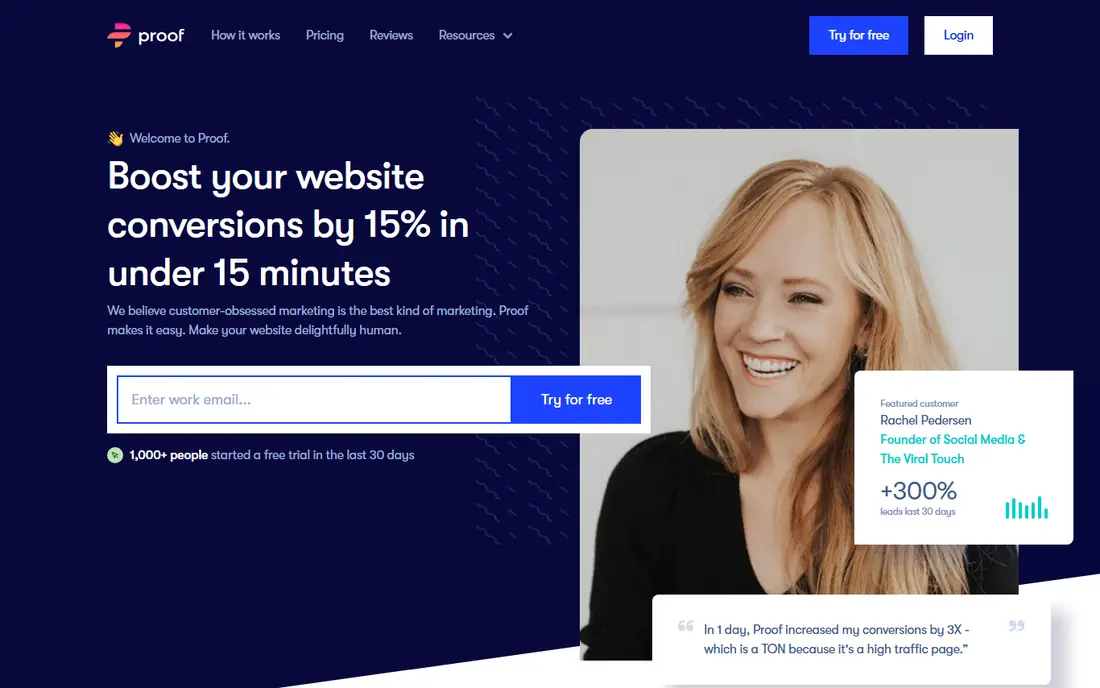
Proof targets teams with steady traffic and a clear conversion goal, such as a signup or a purchase. Its strength is personalization: notifications can reflect the visitor journey rather than showing the same generic message to everyone. That matters when a site already has volume and small conversion gains are worth real money.
The catch is cost and complexity. A new store with low traffic will not get much value from a $79 per month starting point, and the tool makes more sense once there is enough activity to display. Teams should also confirm which integrations they need, since the value depends on clean data from the site and its sales tools.
- Personalized notifications for larger sites
- Live visitor counts
- Analytics focused design
- Entry price is high for small stores
- Setup takes more planning at scale
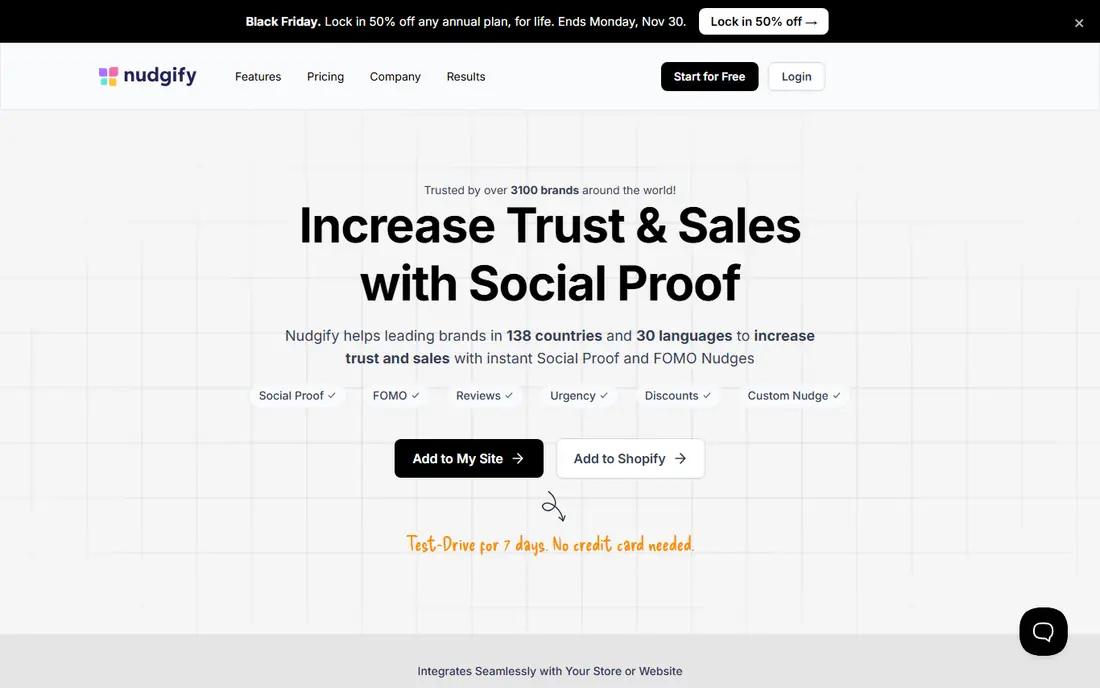
Nudgify starts from the store itself. Its nudges pull from live orders, views, cart activity and reviews, which is the right model for a Shopify merchant that wants social proof on product and cart pages. The free plan gives a new store a real way to check whether nudges change behavior before paying.
Impression billing is the point to watch. If one visitor sees five nudges, that counts as five impressions, so a busy store can reach its limit faster than expected. Merchants with high traffic should compare the impression allowance with their monthly visits, and look at visitor based pricing if the math does not work.
- Free plan for testing
- Shopify focused features
- Review and low stock nudges
- Paid plans count impressions, so busy sites can outgrow them
- Fewer widget types than WiserNotify
WiserNotify appeals to sites that show a lot of notifications. Because billing counts each visitor once, no matter how many popups that visitor sees, the cost stays easier to predict on high traffic pages. It also covers more than basic sales popups, with review notifications, counters, announcements and countdown widgets.
The learning curve is the honest downside. With many templates and targeting options, a first setup can take longer than a simpler tool. That extra time pays off for teams that want to test different messages, but a store that only needs one basic popup may prefer TrustPulse or Nudgify.
- Charges per visitor, not per impression
- Many notification types
- A/B testing included
- No permanent free plan
- Template choice can feel large at first
ProveSource keeps the first step short. A site owner pastes a script, picks a notification type such as recent conversions, reviews or visitor counts, and customizes position, timing and design. Multilingual support helps sites that serve visitors in more than one language.
Volume limits decide the fit. The free plan suits a small site or a trial, but a growing store will need a paid plan once visitor numbers rise. We list the starting price as See website because published figures differed across sources during our check, so confirm the current tier on the vendor pricing page before buying.
- Free plan available
- Multilingual notifications
- Simple script install
- Free plan limits visitor volume
- Paid tiers vary by source, so check current pricing
Evidence fits teams that already think in events. Instead of relying only on a platform plugin, it can take data through an API or webhook, which suits SaaS products, lead forms and custom checkouts. That flexibility lets a team show signups, bookings or other actions that a standard store plugin might miss.
The same flexibility is a drawback for non technical users. Setup needs a clear event plan, and the $40 per month entry price puts it above the cheapest popup tools. For a straightforward online store, a Shopify native tool will be faster. For a product team with its own events, Evidence is worth a closer look.
- API and webhook feeds for custom events
- Good for SaaS and lead generation
- Detailed targeting
- Less suited to a simple Shopify store
- Entry price is higher than basic popup tools
Provely does one job and keeps it simple: show recent conversions as they happen. That focus suits a small business that does not need counters, announcements, review walls and countdown timers in one account. The interface stays close to the task, which helps a solo owner get a campaign live without a long setup.
Breadth is the limit. Teams that later want review notifications, social counters or detailed testing may outgrow Provely and move to WiserNotify or Proof. We mark pricing as See website because third party listings disagreed during our research, so check the vendor page for the current plan before deciding.
- Focused on live conversion notifications
- Simple display options
- Low reported entry price
- Fewer widget types than larger rivals
- Pricing details should be confirmed on the vendor site
NotificationX is the natural pick for a WordPress site, especially a WooCommerce store. The free plugin covers basic sales and review notifications, while paid tiers add more sources, designs and display rules. Yearly pricing for one site keeps the cost low compared with monthly tools.
Platform lock in is the clear limit. A store on Shopify, Squarespace or a custom stack cannot use it, and a business that later moves off WordPress would need to switch tools. For a site that plans to stay on WordPress, that trade off is easy to accept, and the free version makes testing painless.
- Free WordPress plugin
- WooCommerce sales notifications
- One time yearly pricing for one site
- WordPress only, so it does not fit other platforms
- Advanced features need paid tiers
How we picked these
We compared official pricing pages, feature lists and platform support for social proof tools that show real activity. We left out FOMO itself, since this list covers alternatives, and we left out tools that rely on invented sales or fake visitor counts. Where published prices disagreed across sources, we used See website rather than guessing a figure.
What to check before you buy
Start with the data source, not the design. A tool is only as honest as the orders, signups or reviews it reads, so confirm that it connects to your store or form tool and that it shows real names, times and actions. Test the popup on mobile too, since a large popup can cover a buy button on a small screen.
Next, model the billing unit. Some tools charge per visitor, some per impression and some per site, and the cheapest headline price is not always the cheapest bill at your traffic level. Check display rules as well: frequency caps, page targeting and timing controls stop the same visitor from seeing the same popup on every page. Finally, run a short test with the tool on and off, and keep it only if orders or signups actually move.
Frequently asked questions
What is a FOMO alternative?
A FOMO alternative is a social proof tool that shows recent activity on a website, such as purchases, signups, reviews or live visitor counts. The goal is to show visitors that other people are already buying or joining, which can raise trust and conversions.
Do social proof popups need real data?
Yes. Popups should show activity that really happened, drawn from orders, signups or reviews. Invented sales or fake names can mislead visitors, damage trust if discovered, and create legal risk in some regions. Choose a tool that pulls from live data and lets you inspect that data.
Which FOMO alternative is cheapest?
TrustPulse starts at $5 per month and Nudgify starts at $9 per month with a free plan, so both suit small budgets. NotificationX is also low cost for WordPress sites, with a free plugin and a paid plan from $39 per year for one site. The right cheap pick depends on your platform and traffic.
Is WiserNotify better than Nudgify?
It depends on traffic patterns. WiserNotify charges per visitor, so it can be cheaper when each visitor sees many nudges, and it offers more widget types and A/B testing. Nudgify can be cheaper for a small Shopify store, especially with its free plan, but impression billing can rise fast on busy sites.
Can I use these tools on Shopify and WordPress?
Yes, but not every tool fits both. TrustPulse, Nudgify and WiserNotify work across common platforms, while NotificationX is built for WordPress and WooCommerce. Check the vendor integration list for your exact platform before signing up.
How do I avoid annoying visitors with popups?
Set a delay before the first popup, cap how often it appears, and limit it to pages where it helps, such as product or checkout pages. Keep the design small, mobile friendly and easy to close, and turn the tool off if it does not improve orders or signups during a test.
Sources
See where you really rank - block by block
ProMapRanker scans Google Maps across a grid of your service area. Simple monthly plans from $19, white-label on every plan.
Start freeKeep reading
 zyte alternatives
Best Zyte Alternatives in 2026
These zyte alternatives cover managed scraping APIs, proxy networks and no code tools for lawful collection from your own or consented sources only in 2026.
Read → zerto alternatives
Best Zerto Alternatives in 2026
Compare the best zerto alternatives for disaster recovery and replication, with recovery targets, cloud options and honest trade-offs for teams in 2026.
Read → zerofox alternatives
Best ZeroFox Alternatives in 2026
We compared 9 zerofox alternatives for brand protection, phishing takedowns, dark web monitoring, and social impersonation, with clear coverage notes.
Read →
SocialProofy
Great for: Budget widget variety
SocialProofy offers a useful middle path between a single popup tool and a full marketing suite. It covers recent activity, visitor counts, reviews and other widgets, with design controls that let a site match its own colors and style. Installation through a script keeps it open to sites beyond one platform.
The main caution is verification. It is a smaller name than the leaders on this list, so buyers should test it on a staging page, check how it handles real order data, and confirm support response times during the trial. If those checks pass, it can be a good value option for a site that wants variety without an enterprise price.