 ProMapRanker
Best FixMe.IT Alternatives in 2026

Key takeaways
- TeamViewer and AnyDesk are the best known general picks, with TeamViewer favouring compatibility and AnyDesk favouring speed.
- Zoho Assist and Splashtop offer strong value for small support teams, while ScreenConnect suits MSPs and larger IT departments for every budget.
- Chrome Remote Desktop and RustDesk are the genuinely free options, but they suit personal or self hosted use more than a helpdesk.
- Always get clear permission before a session, use a unique session code, and end the session when the work is done.
Quick comparison
| Pick | Great for | Pricing starts at | Free tier | |
|---|---|---|---|---|
 TeamViewer | General remote support | $24.90 per month | Yes | Visit |
 AnyDesk | Fast low latency sessions | $22.90 per month | Yes | Visit |
 Splashtop | Value IT support | $22 per month | Free trial | Visit |
 Zoho Assist | Small support teams | $12 per technician per month | Yes | Visit |
 RemotePC | Cheap unattended access | $22.12 per year | Free trial | Visit |
 ScreenConnect | MSPs and IT departments | $30 per month | Yes | Visit |
 BeyondTrust | Enterprise security | See website | No | Visit |
 RealVNC Connect | Cross platform VNC access | $8.25 per month | Free trial | Visit |
 Chrome Remote Desktop | Free personal access | Free | Yes | Visit |
The best FixMe.IT alternatives
We compared official feature pages, pricing pages, and public reviews. FixMe.IT itself is not listed, since this is a list of alternatives, and we focused on tools that offer attended support, unattended access, file transfer, and session controls.
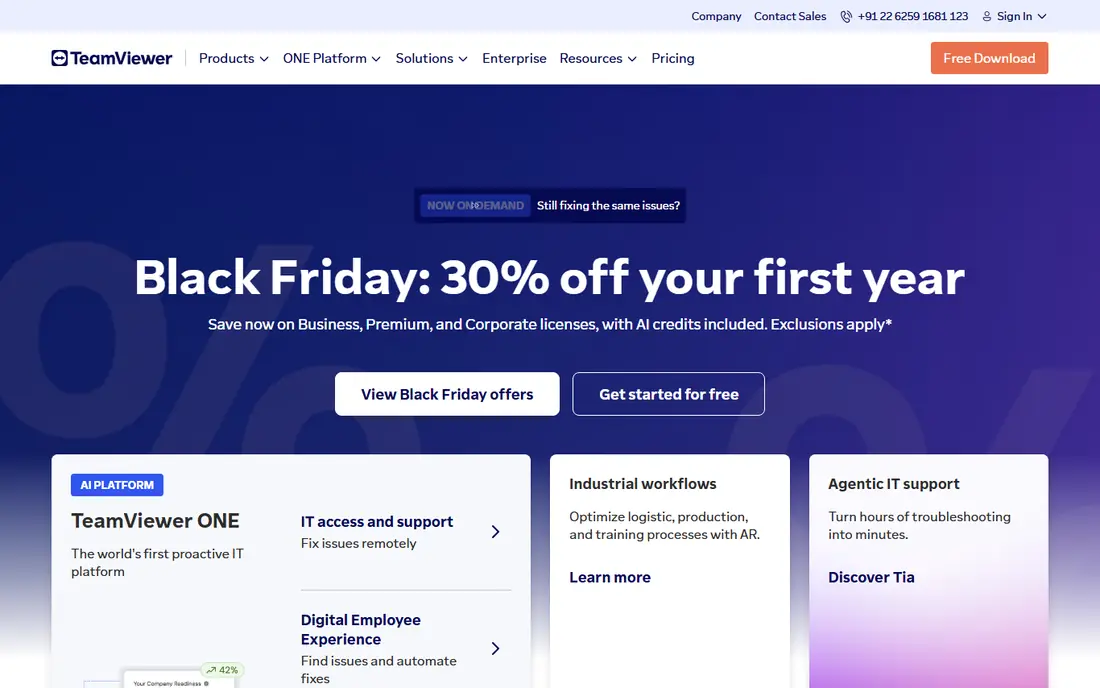
TeamViewer is the default name most people already know, and that familiarity helps when you support customers who have never used a remote tool. A user installs the app, shares an ID and password, and you connect, with mobile apps and a management console for devices you access regularly. For a support team that deals with many different customer setups, that broad compatibility is a real advantage.
The price is the main drawback. Paid plans start higher than several rivals, and the free personal tier is not a business licence, so commercial use needs a paid plan. TeamViewer fits teams that value compatibility and brand trust over the lowest monthly cost.
- Works on almost every platform
- Attended and unattended access
- File transfer and session recording on paid plans
- Paid plans cost more than many rivals
- Free personal use can flag suspected commercial use
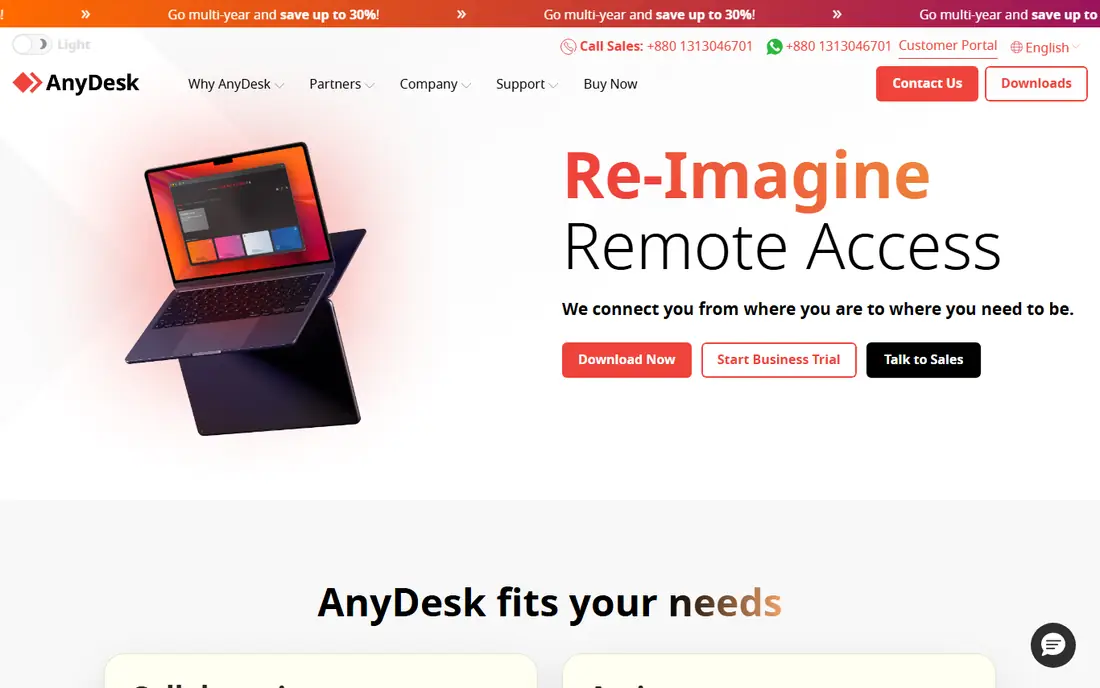
AnyDesk is the speed pick, and it shows on slower connections and high resolution screens. Its DeskRT codec keeps the remote screen responsive, which matters when you are guiding a user through a task or fixing a setting in real time. Setup is also simple: share an address, accept the session, and you are in.
Paid features such as session recording and advanced management sit on higher tiers, so the entry plan may feel thin for a formal helpdesk. AnyDesk suits solo consultants and small teams that value a fast, responsive session above deep management features.
- Low latency DeskRT codec
- Quick setup with an address code
- Good performance on slower connections
- Advanced features sit on higher plans
- Free use is for personal use only

Splashtop is a strong value choice for IT support, because it combines good performance with a lower entry price than TeamViewer. Splashtop SOS is built for attended support, where a technician connects to a user on demand, while Business Access covers unattended access to your own machines. Multi monitor support and mobile access make it practical for real helpdesk work.
The product range needs care when you buy. SOS, Business Access, and Remote Support cover different jobs, so confirm which plan includes the session type you need. Splashtop fits small IT teams that want solid performance without paying an enterprise premium.
- Strong performance for the price
- SOS support for attended sessions
- Good mobile and multi monitor support
- Product range can confuse new buyers
- Some features need a higher SOS or Business plan
Zoho Assist is the budget helpdesk pick, especially for teams already using Zoho products. Per technician pricing keeps costs predictable for a small team, and the free plan covers a single technician with a few computers, which is enough to test real support work. Unattended access, file transfer, and multi monitor support cover the core support tasks.
Higher plans add session recording and deeper controls, so a formal compliance setup may need an upgrade. Zoho Assist fits small support teams that want a low, clear monthly cost and do not need the broadest integration set.
- Low per technician price
- Free plan for a small setup
- Unattended access and integrations with Zoho apps
- Session recording needs a higher plan
- Interface is functional rather than polished
RemotePC is best understood as cheap access to your own machines, not as a full helpdesk platform. If you need to reach an office computer from home, check a file, or run an app remotely, RemotePC does that for a low annual price per computer. Setup is simple, and web access means you do not always need to install a client on the device you are using.
For attended support of many different customers, RemotePC is less complete than Zoho Assist or Splashtop SOS. Choose RemotePC when the job is mainly your own computers, and choose a support focused tool when the job is helping other people.
- Very low annual price for one computer
- Simple unattended setup
- Web and mobile access
- Support focused features are thinner than ScreenConnect
- Pricing rises with more computers
ConnectWise ScreenConnect, formerly ConnectWise Control, is the MSP favourite in this list. It is built around technicians supporting many endpoints, with session management, auditing, and controls that suit a formal IT department. A free single technician option also makes it accessible for a solo MSP starting out.
Plan names and pricing have shifted over the years, so confirm the current plan before you budget. Setup also takes more attention than a simple consumer tool, because ScreenConnect is designed for managed fleets. It fits IT teams that need control and audit trails, not just a quick connection.
- Built for multi technician support
- Session tools and auditing
- Free single technician option
- Pricing and plan names have changed over time, so check current terms
- Setup takes more care
BeyondTrust Remote Support is the enterprise security pick, and it is priced accordingly. It offers granular access controls, session auditing, credential vaulting, and controls that regulated organisations need before they allow remote access to sensitive systems. For a bank, a healthcare provider, or a large enterprise, those controls are not extras, they are requirements.
Small teams will find it expensive and heavy. BeyondTrust fits organisations where security review, audit logs, and least privilege access decide the purchase, and where a cheaper tool would fail a compliance check.
- Strong security and access controls
- Session auditing and vaulting
- Built for regulated environments
- Enterprise pricing is high
- Overkill for a small team with simple support needs
RealVNC Connect is the cross platform classic, and it still suits mixed device setups well. It runs on Windows, Mac, Linux, and Raspberry Pi, which helps in labs, workshops, and small offices with varied hardware. The core job, reaching a device and controlling it, is simple and reliable.
It is not a full helpdesk platform. Attended support workflows, ticketing integration, and team management are lighter than in ScreenConnect or Zoho Assist. RealVNC fits teams that mainly need reliable device access across platforms, rather than a customer support operation.
- Long standing VNC standard
- Works across Windows, Mac, Linux, and Raspberry Pi
- Simple device access
- Support workflow features are lighter than a helpdesk tool
- Higher plans needed for team controls
Chrome Remote Desktop is the free answer for personal access to your own computers. You install a small extension, set a PIN, and connect from a browser or a mobile app, with no subscription and no complex setup. For reaching a home computer from a laptop, it is hard to beat on simplicity.
Business support is outside its design. There is no technician queue, no session recording for compliance, and no team management, so a helpdesk should not rely on it. Use Chrome Remote Desktop for your own machines, and pay for a support tool when you help customers or staff at scale.
- Free for personal use
- Very simple setup with a Google account
- Works in a browser
- No helpdesk features, file transfer limits, and session management are basic
- Not a business support tool
How we picked these
We compared official feature pages, pricing pages, and public reviews, and we kept only live tools that offer remote control with permission based sessions. We checked attended and unattended access, file transfer, session recording, platform support, and pricing, and we favoured tools with clear current plans over tools with vague pricing. We did not claim hands on testing, and prices change, so confirm the current plan before you buy.
How to choose the right remote tool
First, decide whether you support other people or just access your own machines. Attended support needs a tool like Zoho Assist, Splashtop SOS, or ScreenConnect, while own machine access can be handled well by RemotePC or Chrome Remote Desktop. That single choice narrows the list fast.
Next, check security and audit needs. A small team can work well with per technician pricing and basic session controls, while a regulated organisation should shortlist BeyondTrust or ScreenConnect for auditing and access controls. Always test a session on a slow connection and a high resolution screen, because speed differences show up there first.
Frequently asked questions
What is the best FixMe.IT alternative for a small business?
Zoho Assist and Splashtop are the strongest small business picks, because both offer clear per technician pricing and core support features. TeamViewer is also strong, but its paid plans cost more, so it suits teams that value broad compatibility over price.
Is there a free remote support tool for business use?
Chrome Remote Desktop is free, but it is built for personal access, not business support. ScreenConnect offers a free single technician option, and Zoho Assist offers a free plan for a small setup, so check the current terms before using either for commercial work.
Which tool is fastest on a slow connection?
AnyDesk is often cited for low latency, thanks to its DeskRT codec, and Splashtop also performs well for support sessions. Test both on your own network, because local bandwidth and screen resolution affect the result more than a marketing claim.
Do I need unattended access or attended support?
Attended support connects to a user who is present and approves the session, while unattended access lets you reach a machine with no one there, using a saved credential. Many teams need both, so check that your chosen plan includes the session type you actually use.
How do I keep remote sessions safe?
Only connect with clear permission, use a unique session code or PIN, confirm the identity of the person you are helping, and end the session when the work is done. Keep software updated, use two factor authentication where available, and keep a record of sessions for support and audit purposes.
Sources
See where you really rank - block by block
ProMapRanker scans Google Maps across a grid of your service area. Simple monthly plans from $19, white-label on every plan.
Start freeKeep reading
 zyte alternatives
Best Zyte Alternatives in 2026
These zyte alternatives cover managed scraping APIs, proxy networks and no code tools for lawful collection from your own or consented sources only in 2026.
Read → zerto alternatives
Best Zerto Alternatives in 2026
Compare the best zerto alternatives for disaster recovery and replication, with recovery targets, cloud options and honest trade-offs for teams in 2026.
Read → zerofox alternatives
Best ZeroFox Alternatives in 2026
We compared 9 zerofox alternatives for brand protection, phishing takedowns, dark web monitoring, and social impersonation, with clear coverage notes.
Read →