 ProMapRanker
Firefox Alternatives in 2026

Key takeaways
- Brave offers the strongest privacy defaults for most people, with ads and trackers blocked out of the box.
- LibreWolf keeps the Firefox engine with telemetry removed, but strict defaults can break some sites.
- Chrome and Edge win on compatibility and ecosystem sync, at the cost of more default data sharing.
- Tor Browser is for anonymous sessions, not for everyday logged-in browsing.
- Safari and DuckDuckGo suit Apple users and mobile-first users who want a simple, private setup.
Quick comparison
| Pick | Great for | Pricing starts at | Free tier | |
|---|---|---|---|---|
 Brave | privacy by default with no setup | Free | Yes | Visit |
 Google Chrome | Google services and the widest extension set | Free | Yes | Visit |
 Microsoft Edge | Windows and Microsoft 365 users | Free | Yes | Visit |
 Vivaldi | power users with many tabs | Free | Yes | Visit |
 Safari | Apple device owners | Free | Yes | Visit |
 Opera | built-in convenience features | Free | Yes | Visit |
 Tor Browser | anonymous sessions, not daily browsing | Free | Yes | Visit |
 LibreWolf | hardened Firefox without telemetry | Free | Yes | Visit |
 DuckDuckGo Browser | simple private browsing, mainly on mobile | Free | Yes | Visit |
The best firefox alternatives
Firefox stands out for its independent Gecko engine, deep customization, and privacy controls, but some users leave for better site compatibility, stronger defaults, or a simpler setup. The browsers below cover those reasons without forcing you into a single engine or platform.
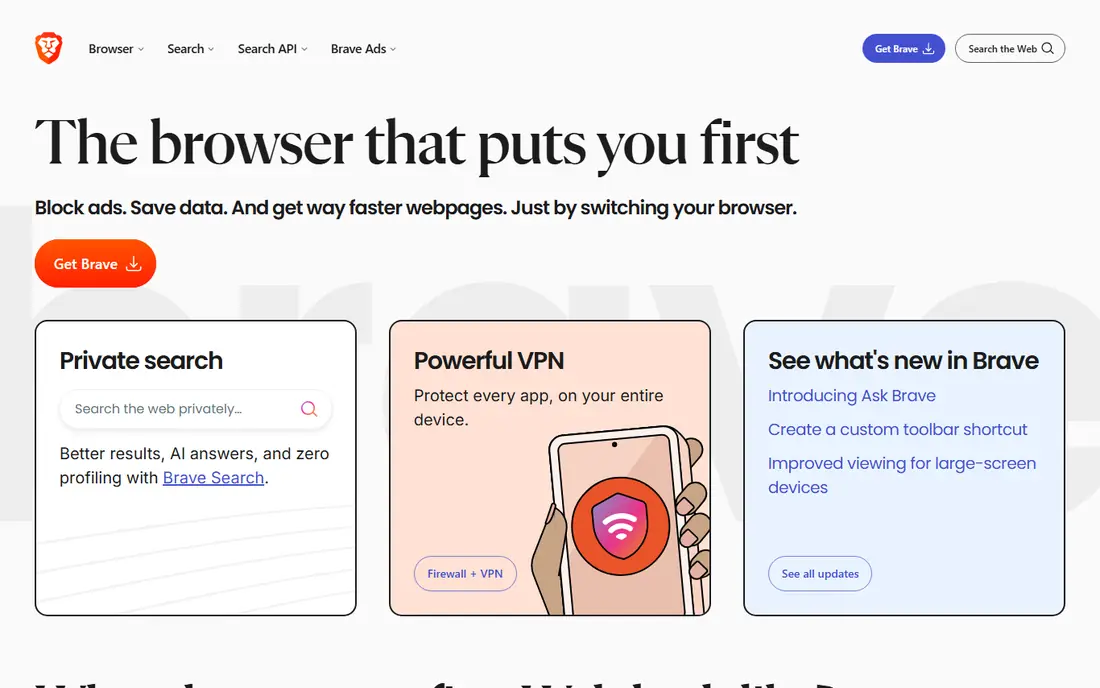
For many readers, this is the first option worth a close look. Brave is the easiest switch for most Firefox users who want privacy without a settings project. Its Shields block ads, trackers, and fingerprinting attempts by default, and pages often load faster once that blocking is on. It also supports Chrome extensions, so most Firefox users can find the add-ons they rely on, or close substitutes.
The main caveat is engine. Brave runs on Chromium, so it shares an engine with Chrome, even though Brave removes many Google service calls. Some users also dislike the optional rewards and crypto features, though those can be turned off or ignored. If you want strong defaults with little work, Brave is our pick for most people.
- Blocks ads and trackers by default
- Fast page loads
- Built-in rewards opt-in
- Chromium base means Google engine ties
- Rewards features can distract some users
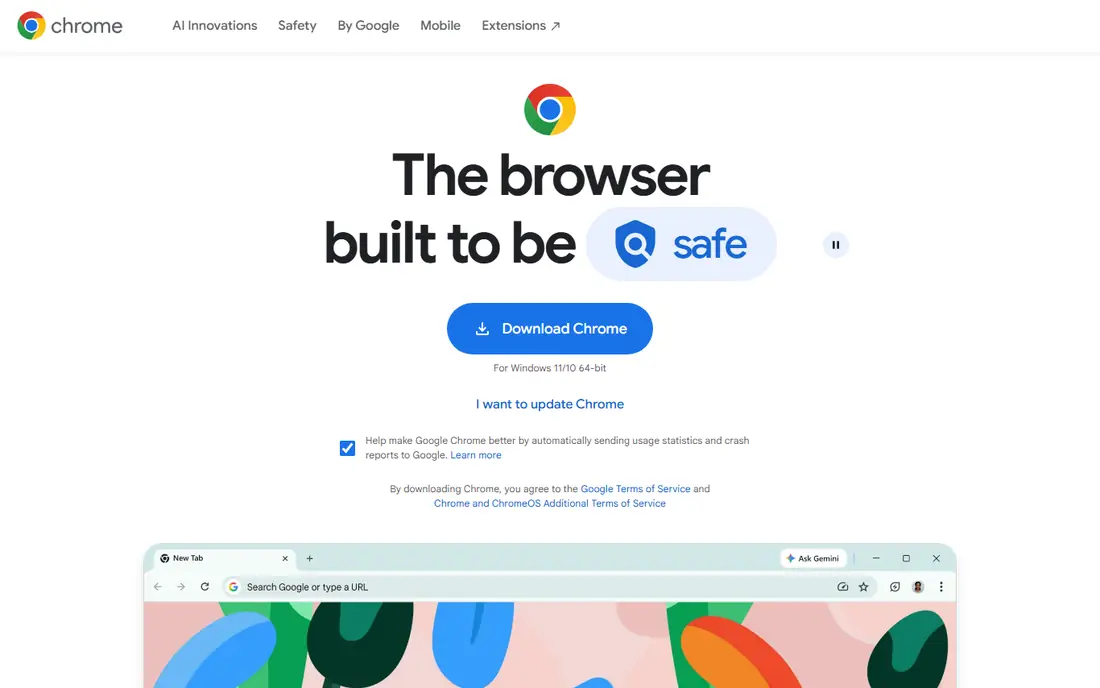
A different kind of fit shows up here. Chrome is the pragmatic alternative when compatibility matters most. Almost every site is tested against Chrome first, and the Chrome Web Store has the largest extension catalog. Sync across Google services is smooth for people who already use Gmail, Drive, and Google Calendar every day.
Privacy is the trade-off. Chrome does not send the same privacy signals by default as Brave or Firefox, and getting closer to those defaults takes manual changes and extensions. If you choose Chrome for compatibility, turn on the privacy settings you care about and review what syncs to your Google account.
- Largest extension catalog
- Deep Google account sync
- Strong site compatibility
- Collects more data tied to a Google account
- Privacy needs manual settings
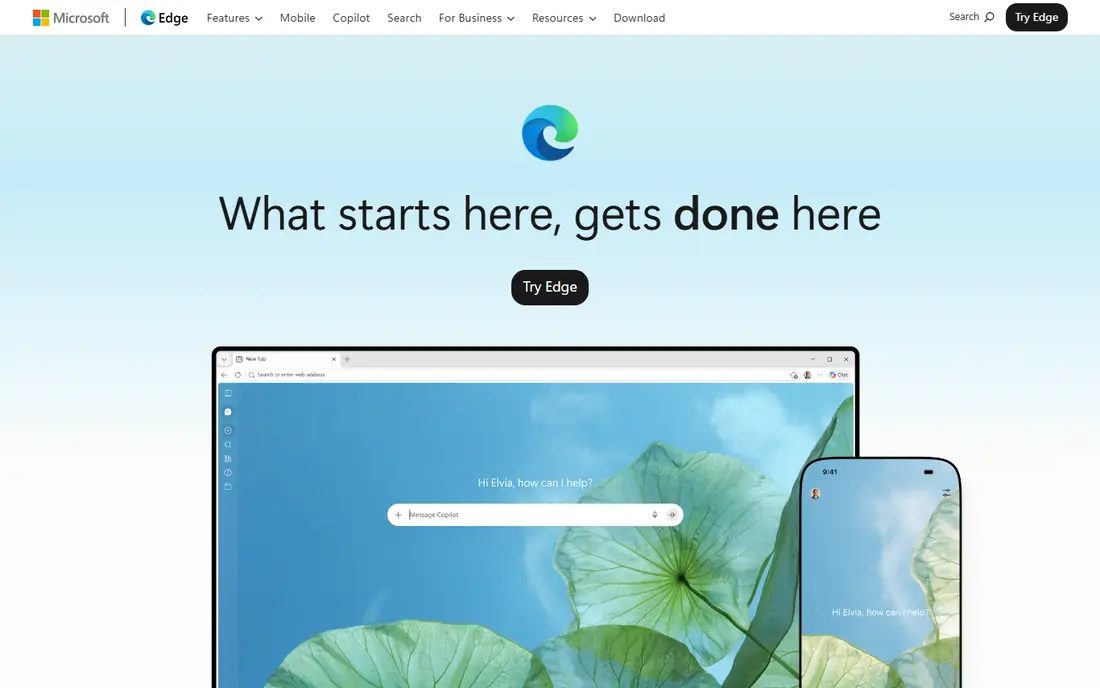
This one earns its place for a clear reason. Edge fits Windows users and Microsoft 365 households better than any other browser here. It syncs with a Microsoft account, works well with Office web apps, and includes useful extras such as Collections, vertical tabs, and solid PDF handling. For a work laptop that already runs Windows, Edge often needs no extra setup.
The catch is default data sharing with Microsoft and a feature set that can feel busy. Many extras can be turned off, but that takes time, and privacy-minded users should review the settings on first install. If you live in Microsoft tools, Edge is convenient. If privacy is your main reason to leave Firefox, Brave or LibreWolf fit better.
- Collections and vertical tabs
- Microsoft account sync
- Built-in shopping and PDF tools
- Sends data to Microsoft by default
- Extra Microsoft features can feel cluttered
If the options above feel too narrow, consider this one. Vivaldi is for people who treat the browser as a workspace. Tab stacks, workspaces, panels, notes, and a mail and calendar option let you shape the browser around heavy research or many open projects. Built-in blocking and per-site controls add privacy without needing many extensions.
That depth can overwhelm a new user. The settings list is long, and finding the right layout takes time. Vivaldi is also Chromium-based, so it shares that engine trade-off. For power users who missed Firefox customization, Vivaldi is the closest mainstream feeling alternative.
- Workspaces, tab stacks, and panels
- Deep interface control
- Built-in blocking
- Customization can overwhelm new users
- Smaller extension community than Chrome
Here is a pick that suits a smaller, specific audience. Safari is the natural Firefox alternative on Apple hardware. It syncs through iCloud, uses less battery on Mac laptops than most rivals, and includes cross-site tracking protections by default. For iPhone, iPad, and Mac users who already live in Apple services, Safari keeps browsing simple and consistent.
The limits are platform and extensions. Safari only runs on Apple devices, and its extension catalog is smaller than Chrome or Firefox, so some favorite add-ons may not exist. If you use Windows or Android as well, Safari cannot be your only browser. On Apple-only setups, it is a strong, low-friction pick.
- Strong battery efficiency on Mac
- ICloud sync
- Cross-site tracking protections
- Only on Apple devices
- Extension catalog is smaller than Chrome or Firefox
This entry stands out for how it handles the basics. Opera bundles features that other browsers need extensions for, including an ad blocker, workspaces, a battery saver, and a browser VPN feature. That bundle suits casual users who want a ready-made setup with social and messaging sidebars close at hand. It also runs Chrome extensions, so switching costs stay low.
The VPN feature is a browser proxy, not a full-device VPN, so it does not protect other apps or all traffic. Opera is also Chromium-based, and some features work best with an Opera account. Treat Opera as a convenience pick, not as a maximum-privacy pick, and read the VPN terms before relying on it for sensitive browsing.
- Built-in ad blocker and VPN feature
- Workspaces
- Battery saver on laptops
- VPN feature is a proxy, not a full VPN
- Chromium base
- Some features need an account
Another strong choice, with a trade-off worth naming. Tor Browser is the right alternative when anonymity matters more than speed. It routes traffic through the Tor network and is designed to make users look alike, which reduces fingerprinting. It is based on Firefox ESR, so Firefox users will find the interface familiar, though the browsing experience is very different.
Speed and site compatibility are the costs. Pages load more slowly, and many sites block Tor exits or ask for extra checks. Use Tor Browser for specific sensitive sessions, not as a drop-in replacement for every logged-in account. For daily browsing, pair it with Brave or LibreWolf instead.
- Routes traffic through the Tor network
- Strong anti-fingerprinting design
- No account needed
- Much slower than normal browsers
- Many sites block or challenge Tor traffic
For readers who want a simpler route, this one helps. LibreWolf is the closest pick for Firefox fans who want the Gecko engine without Mozilla telemetry. It is a Firefox-based browser with privacy-first defaults, no telemetry, and stronger tracking protections out of the box. If you like Firefox extensions and engine independence but want stricter defaults, LibreWolf keeps that feel.
Strict defaults are also the drawback. Some sites, including video and login-heavy pages, can break until settings are adjusted, and updates follow Firefox ESR, so new features arrive later. LibreWolf suits users who are comfortable tweaking settings. Casual users may prefer Brave for a smoother first week.
- Firefox base with telemetry removed
- Privacy-first defaults
- Open-source
- Strict defaults can break some sites
- Updates follow Firefox ESR, so features lag
The last pick in this list fills a gap the others leave open. DuckDuckGo Browser is the simplest private option here, and it shines on mobile. The Fire Button clears tabs and data in one tap, tracker blocking is built in, and the interface stays uncluttered. For people who want private browsing without learning new settings, that simplicity is the point.
The desktop version is less full-featured than Brave, Vivaldi, or Firefox, and power users will miss deeper controls and extension options. It is best as a mobile-first browser or a second browser for quick private sessions. If you want one browser for everything, Brave or Vivaldi cover more ground.
- Fire Button clears data fast
- Tracker blocking built in
- Simple interface
- Desktop version is less full-featured than rivals
- Fewer power-user controls
How we picked these
We compared official product pages, privacy documentation, and extension catalogs for each browser, and we checked engine, platform availability, and default blocking behavior. We favored browsers that exist and work in October 2026, that serve as a full daily browser or a clear special-purpose browser, and that give a real reason to switch from Firefox. We did not claim hands-on testing we did not do, and we flagged where a browser is Chromium-based so readers can weigh engine independence.
How to pick a Firefox alternative that you will actually keep
Start with your reason for leaving. If privacy is the reason, shortlist Brave and LibreWolf, and use Tor Browser only for sensitive sessions. If compatibility is the reason, Chrome or Edge will cause the fewest broken sites. If customization is the reason, Vivaldi is the closest mainstream match. Next, check your extensions. List the five add-ons you use most and confirm each one, or a close substitute, exists in the new browser before you switch. Then import bookmarks and passwords, run the new browser for a week on real work, and keep Firefox installed during that week. A browser that breaks your daily sites is not a good pick, no matter how strong its privacy page looks.
Frequently asked questions
What are the best alternatives to Firefox?
Brave, LibreWolf, Vivaldi, Chrome, Edge, Safari, Opera, Tor Browser, and DuckDuckGo are the main options, with Brave best for most people, LibreWolf best for hardened Firefox-style browsing, and Vivaldi best for customization.
Is Brave a good alternative to Firefox?
Yes, for most users. Brave blocks ads and trackers by default, supports Chrome extensions, and needs little setup. The trade-off is that Brave uses the Chromium engine, while Firefox uses the independent Gecko engine.
Which Firefox alternative is best for privacy?
Tor Browser offers the strongest anonymity for specific sessions, LibreWolf offers hardened Firefox-style privacy for daily use, and Brave offers strong defaults with better site compatibility. The best pick depends on how much breakage and slowness you will accept.
Can I use Chrome extensions in Firefox alternatives?
Chromium-based alternatives such as Brave, Chrome, Edge, Vivaldi, and Opera can install extensions from the Chrome Web Store. Safari uses its own extension catalog, and LibreWolf uses Firefox add-ons, so check your key extensions before switching.
Sources
See where you really rank - block by block
ProMapRanker scans Google Maps across a grid of your service area. Simple monthly plans from $19, white-label on every plan.
Start freeKeep reading
 zscaler alternatives
Best Zscaler Alternatives in 2026
Looking for zscaler alternatives? We compare 9 SASE and zero trust platforms on architecture, data protection, pricing, and fit for your network and team.
Read → zapier alternatives free
Best Zapier Alternatives Free in 2026
Nine automation tools for zapier alternatives free in 2026, all with genuinely free tiers, plus free plan limits, starting prices and upgrade paths explained.
Read → which platform is best for online reputation
Which Platform Is Best for Online Reputation in 2026
Wondering which platform is best for online reputation? We compare 8 review, listing, and response tools for small and multi-location businesses and agencies.
Read →