 ProMapRanker
Top 7 Fireflies AI Alternatives to Shortlist in 2026


Sales coaching and conversation intelligence · Pricing starts at: $19 a month
Direct answer
Avoma leads the list, best for sales coaching and conversation intelligence. Alternatives: Fathom for free unlimited recording for individuals, and Otter.ai for live transcription and team collaboration. The remaining 4 options are covered below with prices and limits.
Key takeaways
- This list starts with Avoma, which is built for sales coaching and conversation intelligence.
- Avoma comes with a trade-off: no permanent free plan.
- Notta is the lowest-priced starter here at $8.17 per month.
- Free plans are common here: 6 of 7 tools have one, including Fathom, Otter.ai, MeetGeek and Notta.
- tl;dv fits searchable meeting library for research teams.
Quick comparison
| Pick | Great for | Pricing starts at | Free tier | |
|---|---|---|---|---|
| Avoma | Sales coaching and conversation intelligence | $19 a month | Free trial | Visit |
 Fathom | Free unlimited recording for individuals | Free | Yes | Visit |
 Otter.ai | Live transcription and team collaboration | $8.33 per month | Yes | Visit |
 MeetGeek | Automatic notes and meeting insights | $15.99 a month | Yes | Visit |
 Notta | Multilingual transcription on a budget | $8.17 per month | Yes | Visit |
 Granola | Bot-free notes for private meetings | $14 per month | Yes | Visit |
 tl;dv | Searchable meeting library for research teams | $18 a month | Yes | Visit |
Fireflies AI, one by one
Choosing fireflies AI usually comes down to price, fit and limits. This ProMapRanker guide sets 7 tools side by side on those three points, with the facts kept short and checkable.
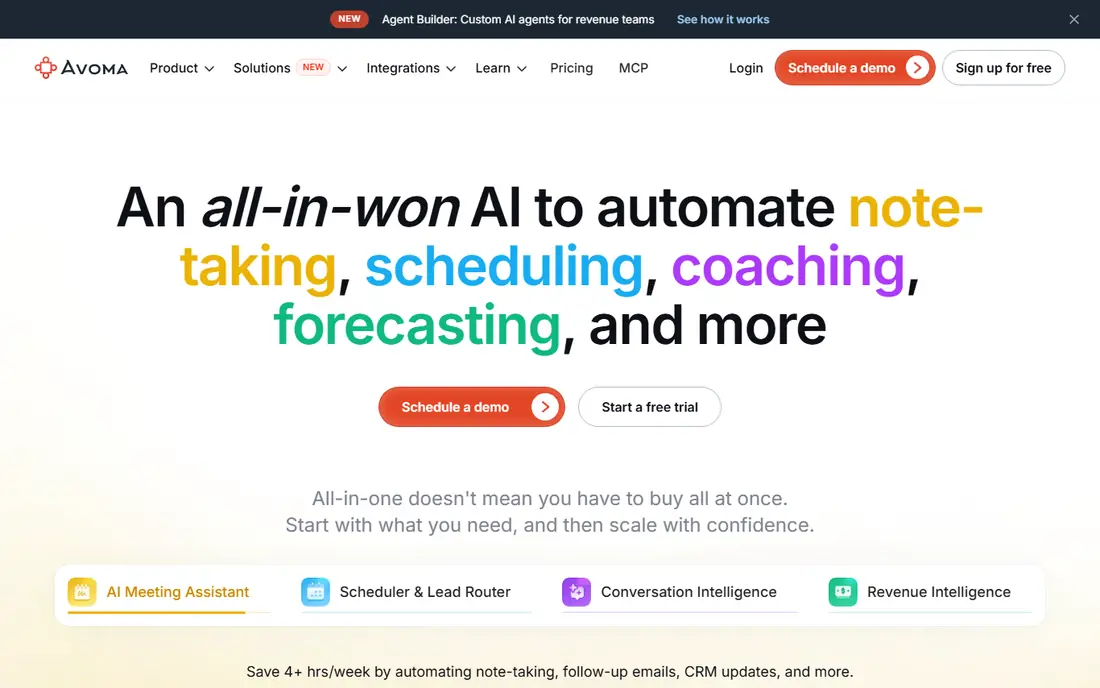
Where Avoma fits: sales coaching and conversation intelligence. It records calls, scores conversations against coaching frameworks, and syncs notes and action items to your CRM. As for the details, revenue teams that already live in a CRM, though, will get more from Avoma than from a general note taker.
What to check first: Price and setup suit revenue teams more than solo users.
In practice, solo users and small teams will likely find Fathom or Otter.ai more straightforward and less expensive. Managers can review talk patterns and coach reps with real examples rather than vague advice. That depth includes a higher starting price and no free plan, only a trial. The starting price for Avoma: $19 per month. Free plan details: Free trial.
- CRM sync
- Deal and pipeline views
- No permanent free plan
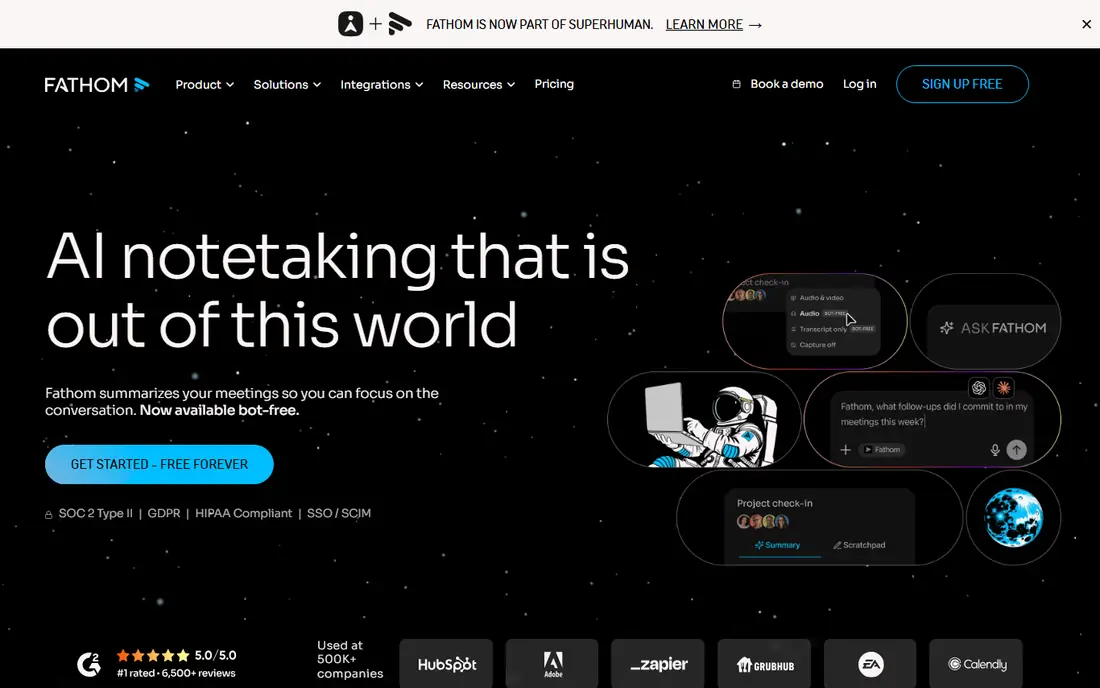
For free unlimited recording for individuals, Fathom is a natural candidate. The free plan records and transcribes without a hard minute cap, which removes the anxiety that includes counting minutes. More specifically, summaries, action items, and flags make the recording handy after the call, not just during it.
Downsides: Free AI summaries are restricted each month.
For most solo users, though, Fathom provides you a working system on day one at no cost. In daily use, premium plans add unlimited AI summaries, more integrations, and team controls. Entry price for Fathom: Free. You can start on Fathom without paying.
- CRM integrations on premium plans
- Clean summaries and action items
- Some features need a premium team plan
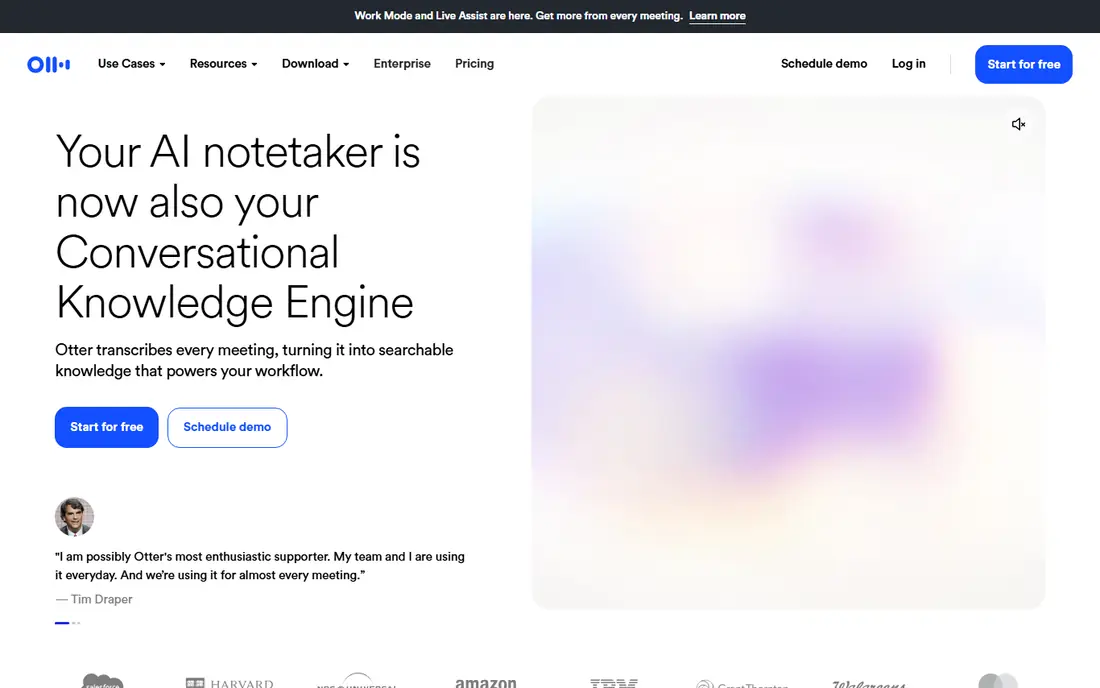
Otter.ai is built with live transcription and team collaboration in mind. Premium plans raise those limits and add more minutes, plus additional collaboration choices. That live view matters when a decision is made quick and nobody wants to wait for a summary to arrive by email.
It handles short meetings well, but regular users will hit the monthly minute cap and the per-conversation limit. In practice, if your team lives in Zoom, Google Meet, or Microsoft Teams and wants notes that people can edit together, Otter.ai is a safe first pick. On cost, Otter.ai starts like this: $8.33 per month. You can start on Otter.ai without paying.
What to check first: Free plan caps monthly minutes.
- Shared notes and editing
- Live transcription
- Advanced features sit on higher levels
MeetGeek serves automatic notes and meeting insights. It joins your calls, records them, and sends notes and action items when the meeting ends.
Where it is weaker: Interface takes a little time to learn.
The free plan is a fair way to test the workflow, but it caps monthly hours. I would pick MeetGeek if you want notes to arrive without opening another app, and if you like a record of decisions that is simple to search later. The starting price for MeetGeek: $15.99 per month. You can start on MeetGeek without paying.
- Meeting analytics and trends
- Wide calendar and tool integrations
- Free plan limits monthly hours
For multilingual transcription on a budget, Notta is a natural candidate. Notta is a capable pick for international teams and researchers who work across languages. It transcribes live meetings and uploaded audio or video, then produces a summary you can edit and export.
What to check first: Fewer deep CRM features than sales tools.
As for the details, for clear transcripts, translations, and a tidy archive, Notta handles the basics well and keeps the price down. The premium price is lower than numerous rivals when billed yearly, which helps small teams stretch a budget. What you pay to start with Notta: $8.17 per month. Notta includes a free tier.
- File uploads and summaries
- Broad language support
- Accuracy varies by audio quality
Granola targets Bot-free notes for private meetings. If privacy and a low-profile recording method matter most, it is a refreshing choice. In daily use, if you need deep team analytics, pick a more traditional bot-based tool.
Honest limits: Pricing and plan details should be checked before buying.
As for the details, Granola takes a different approach by capturing audio on your own device rather than sending a bot into the call. That appeals to people in legal, hiring, or sensitive discussions where a visible bot feels awkward. What you pay to start with Granola: $14 per month. Granola offers a free plan.
- No bot joins your meeting
- Straightforward and fast workflow
- Fewer team and CRM features
Think of tl;dv for searchable meeting library for research teams. tl;dv shines when you need to find something said three weeks ago across dozens of calls.
What to check first: premium pricing is higher than some rivals.
The trade-off is price once you move to premium levels, and some of the deeper AI features sit behind that paywall. In daily use, the free plan includes recording well, which makes it simple to try. tl;dv starts at: $18 per month. tl;dv has a free plan.
- Solid search across meetings
- Timestamped flags and clips
- Best features need the Pro plan
Picking the right fireflies AI
Check whether the tool supports Zoom, Google Meet, Microsoft Teams, or the product you use most, and whether transcripts stay searchable after the trial ends. For everyday use, next, count your real usage. Finally, test the summary quality on your own calls.
A tool that writes clear action items for a sales call may still struggle with a technical discussion, so run a two-week trial with real meetings before you commit an entire team. On top of that, tell people you are recording before the meeting starts, and check your company policy and local rules about consent. In practice, some tools store transcripts in the cloud and use them to boost features, so read the privacy policy and data retention settings.
How we chose
ProMapRanker used vendor pricing pages and product documentation as the base, then compared plans, free access and documented limits for 7 tools. Prices and plan limits come from vendor pages and can change, so confirm them on the vendor site before you buy. Order on the page follows fit for the typical buyer first, then price transparency and free access. Your own requirements should decide the final pick.
Things to verify first
- Confirm the entry price on the vendor page: Notta starts at $8.17 per month, but seat counts and billing terms change the total.
- Check what the free option really includes: Fathom, Otter.ai, MeetGeek and others offer a free plan, and usage caps differ.
- Use real work to test the free trial from Avoma, rather than a demo project.
- Before choosing Avoma, weigh its main limit: no permanent free plan.
- A short pilot of Notta with your real workflow tells you more than a feature table.
- See whether MeetGeek offers onboarding or training, and whether it is included in the price.
Frequently asked questions
What is the cheapest option for fireflies AI in this list?
On published monthly entry prices, Notta is the lowest here at $8.17 per month. Entry price is only part of the cost, because seats, add-ons and billing terms can change the total.
Do these tools publish their prices?
Yes. Every tool from Avoma to tl;dv shows a starting price, though seats, add-ons and billing terms still change the final cost.
Is Avoma the right pick for everyone comparing fireflies AI?
No single tool suits every team. Avoma comes first because it fits sales coaching and conversation intelligence, while Fathom suits free unlimited recording for individuals and Otter.ai suits live transcription and team collaboration. Match the tool to your own size, budget and workflow before deciding.
How are the tools for fireflies AI ordered?
The order follows typical fit for fireflies AI, with Avoma first and tl;dv last, then price clarity and free access. It is editorial judgement, not a score, so another team could rank the tools differently.
Are AI meeting transcripts accurate enough to depend on?
They are well suited to summaries, action items, and searching, but they are not perfect. Accents, background noise, crosstalk, and technical terms can all cause errors.
Sources
See where you really rank - block by block
ProMapRanker scans Google Maps across a grid of your service area. Simple monthly plans from $19, white-label on every plan.
Start freeKeep reading
 zoho inventory alternatives
6 Alternatives to Zoho Inventory, Compared on Price and Fit
Zoho Inventory alternatives: 6 tools compared on price, free plans and fit. Katana leads the list for manufacturers. Fit and flaws are laid out for each entry.
Read → zoho crm alternatives
Best Zoho CRM Alternatives (2026)
Need Zoho CRM alternatives? We compare 7 tools on cost, free access and who each suits. Every pick gets a straight assessment. Built for quick decisions.
Read → zelle alternatives
Best Zelle Alternatives in 2026
Compare the best Zelle alternatives for sending money to friends, paying sellers and moving funds abroad, with honest notes on fees, speed and safety in 2026.
Read →