 ProMapRanker
Fintech Apps With Best Bill Pay Reviews in 2026


Bill tracking plus subscription checks · Pricing starts at: Free
Key takeaways
- Rocket Money and Simplifi stand out for bill tracking combined with budgeting, with Rocket Money offering a usable free tier and Simplifi a low annual cost.
- Monarch Money and Copilot Money suit people who want a polished all-in-one view, but both are paid-only, so the trial period matters.
- Bill reminders are only useful if your accounts sync reliably, so test bank connections with your main bank and biller accounts during any trial.
- This is general information only, not financial advice, and fee details should be checked on the vendor site before you subscribe or link accounts.
Quick comparison
| Pick | Great for | Pricing starts at | Free tier | |
|---|---|---|---|---|
| Rocket Money | Bill tracking plus subscription checks | Free | Yes | Visit |
 Simplifi by Quicken | Low-cost bill and budget tracking | $3.99 per month | Free trial | Visit |
 Monarch Money | All-in-one household money view | $14.99 per month | Free trial (7 days) | Visit |
 Copilot Money | Apple users wanting a polished tracker | $13 per month | Free trial (1 month) | Visit |
 YNAB | Hands-on budgeting with bill planning | $14.99 per month | Free trial (34 days) | Visit |
 PocketGuard | Seeing what is safe to spend after bills | Free | Yes | Visit |
 Empower | Free net worth and account tracking | Free | Yes | Visit |
 Prism | Simple bill reminders and payment tracking | Free | Yes | Visit |
The best fintech apps with best bill pay reviews
We compared official pricing pages, feature pages, and public user feedback patterns for apps that track bills, send reminders, and show upcoming payments alongside budgets. Our pick for most people is Rocket Money for its free tier, with Simplifi as the low-cost paid alternative.
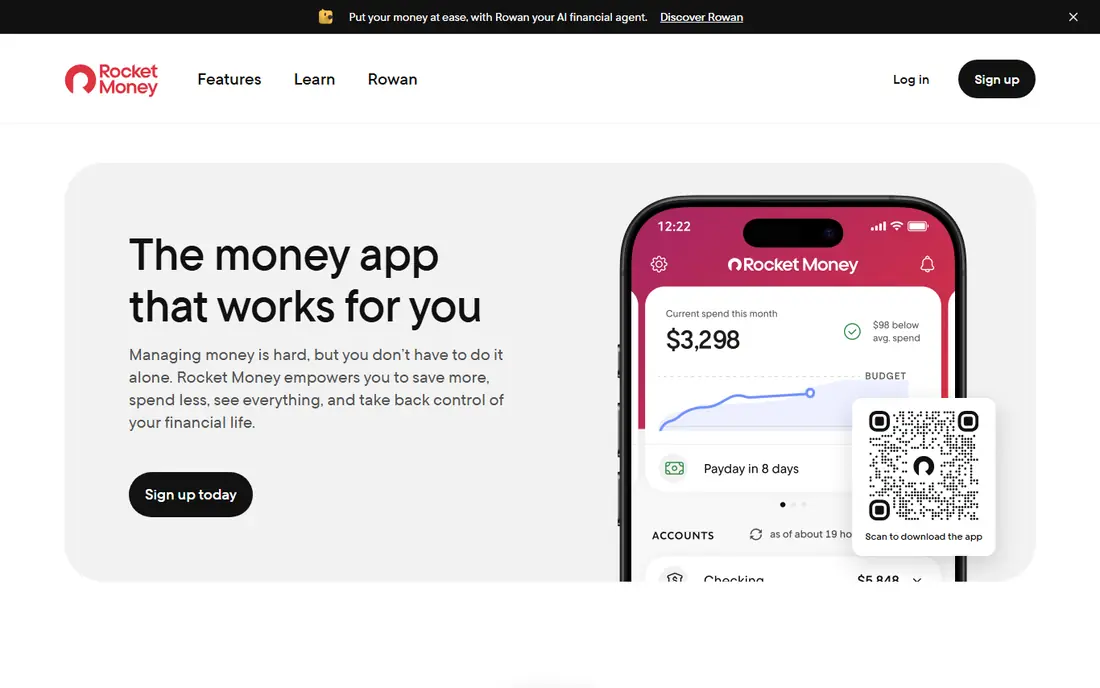
Rocket Money earns its place because it starts with the problem most people actually have: bills and subscriptions scattered across accounts. It pulls upcoming bills into one view, sends reminders, and flags recurring charges you may have forgotten. That combination helps users spot a price rise or a duplicate subscription before another month passes.
The catch is that the most complete toolkit sits behind Premium, priced from $6 to $14 per month in recent listings, and bill negotiation is a separate service with its own terms. The free tier is still genuinely useful for tracking, so start there and upgrade only if the premium reports or concierge-style help matter to you. Check the current fee disclosure on the Rocket Money site before enabling any paid service.
- Free tier covers bill tracking
- Subscription detection
- Spending and bill reminders in one app
- Premium features cost extra
- Bill negotiation results vary and may carry fees
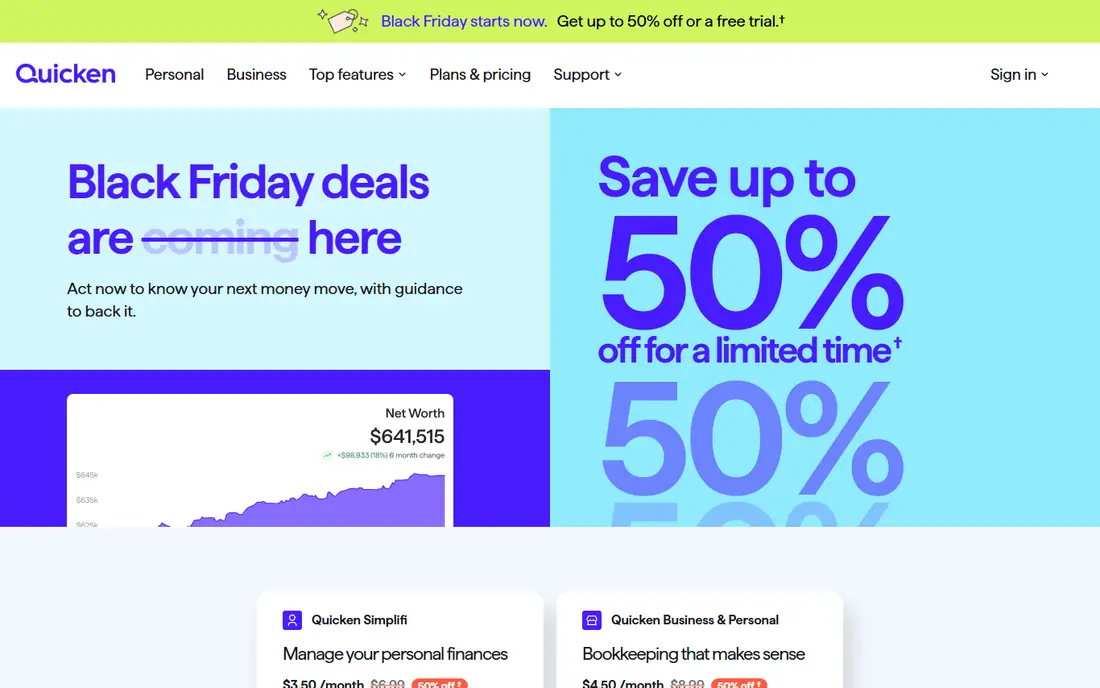
Simplifi is the budget pick among paid apps, with a first-year price around $3.99 per month in recent listings. Its spending plan looks ahead to bills due, rather than only reporting what you already spent, which makes it easier to see whether a week will be tight. Bill watchlists and reminders keep due dates visible without a separate calendar.
The weakness is that there is no free tier to fall back on, only a trial and refund window, so the value depends on regular use. Simplifi also feels more functional than beautiful, which suits users who want numbers first. If you will open it weekly and want bill planning at a low cost, it is hard to beat.
- Low first-year price
- Spending plan tied to upcoming bills
- Watchlists for accounts and bills
- No permanent free tier
- Design is practical rather than flashy
Monarch Money is the app people choose when they want every account, bill, and goal in one calm dashboard. Cash flow views show upcoming bills against income, and couples or households can share access without sharing login details. That shared view is a real advantage when two people pay different bills from different accounts.
The price is the honest barrier. At $14.99 per month, or $99.99 per year, it costs more than a bill reminder app should if reminders are all you need. Use the 7-day trial to connect your main bank and billers, and judge it on whether you actually check cash flow weekly. If you do, the breadth justifies the cost.
- Clear net worth and cash flow views
- Shared household access
- Flexible budgeting and goals
- No free tier
- Monthly price is high if you only need bill reminders
Copilot Money is the design-led option, and it shows in clean charts, quick categorization, and a cash flow view that ties bills to paydays. For iPhone and Mac users, it feels native in a way cross-platform apps rarely do. The one-month trial is also generous, giving time to test sync with real accounts.
The limit is platform. There is no Android app, so households mixing iPhone and Android will struggle to share it. Copilot is also paid-only at $13 per month or $95 per year, which makes it a considered purchase rather than a casual download. Apple-only households that value design should trial it; others should look at Monarch or Simplifi.
- Polished design on Apple devices
- Smart categorization
- Cash flow and bill tracking together
- No Android app
- Paid-only after the trial
YNAB, short for You Need A Budget, takes a different approach: you assign every dollar a job, including money set aside for future bills, before you spend it. Scheduled transactions let you plan recurring bills in advance, so a large quarterly bill does not arrive as a surprise. That discipline is why many long-term users stay loyal despite cheaper options.
The trade-off is effort and price. Learning the method takes time, and at $14.99 per month or $109 per year it is an investment, not a free reminder tool. The 34-day trial helps, since a full month of bills is enough to judge the system. Choose YNAB if you want to change how you plan bills, not just list them.
- Strong method for planning bill money ahead
- Scheduled transactions
- Long trial to learn the system
- Steep learning curve
- Price is high for casual bill tracking alone
PocketGuard answers one question well: after bills, goals, and essentials, what can you spend without trouble? That single number, shown beside upcoming bills, makes it useful for people who find full budgets overwhelming. Bill tracking and reminders sit alongside that view, so due dates are not hidden in a separate tab.
The free tier covers the basics, but the fuller toolkit requires Plus, priced at $12.99 per month or $74.99 per year in recent listings. Sync reliability also matters more here than in a manual tracker, so test your main accounts early. If the safe-to-spend number keeps you from overspending between paydays, PocketGuard earns its place.
- Free tier available
- Simple "in my pocket" view after bills
- Bill tracking and reminders
- Full features need Plus at $12.99 per month
- Some users report sync delays
Empower, formerly Personal Capital, offers a free personal dashboard that aggregates bank, card, loan, and investment accounts. For bill purposes, that aggregation gives a useful overview of balances and upcoming obligations, even though its bill tools are less detailed than Rocket Money or Simplifi. The price, free, makes it an easy second app for checking the big picture.
The weakness is focus. Empower is built around net worth and investing first, so users wanting detailed bill reminders, payment scheduling, or negotiation help will need another tool. It also promotes its wealth management services, which some users find distracting. Use it as a free overview tool, and pair it with a dedicated bill tracker if needed.
- Free dashboard with no subscription
- Account and bill visibility in one place
- Investment tracking included
- Bill pay features are lighter than dedicated bill apps
- Wealth management upsells appear in the product
Prism keeps bill management deliberately simple: add your billers, see balances and due dates in one list, and get reminders before payments are due. That focus suits people who already have a bank app or budget tool but keep missing a due date. Because it is free, there is little risk in trying it alongside your current setup.
The limit is breadth. Prism does not replace a full budgeting app, and its usefulness depends on whether your billers connect cleanly. If a key biller does not sync, you will still need manual checks. For users who want a straightforward bill list with reminders, though, that simplicity is the appeal.
- Free to use
- Bill due dates and balances in one list
- Reminders for upcoming payments
- Narrower budgeting toolkit than rivals
- Availability and bank support vary by biller
How we picked these
We compared official pricing and feature pages, app store listings, and recurring themes in public reviews, favoring apps with clear fee disclosure, reliable account sync, and bill reminders that users mention positively. We excluded Mint, which shut down in 2024, and we avoided apps that mainly offer lending or advances rather than bill tracking. Prices here come from vendor or recent published listings, and we marked uncertain figures by directing readers to the vendor site.
What to check before you link accounts
Start by listing your five largest recurring bills and checking that each app can track them, since a bill tracker that misses your rent, mortgage, or main card is of limited use. Look at fee disclosure for premium tiers, negotiation services, and any payment features, and turn off services you do not want before a trial ends. Use strong passwords, two-factor authentication where offered, and read what data the app stores and shares. A bill app should reduce missed payments, not add a new subscription you forget to cancel.
Frequently asked questions
Which fintech app has the best bill pay reviews?
Rocket Money, Simplifi, and Monarch Money appear most often in positive bill tracking discussions, for different reasons. Rocket Money wins on free access, Simplifi on low paid cost, and Monarch on a complete household view.
Do these apps actually pay my bills?
Most apps here track bills and remind you, rather than paying from your bank directly. Check each app's payment features carefully, since paying through a third party can change timing, fees, and what happens if a payment fails.
Is it safe to link my bank account to a bill app?
Reputable apps use bank-level connection providers and encryption, but no connection is risk-free. Use two-factor authentication, review connected accounts regularly, and remove access for apps you stop using.
What is the cheapest good bill pay app?
Rocket Money and PocketGuard both offer free tiers, while Simplifi is the cheapest full paid option at around $3.99 per month in its first year. The right choice depends on whether you need budgeting depth or just reminders.
Can couples use one bill app together?
Yes, Monarch Money and several rivals support shared household access, while others work best with one login. If two people pay bills, test shared access during the trial before committing.
Should I use a bill app instead of my bank app?
Use both if it helps. Bank apps are best for paying and checking balances, while bill apps are better at gathering bills from many places and warning you before due dates.
Sources
See where you really rank - block by block
ProMapRanker scans Google Maps across a grid of your service area. Simple monthly plans from $19, white-label on every plan.
Start freeKeep reading
 zyte alternatives
Best Zyte Alternatives in 2026
These zyte alternatives cover managed scraping APIs, proxy networks and no code tools for lawful collection from your own or consented sources only in 2026.
Read → zerto alternatives
Best Zerto Alternatives in 2026
Compare the best zerto alternatives for disaster recovery and replication, with recovery targets, cloud options and honest trade-offs for teams in 2026.
Read → zerofox alternatives
Best ZeroFox Alternatives in 2026
We compared 9 zerofox alternatives for brand protection, phishing takedowns, dark web monitoring, and social impersonation, with clear coverage notes.
Read →