 ProMapRanker
Best FieldPulse Alternatives in 2026

Key takeaways
- Jobber is the simplest starting point for small crews that want scheduling, quotes, and invoices in one place.
- Housecall Pro suits review-driven home service shops that want booking and customer messages handled well.
- Service Fusion fits growing teams that dislike per-user pricing, since its plans allow unlimited users.
- ServiceTitan fits larger operations that can fund a longer setup and want deep reporting and marketing tools.
Quick comparison
| Pick | Great for | Pricing starts at | Free tier | |
|---|---|---|---|---|
 Jobber | Small crews starting out | $29 per month | Free trial | Visit |
 Housecall Pro | Home service shops | $59 per month | Free trial | Visit |
 ServiceTitan | Large trade operations | See website | No | Visit |
 Service Fusion | Growing teams avoiding per-user fees | See website | Free trial | Visit |
 Workiz | Call-driven booking | See website | Free trial | Visit |
 FieldEdge | QuickBooks-heavy contractors | See website | No | Visit |
 Simpro | Complex jobs and inventory | See website | Free trial | Visit |
 BuildOps | Commercial service contractors | See website | No | Visit |
The best fieldpulse alternatives
We compared official feature pages, pricing pages, and public reviews for field service tools that cover scheduling, dispatch, invoicing, and customer contact. Prices change often, so check the vendor page linked for each tool before you budget.
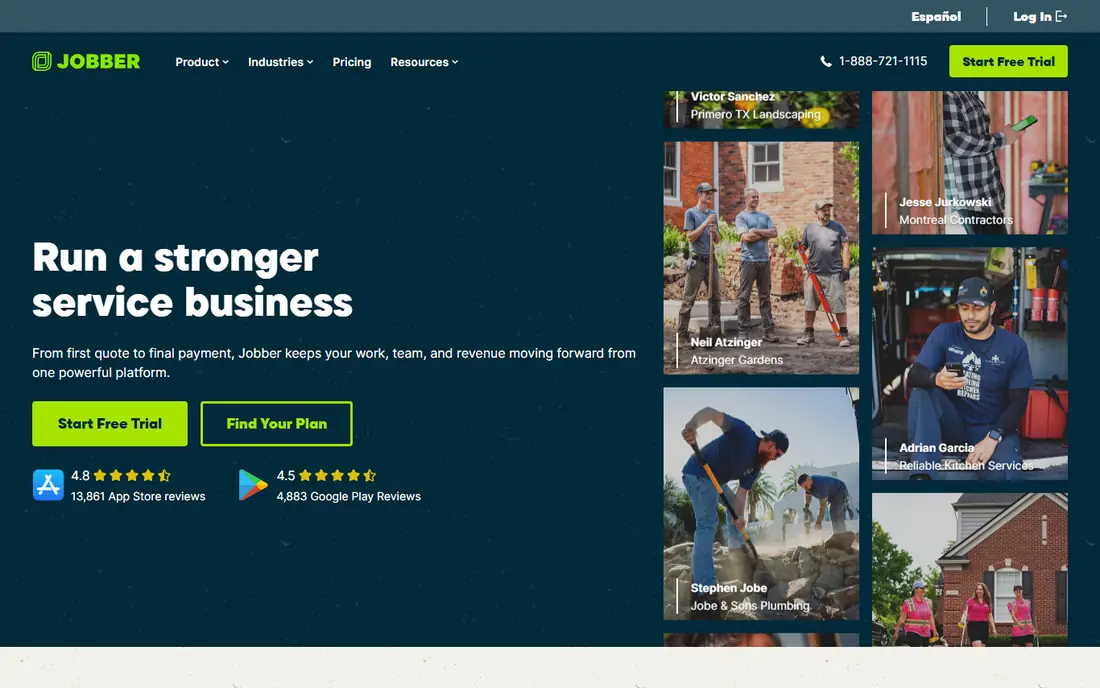
Jobber is the tool we point to first for owner-operators and small crews. The calendar is easy to read, quotes turn into jobs and invoices without retyping, and customers can approve work and pay through a client hub. Most teams can set it up in a day, which matters when the office is also the truck.
The catch is depth. Marketing features are light, and detailed reporting sits on higher tiers. Larger dispatch operations may also outgrow its board. For a crew of one to fifteen people, though, that simplicity is a strength rather than a gap.
Jobber pricing starts around $29 per month for a single user on annual billing, with higher tiers adding users and features. A free trial is offered. If you want the lowest-friction move from spreadsheets, start your shortlist here.
- Clean scheduling and invoicing
- Client hub for quotes and payments
- QuickBooks and Xero links
- Marketing tools are basic
- Reporting is limited on lower tiers
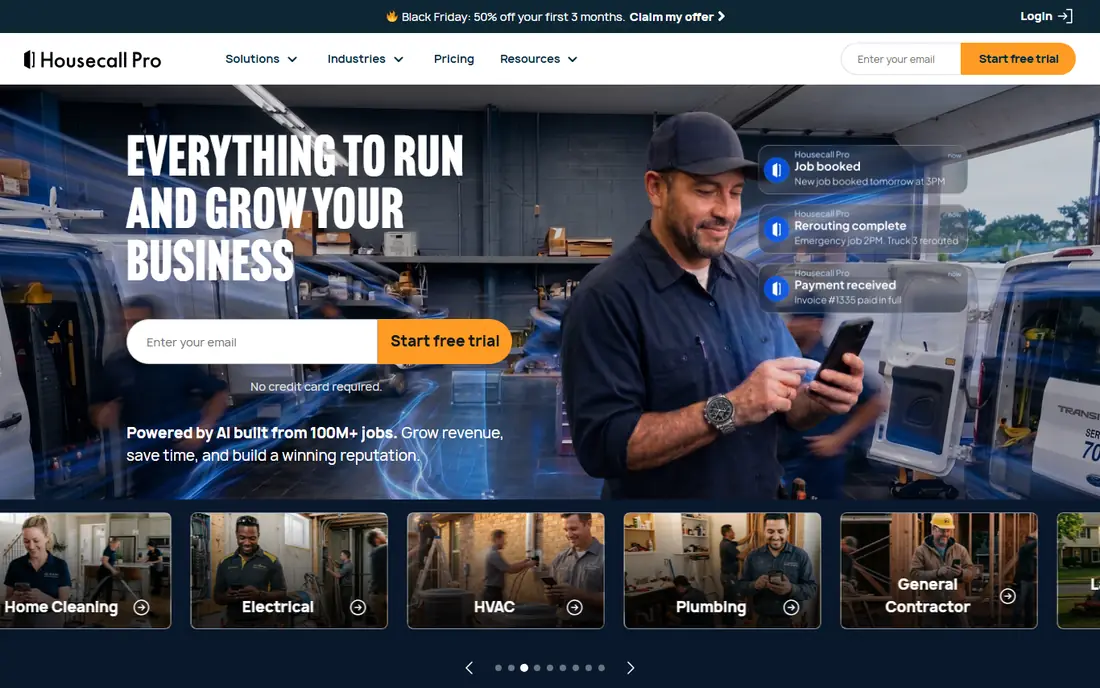
Housecall Pro feels built for the daily rhythm of home service work. Customers can book online, get reminders, and receive a text when the tech is on the way. Review requests after the job help shops build local trust, and the mobile app keeps techs on schedule without constant calls to the office.
The bill needs watching. Published pricing starts around $59 per month on annual billing, and extra users plus add-ons such as GPS and price-book tools add cost. Shops with many techs should model the full monthly total, not just the headline tier price.
We like Housecall Pro for shops that win work through reviews and repeat bookings. If your main need is job costing or deep inventory, compare Simpro or FieldEdge before you decide. For most residential trades, this is a polished middle ground.
- Strong online booking and reminders
- Review requests built in
- Good mobile app
- Extra users and add-ons raise the bill
- Some features need higher tiers
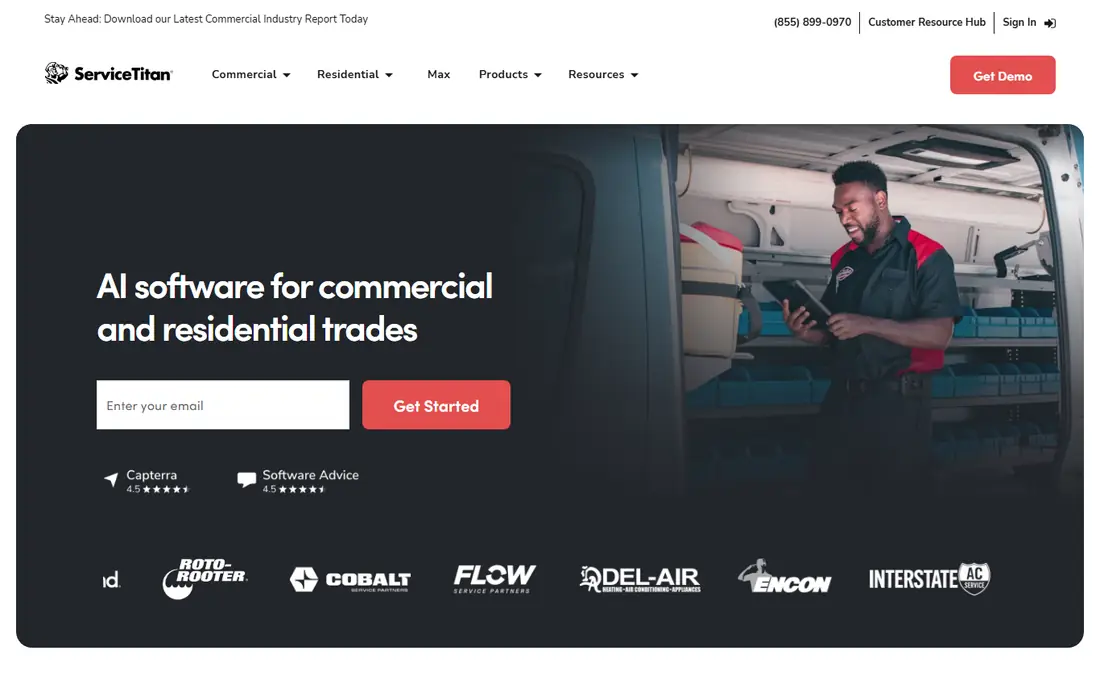
ServiceTitan is the heavyweight option for larger HVAC, plumbing, and electrical companies. It combines dispatch, call tracking, booking, marketing attribution, and detailed reporting in one platform. Shops with a phone desk and office staff can use that depth to spot which jobs and campaigns actually make money.
The honest catch is cost and setup time. Pricing is quote-only and widely reported as several hundred dollars per technician per month, plus implementation fees. Setup can take weeks or months, so small shops often pay for power they do not use yet. Do not pick it on features alone; price the full rollout first.
Pick ServiceTitan when you have the team to run it and the volume to justify it. Smaller shops should start with Jobber or Housecall Pro and revisit ServiceTitan after growth makes its reporting and marketing tools worth the spend.
- Deep dispatch, reporting, and marketing tools
- Strong call tracking
- Large trade focus
- Quote-only pricing
- Long setup
- High cost for small shops
Service Fusion appeals to teams that hate watching the bill grow with every hire. Its plans allow unlimited users, so adding techs and office staff does not trigger a new per-seat charge. Scheduling, dispatch, invoicing, and customer history sit in one system, with QuickBooks sync for accounting.
The catch is pricing transparency. Published starting figures vary by source, so you need a quote to budget with confidence. The interface also packs in more options than Jobber, which can slow the first week. Ask for a demo with your real job types before you commit.
We like Service Fusion for crews moving from five to twenty-five people. At that size, flat user pricing can beat per-seat rivals by a clear margin. Smaller solo shops may find Jobber cheaper in practice.
- Unlimited users on plans
- Full scheduling, dispatch, and invoicing
- QuickBooks sync
- Pricing is not published clearly
- Interface feels busier than Jobber
Workiz starts from the phone call, which fits shops that still win most jobs by phone. Its built-in phone system, call tracking, and lead tools connect a ringing phone to a booked job without a separate phone service. Scheduling is quick, and dispatch keeps techs and office staff on the same page.
The trade-off is pricing clarity and depth in some areas. Plans are quote-based in many listings, so budgeting takes a sales conversation. Shops that need deep inventory or project costing may want Simpro instead. For lead-driven trades, though, the phone-first design is a genuine edge.
Pick Workiz if missed calls and lost leads are your main leak. Test the phone features with your actual call volume during the trial. If most of your work arrives online, Housecall Pro may fit better.
- Built-in phone system and call tracking
- Fast scheduling
- Lead tracking
- Quote-based pricing
- Some advanced features need higher plans
FieldEdge is a strong pick for contractors whose books live in QuickBooks. Its two-way sync with QuickBooks Desktop and Online keeps invoices, payments, and customer records aligned without double entry. Dispatch, quoting, and job management cover the field side, with inventory tools for parts-heavy trades.
The catch is that pricing is quote-only and setup is more involved than Jobber or Housecall Pro. Teams that do not use QuickBooks will not gain the main benefit, and they may prefer a simpler tool. Ask about implementation time and training in the demo.
We recommend FieldEdge for mid-size HVAC, plumbing, and electrical shops that already run on QuickBooks. If your accounting lives elsewhere, compare Service Fusion or Simpro first. For QuickBooks shops, the sync alone can save hours each week.
- Real-time QuickBooks Desktop and Online sync
- Dispatch and quoting
- Inventory tools
- Quote-only pricing
- Setup takes longer than simpler tools
Simpro suits businesses where jobs are projects, not single visits. It tracks quotes, job costs, inventory, assets, and multi-stage work in more depth than most small-shop tools. That structure helps commercial contractors and larger trade firms keep margins visible across long jobs.
The learning curve is real. Simpro asks for more setup and training than Jobber, and pricing requires a quote. Small residential shops may find it heavier than they need. Larger teams with stock rooms and service contracts will use the depth every day.
Pick Simpro when inventory accuracy and job costing drive your profit. Run a pilot with one job type and check that your team records parts and labor cleanly. If jobs are simple one-visit fixes, a lighter tool will move faster.
- Detailed job costing
- Inventory and asset tracking
- Project workflows
- Higher learning curve
- Pricing needs a quote
BuildOps focuses on commercial contractors that juggle service agreements, projects, and dispatch at once. It handles multi-trade work, contract billing, and reporting in a way that small-shop tools often cannot. Teams managing facilities and long-term agreements get a clearer view of recurring work.
The catch is fit. BuildOps is priced by quote and designed for larger teams, so solo operators will find it costly and complex. Implementation also takes planning. Smaller residential shops should look at Jobber or Housecall Pro instead.
We like BuildOps for commercial HVAC, mechanical, and multi-trade firms that have outgrown residential tools. If your work is mostly single-home repairs, skip it. If contracts and projects are your core, it belongs on the shortlist.
- Commercial project and service agreement tools
- Dispatch and invoicing
- Reporting depth
- Quote-only pricing
- Built for larger teams, not solo operators
How we picked these
We compared official feature pages, pricing pages, and public reviews, and we kept only tools that cover scheduling, dispatch, invoicing, and customer contact for field teams. We favored tools with clear mobile apps for techs and accounting links for the office. We did not claim hands-on testing that did not happen; our notes rest on vendor docs and public reports.
How to choose the right field service tool
Start with crew size and how work arrives. A solo tech needs fast quotes and invoices, while a twenty-person shop needs dispatch control and job costing. Count users honestly, including office staff, because per-seat pricing can change the winner fast. Flat-rate plans help larger teams, while small teams often save with tiered plans.
Next, check the two integrations that cause the most pain: accounting and payments. Confirm QuickBooks or Xero sync works for your version, and test how customers pay online. A tool that handles booking well but forces double entry in accounting will cost time every week. Ask for a trial using your real job types, not just a demo script.
Finally, weigh setup time against growth plans. A tool you can run tomorrow beats a powerful platform that takes three months to adopt, unless you already have office staff to run it. Pick the simplest tool that covers your next two years of growth, then revisit when hiring or contract work changes the picture.
Frequently asked questions
What is the cheapest FieldPulse alternative for a solo operator?
Jobber is often the cheapest published starting point, at around $29 per month for a single user on annual billing. Housecall Pro starts higher, while ServiceTitan and BuildOps are quote-only and aimed at larger teams. Confirm current pricing on the vendor site before you budget.
Do these tools work without QuickBooks?
Yes, all of them handle scheduling, invoicing, and payments on their own. QuickBooks or Xero links simply reduce double entry for shops that use those systems. If you use other accounting software, check the integration list for each tool before you pick.
Can techs use these tools on a phone in the field?
Yes, each tool here offers a mobile app for techs to view jobs, update status, capture signatures, and record notes. App quality varies, so test the app on your team's actual phones during a trial. Offline behavior also matters for rural or basement jobs.
How long does setup usually take?
Jobber and Housecall Pro can often be set up in a day or two for a small crew. FieldEdge, Simpro, and ServiceTitan take longer because they need data imports, templates, and training. Ask each vendor for a realistic timeline based on your crew size.
Is ServiceTitan worth it for a small shop?
Usually not at first, because quote-only pricing and setup time suit larger operations better. Small shops tend to get more value from Jobber or Housecall Pro. Revisit ServiceTitan when dispatch, marketing attribution, and reporting become daily needs.
Sources
See where you really rank - block by block
ProMapRanker scans Google Maps across a grid of your service area. Simple monthly plans from $19, white-label on every plan.
Start freeKeep reading
 zyte alternatives
Best Zyte Alternatives in 2026
These zyte alternatives cover managed scraping APIs, proxy networks and no code tools for lawful collection from your own or consented sources only in 2026.
Read → zerto alternatives
Best Zerto Alternatives in 2026
Compare the best zerto alternatives for disaster recovery and replication, with recovery targets, cloud options and honest trade-offs for teams in 2026.
Read → zerofox alternatives
Best ZeroFox Alternatives in 2026
We compared 9 zerofox alternatives for brand protection, phishing takedowns, dark web monitoring, and social impersonation, with clear coverage notes.
Read →