 ProMapRanker
Field Service Operations Best Practices in 2026

Key takeaways
- A single scheduling board prevents double-booking and missed jobs better than spreadsheets or group chat.
- Automated reminders and review requests turn completed jobs into repeat work and new customers.
- Prompt invoicing and payments shorten the gap between finishing a job and getting paid.
- Per-user pricing suits small crews, while flat or quote-based pricing suits larger, growing teams.
- The best tool is the one the whole crew actually uses daily, not the one with the longest feature list.
Quick comparison
| Pick | Great for | Pricing starts at | Free tier | |
|---|---|---|---|---|
 Jobber | Small service crews and scheduling | $29 per month | No | Visit |
 Housecall Pro | Home service pros and reviews | $59 per month | No | Visit |
 ServiceTitan | Large trades businesses | See website | No | Visit |
 FieldEdge | HVAC and plumbing specialists | See website | No | Visit |
 Service Fusion | Growing crews without per-seat bills | See website | No | Visit |
 Workiz | Service businesses needing automation | See website | No | Visit |
 FieldPulse | Small to mid-size field teams | See website | No | Visit |
 Kickserv | Simple scheduling for small crews | See website | No | Visit |
 mHelpDesk | Service teams needing tickets and dispatch | See website | No | Visit |
The best tools for field service operations best practices
The angle here is stated plainly: this article covers the tools and services that put field-service best practices into action, not an abstract list of advice with no product to use. Best practice in field service means a clear schedule, fast dispatch, accurate quotes, good customer communication, and prompt invoicing, and each tool below is judged on how well it supports those habits for service businesses. The focus is scheduling and dispatch, with quoting, payments, and customer follow-up as the supporting workflow. We compared official feature pages, pricing pages, app store listings, privacy policies, and public reviews.
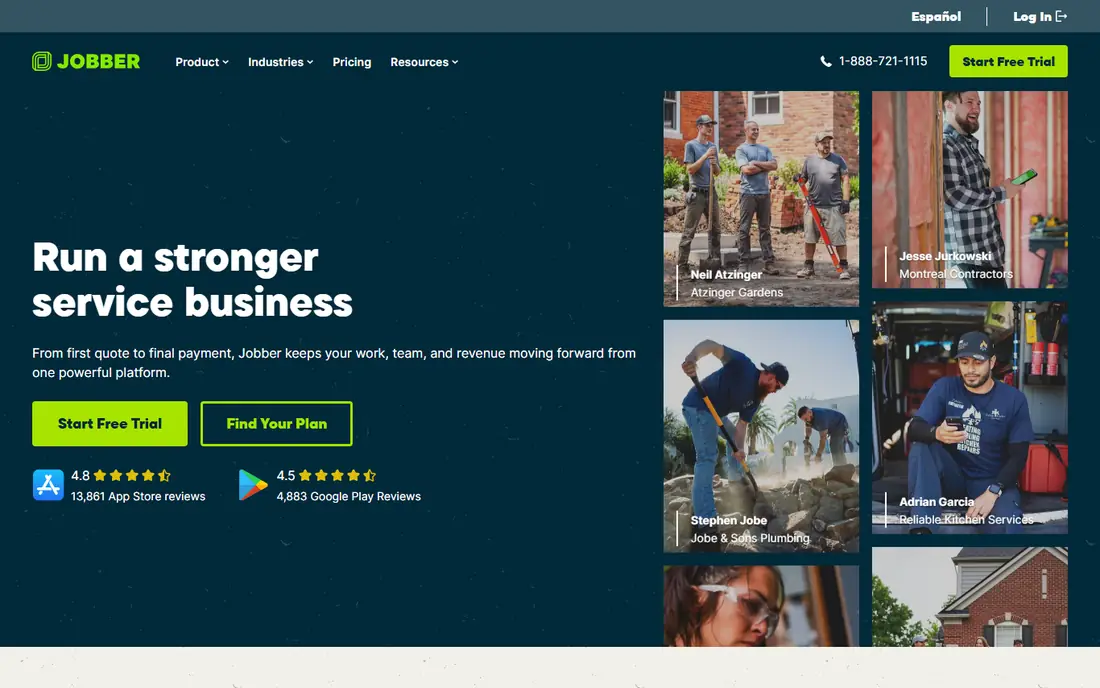
Jobber is the default first system for a small service business moving off spreadsheets and group chat. Its scheduling board shows who is where, what job is next, and what is still unassigned, which is the core of field-service best practice. Quoting, invoicing, and payments sit in the same tool, so a job does not get lost between a quote, a visit, and a bill.
The weakness is depth on lower tiers: reporting and advanced features need higher plans, and costs rise as users are added. Start with the core scheduling and invoicing workflow, and add users only when the board actually gets crowded. For a tree crew or a web team, the test is simple: run one small campaign or project first, watch the real cost per result, and only then scale the budget.
- Clear scheduling and dispatch board
- Quoting, invoicing, and payments in one tool
- Mobile app for field crews
- Advanced reporting is limited on lower tiers
- Per-user pricing grows with crew size
- Some features need higher plans
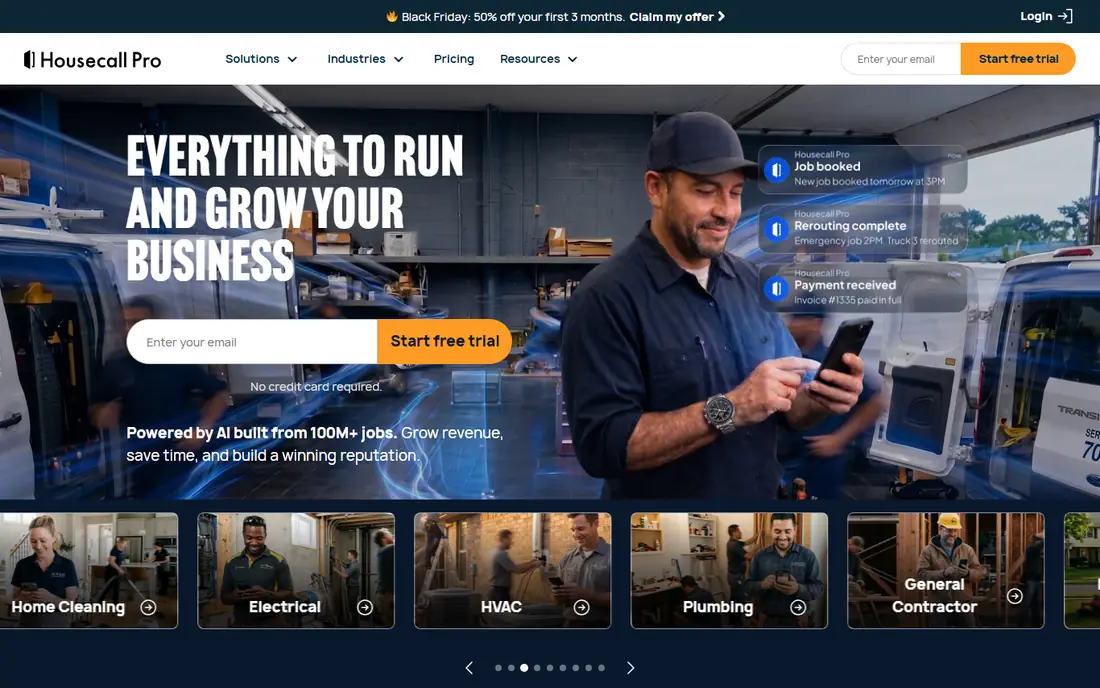
Housecall Pro suits home service businesses that live on reviews and repeat bookings. Scheduling and dispatch are simple to learn, automated reminders reduce no-shows, and review requests after completed jobs help the next customer choose with confidence. Invoicing and payments in the same app also shorten the gap between finishing a job and getting paid.
The catch is add-ons: GPS tracking, price-book tools, and other extras cost more, so the headline tier is not the full cost for every crew. Price the add-ons you actually need, and test reminders and review requests on real jobs first. Start small, measure what actually happens in the first month, and keep the plan only if the numbers and the daily workflow both hold up.
- Easy scheduling and dispatch for home services
- Automated reminders and review requests
- Invoicing and payments included
- Add-ons such as GPS and price books cost extra
- Inventory features are limited
- Higher tiers needed for larger teams
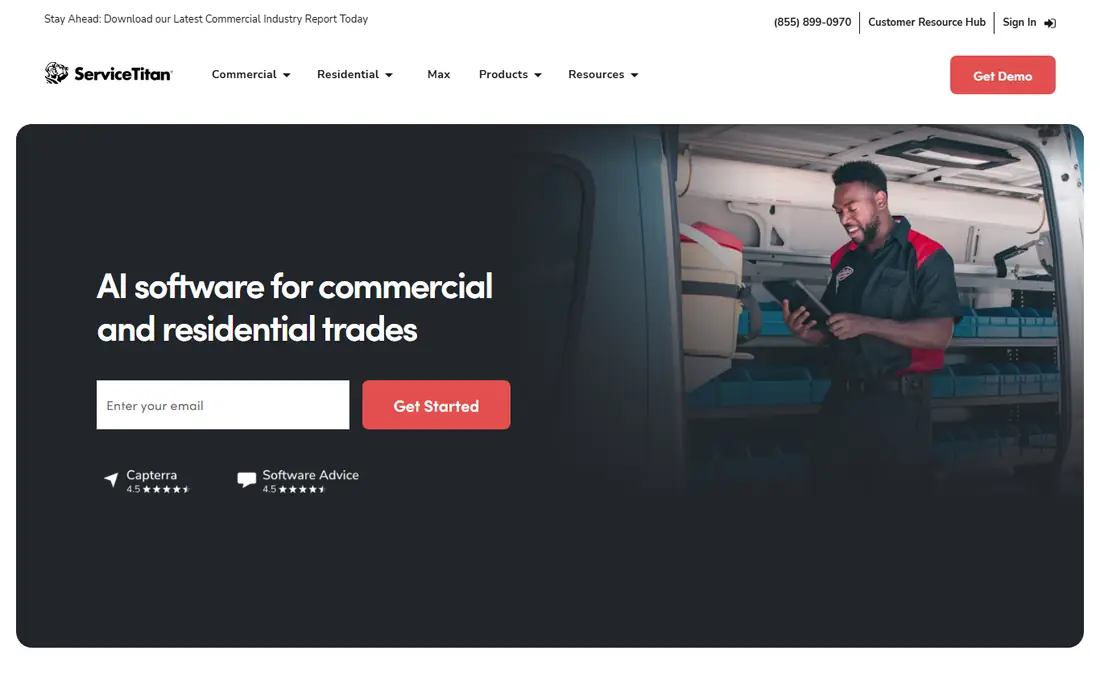
ServiceTitan is the system larger trades businesses choose when they need one platform for the whole operation. Scheduling, dispatch, customer records, marketing, and reporting sit together, which helps a multi-location or franchise operation keep standards consistent. Technicians get job details, history, and payment tools in the field, while office staff see capacity and performance in one dashboard.
The weakness is scale and cost: pricing is quote-based, implementation can be substantial, and a solo operator will pay for capacity it never uses. Choose ServiceTitan only when office staff, crew size, and job volume justify a full operating platform. The right test is a short, real trial with your own jobs, files, or contacts, not a demo account filled with sample data.
- Deep scheduling, dispatch, CRM, and marketing tools
- Strong reporting for larger operations
- Mobile app for technicians
- Quote-based pricing with no public list
- Implementation can be costly
- Overkill for solo operators
FieldEdge is built for trades where accurate pricing and parts matter as much as scheduling. Its flat-rate price book helps technicians quote consistently, dispatch tools keep crews moving, and QuickBooks integration reduces double entry for office staff. Inventory and job costing add control for businesses that carry parts and track margins job by job.
The downside is onboarding: quote-based pricing and setup time make it a heavier choice than a simple scheduling app. Use FieldEdge when price-book accuracy and parts tracking are daily needs, not occasional extras. Compare the total monthly cost, including add-ons and renewals, before you judge a headline price.
- Strong dispatch and price-book tools for trades
- QuickBooks integration
- Inventory and job costing features
- Quote-based pricing with no public list
- Setup takes time
- Smaller crews may not need its depth
Service Fusion appeals to growing crews that dislike watching the bill rise with every new hire. Its tiers offer unlimited users, which makes budgeting predictable as technicians join, and scheduling, dispatch, invoicing, and GPS sit in one system. That shape helps a business that is hiring steadily and does not want to renegotiate seats each month.
The trade-off is polish and tier clarity: the interface is practical, and exact tier pricing still needs a quote. Compare the flat total against per-user rivals at your expected crew size in six months, not just today. If the setup feels heavy for the size of your team, that friction usually stays, so weigh it as heavily as the feature list.
- Flat pricing with unlimited users on tiers
- Scheduling, dispatch, and invoicing
- GPS and customer management included
- Quote-based tiers in practice
- Interface is functional rather than modern
- Some advanced features need higher tiers
Workiz suits service businesses that want automation to handle routine scheduling and customer messages. Online booking lets customers pick a time without a phone call, dispatch tools assign jobs to the right technician, and automated messages keep customers informed. Payments and invoicing in the same system also reduce the admin work after each job.
The weakness is tier clarity: exact pricing needs a quote, and some useful features sit on higher plans. Map the automations you will actually use, such as booking, reminders, and follow-ups, before choosing a tier. A short pilot with real work will tell you more than any feature page, so set a clear pass mark before you start.
- Scheduling and dispatch with automation rules
- Online booking and payments
- Communication tools for customers
- Pricing needs a quote for exact tiers
- Some features vary by plan
- Smaller teams may find setup broad
FieldPulse is a practical middle option for teams that have outgrown spreadsheets but do not need an enterprise platform. Scheduling and dispatch cover the daily board, customer records keep job history in one place, and estimates and invoicing close the loop from quote to payment. Technicians can update jobs from the field, which keeps office staff informed without constant phone calls.
The limit is scale: reporting depth and integrations are thinner than on the largest platforms. Use FieldPulse when the core workflow matters more than advanced analytics, and check the integrations you rely on. Check the renewal price and the cancellation steps in writing, because those terms matter as much as the first month.
- Scheduling, dispatch, and CRM for field teams
- Estimates and invoicing in one app
- Mobile tools for technicians
- Smaller brand than the largest rivals
- Advanced reporting is limited
- Integrations vary by plan
Kickserv keeps field-service software simple, which is a virtue for a small crew that does not want a long setup. Scheduling, dispatch, customer records, and invoicing cover the daily essentials, and the learning curve is short for office and field staff alike. That simplicity helps a business that needs a working board this week, not a multi-month implementation.
The weakness is growth: a larger crew with complex pricing, inventory, or reporting needs may outgrow it. Choose Kickserv for a small, stable crew, and review capacity again when headcount or job complexity rises. Keep one alternative ready during the trial, so you can walk away cleanly if the fit is wrong.
- Simple scheduling and dispatch
- Job history and customer records
- Invoicing and payments for small teams
- Smaller feature set than larger platforms
- Support and integrations are more limited
- Growth may require migration
mHelpDesk suits service teams that think in tickets, with each customer request tracked from first contact to completion. Ticket tracking keeps the job history clear, dispatch tools assign work to the right technician, and customer messages stay tied to the job rather than scattered across inboxes. Scheduling and invoicing complete the workflow for many small and mid-size teams.
The weakness is market presence: it is smaller than the largest platforms, so integrations and support depth need checking. Test ticket flow with real customer requests, and confirm the integrations your business already uses. Judge it on the jobs you run every week, not on the largest or most unusual job in your pipeline.
- Ticket-based job tracking with dispatch
- Customer communication in one system
- Scheduling and invoicing tools
- Smaller market presence than larger rivals
- Feature depth varies by plan
- Onboarding help is more limited
How we picked these
We compared official feature pages, pricing pages, app store listings, privacy policies, and public reviews, and we kept only services that are live and clearly fit the topic in October 2026. Where a price or a free tier could not be confirmed on the vendor site, we wrote See website rather than guessing, and we left out services that are retired, trial-only when a free plan was claimed, or a poor fit for the stated angle.
Each pick below gets one concrete strength and one honest weakness. That balance matters more than a long feature list, because the best choice for a solo operator is rarely the best choice for a larger team, and a low headline price can hide renewal fees, per-user charges, or limits that only show up at scale.
Choosing the right field service setup
We compared official feature pages, pricing pages, app store listings, privacy policies, and public reviews, and we kept only tools that are live and clearly built for field-service scheduling and dispatch. Each tool below is judged on the same best-practice workflow: can it schedule and dispatch clearly, quote accurately, communicate with customers, and invoice promptly, without forcing a small crew into enterprise complexity. Where a price could not be confirmed on the vendor site, we wrote See website rather than guessing.
We also weighed crew size and growth. A solo operator needs a simple board and fast invoicing, a mid-size crew needs dispatch, price books, and parts tracking, and a large operation needs reporting, marketing, and multi-location control. That is why the list mixes simple tools with deep platforms, and why the honest weakness for each tool matters as much as its strength.
Frequently asked questions
What is the most important field-service best practice?
Keep one clear schedule that everyone uses. When office staff, dispatchers, and technicians work from the same board, double-booking, missed jobs, and conflicting instructions fall sharply, and customers get more accurate arrival times.
How do I reduce no-shows?
Send automated reminders, confirm the job the day before, and give customers a simple way to reschedule. A clear arrival window and a message when the technician is on the way also reduce waiting and frustration.
Should a small crew use field-service software?
Yes, once jobs no longer fit comfortably in a notebook or spreadsheet. Even a simple scheduling and invoicing tool saves time, reduces lost jobs, and creates a customer history that helps with repeat work.
How do I choose between per-user and flat pricing?
Compare the total at your expected crew size in six months, not just today. Per-user pricing suits a stable small crew, while flat pricing suits a growing crew that hires often and does not want the bill to rise with each hire.
What should I measure each week?
Track jobs scheduled, jobs completed on time, no-show rate, average time from job completion to invoice, and review rate. Those five figures show whether scheduling, communication, and billing are working, without needing a complex report.
Sources
See where you really rank - block by block
ProMapRanker scans Google Maps across a grid of your service area. Simple monthly plans from $19, white-label on every plan.
Start freeKeep reading
 worlds best local seo company
8 Worlds Best Local SEO Companies for Map Pack Growth in 2026
Compare the worlds best local seo company options for Google Business Profile work, citations, reviews, and multi-location rankings and reporting in 2026.
Read → world's best web hosting company
World's Best Web Hosting Company in 2026
Searching for the world's best web hosting company? We compared 10 hosts on price, renewal rates, speed, and support to help you choose well today in 2026.
Read → who's got the best nanny tax services
Who's Got the Best Nanny Tax Services in 2026
We answer who's got the best nanny tax services, comparing full filing, back taxes, software, and pricing so families can handle nanny taxes correctly.
Read →