 ProMapRanker
Best FeedHive Alternatives in 2026


Simple scheduling for small teams · Pricing starts at: $6 per channel per month
Key takeaways
- FeedHive buyers usually want simple scheduling with AI help, so the best alternative depends on whether you need simplicity, approvals, analytics, or a low price.
- Buffer is the simplest switch for solo creators and small teams that mainly need a clean queue.
- Publer and Metricool offer the best value for budget teams, with free tiers and low entry prices.
- Hootsuite, Sprout Social, and Planable suit teams that need approvals, inboxes, or client workflows.
- Pricing models differ sharply, so compare cost at your real channel and user count, not just the headline price.
Quick comparison
| Pick | Great for | Pricing starts at | Free tier | |
|---|---|---|---|---|
| Buffer | Simple scheduling for small teams | $6 per channel per month | Yes | Visit |
 Hootsuite | Large team coordination | $99 per user per month | Free trial | Visit |
 Later | Visual Instagram and TikTok planning | $25 per month | Free trial | Visit |
 Publer | Budget scheduling and recycling | $5 per account per month | Yes | Visit |
 Metricool | Analytics-led scheduling | Free | Yes | Visit |
 SocialPilot | Budget agency scheduling | $25.50 per month | Free trial | Visit |
 Sprout Social | Reporting and social care | See website | Free trial | Visit |
 SocialBee | Evergreen content recycling | $29 per month | Free trial | Visit |
 Planable | Approvals and client review | $33 per workspace per month | Yes | Visit |
The best FeedHive alternatives
FeedHive is a social media scheduling tool with AI-assisted writing, a calendar, analytics, and collaboration features. People look for alternatives when they want deeper analytics, stronger approvals, a lower price, or a simpler queue. We compared official feature pages, pricing pages, and public documentation, and we kept only tools still sold and supported in October 2026.
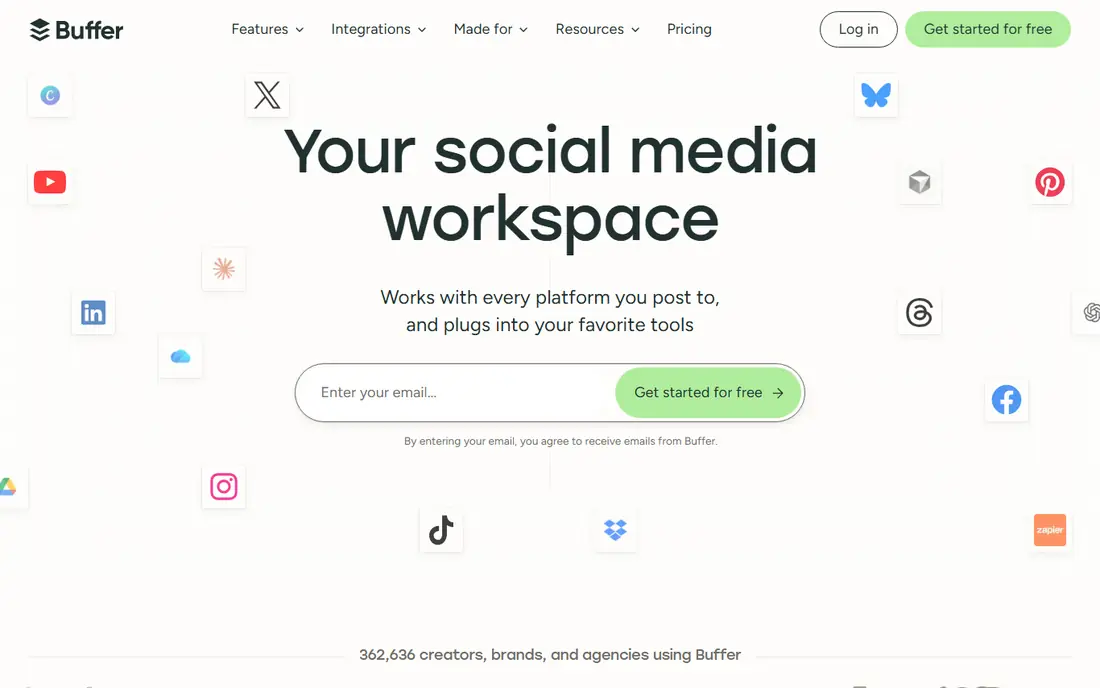
Buffer is the calmest switch from FeedHive, because it does one job well and stays out of the way. You can queue posts, preview them, and check basic analytics without learning a large suite. A free plan for a few channels lets a solo creator prove the workflow before paying, and the interface is easy enough for a non-specialist to use.
Per-channel pricing is the catch. A team with many channels can see costs rise faster than on a flat plan, and approvals require the Team tier. Buffer also lacks the evergreen recycling that SocialBee and Publer offer. For a small team that values simplicity over depth, Buffer remains a strong default.
- Clean queue and calendar
- Free plan for a few channels
- Easy to learn
- Per-channel pricing adds up
- Approvals need the Team plan
- No built-in content recycling
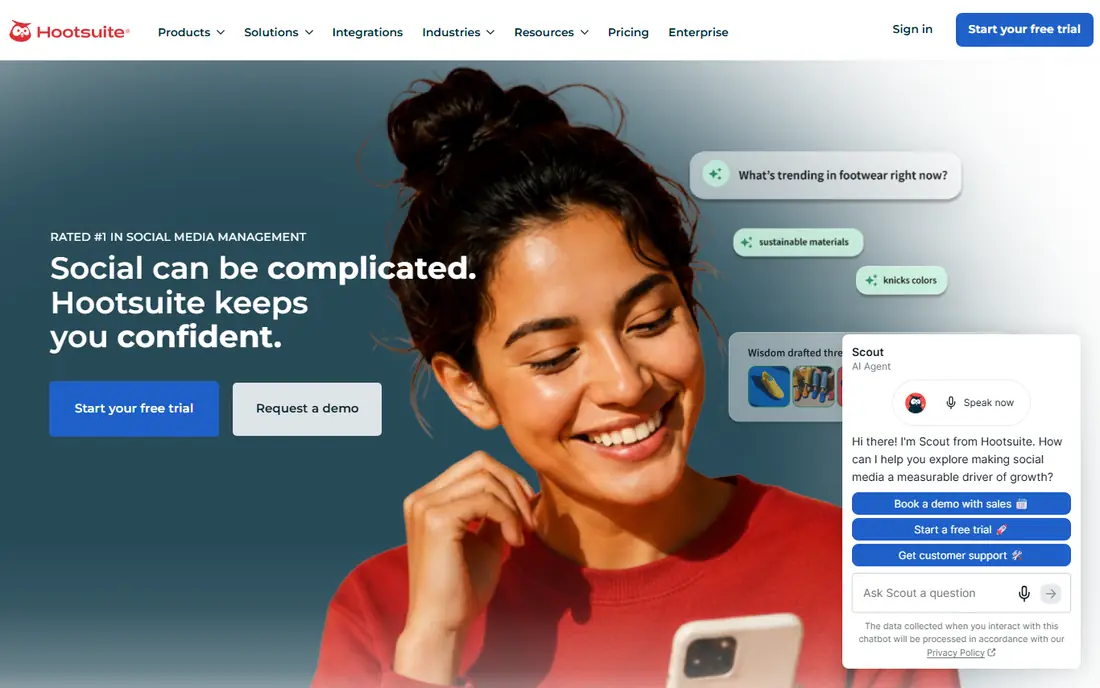
Hootsuite suits larger teams that need to coordinate many people, accounts, and approvals in one place. It covers major networks, offers streams for monitoring, and provides team roles and approval workflows that smaller tools lack. Enterprises that need governance and reporting depth often stay with it for those reasons.
Price and weight are the downsides. At $99 per user per month on its Standard plan in published comparisons, it is far more expensive than the budget tools here, and a solo creator will not use most of it. Smaller teams should only shortlist Hootsuite if they genuinely need its team and listening depth.
- Broad network coverage
- Team workflows and listening
- Long track record with enterprises
- High per-user price
- Overkill for solo creators
- Some features need higher tiers

Later is built around visual planning, which matters most for Instagram and TikTok brands that care how a feed looks. Its drag-and-drop planner, media library, and link-in-bio tools help a creator plan a week of posts as a visual set, not just a list. That focus makes it popular with creators and small brands.
The pricing model needs attention. Later charges by social sets, meaning one profile per network, plus users, so a team with many profiles should model the full setup. Network support also varies by plan in published comparisons. For a visual-first brand, Later is a natural FeedHive alternative.
- Visual planner and grid preview
- Link-in-bio tools
- Strong for Instagram-first brands
- Pricing is by social sets
- Some network support limits apply by plan
Publer is one of the best value picks in this list for a budget team. Its free plan covers a few accounts, and paid plans start at $5 per account per month in published comparisons, with bulk scheduling, a calendar, and link tools. Content recycling on higher tiers helps a small team reuse evergreen posts without re-creating them.
Per-account pricing still grows as channels are added, and the interface packs in more options than Buffer, which can feel busy at first. Those are fair trade-offs for the price. For a solo creator or small team that wants more features per dollar, Publer is hard to beat.
- Low entry price
- Bulk scheduling
- Content recycling on higher tiers
- Per-account pricing grows with channels
- Interface is busier than Buffer
Metricool appeals to teams that judge social work by numbers, not just by posts published. Its free plan covers one brand, and paid plans add scheduling, analytics, and reporting across networks, plus ad performance views. A small brand can therefore schedule and measure in one tool without a separate analytics subscription.
Approvals sit on higher tiers, so a team that needs formal review should check the Advanced plan. Some network connections also need add-ons in published comparisons. For an analytics-led small team, Metricool offers a strong free start and a clear upgrade path.
- Free plan for one brand
- Strong analytics and reporting
- Ad performance tracking
- Approvals need higher tiers
- Some networks need add-ons
Sprout Social is the reporting and customer care pick in this list. Its unified inbox, approval workflows, and polished reports suit teams that answer customers on social and need to prove results to clients or managers. Larger brands and agencies often choose it for that combination, not just for scheduling.
The price reflects that depth, with per-seat pricing that rises quickly for larger teams. A creator who only needs a queue will find it heavy and expensive. For a team where social is also a support channel, Sprout Social is worth the premium.
- Strong reporting
- Unified inbox for customer care
- Team and approval workflows
- High per-seat price
- Overkill for simple scheduling needs
SocialBee suits creators and small brands that want to post consistently without writing fresh content every day. Its category-based queues recycle evergreen posts, so a library of tips, offers, or stories keeps working over time. That structure helps a solo creator stay visible with less daily effort.
The entry plan limits users and analytics history in published comparisons, so a team should check those caps. There is also no permanent free plan, only a trial. For an evergreen strategy, SocialBee is the most focused tool here, and its recycling alone can justify the price.
- Category-based evergreen queues
- Strong recycling
- Good for consistent posting
- No permanent free plan
- Entry plan limits users and analytics history
Planable is the approvals pick, built for teams and agencies that need clients to review posts before they go live. Its visual previews, comments, and approval states make the review loop clear, and clients can approve without learning a full scheduling suite. A free tier with limited lifetime posts lets a team test that workflow.
Per-workspace pricing grows as client workspaces are added, so an agency should model that cost. Scheduling and analytics depth are also lighter than in Hootsuite or Sprout Social. For a team whose main pain is messy approvals, Planable solves the right problem directly.
- Clear approval workflow
- Visual previews
- Client-friendly review links
- Per-workspace pricing grows with clients
- Scheduling depth is lighter than some suites
How we picked these
We compared official feature pages, pricing pages, and public documentation for social scheduling tools still sold in October 2026. We required scheduling across major networks, a calendar or queue, and analytics or reporting basics. We kept the mix broad, covering simplicity, budget, visual planning, approvals, and enterprise depth, so different FeedHive buyers can find a fit.
What to check before you switch
Count channels and users first, then price each tool at that exact setup. A $5 per channel tool can cost more than a $99 flat tool once channels multiply, and a per-seat tool can cost more than a flat tool once a team grows. That single calculation prevents the most common scheduling purchase mistake.
Next, test approvals, analytics, and network support on your real accounts. Check whether the networks you rely on, including TikTok and X, are fully supported on the plan you intend to buy, since support and add-ons vary. Finally, import a real week of content and run it through review, scheduling, and reporting before you cancel FeedHive, so no post is lost in the move.
Frequently asked questions
What is the simplest FeedHive alternative?
Buffer is the simplest pick, with a clean queue, a calendar, and a free plan for a few channels. Publer and Metricool are also easy to start, with more features for the price. Choose Buffer if you value a calm interface over depth.
Which alternative is cheapest for a small team?
Publer and Metricool offer the lowest entry costs here, with free tiers and paid plans starting at $5 per account per month and free respectively in published comparisons. Buffer's free plan is also useful for very small setups. Model the cost at your channel count, since per-channel pricing changes the answer.
Which alternative is best for client approvals?
Planable is built for approvals, with visual previews and client review links. Hootsuite, Sprout Social, and SocialPilot also offer approval workflows, but at higher prices or with more complexity. Pick Planable if approvals are your main bottleneck.
Do these tools support TikTok, Instagram, and LinkedIn?
Most tools here support the major networks, but support depth and add-ons vary by plan, especially for X and TikTok. Check the network list on the plan you intend to buy, and test a real post on each network during the trial. Do not assume every feature works on every network.
Can I recycle evergreen posts with these tools?
Yes, with SocialBee and Publer offering the clearest recycling features, and other tools offering queues or bulk scheduling that can serve a similar purpose. SocialBee's category queues are the most structured option. Check whether recycling is included on your plan, since it often sits above the entry tier.
Should I keep FeedHive for AI writing and use another tool for scheduling?
That split can work, but it adds cost and a second workflow. A cleaner path is to pick one tool that covers both needs well enough, then use a separate writing tool only if its output is clearly better. Test the AI features in the alternative during the trial before you decide to run two tools.
Sources
- https://www.feedhive.com/alternatives/buffer
- https://www.g2.com/products/feedhive/competitors/alternatives
- https://www.socialchamp.com/feedhive-alternatives/
- https://pallyy.com/blog/buffer-alternatives
- https://dev.to/saptadev27/stop-paying-per-seat-a-2026-pricing-teardown-of-10-social-media-automation-tools-5013
- https://demandbird.com/resources/best-social-media-scheduling-tools/
See where you really rank - block by block
ProMapRanker scans Google Maps across a grid of your service area. Simple monthly plans from $19, white-label on every plan.
Start freeKeep reading
 zyte alternatives
Best Zyte Alternatives in 2026
These zyte alternatives cover managed scraping APIs, proxy networks and no code tools for lawful collection from your own or consented sources only in 2026.
Read → zerto alternatives
Best Zerto Alternatives in 2026
Compare the best zerto alternatives for disaster recovery and replication, with recovery targets, cloud options and honest trade-offs for teams in 2026.
Read → zerofox alternatives
Best ZeroFox Alternatives in 2026
We compared 9 zerofox alternatives for brand protection, phishing takedowns, dark web monitoring, and social impersonation, with clear coverage notes.
Read →
SocialPilot
Great for: Budget agency scheduling
SocialPilot is built for agencies and small teams that manage several clients from one dashboard. Its plans include a set of accounts and users for a flat monthly price, with approvals, bulk scheduling, and a calendar. That flat structure makes client costs easier to predict than per-channel pricing.
There is no permanent free plan, only a trial, so a buyer must commit after testing. Analytics depth also varies by tier, so a reporting-heavy agency should check the plan that includes its needed reports. For a budget agency, SocialPilot is a practical FeedHive alternative with room to grow.