 ProMapRanker
Fax Machine Alternatives in 2026

Key takeaways
- Fax.Plus and eFax suit most businesses that want to send and receive faxes from a phone or browser, without a machine.
- SRFax and Documo are strong picks for healthcare and legal teams that need a signed Business Associate Agreement and audit controls.
- iFax and Dropbox Fax suit mobile and occasional users, while Faxage suits very low-volume senders.
- Software alone does not make a practice HIPAA compliant. You also need a signed BAA, proper access controls, staff training, and correct handling of patient data.
- Check included pages, overage rates, number porting, and whether HIPAA features are on your plan or only on a higher tier.
Quick comparison
| Pick | Great for | Pricing starts at | Free tier | |
|---|---|---|---|---|
 Fax.Plus | All-round online fax | $6.99 per month | Yes | Visit |
 eFax | Healthcare and business fax | $18.99 per month | No | Visit |
 SRFax | Low-cost healthcare fax | $12.60 per month | No | Visit |
 Documo | Healthcare fax with BAA | $25 per month | No | Visit |
 iFax | Mobile-first fax | $12.49 per month | Yes | Visit |
 Dropbox Fax | Occasional desk faxing | $9.99 per month | No | Visit |
 Faxage | Low-volume pay-as-you-go fax | $3.49 per month | No | Visit |
 CocoFax | Flexible low-cost fax | See website | No | Visit |
 HumbleFax | Flat-rate unlimited fax | $10 per month | No | Visit |
The best fax machine alternatives
We compared official pricing pages and recent service comparisons for online fax services that replace a physical fax machine. These services let you send and receive faxes by web, email, or mobile app, with a fax number that others can fax as usual. The list covers general business use and healthcare use, and we note plainly where HIPAA features require a specific plan or a signed agreement.
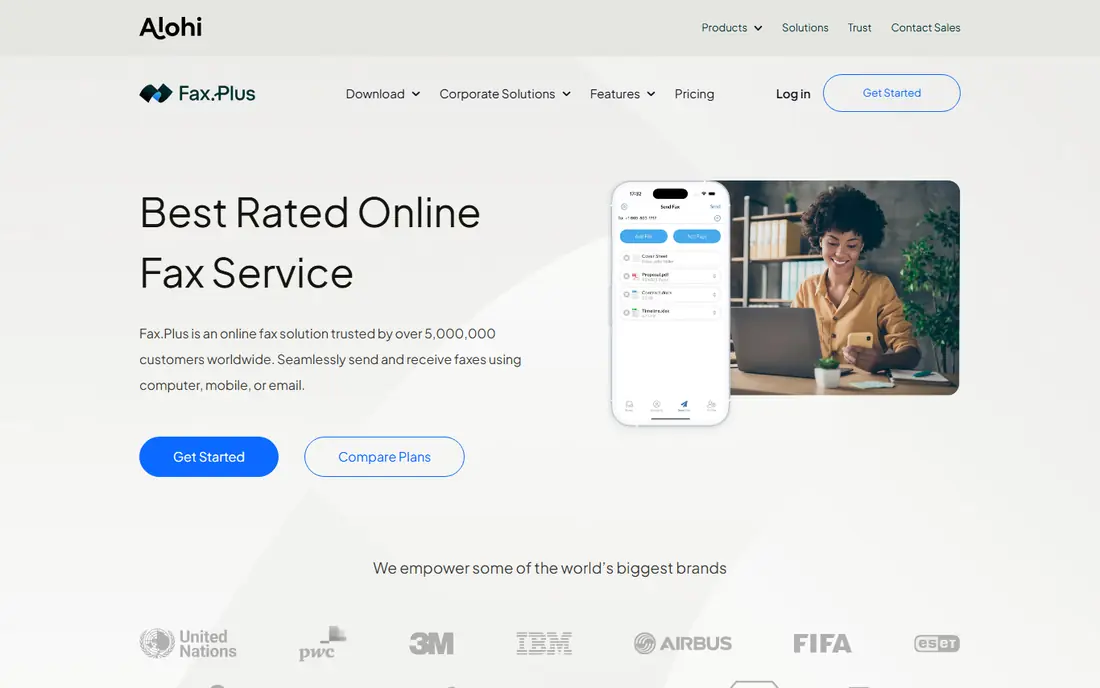
Fax.Plus is a good all-round replacement for a fax machine. It offers web, mobile, and desktop apps, plus email-to-fax, so you can send a document from almost any device. Fax quality is a strength in recent comparisons, and the free plan covers occasional use with a small monthly page allowance. For a general business that faxes a few times a week, Fax.Plus is easy to adopt.
The main limit is HIPAA. HIPAA-eligible features and a signed BAA are tied to the Enterprise plan in recent comparisons, which costs far more than the entry plan. That means Fax.Plus is a strong general pick, but not the cheapest HIPAA pick. If you handle patient data, compare SRFax and Documo below before you choose Fax.Plus.
- Web, mobile, and email faxing
- Good fax quality
- Free plan for occasional use
- HIPAA features need the Enterprise plan
- Higher plans cost much more
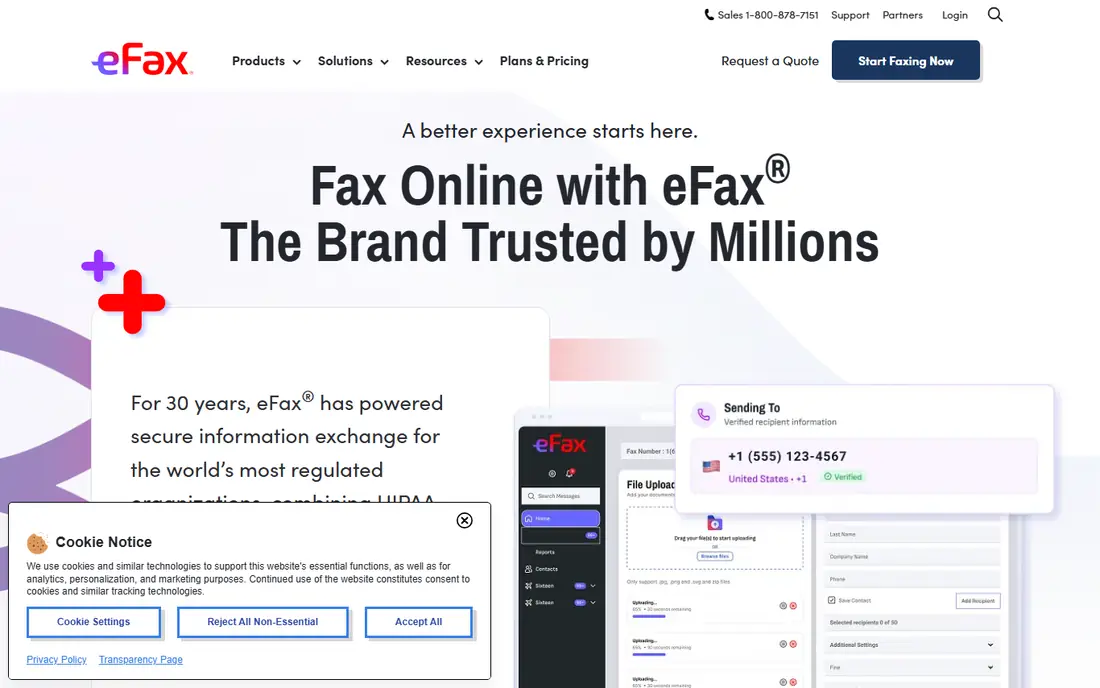
eFax is one of the longest-established online fax services, and it suits businesses that want a recognised name and a straightforward web and mobile workflow. It offers plans for individuals, businesses, and healthcare users, with fax numbers, mobile apps, and email-to-fax. For a business that faxes regularly and wants a stable, well-known provider, eFax is a safe choice.
Pricing is higher than Fax.Plus or SRFax at entry level, and HIPAA features are gated behind higher business or Protect plans, so check the plan that includes a BAA before you rely on eFax for patient data. We recommend eFax for general business faxing and for healthcare teams that need its business or corporate features and are willing to pay for the higher tier.
- Long-established service
- Business and healthcare plans
- Mobile and web access
- Entry price is higher than some rivals
- HIPAA features sit on higher plans
SRFax is a strong low-cost pick for healthcare teams. Its Healthcare Lite plan includes a monthly page allowance and a BAA on request, at a price lower than many HIPAA-eligible rivals. The email-to-fax workflow suits clinics and offices that already work by email, and it avoids the need for a physical machine or a complex app rollout.
The interface is more basic than Fax.Plus or iFax, and there is no free plan to test with. That is fine for a clinic that knows it needs fax and wants a low monthly cost. We recommend SRFax for small healthcare practices that need a credible HIPAA-eligible plan without paying enterprise prices. Confirm the BAA in writing before you send any patient data.
- Low-cost healthcare plans
- Email-to-fax workflow
- BAA available on healthcare plans
- Interface is more basic than mobile-first rivals
- No free plan
Documo suits healthcare, finance, and legal teams that need compliance features without an upsell. It offers a signed BAA, audit logs, access controls, and encryption across its plans in recent comparisons, which makes the compliance story simpler than services that gate HIPAA behind a top tier. The Solo plan includes a monthly page allowance that suits a single practice or small team.
The entry price is higher than SRFax, so very low-volume users may prefer Faxage or SRFax. We recommend Documo for practices that want compliance included from the start, with a modern interface and API options for larger teams. As with any service, software alone does not make a practice HIPAA compliant, so pair Documo with proper access controls and staff training.
- BAA available across plans
- Audit logs and access controls
- Modern web and mobile workflow
- Entry price is higher than SRFax
- Less suited to very occasional faxing
iFax is built for mobile-first users. Its iOS and Android apps let you scan a document with a phone camera and fax it in minutes, which suits field staff, small clinics, and businesses without a desk fax machine. The web app covers desktop use, and the service supports sending and receiving with a dedicated fax number.
HIPAA features are available on Plus and Pro plans in recent comparisons, with pricing that varies by source, so check the current plan page and confirm BAA availability before you use iFax for patient data. We recommend iFax for users who fax mainly from a phone and want a polished app. If you fax mainly from a desk, Fax.Plus or Dropbox Fax may offer better value.
- Polished mobile apps
- Web access
- HIPAA features on Plus and Pro plans
- HIPAA pricing varies across comparisons
- Higher plans needed for larger volumes
Dropbox Fax, formerly HelloFax, suits desk users who fax occasionally and already use Dropbox tools. It offers simple web sending and receiving, with a monthly page allowance that covers light use. For a small office that needs to send a signed document by fax a few times a month, Dropbox Fax is straightforward and does not need a machine.
HIPAA is a limit. Recent comparisons note that a fax BAA is sales-gated and not included on self-serve plans, so healthcare users should not assume Dropbox Fax covers patient data on the entry plan. We recommend Dropbox Fax for general business use, not as a first pick for healthcare. If you handle patient data, choose a service that clearly offers a BAA on your plan.
- Simple web faxing
- Ties to Dropbox Sign workflow
- Good for occasional use
- HIPAA BAA is not on self-serve plans in recent comparisons
- Fewer mobile features than iFax
Faxage suits very low-volume users who want the lowest fixed monthly cost. Its Lite plan starts at a low monthly price per line, with usage charged per minute, which keeps costs down if you fax only a few pages a month. Email and web faxing cover the main workflows, and the service has long served small businesses and healthcare offices.
The lowest plan includes no pages, so total cost depends on usage, and the interface is basic compared with mobile-first rivals. HIPAA availability also depends on plan, so confirm BAA terms before use for patient data. We recommend Faxage for infrequent faxers who want a low fixed cost and are comfortable with a simpler interface. For regular faxing, a plan with included pages will usually be cheaper overall.
- Very low entry price
- Pay-per-minute overages
- Email and web faxing
- No included pages on the lowest plan
- Interface is basic
CocoFax offers low-cost fax plans with web and desktop access, and it suits small businesses that want a cheap alternative to a machine without a complex setup. Flexible plans let you match page allowances to your volume, and the service covers sending and receiving with a dedicated number.
For healthcare use, be careful. Some comparisons note that CocoFax publishes a HIPAA page but without the same public audit evidence as larger rivals, so you should request BAA terms and audit details in writing before sending patient data. We recommend CocoFax for general low-cost faxing, not as a first pick for regulated healthcare work. If HIPAA matters, SRFax or Documo give a clearer compliance story.
- Low-cost plans
- Web, Windows, and Mac access
- Flexible page allowances
- HIPAA claims are self-attested in some comparisons
- Check audit evidence before healthcare use
HumbleFax suits high-volume users who want simple, flat-rate pricing. For a fixed monthly price, you can fax without counting pages, which removes the overage worry that affects other services. That model suits businesses that fax many pages a month and want a predictable bill.
HumbleFax does not offer HIPAA in recent comparisons, so it is not a pick for patient data. It also offers fewer features than larger services, such as advanced team controls or integrations. We recommend HumbleFax for general high-volume faxing where simplicity and predictable pricing matter most. For healthcare or legal work with sensitive data, choose a service with a clear BAA.
- Flat-rate unlimited faxing
- Simple pricing
- Good for high-volume users
- No HIPAA offering in recent comparisons
- Fewer features than larger services
How we picked these
We compared official pricing pages and recent service comparisons checked in 2026, and we favoured services that are live, that replace a physical fax machine with web, email, or mobile faxing, and that fit general business or healthcare use. We did not claim hands-on testing. We noted where HIPAA features require a specific plan or a signed BAA, and we used See website where pricing varied across sources or was not clearly published.
What to check before you choose
Start with volume. Count how many pages you send and receive each month, then compare included pages and overage rates, not just the headline price. A low monthly plan with high overages can cost more than a higher plan with included pages. Also check whether you can port your existing fax number, because changing a number that patients or clients already use causes disruption.
Next, check HIPAA carefully if you handle patient data. Software alone does not make a practice HIPAA compliant. You need a signed Business Associate Agreement with the vendor, unique logins and access controls for staff, proper handling and storage of patient data, and staff training on privacy rules. Ask the vendor for BAA terms in writing, confirm which plan includes them, and check audit logs and encryption details before you send any patient information.
Finally, test sending and receiving. Send a test fax to a number you control, check legibility, and confirm that received faxes arrive promptly by your chosen method, whether web, email, or app. A service that looks good on a pricing page but delivers blurry faxes or slow notifications will frustrate staff and clients. A short trial with real documents will show quality and workflow fit faster than a feature list.
Frequently asked questions
What is the best fax online service for a small business?
Fax.Plus is a strong all-round pick for small businesses, with web, mobile, and email faxing and a free plan for occasional use. eFax suits businesses that want a long-established provider, while Dropbox Fax suits occasional desk faxing. Compare included pages and overage rates for your actual volume before you choose.
What is the best HIPAA compliant fax service?
SRFax Healthcare Lite and Documo Solo are strong low- and mid-cost picks, because both offer a BAA on healthcare or standard plans. eFax and Fax.Plus offer HIPAA features on higher business or Enterprise plans. Remember that software alone does not make a practice HIPAA compliant, and you must also have a signed BAA, access controls, and proper staff training.
Can I send a fax for free online?
Yes, for very occasional use. Fax.Plus offers a free plan with a small monthly page allowance, and some services offer free trials. Free plans are not suited to regular business faxing or to patient data, and they may lack a dedicated number or HIPAA features. For regular use, a paid plan with included pages is usually better value.
Do I still need a fax machine if I use an online fax service?
No, for most businesses. An online service gives you a fax number that others can fax as usual, and you send and receive by web, email, or app. You only need a machine if you regularly handle paper originals that cannot be scanned, or if a partner requires a physical machine for a specific workflow.
How do I keep a fax number when I switch services?
Most services offer number porting on eligible paid plans, which lets you keep your existing fax number. Ask the new provider about porting before you cancel the old service, because cancelling first can lose the number. Allow time for the port to complete, and test sending and receiving after the move.
Sources
- https://www.fax.plus
- https://www.efax.com
- https://www.srfax.com
- https://www.documo.com
- https://www.ifaxapp.com
- https://www.dropbox.com/dropbox-fax
- https://www.faxage.com
- https://www.cocofax.com
- https://humblefax.com
- https://www.fax.plus/resources/compare/review/best-online-fax-service
- https://www.documo.com/blog/srfax-vs-efax-vs-documo/
See where you really rank - block by block
ProMapRanker scans Google Maps across a grid of your service area. Simple monthly plans from $19, white-label on every plan.
Start freeKeep reading
 zscaler alternatives
Best Zscaler Alternatives in 2026
Looking for zscaler alternatives? We compare 9 SASE and zero trust platforms on architecture, data protection, pricing, and fit for your network and team.
Read → zapier alternatives free
Best Zapier Alternatives Free in 2026
Nine automation tools for zapier alternatives free in 2026, all with genuinely free tiers, plus free plan limits, starting prices and upgrade paths explained.
Read → which platform is best for online reputation
Which Platform Is Best for Online Reputation in 2026
Wondering which platform is best for online reputation? We compare 8 review, listing, and response tools for small and multi-location businesses and agencies.
Read →