 ProMapRanker
Best FastViewer Alternatives in 2026

Key takeaways
- FastViewer is a remote support and desktop sharing tool, so alternatives split between helpdesk support, unattended access and enterprise security.
- Zoho Assist at $12 per technician per month and RealVNC Connect at $8.25 per month are the lowest published entry prices for support teams.
- TeamViewer starts at $24.90 per month for remote access, while Splashtop SOS starts at $22 per month for support sessions.
- Per technician pricing suits helpdesks, while per computer pricing suits owners who only need their own machines.
- Free personal tiers help for family support, but commercial support needs a paid plan with session logs, permissions and audit trails.
Quick comparison
| Pick | Great for | Pricing starts at | Free tier | |
|---|---|---|---|---|
 TeamViewer | All round remote support | $24.90 per month | Yes | Visit |
 AnyDesk | Fast low latency sessions | $22.90 per month | Yes | Visit |
 Splashtop | Support and remote work value | $22 per month | Free trial | Visit |
 Zoho Assist | Small helpdesk teams | $12 per month | Yes | Visit |
 ConnectWise ScreenConnect | MSP and IT teams | See website | Free trial | Visit |
 LogMeIn Rescue | Enterprise helpdesk support | $109 per month | Free trial | Visit |
 RealVNC Connect | Lightweight secure access | $8.25 per month | Free trial | Visit |
 RemotePC | Cheap unattended access | See website | Free trial | Visit |
 BeyondTrust Remote Support | Enterprise privileged access | See website | No | Visit |
The best FastViewer alternatives
FastViewer provides remote support, desktop sharing and online collaboration, with pricing by concurrent sessions in some listings. These alternatives cover the same support work with clearer published pricing. We compared pricing pages, session types and security features, and kept only tools that are still sold for remote support or access.
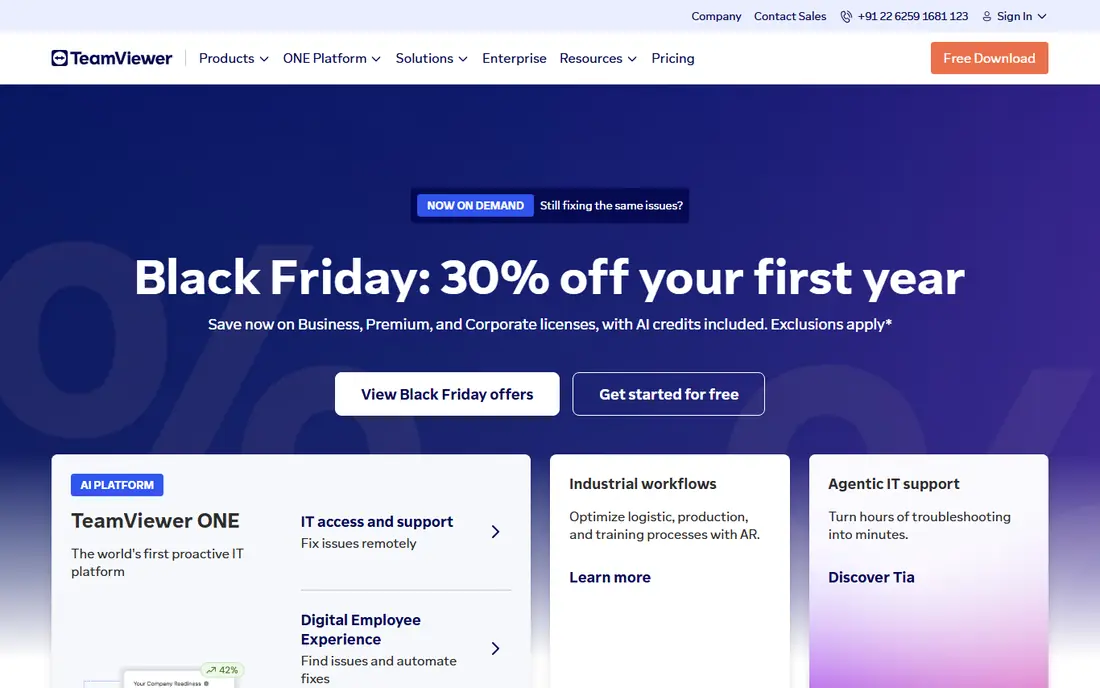
TeamViewer remains the default choice many IT teams name first. It handles attended support with a simple ID and password, unattended access to managed machines, file transfer and session recording, across almost every platform. Integrations with service desks and management consoles help larger teams track devices and sessions.
Price is the main drawback. Remote Access starts at $24.90 per month, while Business tiers for support teams cost more, and caps on sessions and devices vary by plan. A team that only needs basic access will find cheaper options below. A team that needs broad compatibility and a well known brand will still find TeamViewer hard to beat.
- Works across Windows, Mac, Linux, iOS and Android
- Attended and unattended access
- File transfer and session recording
- Paid tiers cost more than many rivals
- Free personal use can be flagged if commercial use is suspected
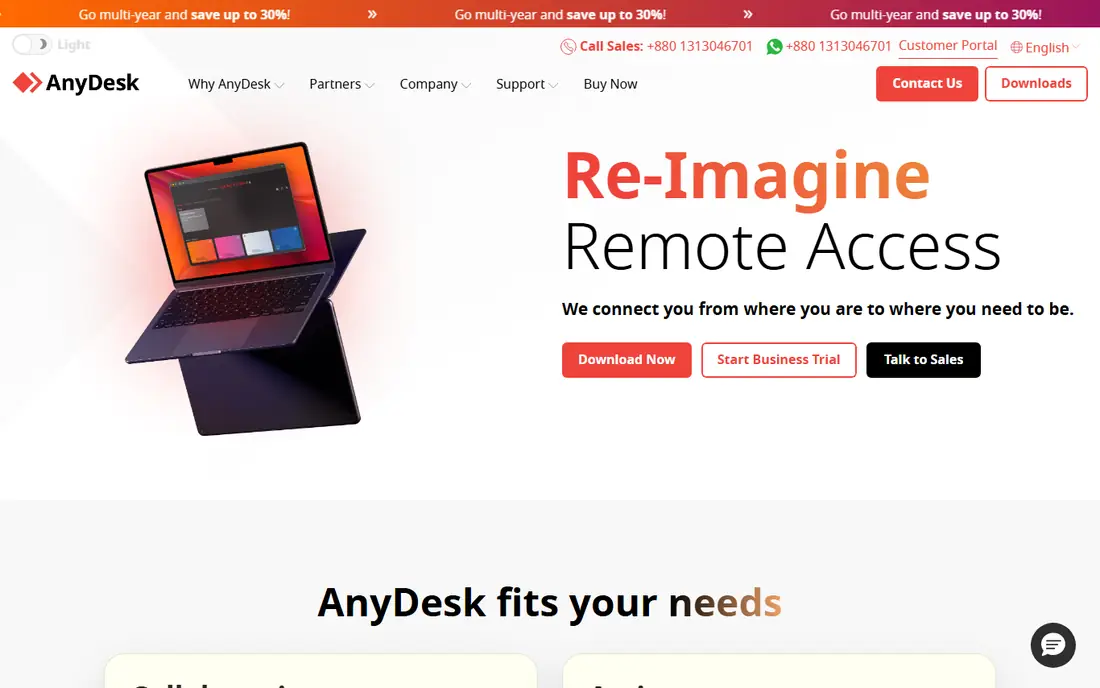
AnyDesk suits support work where speed matters. Its codec aims for smooth sessions even on weaker connections, which helps when fixing a machine remotely or guiding a user through a slow network. The client is lightweight, and setup with an address code is quick for ad hoc help.
Pricing has moved up in recent listings, with Solo plans shown around $22.90 to $28.90 per month depending on source and billing. That narrows its value edge over TeamViewer and Splashtop. For a solo consultant or small team that values session speed above all else, AnyDesk still earns its place.
- Low latency connections
- Lightweight client
- Works on desktop, mobile and Raspberry Pi
- Entry price has risen in recent listings
- Session limits apply on free personal use

Splashtop separates two jobs that many buyers confuse. Business Access covers remote work on your own computers, while SOS covers on demand support for other people's machines. The SOS plan at $22 per month billed annually gives technicians a clear support price without paying for a full enterprise suite.
Plan choice is the point to check. A buyer who picks Business Access for helpdesk work will miss support specific features, and a buyer who picks SOS for personal access will overpay. Once the right plan is chosen, Splashtop offers strong session quality at a price below TeamViewer Business tiers.
- SOS support plan for technicians
- Business Access for remote work
- Strong performance for the price
- Different plans for access and support can confuse buyers
- Higher tiers needed for some enterprise features
Zoho Assist is the budget pick for a small support team. At $12 per technician per month for Standard, it covers attended and unattended support, with a free plan for one technician and a small number of computers in some listings. Zoho users also gain links to CRM and service desk tools in the wider Zoho suite.
Advanced features sit higher. Session recording, deeper reporting and some integrations need Professional or Enterprise tiers. For a team of one to five technicians that needs solid support without enterprise cost, Zoho Assist is the best value here. Larger MSPs may prefer ScreenConnect or BeyondTrust.
- Low per technician price
- Free plan for basic support
- Zoho ecosystem integrations
- Session recording needs higher tiers in some listings
- Fewer enterprise controls than BeyondTrust
ScreenConnect, from ConnectWise, is built for technicians who support many clients. It handles attended sessions, unattended machines, file transfer, session recording and remote toolbox actions, with integrations into PSA and service desk workflows. That MSP focus separates it from personal access tools.
Pricing is the reason we use See website. Third party listings show figures from $27 to $33 per month for comparable tiers, and free single technician offers have changed over time. Buyers should confirm the current plan on the vendor site. For an MSP or IT department, ScreenConnect remains one of the strongest support platforms.
- Built for MSPs and multi technician teams
- Unattended access and session tools
- Service desk integrations
- Pricing varies across sources, so confirm current tiers
- Setup suits IT teams more than casual users
LogMeIn Rescue, from GoTo, targets helpdesks that handle high support volumes. It offers attended support, technician consoles, session transfer, reporting and security controls suited to regulated or large scale support operations. Mobile device support is a useful extra for teams that help staff on phones and tablets.
The $109 per month starting figure in third party listings puts it far above Zoho Assist and Splashtop. That price only makes sense for a helpdesk with steady volume and compliance needs. A small team should not start here. A large support operation that needs enterprise controls and reporting will find Rescue a serious option.
- Enterprise helpdesk workflows
- Support for PCs, Macs and mobile devices
- Secure session controls
- High entry price
- Overkill for a solo technician or small team
RealVNC Connect is the classic VNC option, updated for modern use. At $8.25 per month billed annually for Essentials, it gives secure remote access to computers across Windows, Mac, Linux and mobile, priced per concurrent session rather than per device. That model suits a user who needs access to several machines but only uses one session at a time.
The experience is less polished than TeamViewer or Splashtop, and on demand support for a stranger's machine needs a higher tier with On-Demand Assist. For a technical user who values a lightweight, standards based tool at a low price, RealVNC Connect is a strong pick. For a non technical helpdesk, Zoho Assist will feel friendlier.
- Low entry price
- Cross platform VNC access
- Per concurrent session pricing
- Interface is plainer than modern rivals
- On demand support needs higher tiers
RemotePC suits owners who mainly need their own machines. Its consumer and small business plans price by computer count, which can be far cheaper than per technician pricing when one person manages several computers. Unattended access, file transfer and basic session tools cover the core remote work job.
Pricing needs a vendor check. Third party listings show figures from under $3 per month for one computer to much higher team prices, depending on plan and billing period. We use See website to avoid locking in a stale figure. For helpdesk work with strangers, a support focused tool such as Splashtop SOS or Zoho Assist will fit better.
- Low cost per computer plans
- Unattended access and file transfer
- Team plans for small businesses
- Pricing varies widely across sources
- Support features are thinner than dedicated helpdesk tools
BeyondTrust Remote Support is the enterprise security pick. It controls privileged access to servers, endpoints and critical systems, with session recording, auditing, credential vaulting and approval workflows. That depth matters for organizations where remote access itself is a security risk, such as finance, healthcare or critical infrastructure.
Cost and complexity rule it out for small teams. Reported annual figures start above $2,000 in some listings, and deployment needs security governance. A small helpdesk does not need this level of control. An enterprise that must prove who accessed what, when and why will find BeyondTrust worth the investment.
- Strong privileged access controls
- Session auditing and vaulting
- Enterprise security and compliance features
- High reported annual cost
- Setup and governance needs an IT security team
How we picked these
We compared official pricing pages, session types and security features for remote support tools that overlap with FastViewer. We left out FastViewer itself and kept tools that are still sold for attended support, unattended access or both. Where pricing differed across sources, we used See website rather than guessing.
How to choose between support and access
Start by naming the session type. If you support other people's machines on demand, you need a support tool such as Zoho Assist, Splashtop SOS, ScreenConnect or Rescue. If you only reach your own computers, an access tool such as TeamViewer Remote Access, RealVNC Connect or RemotePC will cost less.
Next, check security basics before price. Look for two factor authentication, session logging, permission controls and encryption, and confirm how unattended access is protected when a machine is idle. Test on the slowest connection your users have, since a tool that lags on a weak link will frustrate both sides. Finally, confirm device and session caps on the plan you choose, since those limits often decide the real cost.
Frequently asked questions
What is FastViewer used for?
FastViewer is a remote support and desktop sharing tool for helping users, sharing screens and collaborating online. It is sold by concurrent sessions in some listings and is often used by IT teams and support providers.
Which FastViewer alternative is cheapest?
RealVNC Connect starts at $8.25 per month billed annually, and Zoho Assist starts at $12 per technician per month. The cheapest pick depends on whether you need per session access or per technician support, since those models bill differently.
Is TeamViewer still a good choice in 2026?
Yes, for broad compatibility and a well known platform, TeamViewer remains strong. Its paid tiers cost more than rivals, and its free personal tier can flag suspected commercial use, so commercial teams should buy a paid plan rather than relying on the free tier.
Can I use these tools to help family members?
Yes. TeamViewer and AnyDesk offer free personal tiers, and Zoho Assist offers a free plan for basic support. Use a paid plan for any commercial support work, and keep unattended access protected with strong passwords and two factor authentication.
What is the difference between attended and unattended access?
Attended access means someone is present at the remote machine to accept the session, which suits one off help. Unattended access means a technician can connect without someone present, which suits managed computers and servers but needs stronger security controls.
How do I keep remote support sessions secure?
Enable two factor authentication, use unique passwords for remote tools, limit unattended access to machines that need it, and review session logs regularly. Turn off unattended access on machines that no longer need it, and keep the remote tool updated.
Sources
See where you really rank - block by block
ProMapRanker scans Google Maps across a grid of your service area. Simple monthly plans from $19, white-label on every plan.
Start freeKeep reading
 zyte alternatives
Best Zyte Alternatives in 2026
These zyte alternatives cover managed scraping APIs, proxy networks and no code tools for lawful collection from your own or consented sources only in 2026.
Read → zerto alternatives
Best Zerto Alternatives in 2026
Compare the best zerto alternatives for disaster recovery and replication, with recovery targets, cloud options and honest trade-offs for teams in 2026.
Read → zerofox alternatives
Best ZeroFox Alternatives in 2026
We compared 9 zerofox alternatives for brand protection, phishing takedowns, dark web monitoring, and social impersonation, with clear coverage notes.
Read →