 ProMapRanker
Best Facebook Workplace Alternatives in 2026

Key takeaways
- We compared 9 live options using official feature pages, pricing pages, app store listings, privacy policies, and public reviews, not hands-on testing claims.
- The cheapest option is not always the best value once renewal prices, limits, and add-ons are counted.
- Start with the job you need done, then shortlist two options and test them on a trial or free plan before paying.
- Check the official pricing page at signup, because prices and limits change and intro offers expire.
Quick comparison
| Pick | Great for | Pricing starts at | Free tier | |
|---|---|---|---|---|
 Workvivo | Closest Workplace-style community | See website | No | Visit |
 Slack | Fast team chat and channels | See website | Yes | Visit |
 Microsoft Teams | Teams already using Microsoft 365 | See website | Yes | Visit |
 Google Chat | Teams using Google Workspace | See website | Yes | Visit |
 Zoho Connect | Small teams on a budget | See website | Yes | Visit |
 Staffbase | Company news for desk and frontline staff | See website | No | Visit |
 Blink | Frontline teams on mobile | See website | Free trial | Visit |
 Connecteam | Deskless teams with schedules and forms | See website | Yes | Visit |
 MangoApps | Intranet plus chat for larger teams | See website | No | Visit |
The best facebook workplace alternatives
Meta closed Workplace on 31 May 2026, after a read-only period, so former Workplace teams need a live home for announcements, groups, chat, and frontline updates. The tools below are all live and sold today, and none of them is Workplace itself.
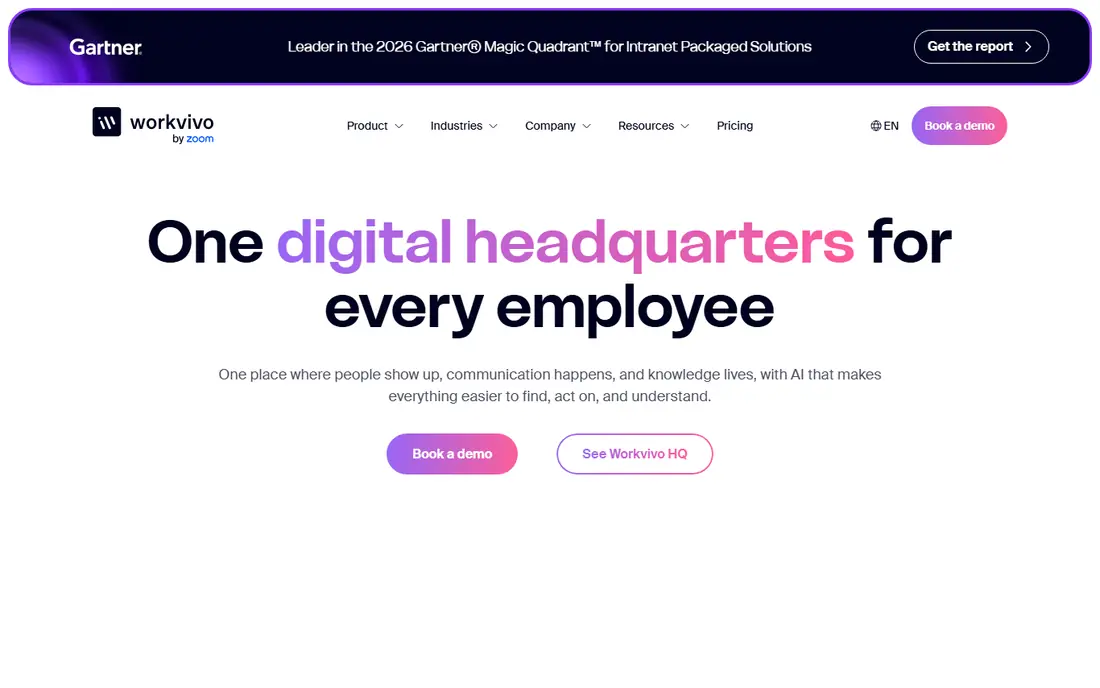
For a former Workplace team that wants a similar community feel, Workvivo is a strong place to start. In practice, its community, news, and shout-out features mirror the social side of Workplace most closely. That strength matters because it answers the main reason people search for this kind of tool: they want a result they can trust without a long setup or a confusing dashboard. We also checked how the product presents its pricing and limits, and the picture is consistent with the field lines above. On the other side, quote pricing means you should ask for a written quote at your headcount before deciding. That catch does not rule the product out, but it should shape your trial: test the exact feature you need, confirm the price for your size or household, and read the renewal or upgrade terms before you pay. If that test goes well, Workvivo is a sensible pick for closest workplace-style community.
- Meta named it the migration partner
- Community and news features
- Mobile app
- Pricing is quote based
- Setup needs planning for large teams
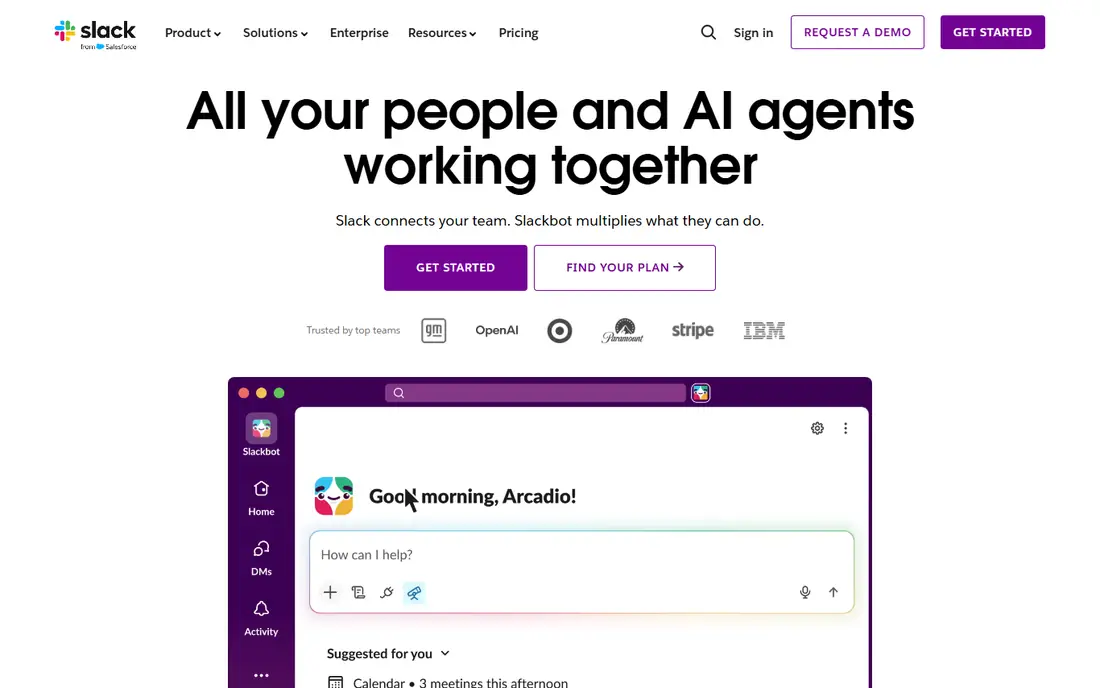
Looking at Slack through the lens of a team that lives in chat and integrations, the fit is clear. In practice, its channels and threads keep project talk searchable instead of buried in email. That strength matters because it answers the main reason people search for this kind of tool: they want a result they can trust without a long setup or a confusing dashboard. We also checked how the product presents its pricing and limits, and the picture is consistent with the field lines above. On the other side, the free plan limits how far back you can search, so growing teams usually pay. That catch does not rule the product out, but it should shape your trial: test the exact feature you need, confirm the price for your size or household, and read the renewal or upgrade terms before you pay. If that test goes well, Slack is a sensible pick for fast team chat and channels.
- Channels and threads
- Huge app directory
- Strong search
- Free plan limits message history
- Channel sprawl needs rules
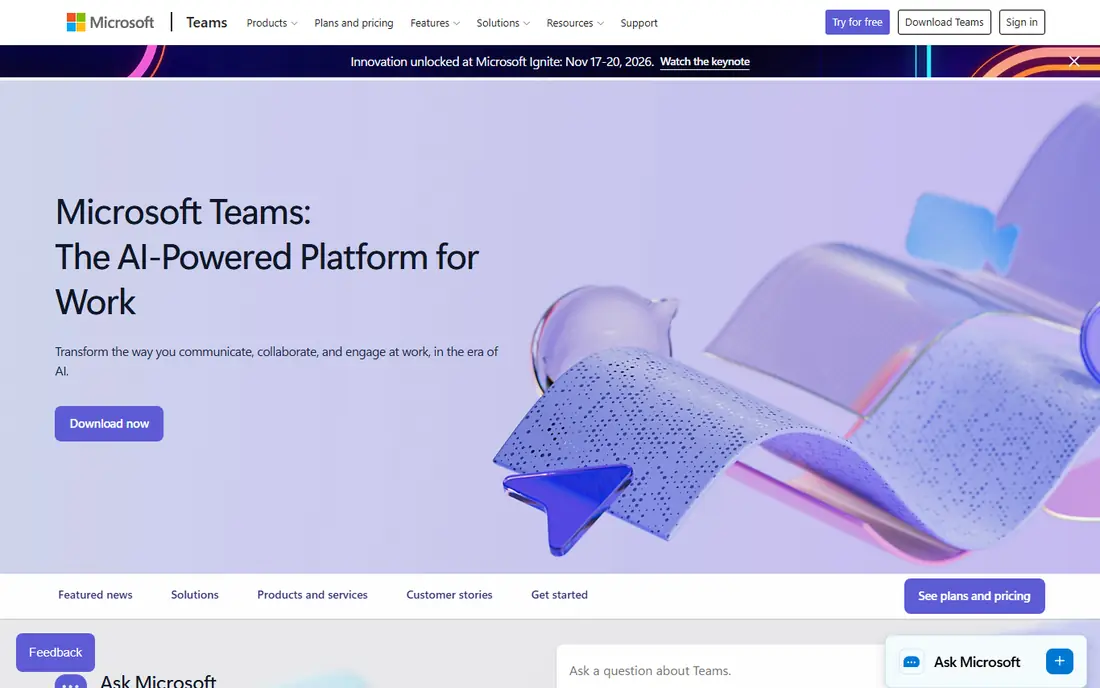
If you start with you are an organisation already paying for Microsoft 365, Microsoft Teams deserves a close look. In practice, its meetings, chat, and files sit in one place, which cuts app switching for Microsoft shops. That strength matters because it answers the main reason people search for this kind of tool: they want a result they can trust without a long setup or a confusing dashboard. We also checked how the product presents its pricing and limits, and the picture is consistent with the field lines above. On the other side, outside Microsoft 365 the value is thinner, so compare the standalone cost first. That catch does not rule the product out, but it should shape your trial: test the exact feature you need, confirm the price for your size or household, and read the renewal or upgrade terms before you pay. If that test goes well, Microsoft Teams is a sensible pick for teams already using microsoft 365.
- Chat, meetings, and files in one app
- Strong Microsoft 365 links
- Interface can feel heavy
- Best value inside Microsoft 365
On the shortlist, Google Chat suits a Google Workspace team that needs simple team spaces well. In practice, its spaces give each team a steady home for chat, tasks, and shared files. That strength matters because it answers the main reason people search for this kind of tool: they want a result they can trust without a long setup or a confusing dashboard. We also checked how the product presents its pricing and limits, and the picture is consistent with the field lines above. On the other side, it is not a full employee community platform, so company-wide news needs another channel. That catch does not rule the product out, but it should shape your trial: test the exact feature you need, confirm the price for your size or household, and read the renewal or upgrade terms before you pay. If that test goes well, Google Chat is a sensible pick for teams using google workspace.
- Spaces for teams
- Strong Google Workspace links
- Simple chat
- Fewer community features than Workvivo
- Spaces need moderation rules
For a first look, Zoho Connect for a small team that wants groups and feeds at low cost, the case is practical. In practice, its groups and feeds give a small team a Workplace-like home without enterprise pricing. That strength matters because it answers the main reason people search for this kind of tool: they want a result they can trust without a long setup or a confusing dashboard. We also checked how the product presents its pricing and limits, and the picture is consistent with the field lines above. On the other side, the app ecosystem is smaller, so check your must-have integrations first. That catch does not rule the product out, but it should shape your trial: test the exact feature you need, confirm the price for your size or household, and read the renewal or upgrade terms before you pay. If that test goes well, Zoho Connect is a sensible pick for small teams on a budget.
- Groups, feeds, and tasks
- Part of the Zoho suite
- Mobile app
- Smaller third-party ecosystem
- Design feels plain to some users
Turning to Staffbase, the audience is a larger employer reaching frontline staff by phone. In practice, its employee app reaches staff without a desk email, which matters for frontline teams. That strength matters because it answers the main reason people search for this kind of tool: they want a result they can trust without a long setup or a confusing dashboard. We also checked how the product presents its pricing and limits, and the picture is consistent with the field lines above. On the other side, pricing and implementation suit larger employers more than tiny teams. That catch does not rule the product out, but it should shape your trial: test the exact feature you need, confirm the price for your size or household, and read the renewal or upgrade terms before you pay. If that test goes well, Staffbase is a sensible pick for company news for desk and frontline staff.
- Employee app and intranet
- Frontline reach
- News targeting
- Quote-based pricing
- Implementation takes planning
Next on our list, Blink to a frontline workforce that works mainly on phones, the trade-offs are plain. In practice, its mobile-first feed suits staff who rarely sit at a desk. That strength matters because it answers the main reason people search for this kind of tool: they want a result they can trust without a long setup or a confusing dashboard. We also checked how the product presents its pricing and limits, and the picture is consistent with the field lines above. On the other side, the ecosystem is smaller than Slack or Teams, so test integrations early. That catch does not rule the product out, but it should shape your trial: test the exact feature you need, confirm the price for your size or household, and read the renewal or upgrade terms before you pay. If that test goes well, Blink is a sensible pick for frontline teams on mobile.
- Mobile-first feed
- Hubs for teams
- Simple onboarding
- Smaller ecosystem
- Pricing is quote based
For a different angle, Connecteam as a choice for a deskless team that also needs schedules and forms, it holds up well. In practice, its mix of chat, schedules, and forms covers daily operations in one app. That strength matters because it answers the main reason people search for this kind of tool: they want a result they can trust without a long setup or a confusing dashboard. We also checked how the product presents its pricing and limits, and the picture is consistent with the field lines above. On the other side, the social community feel is lighter than Workvivo, so news-heavy teams may miss that. That catch does not rule the product out, but it should shape your trial: test the exact feature you need, confirm the price for your size or household, and read the renewal or upgrade terms before you pay. If that test goes well, Connecteam is a sensible pick for deskless teams with schedules and forms.
- Chat, schedules, and forms in one app
- Free small-team tier
- Advanced features are paid
- Design is practical rather than social
Closing this set, MangoApps rounds out the list for a larger team that wants an intranet and chat together. In practice, its intranet pages plus chat give announcements a permanent home, not just a feed post. That strength matters because it answers the main reason people search for this kind of tool: they want a result they can trust without a long setup or a confusing dashboard. We also checked how the product presents its pricing and limits, and the picture is consistent with the field lines above. On the other side, setup needs admin time, so plan the migration in stages. That catch does not rule the product out, but it should shape your trial: test the exact feature you need, confirm the price for your size or household, and read the renewal or upgrade terms before you pay. If that test goes well, MangoApps is a sensible pick for intranet plus chat for larger teams.
- Intranet, chat, and tasks in one platform
- Mobile app
- Quote-based pricing
- Setup needs admin time
How we picked these
We compared official feature pages, pricing pages, app store listings, privacy policies, and public reviews for each product, and we kept only products that exist and work today and truly fit the topic. We did not claim hands-on testing that did not happen, and we used See website where a price could not be verified from the vendor page at the time of writing. We also weighed fit over fame: a well-known name that misses the core job did not make the list, while a smaller option that does the job well did. That approach keeps the list useful for a reader choosing between two or three finalists, rather than a long list of near misses.
How to move a Workplace community without losing it
Start by writing down the one job the tool must do in your first week, then test that job on a trial or free plan. A product that looks good in a demo can still fail on your exact workflow, so the trial is the real test, not the marketing page. Next, price the second year, not just the first month. Intro offers, renewal rates, per-seat billing, and add-ons change the total fast, and a cheaper first term can become the dearer choice by year two. Ask for a written quote when pricing is quote based, and confirm what is included at that price. Finally, check limits that matter to you: message history, device counts, channel lists, stream counts, or data controls. The right pick is usually the one with the fewest surprises after signup, even if it is not the cheapest or the most famous name on the list.
Frequently asked questions
How do I choose between the top two options?
Shortlist two options, run the same task in both during a trial, and pick the one that finishes the task with fewer steps. Price matters, but a tool you avoid using costs more in lost time than a slightly higher monthly fee.
Are free plans enough to start?
A free plan is enough to test the core job, but limits on history, devices, or features usually push regular users to a paid plan. Treat the free plan as a test, and upgrade only when you hit a limit that blocks real work.
Do prices change after the first term?
Yes, many products use intro pricing that rises on renewal, while others keep a flat rate. Check the renewal price on the vendor pricing page before checkout, and set a reminder before the renewal date.
Can I switch later if I pick the wrong one?
In most cases, yes, but switching costs time and sometimes data exports. Export your data early, keep a backup, and avoid long contracts until you are sure the product fits your daily work.
What should I check before paying?
Confirm the official website, the price for your size, the free plan limits, and the cancellation terms. If any of those are unclear, ask support in writing before you pay, so you have a clear record.
Sources
See where you really rank - block by block
ProMapRanker scans Google Maps across a grid of your service area. Simple monthly plans from $19, white-label on every plan.
Start freeKeep reading
 zyte alternatives
Best Zyte Alternatives in 2026
These zyte alternatives cover managed scraping APIs, proxy networks and no code tools for lawful collection from your own or consented sources only in 2026.
Read → zerto alternatives
Best Zerto Alternatives in 2026
Compare the best zerto alternatives for disaster recovery and replication, with recovery targets, cloud options and honest trade-offs for teams in 2026.
Read → zerofox alternatives
Best ZeroFox Alternatives in 2026
We compared 9 zerofox alternatives for brand protection, phishing takedowns, dark web monitoring, and social impersonation, with clear coverage notes.
Read →