 ProMapRanker
Best Excel Alternatives in 2026

Key takeaways
- Google Sheets is the best free all rounder for collaboration, while LibreOffice Calc is the best free desktop replacement for offline work.
- If you share files with Excel users often, ONLYOFFICE and WPS Office keep formatting closest to Excel.
- Apple Numbers is free and polished, but it is best for Apple users who do not need heavy Excel macro support.
- Airtable, Smartsheet and Grist are not pure spreadsheets, but they suit teams that need linked records, projects or databases in a grid.
- Most free plans cover personal budgets and lists, while paid plans add storage, history and team controls.
Quick comparison
| Pick | Great for | Pricing starts at | Free tier | |
|---|---|---|---|---|
 Google Sheets Google Sheets | Team collaboration in a browser | Free | Yes | Visit |
 LibreOffice Calc LibreOffice Calc | Free offline desktop spreadsheets | Free | Yes | Visit |
 ONLYOFFICE Sheets ONLYOFFICE Sheets | Excel faithful file handling | Free | Yes | Visit |
 Zoho Sheet Zoho Sheet | Free online sheets in a business suite | Free | Yes | Visit |
 Apple Numbers Apple Numbers | Apple users and clean design | Free | Yes | Visit |
 WPS Office Spreadsheets WPS Office Spreadsheets | Excel like interface for free | Free | Yes | Visit |
 Airtable Airtable | Linked records for small teams | Free | Yes | Visit |
 Smartsheet Smartsheet | Projects with dates and owners | From $9 per member per month | Free trial | Visit |
 Grist Grist | Spreadsheet databases with formulas | Free | Yes | Visit |
The best excel alternatives
We compared spreadsheet tools on file compatibility, collaboration, formulas, offline use, platform support and price. These nine cover free desktop apps, browser tools and grid based databases.
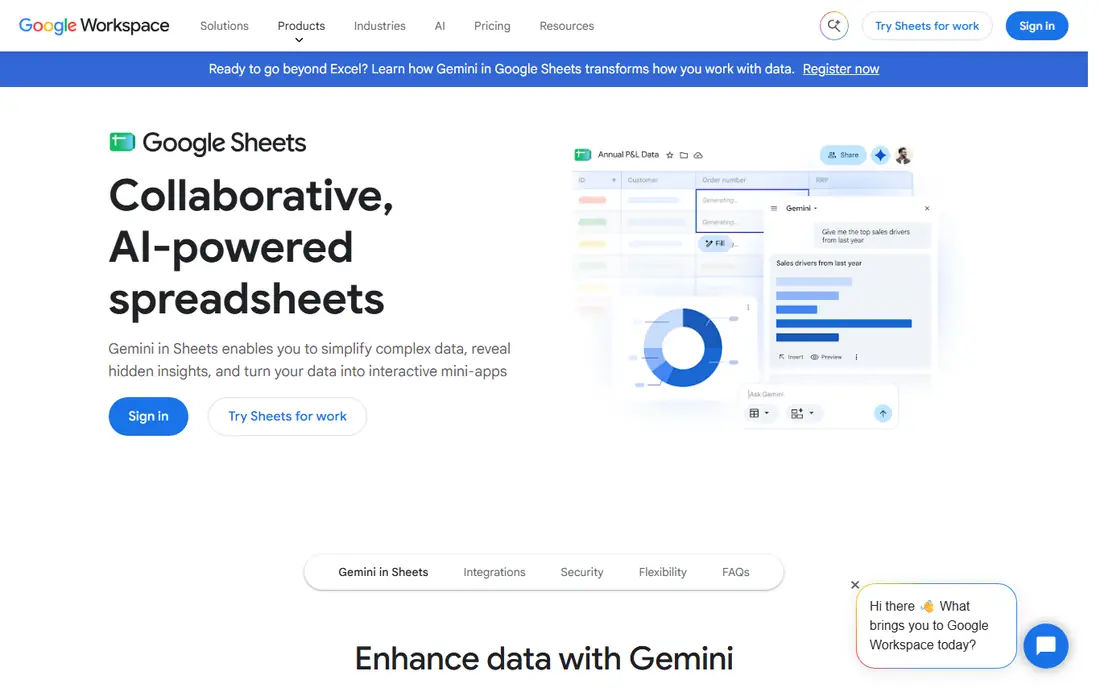
Google Sheets remains the easiest Excel alternative to recommend, because almost anyone with a Google account can open, edit and share a sheet in seconds. Multiple people can work in the same file at once, comments and version history are built in, and it opens and edits Excel files directly in the browser. For budgets, lists, school work and small business tracking, it covers most daily needs without a subscription. The limits appear with very large files, complex Excel macros and heavy offline work. Sheets works offline in Chrome with setup, but it is not as strong offline as a desktop app. If your main need is live collaboration and simple to medium analysis, Sheets is the best free starting point, and paid Google Workspace plans add storage and admin controls from $7 per user per month.
- Real time collaboration
- Free for personal use
- Strong sharing and version history
- Needs internet for full features
- Large files can slow down
- Excel macro support is limited
LibreOffice Calc is the classic free desktop alternative, and it is still the best choice if you want a full spreadsheet app on your computer without a subscription or an account. It opens and saves Excel files, supports pivot tables, charts and a wide function set, and runs on Windows, Mac and Linux. For personal finance, data cleaning and offline work, it is more than enough. Collaboration is the weak spot, since Calc is built for one person on one computer rather than live multi user editing. Some complex Excel files also shift formatting when opened and saved again. If you work alone, offline, and want zero cost, Calc is hard to beat, and it pairs well with the rest of LibreOffice for documents and presentations.
- Fully free and open source
- Works offline on Windows, Mac and Linux
- Opens and saves Excel files
- Interface feels dated
- Collaboration is weaker than browser tools
- Some Excel formatting shifts
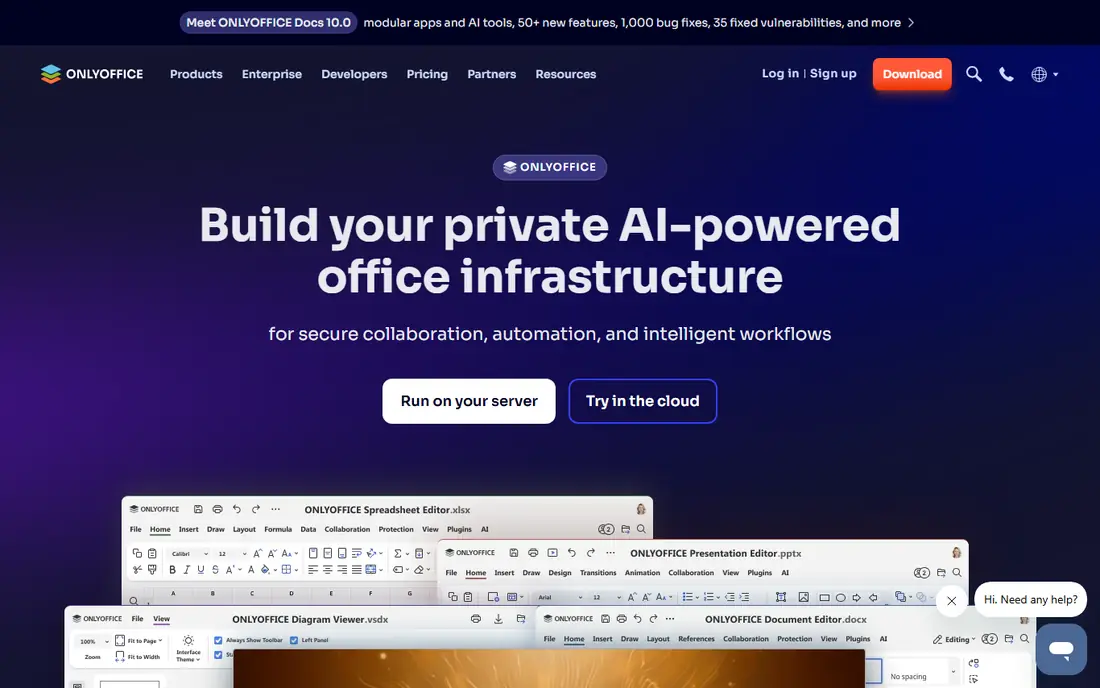
ONLYOFFICE is the pick for people who trade Excel files back and forth and hate formatting surprises. Its sheets keep Excel layouts, formulas and styles closer than most free tools, and the desktop editors are free for personal use on Windows, Mac and Linux. A cloud workspace option adds collaboration for teams that want to self host or use a hosted plan. The trade off is setup. The desktop app is simple, but the full collaborative workspace needs more configuration than Google Sheets. Paid cloud plans add admin controls and storage. If file fidelity matters more than instant browser sharing, ONLYOFFICE is the most Excel like free option in this list.
- Strong Excel file fidelity
- Free desktop editors
- Collaborative cloud option
- Cloud setup takes more effort
- Some advanced features sit behind paid plans
Zoho Sheet is a capable browser spreadsheet that works well on its own and even better inside the Zoho suite, next to Zoho CRM, Projects and other business apps. It supports pivot tables, conditional formatting, a broad function set and real time collaboration, and it imports and exports Excel files. For small teams already using Zoho, it avoids adding another vendor. Outside the Zoho world, there is less reason to pick it over Google Sheets, since Sheets has a larger sharing community and more third party integrations. Paid Zoho Workplace plans start at about $3 per user per month billed yearly and add storage and suite apps. If your business already runs on Zoho, Sheet is the natural spreadsheet choice.
- Free online sheets
- Real time collaboration
- Fits Zoho business apps
- Less familiar than Google Sheets
- Advanced storage sits behind paid plans
Apple Numbers is free on Mac, iPhone and iPad, and it is the most design friendly spreadsheet in this list, with clean templates and easy charts for presentations and personal planning. It imports and exports Excel files, and you can also edit sheets in a browser through iCloud. For home budgets, school projects and simple business sheets on Apple hardware, it feels effortless. It is not a full Excel replacement for analysts, since pivot tables and macros are limited and the Windows experience is browser based. If you live in the Apple world and want a free, attractive sheet app without learning a new interface, Numbers is an easy win. If you need heavy Excel compatibility, pair it with Sheets or Calc for work files.
- Free on Apple devices
- Polished templates
- Syncs through iCloud
- Apple focused
- Excel macro and pivot support is limited
- Windows use is browser only
WPS Office Spreadsheets will feel familiar to Excel users from the first minute, with a similar ribbon, tabs and layout, plus free apps for Windows, Mac, Linux and phones. It opens and saves Excel files well, handles common formulas and charts, and includes the wider WPS suite for documents and presentations. That familiarity shortens the learning curve for teams switching from Microsoft Office. The free version includes ads, and some advanced features sit behind the paid Pro plan, which costs about $5.83 per month billed yearly in some listings. Read the privacy and cloud terms before storing sensitive work files, as with any free suite. For a free, Excel like experience on desktop and mobile, WPS is the closest visual match in this list.
- Familiar Excel like interface
- Free desktop and mobile apps
- Opens and saves Excel files
- Free version shows ads
- Some features need a paid plan
- Privacy terms need a read
Airtable looks like a spreadsheet, but it works more like a simple database, with linked records, kanban, calendar and gallery views on top of a grid. That makes it ideal for content calendars, inventory, applicant tracking and project lists where rows need to connect to each other. Templates help small teams start fast, and the mobile apps are solid. It is not the best tool for heavy formulas, pivot analysis or large financial models, and the free plan limits records per base. Paid Team plans start at $20 per user per month billed yearly. If your work is really about tracking linked items rather than crunching numbers, Airtable will feel more useful than a plain sheet. If you need pure spreadsheet analysis, stay with Sheets or Calc.
- Linked records and multiple views
- Strong templates
- Good mobile apps
- Not a full Excel replacement
- Free plan has record limits
- Paid plans cost more
Smartsheet suits teams that manage work in a grid but need project controls, with Gantt charts, card views, automated alerts and approval workflows built around rows and columns. It imports Excel files and exports sheets, so existing project lists can move over without rebuilding them from scratch. Managers like the dashboards and reports that roll up many sheets at once. Casual users may find it heavier than a simple spreadsheet, and there is no permanent free plan, only a trial, with Pro plans from $9 per member per month billed yearly. That cost makes sense when a whole team runs projects in it, but not for a single personal budget. Choose Smartsheet when dates, owners and approvals matter as much as the numbers.
- Grid plus Gantt and card views
- Automation and approvals
- Strong project templates
- No permanent free plan
- Learning curve for casual users
- Cost rises with team size
Grist is for spreadsheet fans who keep hitting the limits of a flat sheet and want linked tables without learning a full database tool. You can build relational tables, use Python formulas, create custom views and dashboards, and self host the community edition if you want full control of your data. It imports and exports spreadsheets, so existing files can become a starting point. The community and template library are smaller than for Airtable or Google Sheets, and the interface takes a little learning. Paid plans start at $8 per user per month billed yearly. If you like formulas, want real database structure, and prefer open source control, Grist is a distinctive and powerful alternative to Excel.
- Relational data in a spreadsheet view
- Python formulas
- Self hosting option
- Smaller community than Sheets
- Interface takes learning
- Paid plans for larger teams
How we picked these
We compared official feature pages, pricing pages, app store listings and public reviews for spreadsheet tools available in October 2026. We favored tools that open or import Excel files, run on current Windows, Mac, browser or mobile platforms, and offer a clear free plan or trial. We left out discontinued tools, tools with no clear pricing, and narrow apps that only view spreadsheets without editing. Prices for paid plans vary by billing cycle and region, so we listed the entry price where we could verify it and noted free plans separately. Check the vendor pricing page for your team size, since per user costs and record limits change the total quickly.
How to choose the right Excel alternative
Start with how you work today, then pick the tool that matches that pattern rather than the one with the longest feature list.
If you share files with Excel users
Pick ONLYOFFICE or WPS Office for the closest formatting, or Google Sheets if your collaborators already use Google. Test your most complex file in the new tool before switching, and check pivot tables, charts and formulas, not just plain values. Keep a copy of the original Excel file until you are sure the conversion is clean.
If you work alone and offline
Pick LibreOffice Calc for a free desktop app that works without internet, or Apple Numbers if you are on Apple hardware. Both handle budgets, lists and analysis well, and both export to Excel when you need to share. A desktop app also avoids the slowdown that large browser sheets can show.
If you need a grid for projects or data
Pick Airtable for linked records and views, Smartsheet for project timelines and approvals, or Grist for relational data with formulas. These tools cost more and need more setup than a plain sheet, but they save time when your work is really a small database. For pure number crunching, a traditional spreadsheet remains faster.
Frequently asked questions
What are the best free spreadsheet software options?
Google Sheets, LibreOffice Calc, ONLYOFFICE, Zoho Sheet, Apple Numbers and WPS Office all offer free plans that cover most personal and small business spreadsheet work. Google Sheets is best for collaboration, LibreOffice Calc is best offline, and ONLYOFFICE is best for Excel file fidelity. Try two of them with a real file before deciding.
What are the best alternatives to Microsoft Excel?
The best alternatives to Microsoft Excel are Google Sheets for collaboration, LibreOffice Calc for free desktop use, and ONLYOFFICE for Excel faithful editing. Apple Numbers suits Apple users, WPS Office suits users who want an Excel like interface, and Zoho Sheet suits Zoho business users. None matches Excel macro and pivot depth exactly, so heavy Excel users should test their files first.
Are there free Excel alternatives that open Excel files?
Yes, Google Sheets, LibreOffice Calc, ONLYOFFICE, Zoho Sheet and WPS Office all open and save Excel files, though formatting can shift in complex files. Apple Numbers imports and exports Excel files as well. For the cleanest round trip, ONLYOFFICE and WPS Office tend to preserve layout best in our comparison.
Is Google Sheets better than Excel?
Google Sheets is better than Excel for free, real time collaboration and simple sharing, while Excel remains better for heavy analysis, macros and very large models. For most budgets, lists and team sheets, Sheets is enough and costs nothing. For financial modeling and advanced pivot work, Excel still has the edge.
What is the best Excel alternative for Mac users?
Apple Numbers is the best Excel alternative for Mac users who want a free, polished app built for macOS and iOS. LibreOffice Calc and Google Sheets are also strong on Mac, with Calc better offline and Sheets better for sharing. If you share Excel files often, add ONLYOFFICE for closer file fidelity.
Can Airtable replace Excel?
Airtable can replace Excel for tracking, content planning and linked records, but it is not a full replacement for financial analysis or heavy formulas. It works best when rows link to each other and you need kanban, calendar or gallery views. For budgets and models with complex formulas, keep a traditional spreadsheet alongside it.
Sources
- https://www.google.com/sheets/about/
- https://www.libreoffice.org
- https://www.onlyoffice.com
- https://www.zoho.com/sheet/
- https://www.apple.com/numbers/
- https://www.wps.com
- https://www.airtable.com
- https://www.smartsheet.com
- https://www.getgrist.com
- https://goodtaco.ai/blog/excel-alternatives
- https://www.flozic.ai/blog/alternatives/excel-alternatives
See where you really rank - block by block
ProMapRanker scans Google Maps across a grid of your service area. Simple monthly plans from $19, white-label on every plan.
Start freeKeep reading
 zendesk alternatives
Best Zendesk Alternatives in 2026
Compare the best Zendesk alternatives in 2026, from budget help desks to AI-first support tools, with current pricing, free plans, and honest trade-offs.
Read → wordpress alternatives
Best WordPress Alternatives in 2026
Looking for the best WordPress alternatives? We compare 8 free and paid options for blogs, business sites, stores, and developer-led projects in 2026.
Read → which real estate company has the best training
Best Real Estate Company Training in 2026
Compare which real estate company has the best training, from Keller Williams and eXp to Compass and Coldwell Banker, by program, mentor, and fit in 2026.
Read →