 ProMapRanker
Esper Alternatives in 2026: 9 Tools Compared


Mixed fleets with strong kiosk mode · Pricing starts at: $2.20 per device per month
Key takeaways
- Hexnode and Scalefusion are the closest fits for Android-first fleets, kiosks, and shared devices.
- SOTI MobiControl suits rugged and logistics fleets where device diagnostics and OEM support matter most.
- Microsoft Intune and Omnissa Workspace ONE suit large companies that already manage laptops and phones together.
- ManageEngine, Miradore, AirDroid Business, and Samsung Knox Manage suit smaller or more focused fleets.
- This article covers the Esper device management platform for Android devices, not any other product with the same name.
Quick comparison
| Pick | Great for | Pricing starts at | Free tier | |
|---|---|---|---|---|
| Hexnode UEM | Mixed fleets with strong kiosk mode | $2.20 per device per month | Free trial | Visit |
 Scalefusion | Android kiosks and field fleets | $2 per device per month | Free trial | Visit |
 SOTI MobiControl | Rugged and logistics fleets | See website | Free trial | Visit |
 Microsoft Intune | Microsoft 365 device management | $8 per user per month | Free trial | Visit |
 ManageEngine Mobile Device Manager Plus | Budget full device management | See website | Free trial | Visit |
 Miradore | Small fleets and simple management | See website | Free trial | Visit |
 Samsung Knox Manage | Samsung Android fleets | See website | Free trial | Visit |
 Omnissa Workspace ONE | Large unified endpoint fleets | See website | Free trial | Visit |
 AirDroid Business | Android kiosks and remote control | See website | Free trial | Visit |
The best esper alternatives
Esper is a device management platform focused on dedicated Android devices, including kiosks, tablets, and rugged hardware. The tools below offer comparable device management, with different strengths in kiosk lockdown, remote control, multi-platform support, and price. Teams should start from fleet type, not from feature lists alone.
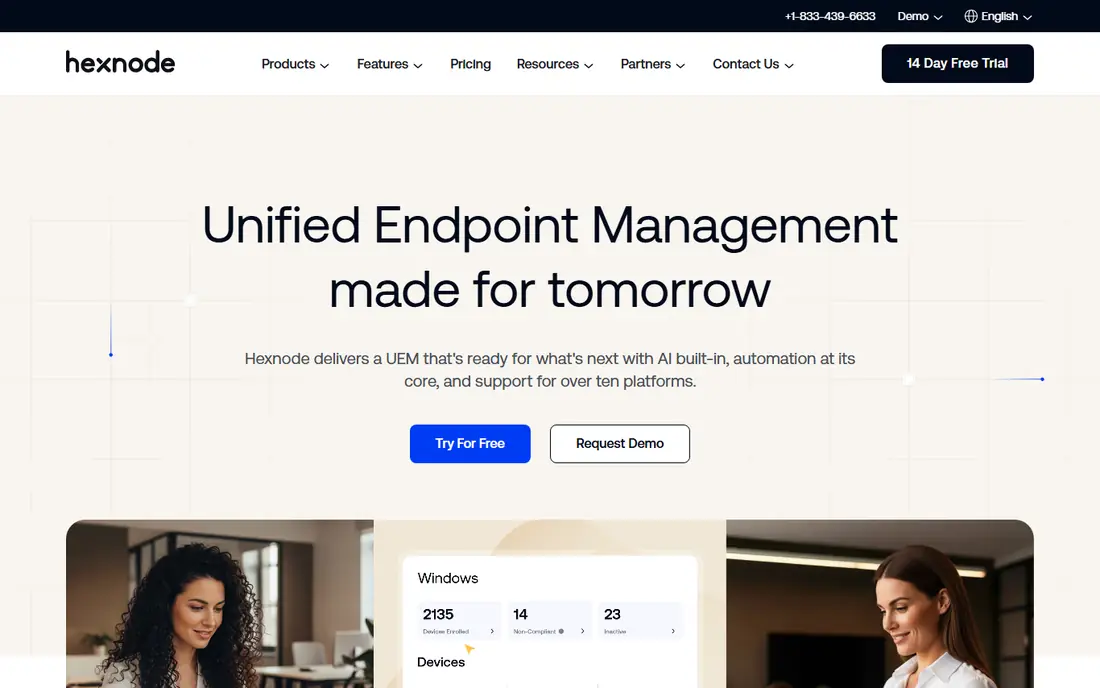
Hexnode manages phones, tablets, laptops, and TVs from one console, which helps when a fleet is not Android-only. Android kiosk lockdown, app management, and remote control cover the core Esper use cases, while Apple and Windows support helps mixed offices. The interface is approachable for a small IT team without a dedicated endpoint specialist.
The catch is plan gating. Some desktop and AI features sit on higher tiers, so buyers should map required features to plans before purchase. Hexnode is strongest for mid-sized mixed fleets that want one console and a gentle learning curve.
- Covers Android, iOS, Windows, and macOS
- Kiosk lockdown and geofencing
- Clear console for smaller IT teams
- Desktop patching and some AI features need higher plans
- Pricing varies by edition and device mix
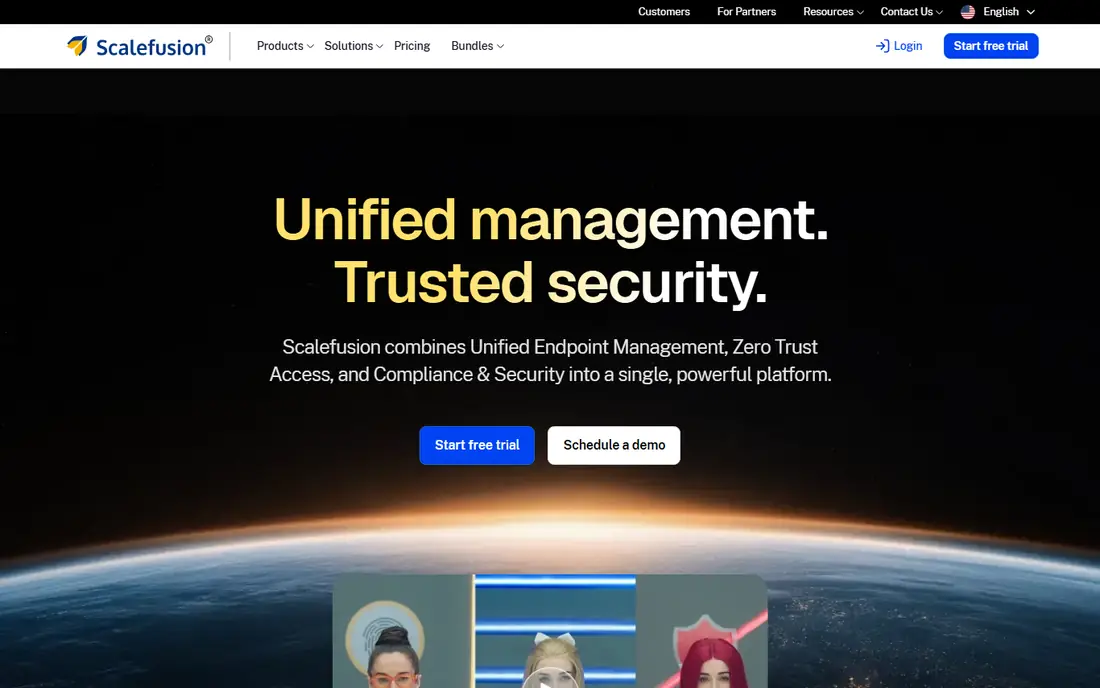
Scalefusion is built for kiosks, shared tablets, and field devices, with single-app and multi-app lockdown, geofences, and app and update pushes from one console. Android is its home turf, which shows in policy depth for dedicated devices. Retail, logistics, and education teams often use it for devices that staff or customers share.
Setup takes time when policies get detailed, and remote support has some gaps compared with larger platforms. Scalefusion fits best when kiosk control and field-device policy matter more than managing office laptops in the same console.
- Deep Android kiosk controls
- Geofencing and remote cast
- Supports Windows, macOS, and ChromeOS too
- Learning curve for full policy setup
- Some remote support gaps reported by users
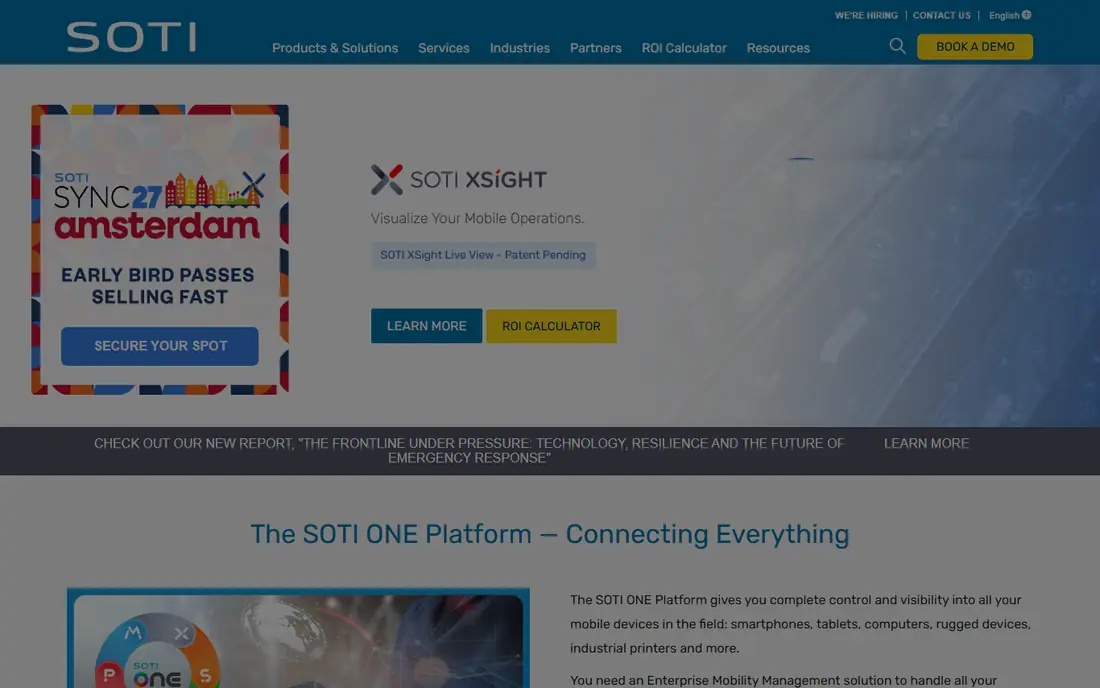
SOTI MobiControl is a long-standing enterprise mobility platform for rugged Android devices from vendors such as Zebra and Honeywell. Diagnostics, remote control, and lifecycle tools help logistics, retail, and field-service teams keep devices working in harsh or distributed settings. Multi-platform support means office devices can join the same console.
For a standard office fleet, SOTI can feel heavy and expensive. Its value appears at scale, with many rugged devices, complex workflows, or strict uptime needs. Smaller teams should compare Hexnode or Scalefusion first.
- Deep rugged device and OEM support
- Strong diagnostics
- Covers Android, iOS, macOS, and Windows
- Enterprise pricing through sales
- Heavier setup for simple office fleets
Microsoft Intune manages Windows, macOS, iOS, and Android devices with app protection, compliance policies, and conditional access. Companies already on Microsoft 365 often get Intune included or at low extra cost, which makes it hard to beat on total price. Android Enterprise enrollment, work profiles, and app deployment cover standard corporate fleets well.
Dedicated-device teams may find kiosk and rugged features less specialized than Esper, Scalefusion, or SOTI. Intune is best when device management must sit alongside identity, Office apps, and security policy in one Microsoft stack.
- Included in many Microsoft 365 plans
- Conditional access and compliance policies
- Broad platform coverage
- Android kiosk depth is less specialized than dedicated tools
- Setup needs Microsoft 365 knowledge
ManageEngine Mobile Device Manager Plus
Great for: Budget full device management
ManageEngine Mobile Device Manager Plus covers Android Enterprise enrollment, Managed Google Play, containers, and policy management at a budget-friendly price point. Teams can run it in the cloud or on premises, which suits companies with data or network rules that favor local hosting. App distribution and security policies cover the daily needs of a corporate fleet.
The console is less polished than newer rivals, and policy setup rewards patience. ManageEngine fits budget-conscious teams that want full management features and can invest setup time, rather than teams that need the slickest interface.
- Full Android Enterprise management
- App and content distribution
- On-premises and cloud options
- Interface feels dated to some users
- Configuration takes time for lean teams
Miradore is a practical choice for micro-fleets and small companies that need basic enrollment, policies, and app management without enterprise complexity. Setup is fast, and the console stays readable when device counts are low. Multi-platform support helps small offices with a mix of phones and laptops.
Larger or kiosk-heavy fleets will outgrow it. Android policy depth, remote control, and rugged features are lighter than Scalefusion, Hexnode, or SOTI. Miradore is best as a first management tool, or for a stable small fleet that does not need deep lockdown.
- Simple setup for small fleets
- Covers Android, iOS, Windows, and macOS
- Affordable paid plans
- Basic Android depth compared with kiosk specialists
- Less suited to fleets past a few hundred devices
Samsung Knox Manage is the natural pick when a fleet runs on Samsung phones and tablets. It uses the Knox platform for security controls, device enrollment, kiosk mode, and app management, with depth that generic tools cannot always match on Samsung hardware. Companies that standardize on Samsung gain tighter policy control and simpler support.
Mixed-brand fleets lose that advantage. Knox Manage still handles other Android devices, but the strongest features are Samsung-specific. Teams with Zebra, Lenovo, or mixed hardware should compare a brand-neutral tool first.
- Deep Samsung device controls
- Knox security platform integration
- Kiosk and app management
- Best value on Samsung hardware
- Less attractive for mixed-brand Android fleets
Omnissa Workspace ONE, formerly VMware Workspace ONE, manages desktops, laptops, phones, and tablets in one enterprise platform. It covers Android, iOS, Windows, macOS, and ChromeOS, with app management, access control, and compliance policy. Large companies use it to unify endpoint work that otherwise splits across several tools.
Small fleets will find the price and setup heavy. Workspace ONE fits when a company already manages many endpoints, needs strong access controls, and has IT staff to run an enterprise platform. Android-only kiosk teams should weigh a specialist tool first.
- Unified endpoint management at enterprise scale
- Broad platform coverage
- Strong app and access controls
- Enterprise pricing and complexity
- Overkill for small Android-only fleets
AirDroid Business focuses on Android fleets, kiosks, and digital signage, with remote control, app management, and policy tools. Per-device pricing starts low, which helps small and mid-sized fleets that need hands-on remote support for field devices. The remote control experience is a clear strength for troubleshooting devices that staff cannot bring to IT.
The Android focus is also the limit. Companies that need full Windows and macOS management will need a second tool or a broader platform. AirDroid Business fits Android-first fleets where remote control and kiosk lockdown are daily needs.
- Strong Android remote control and kiosk tools
- Affordable per-device pricing
- Good for signage and field devices
- Android focus means limited laptop management
- Smaller vendor than enterprise rivals
How we picked these
We compared official feature pages, pricing pages, public documentation, and public reviews for Android and unified device management tools. We kept only tools that operate in October 2026, support Android device management, and cover a real Esper use case such as kiosk mode, enrollment, or fleet policy. We excluded the named product itself and tools that only track lost devices without managing policies.
What to check before you choose
First, count and classify the fleet. Dedicated kiosks, rugged field devices, and office phones need different policies, even when one console manages them all. A tool that excels at office phones may struggle with locked-down kiosks, and vice versa.
Second, test enrollment and remote actions on the exact hardware you use. Samsung, Zebra, and generic Android devices behave differently, and a feature that works in a demo may need an OEM add-on in practice. Test lock, wipe, app push, and remote control before signing.
Finally, confirm minimums, per-device pricing, and support hours. Some vendors require a minimum device count, and support tiers vary widely. A low headline price with a high minimum or slow support can cost more than a slightly higher plan with fast help.
Frequently asked questions
Is Esper only for Android devices?
Yes, in the sense used here. Esper focuses on dedicated Android devices, including kiosks and rugged hardware, managed in fully managed device-owner mode. The alternatives above also manage Android, and most add iOS, Windows, or macOS support.
Which Esper alternative is best for kiosks?
Scalefusion and AirDroid Business are strong kiosk picks, with Hexnode close behind. SOTI suits rugged kiosks at enterprise scale. Test single-app lockdown, remote control, and app updates on your exact hardware before deciding.
Can Microsoft Intune replace Esper?
It can for standard corporate Android fleets, especially in Microsoft 365 shops. For dedicated kiosks or rugged devices, a specialist tool such as Scalefusion, SOTI, or Hexnode usually offers deeper lockdown and diagnostics.
Do these tools offer free plans?
Most offer free trials rather than permanent free plans, so buyers should use the trial to test enrollment and kiosk features. Check the vendor pricing page for current trial length and device minimums before purchase.
How much does Android device management cost?
Entry prices here start around $2 per device per month, with enterprise platforms priced through sales. Total cost depends on device count, plan tier, and whether remote control or advanced security features are included.
Sources
See where you really rank - block by block
ProMapRanker scans Google Maps across a grid of your service area. Simple monthly plans from $19, white-label on every plan.
Start freeKeep reading
 zyte alternatives
Best Zyte Alternatives in 2026
These zyte alternatives cover managed scraping APIs, proxy networks and no code tools for lawful collection from your own or consented sources only in 2026.
Read → zerto alternatives
Best Zerto Alternatives in 2026
Compare the best zerto alternatives for disaster recovery and replication, with recovery targets, cloud options and honest trade-offs for teams in 2026.
Read → zerofox alternatives
Best ZeroFox Alternatives in 2026
We compared 9 zerofox alternatives for brand protection, phishing takedowns, dark web monitoring, and social impersonation, with clear coverage notes.
Read →