 ProMapRanker
Best Envato Alternatives in 2026


Unique pay-per-item design assets · Pricing starts at: See website
Key takeaways
- Creative Market and TemplateMonster suit buyers who want to pay per item, while subscription sites suit buyers who need volume.
- Freepik, Vecteezy and Canva offer free starting points, but check the licence before using an asset in client work.
- Adobe Stock and Shutterstock suit teams that need large, commercially cleared stock libraries with consistent quality.
- Always check the licence for each asset, because subscription access does not always mean unlimited commercial use.
Quick comparison
| Pick | Great for | Pricing starts at | Free tier | |
|---|---|---|---|---|
| Creative Market | Unique pay-per-item design assets | See website | No | Visit |
 TemplateMonster | Website themes and templates | See website | No | Visit |
 Freepik | Stock images, vectors and video | Free | Yes | Visit |
 Adobe Stock | Large commercial stock library | See website | No | Visit |
 Motion Array | Video templates and stock footage | See website | No | Visit |
 Vecteezy | Vectors and illustrations | Free | Yes | Visit |
 Canva | Design plus stock assets in one tool | Free | Yes | Visit |
 Shutterstock | Stock photos, video and music | See website | No | Visit |
The best design marketplaces for Envato users
Envato covers a lot of ground, from website themes to stock video and fonts, so no single replacement matches it exactly. We compared official feature pages, pricing pages, app store listings and public reviews, and grouped the options by how you actually buy: per item, by subscription, or inside a design tool.
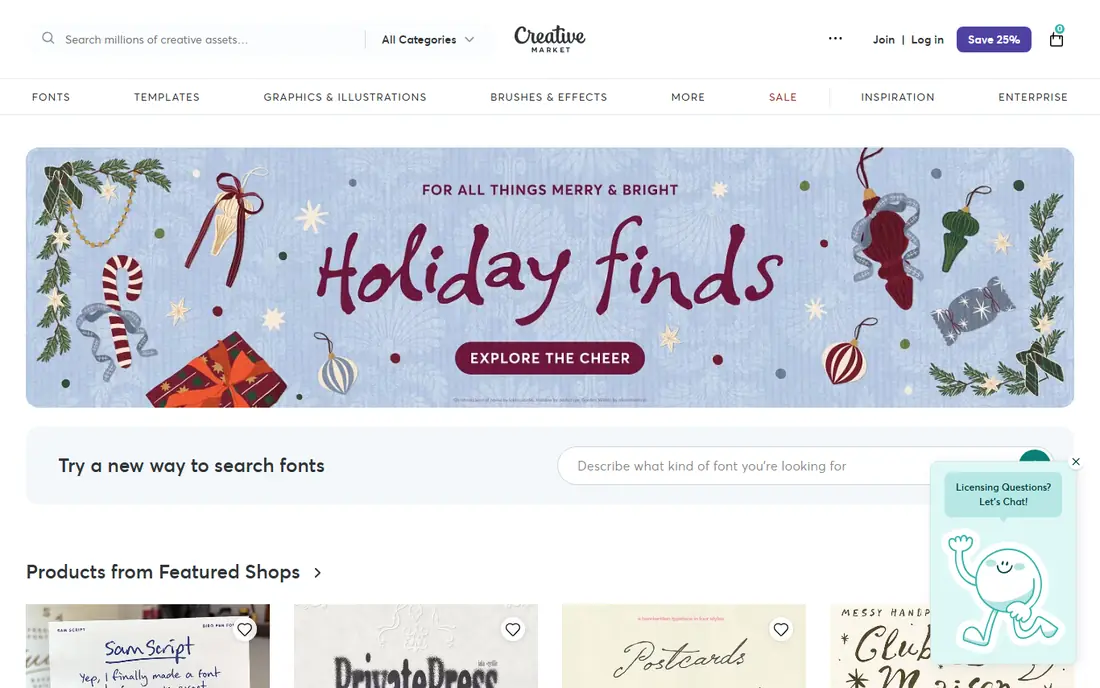
Creative Market feels closer to a curated shop than a bulk library. Independent designers sell fonts, templates, Procreate brushes, branding kits and illustration packs one item at a time, so the result often looks less generic than a subscription download. For a brand identity or a one-off project, that distinct style is worth paying for.
The trade-off is volume economics. If you need dozens of assets every week, paying per item can quickly pass the cost of a subscription. Check the licence for each purchase too, since extended commercial use may need a higher licence tier.
- Independent designers and distinct styles
- Fonts, templates, brushes and branding kits
- Pay only for what you use
- Costs add up for high-volume buyers
- Quality and licensing vary by seller
TemplateMonster is the closest match if your Envato use was mainly website themes. Its catalog centres on WordPress themes, plugins, Elementor templates and other website templates, with one-off pricing rather than a monthly subscription. That model suits agencies that buy a theme for a specific client project.
The weakness is breadth. TemplateMonster does not replace a full stock or font library, and support depends on the individual product author. Read recent reviews for the exact theme, check update history, and confirm compatibility with your WordPress version before you buy.
- Large WordPress theme catalog
- Templates for several website builders
- One-off purchase model
- Support quality varies by product
- Not a good fit for stock photos or fonts alone
Freepik is a practical first stop for everyday design assets. Its library covers photos, vectors, illustrations and video, and the free tier lets you test quality before paying. For social posts, presentations and quick marketing work, the range is broad enough that many teams rarely need a second library.
The catch is licensing and limits. Free assets often require attribution, and premium downloads sit behind a paid plan. If you use assets in client work, keep a record of the licence for each download and check whether attribution is required for that asset.
- Large stock and vector library
- Free tier for trying assets
- AI tools and design resources in one place
- Premium assets need a paid plan
- Free downloads often need attribution
Adobe Stock suits teams already working in Photoshop, Illustrator or Premiere Pro. Assets open directly in Adobe apps, which removes the download, import and licence tracking steps that slow down other libraries. The library is large and commercially focused, so quality is generally consistent.
The downside is price structure. There is no permanent free plan, and higher download volumes need higher plans. If you only need a few assets a month, a pay-per-item marketplace may be cheaper. If Adobe apps are already part of your workflow, the time saved can justify the plan.
- Large, commercially focused library
- Strong integration with Adobe apps
- Clear standard and extended licences
- No permanent free plan
- Costs rise with higher download volumes
Motion Array is the video-first pick in this list. It offers Premiere Pro and After Effects templates, stock footage, music, sound effects and plugins, which covers most of a short-form video workflow in one subscription. For creators who publish video weekly, that bundle is convenient.
The limit is focus. If you rarely make video, a general stock library will give better value. Video templates also vary in complexity, so check whether a template needs extra plugins or fonts before you plan a project around it.
- Video templates for major editing apps
- Stock footage, music and sound effects
- Plugins and presets for video makers
- Narrower fit for print or web designers
- Subscription cost for occasional video work
Vecteezy is a strong choice when vectors are the main need. Its library focuses on vectors, illustrations and design resources, and the free tier lets designers test files before paying. For logos, icons, posters and illustration-led work, the search and file quality are a good match.
The trade-off is range. Vecteezy does not match the largest general stock libraries for photography or video, so teams with mixed needs may still need a second source. Free downloads also need attribution, so the Pro plan is the safer choice for client work.
- Strong vector and illustration library
- Free tier with attribution
- Pro plan with commercial licensing
- Smaller overall library than the largest stock sites
- AI tools are newer than some rivals
Canva is less a marketplace and more a design workspace with assets built in. Small business owners, social media managers and non-designers can find a template, swap in stock photos, and export a finished post without opening another app. Brand kits and team templates help keep output consistent across a small team.
The limit is control. Professional designers who need precise typography, colour management or complex layouts will still want a dedicated design app. Premium stock and some templates also need a Pro plan, so check the asset licence before using a design commercially.
- Design editor plus stock library in one place
- Brand kits and team templates
- Free tier for basic work
- Less control than professional design apps
- Some premium assets need a Pro plan
Shutterstock is the safe, large-library choice for commercial stock. Its catalog covers photos, video, music and editorial images, with packs for occasional buyers and subscriptions for regular users. For agencies and publishers that need reliable licensing and a deep back catalog, that scale matters.
The downside is cost for light users. Without a free plan, a team that only needs a handful of images a month should compare pack pricing against pay-per-item marketplaces. Also check whether your use needs a standard or enhanced licence, especially for large print runs or merchandise.
- Very large stock library
- Photos, video, music and editorial content
- Flexible packs and subscriptions
- No permanent free plan
- Per-asset costs can be high for occasional buyers
How we picked these
We compared official feature pages, pricing pages, app store listings and public reviews, and kept only marketplaces and libraries that are live in October 2026 and sell or license design assets for commercial use. We mixed pay-per-item marketplaces, subscription libraries and design tools, because Envato users arrive with different buying habits. Where a price could not be verified on the vendor site, we wrote See website rather than guessing.
How to choose the right marketplace
Start by counting how you actually use assets. If you buy a few high-quality items for specific projects, a pay-per-item marketplace will usually beat a subscription. If you download daily for social, ads and client work, a subscription with a clear commercial licence will usually be cheaper and simpler to manage.
Next, check licensing before you fall in love with a library. Look at attribution rules, client use, print runs, merchandise and redistribution limits. Keep a simple record of each asset, its licence and where it was used, because that record is what protects you if a client asks later.
Finally, test search quality on your real briefs. Search for five assets you needed in the last month, and see how many usable results each library returns. A huge catalog means little if the first page is full of generic results, while a smaller, well-curated library can save hours on every project.
Frequently asked questions
What is the closest alternative to Envato Elements?
There is no exact match, because Envato Elements bundles many asset types in one subscription. For a broad subscription, Adobe Stock, Shutterstock or Freepik come closest, while Creative Market and TemplateMonster are closer if you prefer paying per item.
Can I use free assets from Freepik or Vecteezy for client work?
You can in many cases, but free downloads often require attribution and may have licence limits. Check the licence for each asset, and consider a paid plan when attribution is not practical or when client work needs a clean commercial licence.
Is TemplateMonster good for WordPress themes?
Yes, it is one of the strongest options for WordPress themes, plugins and Elementor templates. Check the theme update history, WordPress compatibility and support terms for the exact product, because quality varies by author.
Do I need a subscription if I only need a few assets a month?
Usually not. Pay-per-item marketplaces such as Creative Market and TemplateMonster, or stock packs from larger libraries, often cost less for light use. A subscription only wins when your download volume is regular and high.
Can Canva replace a stock library?
Canva can replace a stock library for social posts, presentations and simple marketing designs, because it pairs templates with stock assets. It does not replace a full stock library or a professional design app for complex print, branding or video work.
How do I avoid licence problems with design assets?
Keep a record of each asset, its source, its licence and where you used it. Avoid redistributing raw assets, check limits for merchandise and large print runs, and buy an extended licence when the standard licence does not cover your use.
Sources
- https://creativemarket.com
- https://templatemonster.com
- https://freepik.com
- https://stock.adobe.com
- https://motionarray.com
- https://vecteezy.com
- https://canva.com
- https://shutterstock.com
- https://payhip.com/blog/envato-alternatives/
- https://ecommerceparadise.com/best-design-marketplace-in-2026-top-platforms-for-templates-mockups-and-creative-assets/
See where you really rank - block by block
ProMapRanker scans Google Maps across a grid of your service area. Simple monthly plans from $19, white-label on every plan.
Start freeKeep reading
 zyte alternatives
Best Zyte Alternatives in 2026
These zyte alternatives cover managed scraping APIs, proxy networks and no code tools for lawful collection from your own or consented sources only in 2026.
Read → zerto alternatives
Best Zerto Alternatives in 2026
Compare the best zerto alternatives for disaster recovery and replication, with recovery targets, cloud options and honest trade-offs for teams in 2026.
Read → zerofox alternatives
Best ZeroFox Alternatives in 2026
We compared 9 zerofox alternatives for brand protection, phishing takedowns, dark web monitoring, and social impersonation, with clear coverage notes.
Read →