 ProMapRanker
Best Emplifi Alternatives in 2026


Enterprise social care and analytics · Pricing starts at: $79 per seat per month
Key takeaways
- Sprout Social and Hootsuite are the closest enterprise replacements for Emplifi, with deep analytics, listening, and team workflows.
- Buffer, Later, and Zoho Social suit smaller teams that mainly need scheduling and simple reporting at a lower price.
- Agorapulse offers a middle path, with a strong shared inbox and reporting without enterprise only pricing.
- Per seat pricing changes the total fast, so model the cost for your actual team size and profile count before choosing.
Quick comparison
| Pick | Great for | Pricing starts at | Free tier | |
|---|---|---|---|---|
| Sprout Social | Enterprise social care and analytics | $79 per seat per month | Free trial | Visit |
 Hootsuite | Large team social command centre | $99 per user per month | Free trial | Visit |
 Buffer | Simple scheduling | Free | Yes | Visit |
 Agorapulse | Shared inbox and reporting | $79 per user per month | Yes | Visit |
 Sendible | Agencies without per seat fees | $29 per month | Free trial | Visit |
 Later | Visual planning for creators | $25 per month | Free trial | Visit |
 Zoho Social | Low cost small team scheduling | $10 per month | Free trial | Visit |
 Sprinklr Social | Enterprise scale social suites | See website | No | Visit |
The best emplifi alternatives
Emplifi combines social publishing, customer care, analytics, and social commerce for larger brands. The tools below cover that work at different scales, from solo scheduling to enterprise suites. We compared published features and pricing signals.
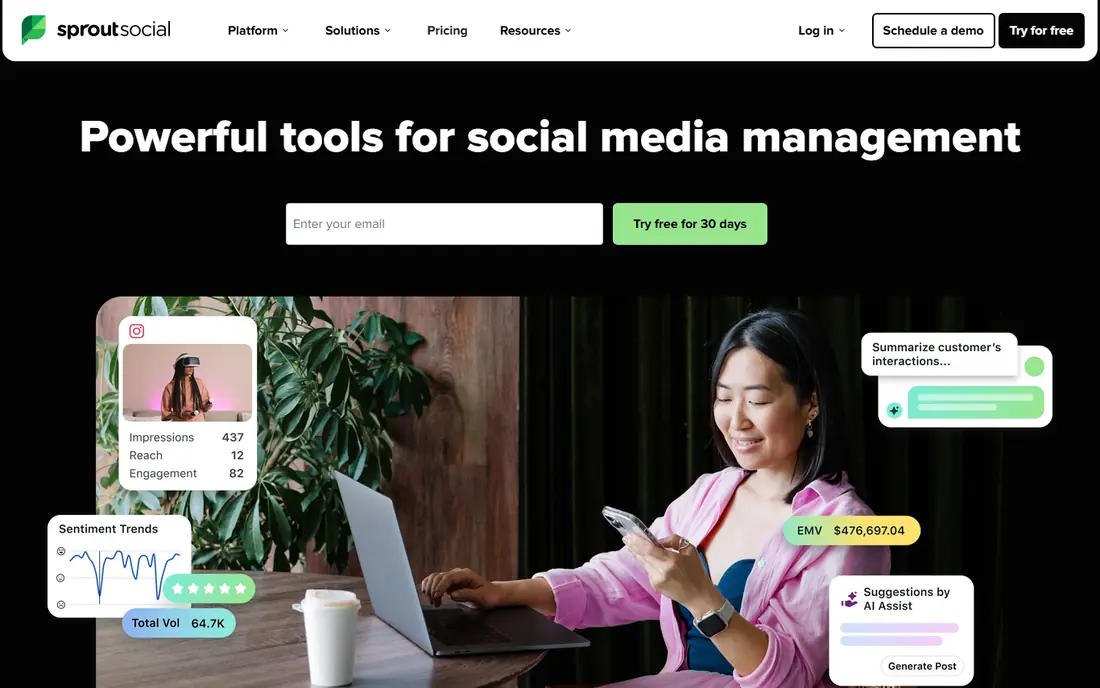
Sprout Social is the most direct enterprise alternative for teams that need reporting leaders will trust and a shared inbox for customer replies. Publishing, engagement, listening, and analytics sit in one workspace, and approval workflows help larger teams keep brand voice consistent. That depth is why many mid market and enterprise teams shortlist it first.
The cost is the main barrier. Per seat pricing means a ten person team pays far more than the headline price, and the trial alone does not prove long term value. Sprout also offers more than a small team needs, so solo marketers may pay for features they never use. For a team where social care and reporting are central, it is worth the price. For simple scheduling, it is not.
- Strong analytics and listening
- Shared inbox for customer care
- Approval workflows
- Per seat cost grows quickly
- No free plan, only a trial

Hootsuite has long served as the default social suite for larger teams, and it still covers publishing, monitoring, engagement, and analytics across many networks. Team roles, approvals, and assignment tools help a brand manage many accounts without losing track of replies. The integration set also suits teams that connect social to CRM and reporting tools.
The drawback is the same as Sprout: per user pricing and a feature set that can feel heavy for a small team. Hootsuite is best when several people manage social every day and governance matters. A solo creator will find Buffer or Later faster and cheaper for the same basic publishing job.
- Broad network coverage
- Team workflows and approvals
- Large app and integration set
- Per user pricing is high for small teams
- Interface can feel heavy for simple scheduling
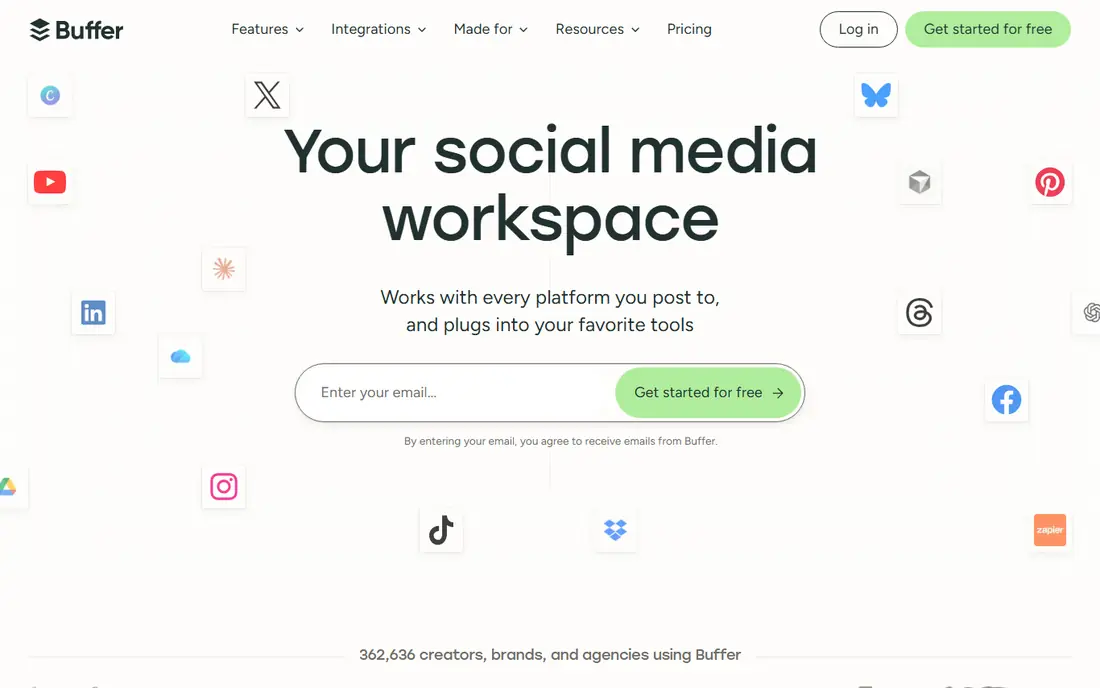
Buffer is the simplest way to keep a consistent posting schedule without learning a large suite. Connect channels, queue posts, and check basic performance, all in a clean interface that new team members learn quickly. The free plan covers a few channels, which suits a solo creator testing a routine.
The limits appear when a team needs listening, deep customer care, or approval chains. Buffer covers publishing well, but it is not a full social care platform. Per channel pricing also adds up as channels grow. For a small brand that mainly needs reliable scheduling, Buffer is the easiest and cheapest starting point.
- Very easy scheduling
- Free plan for a few channels
- Clear analytics on paid plans
- Listening and advanced care features are limited
- Per channel pricing can grow
Agorapulse sits between simple schedulers and enterprise suites. Its shared inbox helps teams answer comments and messages without missing replies, and its reports give a clear view of audience growth and post performance. Publishing and scheduling are straightforward, and the free plan lets a single user test the core workflow.
Paid pricing is per user, so larger teams should model the total, and some network access carries extra fees. Agorapulse also lacks the full enterprise listening depth of Sprout or Sprinklr. For a team that values inbox care and readable reports over enterprise scale, it is a balanced choice.
- Strong shared inbox
- Clear ROI and audience reports
- Free plan for a single user
- Per user pricing on paid plans
- X access can carry an extra charge on some plans
Sendible is built for agencies that manage many clients and do not want to pay per seat for every team member. Plans include workspaces, client dashboards, and approval flows, which help an agency show work to clients without extra tools. Unlimited users on plans is a real cost advantage for larger agency teams.
The trade off is depth. Sendible does not match Sprout or Sprinklr for listening and enterprise analytics, and its interface favours function over polish. For an agency, that trade is often fine, since client reporting and team access matter more. For a large brand focused on listening, an enterprise suite fits better.
- Unlimited users on plans
- Client dashboards
- Good agency workflow
- Listening is less deep than enterprise suites
- Interface is more functional than polished
Later suits visual first brands and creators who plan Instagram, TikTok, and Pinterest content in a calendar view. Drag and drop planning, media organisation, and link in bio tools help a creator turn posts into traffic. The interface is friendly for people who think in images rather than spreadsheets.
The limits are account structure and care depth. Social sets group one profile per network, which can feel restrictive for multi brand teams, and Later is not built for high volume customer care. For a creator or small brand focused on visual content, Later is a strong pick. For a support heavy brand, Sprout or Agorapulse fits better.
- Visual calendar for Instagram and TikTok
- Link in bio tools
- Creator friendly planning
- Social set model can limit accounts
- Less suited to heavy customer care work
Zoho Social is the budget pick for a small business that needs scheduling, basic monitoring, and simple reports without a large monthly bill. It covers the core publishing job, lets a team watch mentions, and works well for businesses already using Zoho tools. The low entry price makes it easy to approve.
The drawback is depth. Analytics, listening, and care workflows are more basic than Sprout, Hootsuite, or Agorapulse, and the interface is less polished. For a small team with a modest social workload, that is acceptable. For a brand where social drives sales and support, a stronger suite will pay for itself in saved time.
- Low entry price
- Scheduling and monitoring in one place
- Fits Zoho users well
- Analytics and listening are basic
- Less polished than larger suites
Sprinklr Social is aimed at large enterprises that manage social across many brands, regions, and teams. It combines publishing, engagement, listening, and governance in one platform, with AI assisted workflows for larger volumes. That scale is why global brands choose it over simpler tools.
The cost and complexity are the limits. Full pricing is quote based, and a large deployment needs implementation and training. Small teams will find it far more than they need. For an enterprise that needs governance, scale, and unified care, Sprinklr is a serious Emplifi replacement. For everyone else, a smaller suite will be faster to run.
- Enterprise scale publishing and care
- AI assisted workflows
- Broad channel and governance set
- Pricing is not published for full plans
- Implementation and training take time
How we picked these
We compared official product pages, pricing signals, and public comparison guides, and we kept only tools that are live in October 2026 and that cover social publishing, engagement, or analytics. We did not claim hands on testing. We weighed published features, pricing clarity, team workflows, and fit for solo creators, agencies, and enterprises.
What to check before you choose
Start with the daily job. If the team mainly schedules posts, a simple tool will do. If the team answers customers on social every day, the inbox, assignment, and response time reporting matter more than scheduling alone. If leadership needs listening and campaign reporting, only a larger suite will satisfy them. Match the tool to the daily job, not the feature list.
Next, model the real price. Count seats, profiles, and any network add ons, and compare the total over a year. A tool that looks cheap per seat can become expensive for ten users, while a flat priced agency tool can be cheaper at the same size. Also check contract terms, since enterprise tools often require annual commitments.
Finally, run a trial with real content. Publish a week of posts, answer real comments, and build one report for leadership. That test shows whether the calendar, inbox, and reports fit your workflow. A tool that looks good in a demo can still slow a team down if approvals or inbox routing do not match how you work.
Frequently asked questions
What is Emplifi used for?
Emplifi is a social media management and customer experience platform for publishing, social care, analytics, listening, and social commerce. Larger brands use it to manage many accounts and teams in one place. The alternatives in this guide cover the same work at different scales and prices.
Which Emplifi alternative is best for small businesses?
Buffer and Zoho Social are the most practical small business picks, because they cover scheduling and basic reporting at a low price. Later suits visual creators, while Agorapulse adds a stronger inbox for teams that answer customers often. Start with the cheapest tool that covers your daily job, then upgrade only when limits bite.
Is there a free Emplifi alternative?
Buffer offers a free plan for a few channels, and Agorapulse offers a free plan for a single user with limited profiles and scheduled posts. Those plans suit solo users and testing, but they cap out quickly for teams. For a team, a paid plan or trial is usually needed.
Do these tools support TikTok and Instagram?
Yes, the major tools in this guide support Instagram and TikTok publishing and reporting, subject to each network's current API rules. Features such as direct publishing, stories, and reels vary by tool and plan. Check the current network support page for the exact features you need before buying.
Can I manage client accounts with these tools?
Yes, especially with Sendible, which is built for agencies, and with Sprout, Hootsuite, and Agorapulse, which support team roles and client workspaces. Check profile limits, user seats, and reporting options for client work. Agency pricing models differ, so compare the total for your client count.
How do I switch from Emplifi without losing content?
Export scheduled posts, reports, and audience data where Emplifi allows it, then set up the new tool alongside it for a short overlap. Rebuild publishing calendars and approval workflows in the new tool, and test reporting before closing the old account. A parallel run avoids gaps in posting during migration.
Sources
See where you really rank - block by block
ProMapRanker scans Google Maps across a grid of your service area. Simple monthly plans from $19, white-label on every plan.
Start freeKeep reading
 zyte alternatives
Best Zyte Alternatives in 2026
These zyte alternatives cover managed scraping APIs, proxy networks and no code tools for lawful collection from your own or consented sources only in 2026.
Read → zerto alternatives
Best Zerto Alternatives in 2026
Compare the best zerto alternatives for disaster recovery and replication, with recovery targets, cloud options and honest trade-offs for teams in 2026.
Read → zerofox alternatives
Best ZeroFox Alternatives in 2026
We compared 9 zerofox alternatives for brand protection, phishing takedowns, dark web monitoring, and social impersonation, with clear coverage notes.
Read →