 ProMapRanker
Best eMaint Alternatives in 2026

Key takeaways
- MaintainX is our top pick for small and mid size teams that want technicians to adopt a mobile CMMS fast.
- UpKeep and Fiix offer the clearest entry pricing for teams that want to get live in weeks, not months.
- Limble suits teams where preventive maintenance scheduling is the core job, with strong asset tracking.
- FMX and Hippo CMMS fit schools, municipalities and facilities teams with multi site portfolios.
- Per user pricing adds up quickly, so count every technician and supervisor seat before comparing sticker prices.
Quick comparison
| Pick | Great for | Pricing starts at | Free tier | |
|---|---|---|---|---|
 MaintainX | Mobile first teams adopting fast | Free | Yes | Visit |
 UpKeep | Small teams live in weeks | $24 per user per month | Free trial | Visit |
 Fiix | Manufacturers wanting clear pricing | $45 per user per month | Yes | Visit |
 Limble | Preventive maintenance focused teams | See website | Yes | Visit |
 FMX | Schools and multi facility teams | $35 per user per month | Free trial | Visit |
 Hippo CMMS | Facilities in health care and education | See website | Free trial | Visit |
 Fracttal One | AI assisted maintenance planning | See website | No | Visit |
 Brightly Asset Essentials | Public sector asset management | See website | No | Visit |
The best emaint alternatives
eMaint is a configurable CMMS from Fluke, known for asset health tracking and reporting for regulated teams. The alternatives below cover the same core jobs, work orders, preventive maintenance, asset history and parts inventory, with different strengths on mobile use, price transparency and ease of setup.
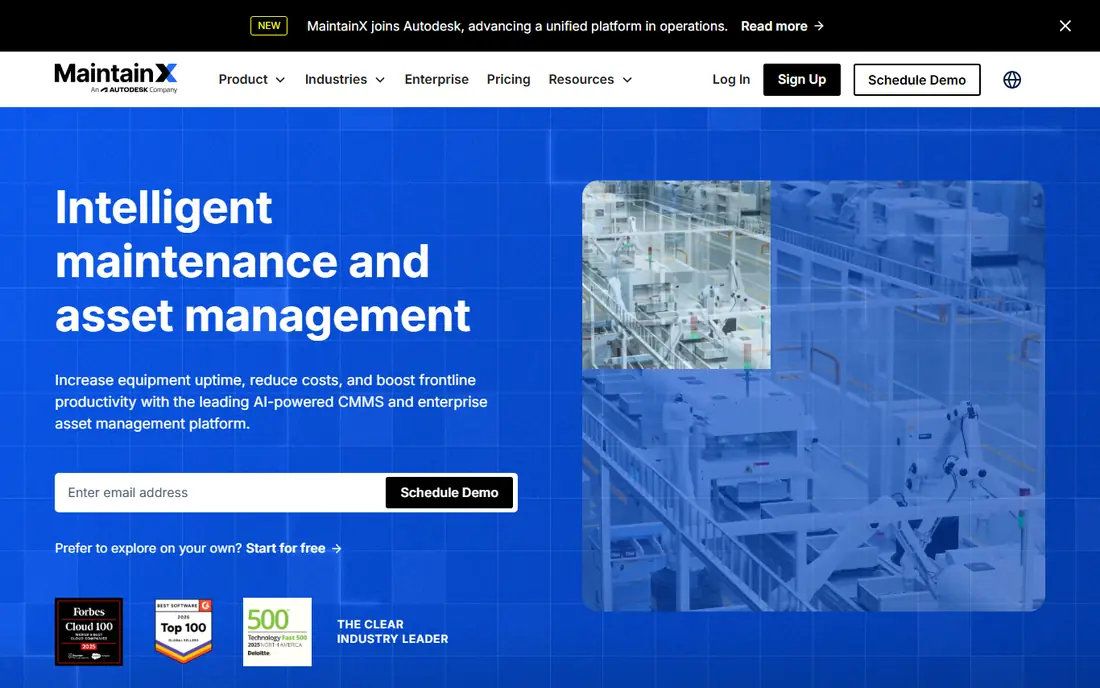
MaintainX has built its name on a mobile app that technicians actually open. Work orders, asset histories, procedures and in app messaging sit in one place, so a technician on the plant floor can update a job without returning to a desk. The free Basic tier covers small teams, and paid plans are published openly, with Essential listed at $20 per user per month when billed annually.
The catch is seat cost at scale. A plant with dozens of technicians pays per user, so the monthly total grows with the crew. Unlimited free requester accounts help, since anyone can submit a request without a paid seat. For frontline teams that need fast adoption, MaintainX is our first shortlist pick.
- Free Basic tier for small teams
- Mobile app built for technicians
- Clear published pricing
- Advanced features need the Premium tier
- Per user pricing adds up with large crews
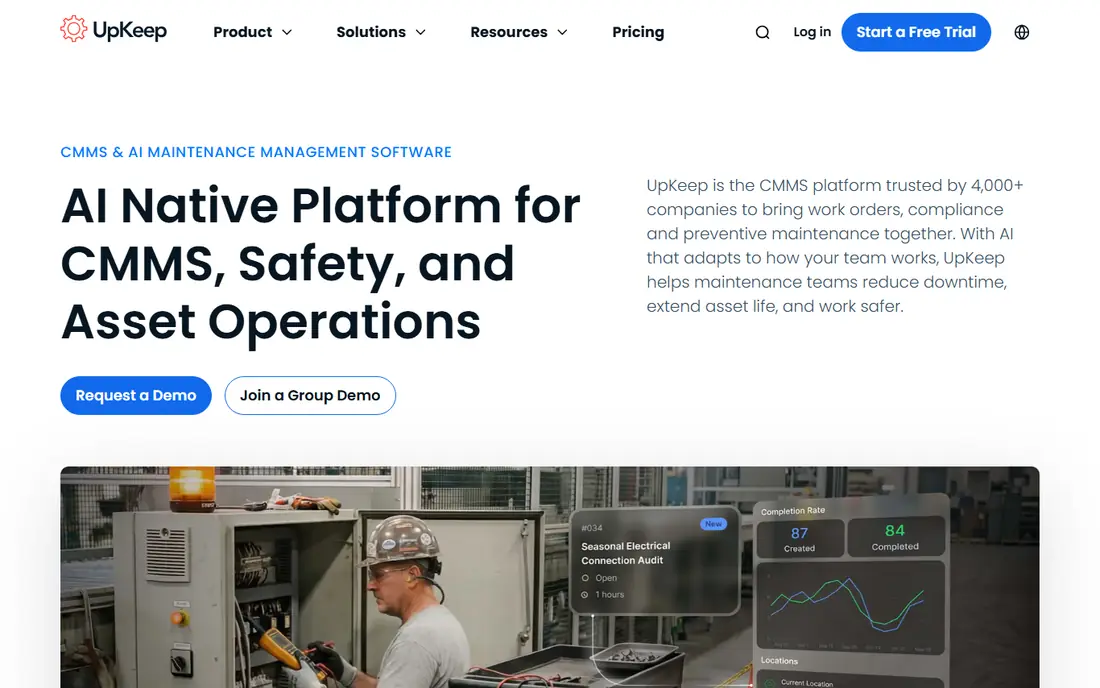
UpKeep is a mobile CMMS aimed at small maintenance teams that want to leave spreadsheets behind. Work orders, preventive maintenance schedules, asset records and parts inventory are covered in a clean interface, and the mobile app supports photos and barcode scanning. Entry pricing is listed from $24 per user per month for Essential.
The trade-off is depth. Larger or regulated operations may need higher tiers for advanced reporting, integrations and controls. For a small team that wants to be live this week, with technicians working from phones, UpKeep is a practical and well supported choice.
- Strong mobile work order app
- Parts inventory and asset tracking included
- Quick setup for small teams
- No free plan, only a trial
- Higher tiers needed for advanced reporting and integrations
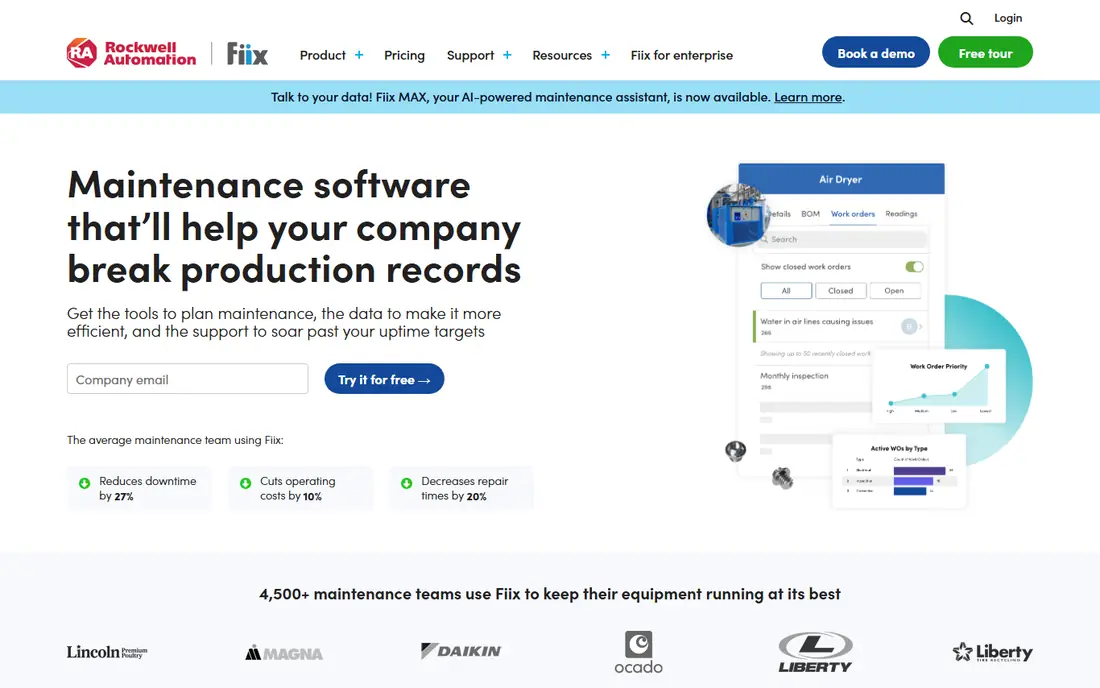
Fiix, from Rockwell Automation, is a cloud CMMS for manufacturers and asset heavy teams. It covers work orders, preventive maintenance, asset hierarchies, inventory and reporting, with integrations into the wider Rockwell ecosystem for plants already using that equipment. A free plan is available, and the paid Basic plan is listed at $45 per user per month.
The honest catch is price. Fiix costs more per seat than MaintainX or UpKeep at entry level, so small teams should check the free plan limits first. For manufacturers that value asset intelligence and a published price without a sales call, Fiix is a strong, transparent option.
- Free CMMS plan available
- Strong asset and PM scheduling
- Rockwell Automation backing and integrations
- Entry paid plan is pricier than some rivals
- Advanced features sit on higher tiers
Limble is known for fast setup and a friendly interface that non technical teams can run. Preventive maintenance schedules, custom asset hierarchies, work orders and vendor tracking are its core strengths, and the mobile app works well for technicians in the field. A free Basic tier with limited features is available.
Pricing is the caveat: Limble now directs buyers to calculate a price rather than publishing a full list, so teams should request a quote early. If ease of use and preventive maintenance are the top priorities, and the team wants to be running within days, Limble deserves a trial.
- Easy setup for non technical teams
- Strong PM scheduling and asset tracking
- Offline friendly mobile app
- Pricing is no longer fully published
- Advanced automation needs higher tiers
FMX serves schools, churches, municipalities and other multi facility operations that need work orders, maintenance scheduling and equipment tracking across many buildings. The interface is straightforward for requesters and technicians alike, and entry pricing is listed from $35 per user per month.
The limit is scope. A factory with complex asset hierarchies and condition monitoring may find FMX lighter than Fiix or eMaint. For facilities teams managing many sites with a small central crew, FMX hits a useful balance of price, simplicity and multi site control.
- Built for education, government and multi facility portfolios
- Work orders plus scheduling and equipment tracking
- Clear entry price
- Less suited to heavy manufacturing
- Integrations are narrower than enterprise EAM tools
Hippo CMMS is a long running facilities maintenance platform used by hospitals, schools and government buildings. It covers work orders, preventive maintenance, equipment history and parts inventory, with dashboards for managers tracking completion and costs. Pricing is quote based, with a free trial available.
The drawback is transparency: teams cannot compare Hippo on price without talking to sales. The interface also feels more traditional than MaintainX or Limble. For facilities teams that value a proven, compliance friendly tool over a slick mobile app, Hippo remains a credible shortlist option.
- Strong work order and preventive maintenance tools
- Equipment and parts tracking
- Used widely in health care and education
- Pricing requires a quote
- Interface feels less modern than newer rivals
Fracttal One is a cloud CMMS with AI assisted maintenance features, including planning help and asset insights drawn from work history and sensor data. It is widely used in Latin America and Europe, and suits asset intensive teams that want modern analytics alongside core work order tools.
The catch for US buyers is coverage. Pricing is quote based, and the support footprint is smaller in the United States than for MaintainX or UpKeep. Teams with international sites, or with an interest in AI assisted planning, should still trial it, but domestic only teams may prefer a local vendor.
- AI assisted planning and asset insights
- Strong presence in Latin America and Europe
- IoT and sensor options available
- Quote based pricing
- Smaller US support footprint than domestic rivals
Brightly Asset Essentials, formerly Dude Solutions, is aimed at public sector teams managing community assets: parks, roads, buildings and fleets. It pairs work order management with longer term capital planning, which helps councils and school districts plan budgets across years, not just weeks.
The trade-off is speed. Pricing is quote based and setup takes longer than a small business CMMS. For a municipality or public agency that needs asset lifecycle planning and community asset tracking, Brightly is a purpose built fit that generic CMMS tools do not match.
- Built for public sector and municipal assets
- Capital planning alongside work orders
- Long track record in government
- Quote based pricing
- Implementation can take longer than SMB tools
How we picked these
We compared official feature pages, pricing pages and public review data, plus vendor documentation on work orders, preventive maintenance, asset tracking and inventory. We kept only CMMS platforms that are live in October 2026 and that cover the core eMaint jobs for a maintenance team. We left out pure fleet tools, pure facility booking tools, and enterprise EAM suites that require a year long implementation for a small team.
What to check before you buy a CMMS
Start by counting seats honestly. List every technician, supervisor and manager who needs a paid account, then separate requesters who only submit jobs. Per user pricing punishes broad adoption, so a tool with free requester accounts can cost far less in practice than a cheaper per seat rival. Next, trial the mobile app with real technicians on a real job, not just in a demo room.
Then check migration and data. Ask how asset histories, PM schedules and parts records move from spreadsheets or your current system, and who does that work. Finally, confirm reporting: can a manager see overdue PMs, costs per asset and technician workload without exporting to a spreadsheet every week? If the answer is no, the tool will not survive contact with a busy maintenance schedule.
A note on regulated teams
If your team works under health, safety or environmental rules, check audit trails, permission controls and document storage before signing. A CMMS that cannot show who did what, and when, will create problems at audit time no matter how good its mobile app looks.
Frequently asked questions
What are the best alternatives to emaint?
MaintainX leads for mobile first adoption, UpKeep and Fiix lead for clear entry pricing, and Limble leads for preventive maintenance focus. FMX and Hippo CMMS suit facilities and public sector teams, while Fracttal One suits teams that want AI assisted planning.
Is there a free CMMS alternative to eMaint?
Yes. MaintainX offers a free Basic tier, Fiix offers a free CMMS plan, and Limble offers a free Basic tier with limited features. Free plans suit small teams, but larger teams will need a paid plan for advanced reporting, integrations and unlimited assets.
How much does a CMMS cost per user?
Entry prices on this list range from free to $45 per user per month at published rates, with higher tiers costing more. Quote based tools such as Limble, Hippo CMMS, Fracttal One and Brightly require a sales conversation for an exact figure. Always compare the total seat count, not just the per seat price.
Can a CMMS replace spreadsheets for maintenance?
Yes, for most teams. A CMMS centralises work orders, PM schedules, asset history and parts inventory in one system, with reminders and mobile updates. The gain depends on adoption: if technicians do not update jobs on their phones, the system will be no better than the spreadsheet it replaced.
Which CMMS is best for small teams?
MaintainX and UpKeep are the strongest small team picks on this list, thanks to mobile apps, quick setup and published pricing. Fiix is a good third option if the team wants a free plan with room to grow into manufacturing features later.
Sources
See where you really rank - block by block
ProMapRanker scans Google Maps across a grid of your service area. Simple monthly plans from $19, white-label on every plan.
Start freeKeep reading
 zoro.to alternatives
Best Zoro.to Alternatives in 2026
We compare the best zoro.to alternatives in 2026, listing only legal licensed anime streaming services, from Crunchyroll to free options for fans today.
Read → zip alternatives
Best Zip Alternatives in 2026
We compare the best zip alternatives for buy now, pay later in 2026, covering pay-in-4 plans, fees, spending limits, and credit reporting options today.
Read → yesware alternatives
Best Yesware Alternatives in 2026
Compare the best yesware alternatives for sales email tracking, templates, and sequences, with current pricing and honest tradeoffs for small sales teams.
Read →