 ProMapRanker
Current Email Service Alternatives in 2026

Key takeaways
- Gmail through Google Workspace is the safest default for most teams, because it pairs familiar email with Docs, Drive, and Meet.
- Outlook through Microsoft 365 fits teams already using Word, Excel, and Teams, with strong compliance tools.
- Proton Mail is the strongest privacy pick, with end to end encryption and Swiss hosting.
- Zoho Mail is the lowest cost credible business option, with a free tier for up to five users in some regions.
- Fastmail and Tuta suit users who want an independent provider without a large tech company bundle.
Quick comparison
| Pick | Great for | Pricing starts at | Free tier | |
|---|---|---|---|---|
 Gmail | Most teams and Google users | Free | Yes | Visit |
 Outlook | Microsoft 365 teams | Free | Yes | Visit |
 Proton Mail | Privacy focused users | Free | Yes | Visit |
 Fastmail | Independent email fans | $3 per month | Free trial | Visit |
 Zoho Mail | Low cost business email | Free | Yes | Visit |
 Tuta | Encrypted email on a budget | Free | Yes | Visit |
 Yahoo Mail | Casual personal email | Free | Yes | Visit |
 iCloud Mail | Apple device users | Free | Yes | Visit |
The best current email services
This guide angles plainly at current email services and providers, not at a single old product, and it lists only real providers that offer a working inbox today. We compared them on price, storage, custom domain support, privacy, spam filtering, and how well they work with other apps. Personal free tiers and business plans differ, so check the plan that matches your use.
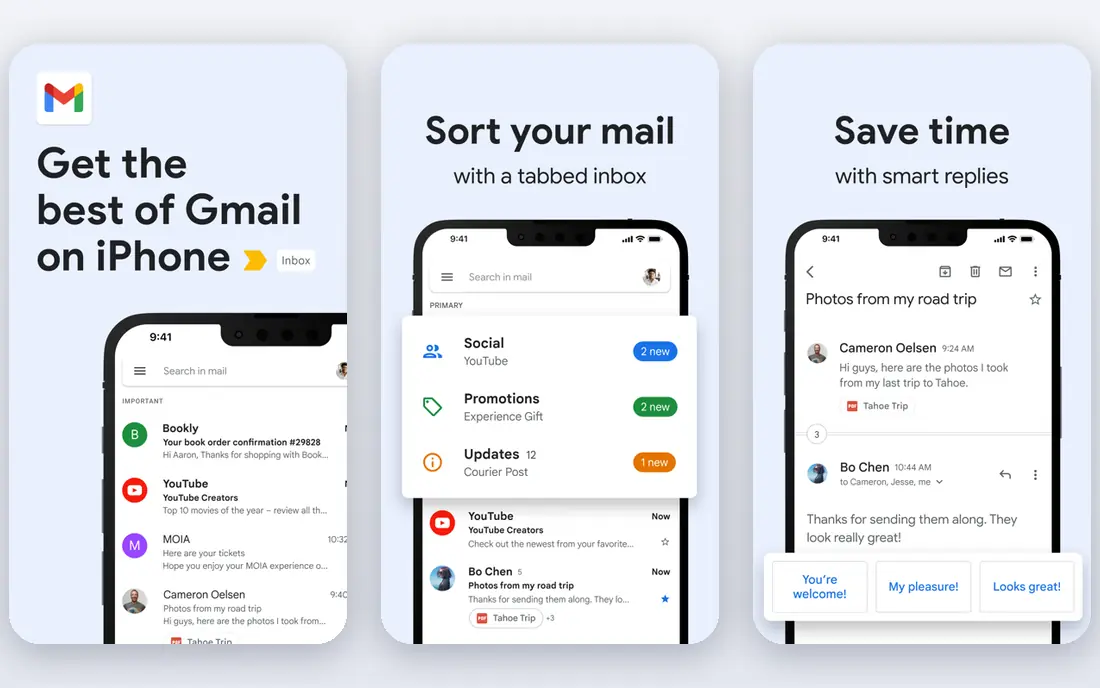
Gmail is the default email service for many people, and for good reason. Its spam filtering is strong, its search is fast, and it works well on web, iPhone, and Android. Personal Gmail is free with shared Google storage, while Google Workspace Business Starter is $7 per user per month on annual billing and adds a custom domain, admin controls, and more storage.
The main trade off is privacy and vendor lock in. Gmail is part of a large Google bundle, which is convenient but not the right fit for users who want an independent provider. For most teams and personal users, Gmail remains the easiest recommendation.
- Familiar interface
- Strong spam filtering
- Works with Docs, Drive, and Meet
- Privacy minded users may prefer an independent provider
- Custom domain needs Google Workspace
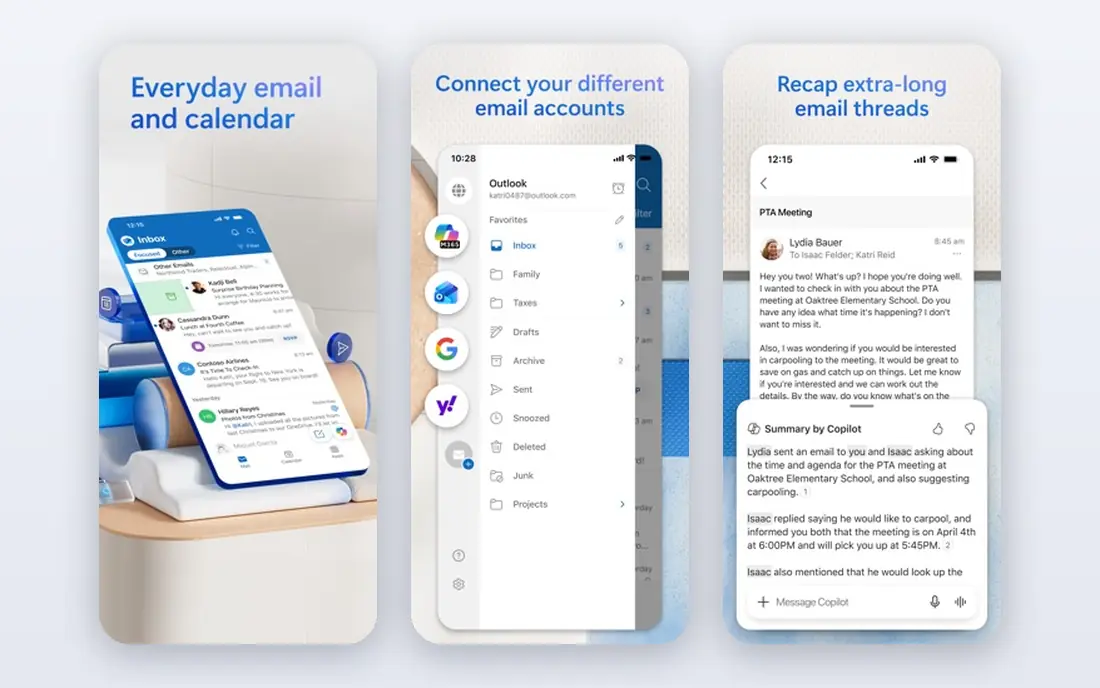
Outlook, through Microsoft 365, suits teams that live in Word, Excel, and Teams. Mail, calendar, tasks, and contacts work together, and business plans add admin controls, compliance tools, and large mailbox storage. Microsoft 365 Business Basic is $7 per user per month on annual billing, while an email only Exchange Online plan is listed at $4 per user per month in some comparisons.
Personal Outlook is free with ads and limited storage, which is enough for casual use. The interface can feel busier than Gmail or Fastmail, especially with focused inbox, categories, and add ins turned on. If your team already pays for Microsoft 365, Outlook is the natural email choice.
- Strong calendar and task integration
- Good compliance tools
- Familiar Office workflow
- Interface can feel busy
- Full business features need a Microsoft 365 plan
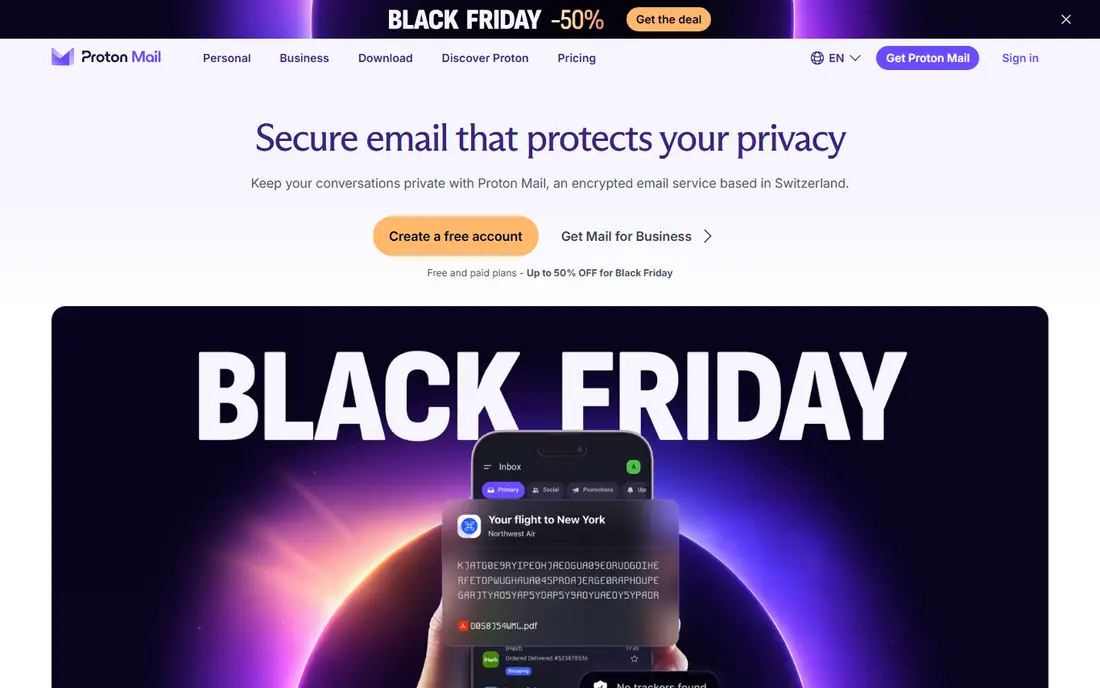
Proton Mail is built around privacy, with end to end encryption for messages between Proton users and encrypted storage for your mailbox. It is based in Switzerland, offers a free personal tier with limited storage, and sells Mail Plus and business plans with custom domains and more storage. Proton Mail for Business Essentials is listed at $6.99 per user per month on annual billing.
The main limits are compatibility and price. Some desktop email apps need the Proton Mail Bridge app to work with encrypted mail, and paid plans cost more than the cheapest business options. If privacy is your top priority, Proton Mail is the strongest mainstream choice.
- End to end encryption
- Swiss hosting
- No ads in the inbox
- Some features need the Bridge app for desktop clients
- Paid plans cost more than Zoho
Fastmail is an independent Australian provider known for a clean interface, fast search, and a privacy focused approach without ads. Its Basic plan is listed at $3 per month on annual billing, with Standard at $5 per month adding custom domain support and more storage. It works with standard email apps through IMAP, so you are not locked to one client.
Fastmail does not include a full office suite, so teams that need Docs or Office apps will pair it with another service. It also has no permanent free tier, only a trial, which makes it a paid choice from the start. For users who want good email without a large tech bundle, Fastmail is a strong pick.
- Clean, fast interface
- Strong privacy stance
- Custom domains on paid plans
- No full office suite
- No permanent free tier, only a trial
Zoho Mail is the lowest cost credible business email option in this list. Mail Lite is listed at $1 per user per month on annual billing, and a free tier for up to five users is available in some regions. It supports custom domains on paid plans and works with the wider Zoho suite, including CRM and office apps.
The free tier is web only in many cases and does not support standard email apps, so teams that need Outlook or Apple Mail will need a paid plan. Collaboration features are also thinner than Google Workspace or Microsoft 365. If low cost is the main filter, Zoho Mail is hard to beat.
- Very low cost business plans
- Free tier for small teams
- Works with Zoho apps
- Free tier is web only in many cases
- Fewer collaboration features than Google or Microsoft
Tuta, formerly Tutanota, is a German provider that encrypts mail and calendar by default. Its free personal tier offers limited storage with no ads, and paid tiers add custom domains, more storage, and extra features at a lower price than many privacy rivals. That mix makes Tuta a good budget privacy option.
The main limit is app support. Tuta works mainly through its own web and mobile apps, not through standard IMAP clients in the same way as Fastmail or Gmail. Users who need Outlook or Apple Mail should check current support before switching, while users happy with Tuta apps will find it straightforward.
- End to end encryption for mail and calendar
- No ads
- Low cost paid tiers
- Works mainly in Tuta apps
- Standard email app support is limited
Yahoo Mail remains a working free personal email service with large storage and a simple interface. It suits casual users who need a second inbox, a long standing address, or a free account for newsletters and personal mail. Mail Plus is a paid tier that removes ads and adds more storage.
Yahoo Mail is not a business email platform in the same way as Google Workspace or Microsoft 365, because personal plans do not offer custom domains or admin controls. For personal use it is still a valid free option, but businesses should choose a business plan from another provider in this list.
- Free with large storage
- Simple personal inbox
- Mail Plus removes ads
- No custom domain for personal use
- Fewer business admin tools
iCloud Mail suits people who use iPhone, iPad, and Mac every day. Mail, Calendar, and Contacts sync cleanly across Apple devices, and iCloud Plus plans add a custom email domain, Hide My Email, and more storage. The free tier includes a basic iCloud mailbox with Apple device storage.
It is less suited to mixed device teams or larger businesses, because admin controls are thinner than Google Workspace or Microsoft 365. For a small Apple focused household or team, though, iCloud Mail is a simple, ad free option that works well out of the box.
- Clean integration with Apple devices
- Custom domain on iCloud Plus
- No ads
- Best only inside Apple ecosystem
- Business admin tools are limited
How we picked these
We compared official provider pages, pricing pages, and public documentation to check that each service is still available in October 2026. We favored providers with a working inbox, clear storage and domain terms, and a real free tier or trial, and we listed only email providers, not transactional sending services. Where personal and business prices differ, we noted the distinction rather than mixing them into one figure.
Choosing the right email provider
Start with your devices and apps. If you use Google Docs and Drive daily, Gmail through Workspace will feel natural. If you use Office and Teams daily, Outlook through Microsoft 365 will feel natural. If you use Apple devices daily, iCloud Mail will feel natural. Switching email is harder than switching most apps, so fit with daily tools matters.
Check custom domains and migration early
If you need an address on your own domain, confirm that your chosen plan supports it and how many aliases you get. Also check migration tools, because moving years of mail, contacts, and calendar events takes time. Test migration with one mailbox before moving a whole team.
Weigh privacy against convenience
Privacy focused providers such as Proton Mail and Tuta encrypt more by default, but they may limit standard app support. Large providers offer more integrations and easier migration, but they hold more data in a larger bundle. Choose the balance that fits your work, not just the strongest privacy claim.
Frequently asked questions
Which email service is best for most people?
Gmail is the safest default for most people, because of its spam filtering, search, and integration with Google apps. Outlook is the best default for Microsoft 365 teams, and Fastmail is a good independent alternative.
Which email provider is most private?
Proton Mail and Tuta offer the strongest privacy defaults among mainstream providers, with end to end encryption and no ads. Check their current encryption scope, because encryption between different providers works differently from encryption inside one provider.
Can I use my own domain with these services?
Yes, on paid business plans from Google Workspace, Microsoft 365, Proton Mail, Fastmail, Zoho Mail, and iCloud Plus. Personal free tiers usually do not support custom domains, so check the plan details.
Which email service is cheapest for a small business?
Zoho Mail is usually cheapest, with Mail Lite at $1 per user per month on annual billing and a free tier for small teams in some regions. Fastmail Basic at $3 per month is the next low cost independent option.
Is Yahoo Mail still a real email service in 2026?
Yes. Yahoo Mail remains a free personal email service with large storage, though it is not a business platform with custom domains and admin controls.
Sources
See where you really rank - block by block
ProMapRanker scans Google Maps across a grid of your service area. Simple monthly plans from $19, white-label on every plan.
Start freeKeep reading
 zoho inventory alternatives
6 Alternatives to Zoho Inventory, Compared on Price and Fit
Zoho Inventory alternatives: 6 tools compared on price, free plans and fit. Katana leads the list for manufacturers. Fit and flaws are laid out for each entry.
Read → zoho crm alternatives
Best Zoho CRM Alternatives (2026)
Need Zoho CRM alternatives? We compare 7 tools on cost, free access and who each suits. Every pick gets a straight assessment. Built for quick decisions.
Read → zelle alternatives
Best Zelle Alternatives in 2026
Compare the best Zelle alternatives for sending money to friends, paying sellers and moving funds abroad, with honest notes on fees, speed and safety in 2026.
Read →