 ProMapRanker
Best Email Alternatives for Teams in 2026

Key takeaways
- Front is our pick for teams with complex, multichannel inboxes, while Missive offers a similar team inbox at a lower starting price.
- Hiver suits Google Workspace teams that want to stay inside Gmail, and Help Scout suits small support teams that want a clean, focused inbox.
- Gmelius, Keeping, and Drag keep the work inside Gmail, which shortens adoption for Google-led teams.
- Spark and Superhuman are better for individual speed than for shared ticketing, so match the tool to the job, not just the inbox.
Quick comparison
| Pick | Great for | Pricing starts at | Free tier | |
|---|---|---|---|---|
 Front | Complex shared inboxes | $25 per seat per month | Free trial | Visit |
 Missive | Lower-cost team inbox | $14 per user per month | Free trial | Visit |
 Hiver | Shared inbox inside Gmail | $25 per user per month | Free trial | Visit |
 Help Scout | Small support teams | Free | Yes | Visit |
 Gmelius | Gmail teams and automation | See website | Free trial | Visit |
 Spark | Fast inbox for small teams | Free | Yes | Visit |
 Superhuman | Speed for power users | $30 per user per month | No | Visit |
 Keeping | Simple Gmail helpdesk | $14 per user per month | Free trial | Visit |
 Drag | Gmail kanban and light CRM | $12 per user per month | Free trial | Visit |
The best email alternatives for teams
A team email tool is more than a mail client. It stops two people from answering the same thread, shows who owns each message, and keeps internal notes separate from customer replies. The tools below cover shared inboxes, Gmail-native helpdesks, and fast clients, so different team shapes are covered. We compared official pricing pages, channel support, and collaboration features for each option.
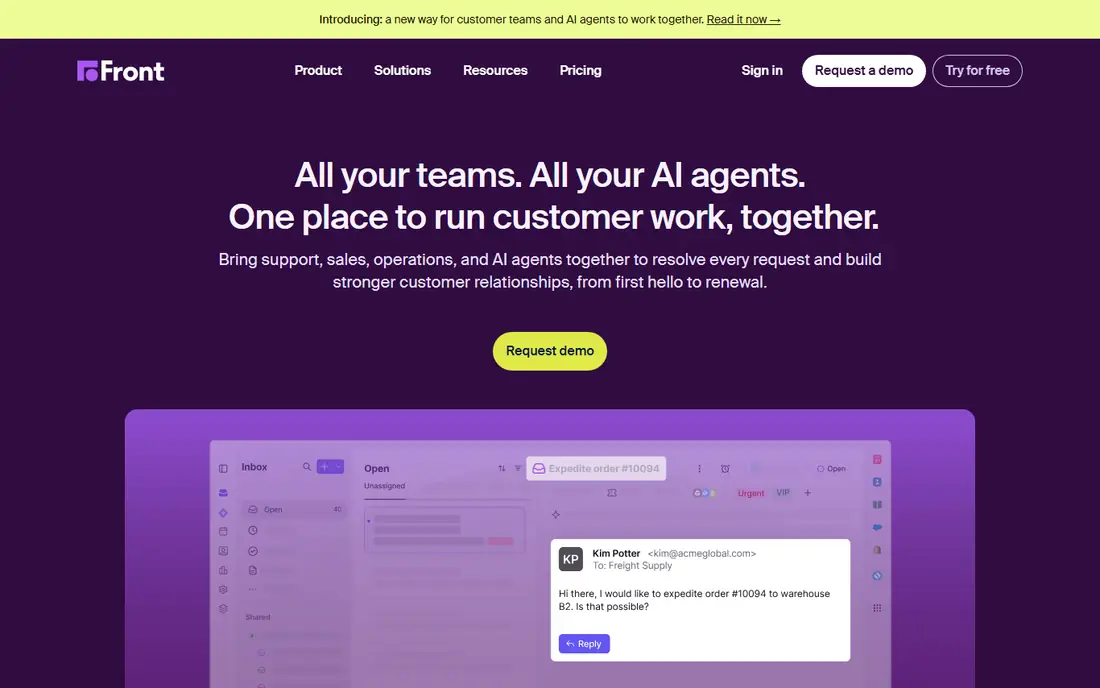
Front is the most complete shared inbox on this list for teams that handle high volumes across several channels. Shared inboxes come with assignment, internal comments, automation rules, and analytics, so managers can see volume, response time, and workload. Higher plans add SMS, social, and voice channels for teams that need one queue for everything.
The starting plan is limited to a single channel and a smaller seat count, so the full multichannel picture costs more. Front also costs more per seat than Missive at every comparable level. For a team that has outgrown a raw inbox and needs ticketing depth, Front is our pick.
- Shared inbox with ticketing and automation
- Multichannel on higher plans
- Strong reporting
- Higher price than Missive
- Omnichannel features start on higher plans
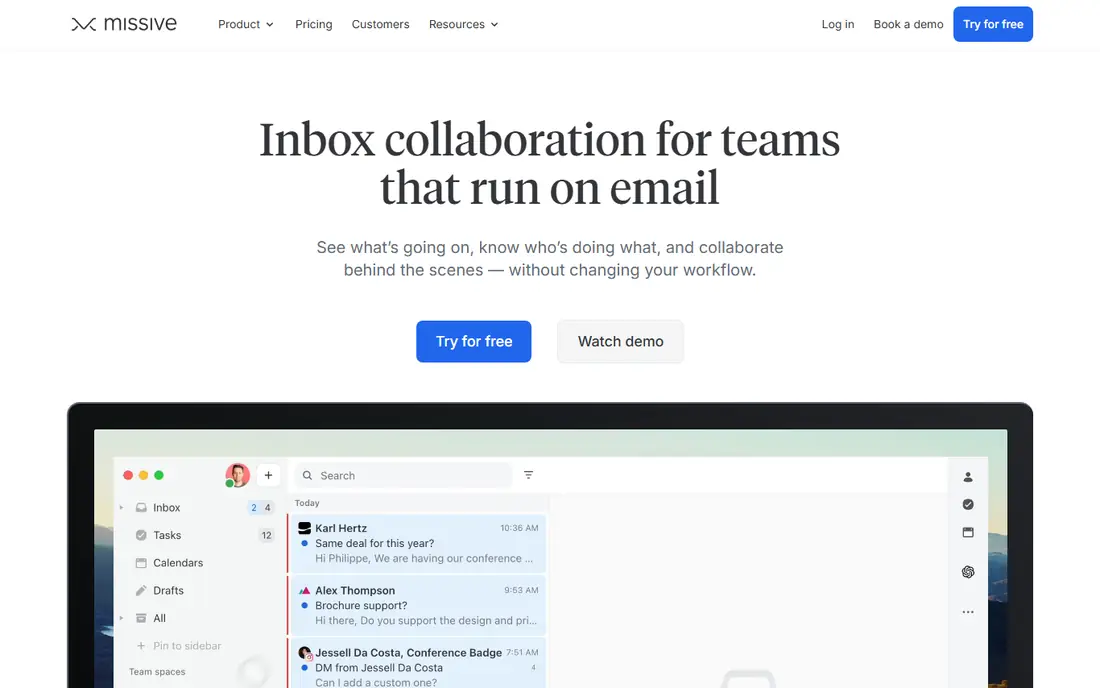
Missive is the closest Front-shaped product at a lower price, with team inboxes, personal inboxes, assignment, internal threads, and collaborative drafting in one workspace. It also covers chat, SMS, and social channels, so a small team can handle most messages without a separate support platform. A 30-day trial gives time to test real workflows.
It lacks some of Front ticketing depth, SLA controls, and QA tooling, so a support team that lives by SLAs may still prefer Front or Help Scout. The starter plan also caps users, which matters as a team grows. For small teams that want collaboration without a premium price, Missive is excellent value.
- Team inbox plus internal chat and tasks
- Lower price than Front
- Supports Gmail, Outlook, SMS, and social
- Less ticketing depth and SLA tooling than Front
- Starter plan caps users
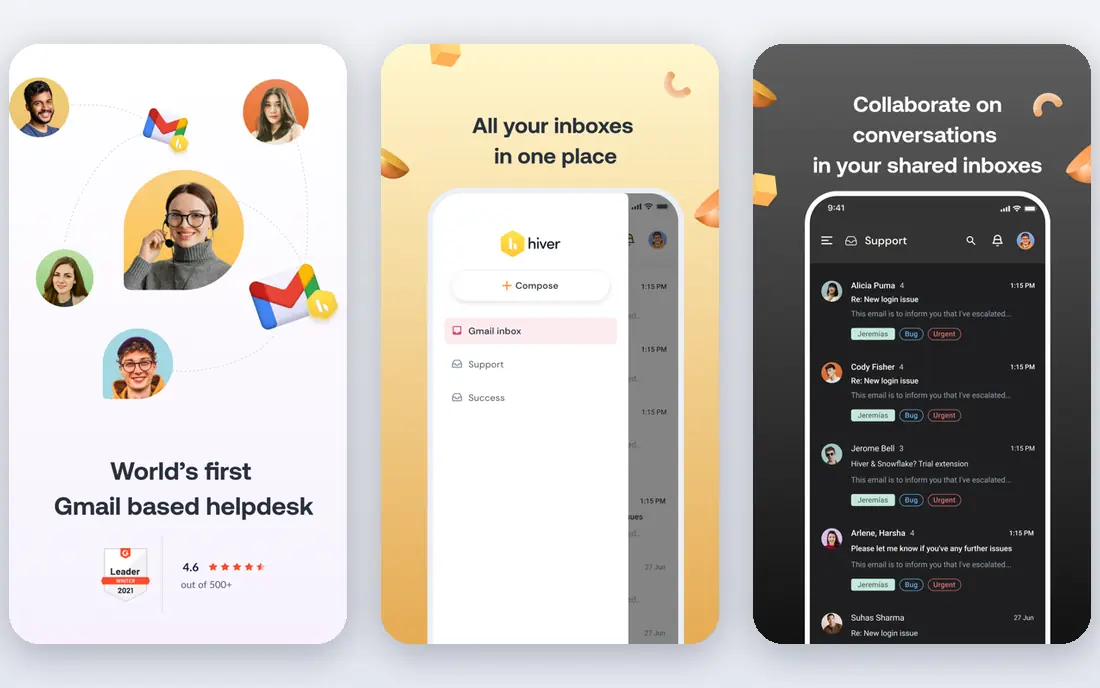
Hiver turns Gmail into a shared workspace, which is a major advantage for Google Workspace teams that do not want another app. Staff keep working in Gmail while gaining assignment, status tracking, internal notes, and automation rules. A separate omnichannel product covers chat, voice, and WhatsApp for teams that need more than email.
The Gmail-first design means Outlook-led teams get less native value, and full omnichannel features sit on higher plans. Hiver pricing also varies between its Gmail product and its omnichannel product, so confirm which one you are quoting. For Gmail teams, the short learning curve is a real strength.
- Works inside Gmail
- Shared inbox with assignment and automation
- AI features on current plans
- Gmail-first design
- Higher plans needed for full omnichannel features
Help Scout suits small support teams that want a clean inbox without a steep learning curve. The free plan covers up to 5 users and one inbox, which lets a tiny team start properly instead of sharing a single mailbox password. Paid plans add live chat, knowledge bases, AI drafts, and deeper reporting as the team grows.
Advanced AI and reporting features sit on higher plans, and very large teams may find Front more customizable. For a small team moving up from a raw Gmail inbox, Help Scout is a friendly and affordable step. The free plan alone makes it worth testing first.
- Free plan for up to 5 users
- Clean shared inbox
- Knowledge base and live chat options
- Paid plans needed for advanced AI and reporting
- Less custom than Front at scale
Gmelius adds shared inboxes, kanban boards, shared labels, and automation inside Gmail, plus sequences for teams that do outreach. That mix suits Google Workspace teams that want a helpdesk feel without leaving the inbox they already use. Shared labels and boards also help with light project tracking alongside email.
It is Gmail only, so Outlook teams should look elsewhere. Pricing has varied across sources, so we list it as See website and recommend checking the current pricing page before budgeting. For a Gmail team that wants boards and automation in one place, Gmelius is a strong option.
- Works inside Gmail
- Shared inboxes, kanban boards, and automation
- Sequences for outreach
- Gmail only
- Pricing has varied, so check the current page
Spark is a fast, smart mail client that suits individuals and very small teams. A free plan covers personal use and basic sharing, with a smart inbox, snoozing, and templates that help people clear mail faster. Shared threads let a few people discuss a message without forwarding it around.
It is not a full shared inbox platform, so teams that need assignment, SLAs, and reporting should choose Front, Missive, or Help Scout instead. Paid plans add more collaborators and team features. Spark is best when speed for a few people matters more than formal ticketing.
- Free plan available
- Smart inbox and snoozing
- Shared threads for small teams
- Team collaboration is lighter than a shared inbox platform
- Paid plan needed for more collaborators
Superhuman is built for people who live in email and want to clear it as fast as possible. Keyboard shortcuts, snippets, send-later, and read statuses speed up daily mail, and it works with both Gmail and Outlook. Team plans add shared snippets and basic collaboration, which helps small executive and sales teams.
The price is high for what is, at heart, a mail client rather than a support platform. There is no ticketing depth, SLA tracking, or omnichannel queue to match Front or Help Scout. Superhuman suits power users who value speed above shared inbox controls.
- Very fast keyboard-led workflow
- Works with Gmail and Outlook
- Team features on all plans
- High price for a mail client
- No ticketing or SLA depth
Keeping is the simplest option here for a Gmail team that wants a helpdesk without a new app. It adds assignment, status, and internal notes inside Gmail, so staff keep their familiar inbox while managers gain visibility. The low price and short setup make it easy to adopt for a small team.
It is Gmail only and offers fewer channels and automations than Front or Hiver. That simplicity is the point for a team that finds larger platforms overwhelming. If your team only needs to stop double replies and track ownership, Keeping does that job well.
- Simplest shared helpdesk inside Gmail
- Assignment and status
- Low learning curve
- Gmail only
- Fewer channels and automations than larger platforms
Drag turns Gmail into a kanban workspace, with boards for shared inboxes, tasks, and light CRM tracking. That visual style suits teams that manage deals, hiring, or support queues by dragging cards across stages. The starting price is among the lowest on this list for a paid team tool.
It is Gmail only, and it lacks the ticketing depth, SLAs, and reporting of a dedicated support platform. Drag is best for a Gmail team that thinks in boards and wants email, tasks, and contacts in one view. Support-led teams should compare Help Scout first.
- Kanban boards inside Gmail
- Light CRM features
- Low starting price
- Gmail only
- Less support depth than a dedicated helpdesk
How we picked these
We compared official pricing pages, channel support, and collaboration features for team email tools that are live in October 2026, and we kept a mix of shared inbox platforms, Gmail-native helpdesks, and fast clients. We focused on tools that support assignment, internal notes, and shared ownership, since those features separate a team tool from a personal inbox. We did not claim hands-on testing, and we used See website where pricing has varied across sources.
How to choose a team email tool
Start with your mail platform
Gmail teams can choose a Gmail-native tool such as Hiver, Gmelius, Keeping, or Drag and keep staff in a familiar inbox. Outlook and mixed-platform teams should shortlist Front, Missive, and Help Scout, which connect to both major platforms. Platform fit decides adoption more than any single feature.
Decide how formal the workflow must be
A team that needs SLAs, reporting, and QA should choose Front, Hiver, or Help Scout. A team that only needs assignment and internal notes can save money with Missive or Keeping. Buying formal support tooling for a casual inbox wastes budget, while buying a light client for a support queue creates missed replies.
Trial with real threads, not a demo inbox
Run a trial on a real shared mailbox for at least a week, with real assignment, notes, and handoffs. Check how the tool handles replies from phones, forwarded threads, and messages that need two teams. Those edge cases reveal fit faster than a feature list.
Frequently asked questions
What is a shared inbox?
A shared inbox is a team mailbox where every message has an owner, a status, and a history, and where staff can add internal notes without forwarding threads. It stops two people from answering the same customer and makes it clear which messages are still waiting. Most tools on this list add assignment and automation on top of that core idea.
Which team email tool is cheapest?
Help Scout offers a free plan for up to 5 users, and Spark offers a free plan for individuals and small teams. Among paid shared inboxes, Drag starts at 12 dollars per user per month and Missive and Keeping start at 14 dollars, based on current pricing pages. Compare total cost at your actual seat count, since caps and channel limits vary.
Do these tools replace a helpdesk?
For small teams, a shared inbox can replace a helpdesk, especially with Help Scout, Front, or Hiver. Larger support teams that need SLAs, customer portals, and deep reporting may still need a full helpdesk platform. Start with a shared inbox and move up only when reporting or SLA needs force the change.
Can I use these tools with Gmail and Outlook?
Front, Missive, Help Scout, Spark, and Superhuman support both Gmail and Outlook in some form. Hiver, Gmelius, Keeping, and Drag are Gmail-first or Gmail-only, so Outlook teams should avoid them. Confirm your exact setup during a trial, including shared mailboxes and mobile apps.
How do I stop two people answering the same email?
Use assignment and collision detection, which most shared inbox tools provide. When one person picks up a thread, others see that it is taken, and internal notes keep the context in one place. A shared mailbox password with no tool cannot do this reliably, which is why teams move to a shared inbox.
Sources
See where you really rank - block by block
ProMapRanker scans Google Maps across a grid of your service area. Simple monthly plans from $19, white-label on every plan.
Start freeKeep reading
 zoro.to alternatives
Best Zoro.to Alternatives in 2026
We compare the best zoro.to alternatives in 2026, listing only legal licensed anime streaming services, from Crunchyroll to free options for fans today.
Read → zip alternatives
Best Zip Alternatives in 2026
We compare the best zip alternatives for buy now, pay later in 2026, covering pay-in-4 plans, fees, spending limits, and credit reporting options today.
Read → yesware alternatives
Best Yesware Alternatives in 2026
Compare the best yesware alternatives for sales email tracking, templates, and sequences, with current pricing and honest tradeoffs for small sales teams.
Read →