 ProMapRanker
Draw.io Alternatives in 2026

Key takeaways
- Draw.io alternatives split into structured diagram tools, whiteboards, and free sketch tools.
- Lucidchart and Visio suit formal technical diagrams, while Miro and FigJam suit workshops and early ideas.
- Free plans differ a lot: some limit document counts, while others offer unlimited basic diagrams.
- Check export formats and offline access before moving a diagram library, since those features vary most.
Quick comparison
| Pick | Great for | Pricing starts at | Free tier | |
|---|---|---|---|---|
 Lucidchart | Technical team diagrams | See website | Yes | Visit |
 Miro | Whiteboarding and workshops | See website | Yes | Visit |
 Microsoft Visio | Microsoft 365 diagrams | See website | Free trial | Visit |
 SmartDraw | Auto-layout diagrams | See website | Free trial | Visit |
 Creately | Diagramming plus planning | See website | Yes | Visit |
 FigJam | Design team whiteboarding | See website | Yes | Visit |
 Whimsical | Fast flowcharts and wireframes | See website | Yes | Visit |
 Excalidraw | Free hand-drawn sketches | Free | Yes | Visit |
 EdrawMax | Offline technical diagrams | See website | Free trial | Visit |
The best draw.io alternatives
Draw.io, now known as diagrams.net, is a free diagram tool for flowcharts, network diagrams, UML, and org charts, with offline desktop use and file-based storage. Alternatives differ in collaboration, template depth, auto-layout, and price. We compared official feature and pricing pages for tools that cover similar diagram work. Draw.io itself is not listed as a pick, since this article covers alternatives to it.
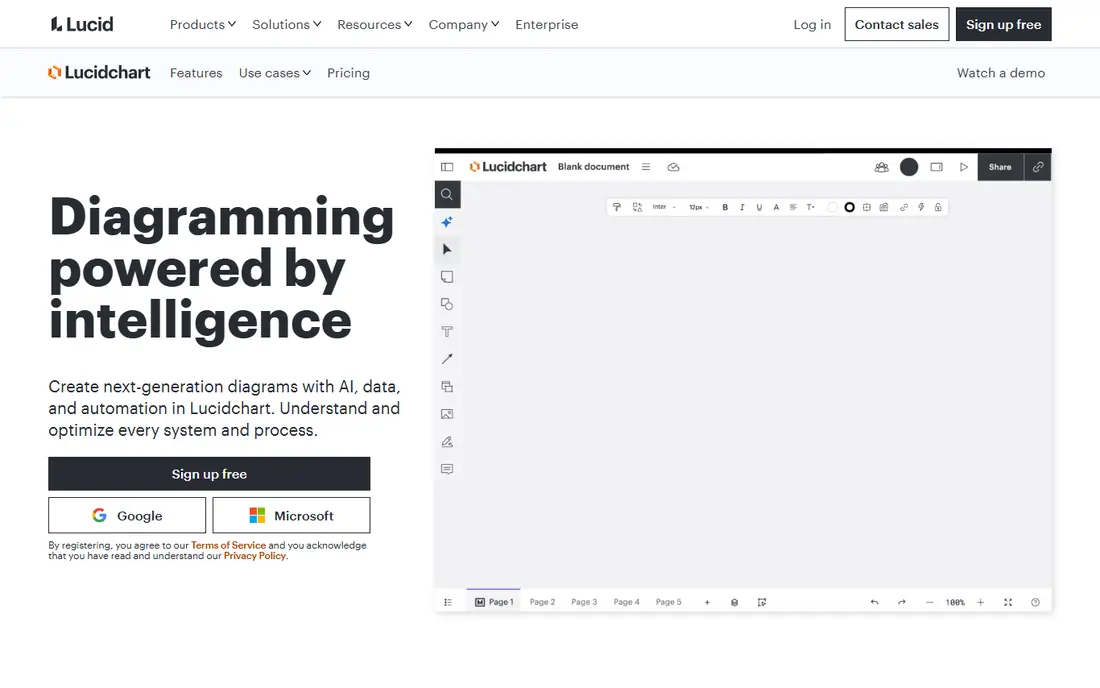
Lucidchart is the leading structured alternative for teams that need clean, formal diagrams. It offers templates and shape libraries for flowcharts, UML, entity-relationship diagrams, network maps, and process documentation, with conditional formatting to highlight status or ownership. Real-time editing and commenting help cross-functional teams review diagrams together.
The free plan is useful for trials but limits the number of documents, so active teams will need a paid plan. Offline access is also limited compared with draw.io desktop. For teams that value polished, collaborative, and repeatable documentation, Lucidchart is the safest structured pick.
- Strong shape libraries for UML, ERD, and org charts
- Real-time collaboration
- Integrations with Google Workspace, Jira, and Slack
- Free plan limits document count
- Advanced features sit in paid team plans
- Offline use is limited

Miro suits discovery work: workshops, brainstorming, user flows, and early system sketches on a shared canvas. Sticky notes, diagrams, and agile boards can live together, which helps product and design teams move from ideas to plans without switching tools. Its template library and integrations with Zoom, Slack, and Jira support remote collaboration.
Miro is less suited to formal architecture documentation that needs strict versioning and structured exports. Diagrams created for a workshop often need recreating in a structured tool for long-term records. For ideation and collaboration first, with formal docs second, Miro is a strong draw.io alternative.
- Infinite canvas for brainstorming and mapping
- Strong real-time collaboration
- Many templates for agile and design work
- No true offline mode
- Version control for formal diagrams is less strict than Lucidchart or Visio
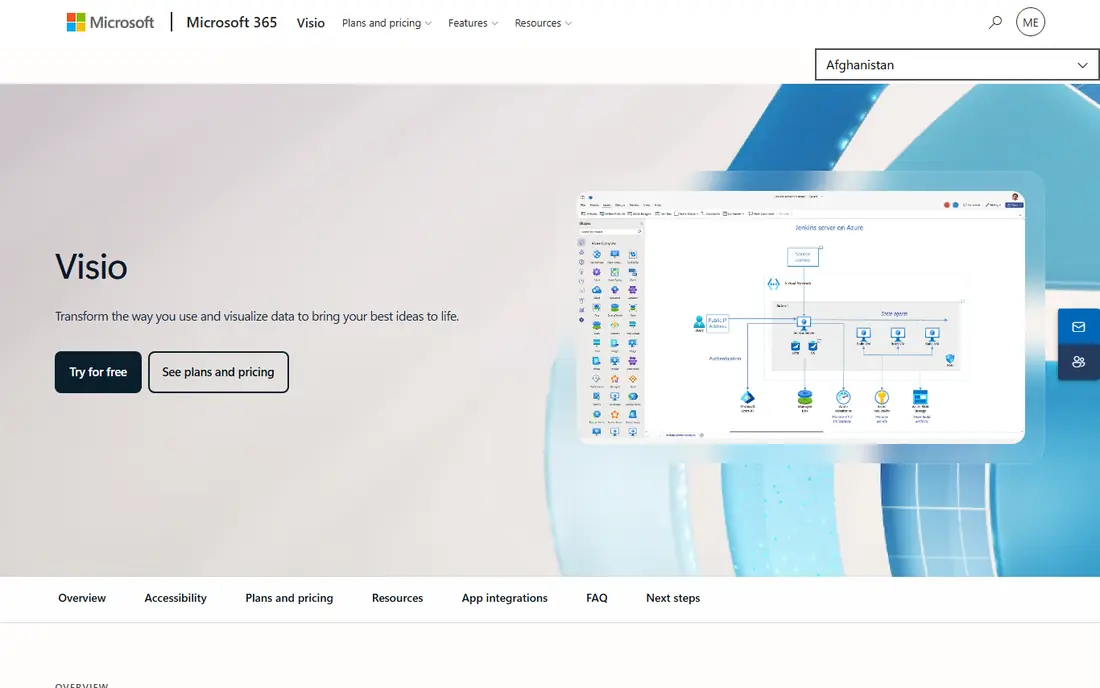
Microsoft Visio is the natural choice for teams already inside Microsoft 365. It supports structured diagrams for engineering, IT, and business process work, and it integrates with Teams, SharePoint, and other Microsoft apps. Templates and shape libraries cover network, floor plan, org chart, and process diagrams in a familiar interface.
Visio is paid, with web and desktop options depending on plan, and it offers less appeal outside Microsoft environments. Teams that need free, file-based diagramming may prefer Excalidraw or draw.io itself. For Microsoft-centred organisations that need formal diagrams, Visio is a dependable alternative.
- Deep Microsoft 365 integration
- Strong UML, BPMN, and network diagram support
- Familiar Office-style interface
- No permanent free plan for full use
- Best value inside Microsoft 365, with limited cross-platform appeal
SmartDraw helps users create polished diagrams quickly through auto-layout and intelligent formatting. When you add or move shapes, the diagram adjusts, which saves time on org charts, floor plans, and process maps. It also integrates with Microsoft 365, Google Workspace, and Confluence, so diagrams can sit inside existing documentation.
The trade-off is price and complexity. SmartDraw offers a trial rather than a permanent free plan, and its breadth can feel heavy for a quick flowchart. For teams that produce many formal diagrams and want consistent formatting without manual alignment, SmartDraw is worth the paid plan.
- Intelligent formatting and auto-layout
- Many diagram types including floor plans and org charts
- Microsoft and Google integrations
- No permanent free plan
- Learning curve is higher than a simple flowchart tool
Creately combines diagramming with visual planning, so teams can move from a flowchart to a project board without changing tools. It offers templates for flowcharts, org charts, ER diagrams, and wireframes, plus collaboration features for team review. Desktop and web access give flexibility for different work styles.
Performance on very large diagrams can lag, and offline use is not as complete as draw.io desktop. For cross-functional teams that want diagrams plus light project planning in one workspace, Creately offers a balanced alternative at a competitive starting price.
- Diagramming plus kanban and timelines
- Many templates for ERD, flowcharts, and org charts
- Desktop and web access
- Large diagrams can lag
- Offline features are more limited than draw.io desktop
FigJam, from Figma, is a lightweight online whiteboard for flowcharts, wireframes, mind maps, and team workshops. Its simple interface helps design and product teams sketch user flows quickly, then hand work to Figma for detailed design. Real-time collaboration and reusable components keep early-stage work fast and consistent.
FigJam is not a replacement for deep technical diagramming. UML, network, and database diagrams with strict shape libraries are better handled in Lucidchart, Visio, or Creately. For design teams that already use Figma, FigJam is a natural and low-friction draw.io alternative for early diagrams.
- Simple whiteboard for flowcharts and wireframes
- Real-time collaboration
- Strong fit with Figma design work
- Requires internet for full use
- Less suited to very technical diagrams than Lucidchart or Visio
Whimsical wins on speed. Its minimal interface lets users create flowcharts, wireframes, and mind maps without wading through menus, which suits product managers, founders, and small teams that need a diagram now. Collaboration is real-time, and docs can sit beside diagrams for specs and notes.
The minimal approach limits depth. Teams that need extensive UML, BPMN, or network libraries will outgrow Whimsical quickly. For fast, readable diagrams and early product planning, Whimsical is one of the most pleasant draw.io alternatives to use daily.
- Fast, minimal interface
- Flowcharts, wireframes, mind maps, and docs in one place
- Real-time collaboration
- Shape and template range is narrower than Lucidchart
- Advanced technical diagrams need another tool
Excalidraw is a free, open-source whiteboard with a hand-drawn style that suits informal technical sketches, architecture drafts, and interview diagrams. It runs in the browser, supports self-hosting, and keeps the interface simple. Developers who want a quick sketch without an account or licence will appreciate its low friction.
Excalidraw is not a formal diagram tool. It lacks the structured libraries, templates, and data linking of Lucidchart or Visio, and team storage needs extra setup. For quick sketches, teaching, and early architecture ideas, it is an excellent free alternative to draw.io.
- Free and open-source
- Hand-drawn style for informal sketches
- Self-hosting option for privacy-conscious teams
- No structured shape libraries for formal diagrams
- Collaboration and storage need setup for team use
EdrawMax suits users who want offline desktop diagramming with a wide template library. It covers flowcharts, UML, network diagrams, floor plans, and org charts, and it can work with Visio files in supported setups. That combination helps teams that need draw.io-style offline access plus a larger template range.
The free option is trial-limited, and the interface packs in many features, which can feel busy for simple flowcharts. For Windows and Mac users who diagram offline and want many diagram types in one paid tool, EdrawMax is a practical draw.io alternative.
- Offline desktop diagrams
- Wide template range including technical and business diagrams
- Visio file compatibility
- Trial limits apply
- Interface feels busier than Whimsical or Excalidraw
How we picked these
We compared official feature and pricing pages for diagram tools available in October 2026. We favoured tools with current releases, real diagram creation, and collaboration or export features suited to team use. We did not list draw.io or diagrams.net itself, and we treated whiteboards, structured diagram tools, and free sketch tools as different routes to diagram work.
How to choose a draw.io alternative
Start with diagram type. Formal technical, UML, and process diagrams point to Lucidchart, Visio, SmartDraw, or Creately. Workshops, brainstorming, and user flows point to Miro or FigJam. Quick informal sketches point to Excalidraw, while fast product diagrams point to Whimsical. Offline needs point to EdrawMax or Visio desktop, depending on ecosystem.
Next, check collaboration and export. Confirm real-time editing, commenting, and version history if teams review diagrams together. Check export to PNG, PDF, SVG, and Visio or draw.io formats where you need to share with clients or archive work. Finally, test a real diagram, not a template, and check performance on large files, since lag on complex diagrams is a common complaint across tools in this list.
Frequently asked questions
What are the best draw.io alternatives?
Lucidchart leads for structured team diagrams, Miro leads for whiteboarding, Visio leads inside Microsoft 365, and Excalidraw leads for free sketches. The best pick follows diagram type, collaboration needs, and budget.
Is there a free alternative to draw.io?
Yes, Excalidraw is free and open-source, and Lucidchart, Miro, Creately, FigJam, and Whimsical offer free plans with limits. Free plans often limit document counts, boards, or exports, so check limits for team use.
Which alternative is best for technical diagrams?
Lucidchart and Microsoft Visio are strongest for UML, BPMN, network, and ER diagrams, thanks to shape libraries and structured formatting. SmartDraw and Creately also suit technical diagrams, while Miro and FigJam suit early sketches better.
Can I import draw.io files into these tools?
Import support varies by tool and format. Lucidchart and Visio offer import options for common diagram formats, while whiteboards may require recreating diagrams. Test import with a real file before migrating a large library.
Do draw.io alternatives work offline?
Some do, notably Visio desktop and EdrawMax desktop, while browser-first tools such as Miro, FigJam, and Lucidchart need internet for full use. Draw.io desktop remains strong for offline work, so check offline needs carefully before switching.
What is the difference between draw.io and Miro?
Draw.io focuses on structured diagrams stored as files, with offline desktop use. Miro focuses on collaborative whiteboarding on an infinite canvas, with sticky notes, workshops, and agile planning alongside diagrams. Many teams use both for different stages of work.
Sources
See where you really rank - block by block
ProMapRanker scans Google Maps across a grid of your service area. Simple monthly plans from $19, white-label on every plan.
Start freeKeep reading
 zscaler alternatives
Best Zscaler Alternatives in 2026
Looking for zscaler alternatives? We compare 9 SASE and zero trust platforms on architecture, data protection, pricing, and fit for your network and team.
Read → zapier alternatives free
Best Zapier Alternatives Free in 2026
Nine automation tools for zapier alternatives free in 2026, all with genuinely free tiers, plus free plan limits, starting prices and upgrade paths explained.
Read → which platform is best for online reputation
Which Platform Is Best for Online Reputation in 2026
Wondering which platform is best for online reputation? We compare 8 review, listing, and response tools for small and multi-location businesses and agencies.
Read →