 ProMapRanker
Best Document360 Alternatives in 2026

Key takeaways
- Helpjuice and KnowledgeOwl suit teams that want a dedicated customer help centre with strong search.
- Confluence and Notion suit internal documentation, especially for teams already using those workspaces.
- GitBook is the strongest pick for product and developer documentation with version control.
- Zendesk Guide and Help Scout suit teams that want docs tied closely to support tickets and chat.
- Guru and Slab suit internal knowledge that needs to stay current and easy to find at work.
Quick comparison
| Pick | Great for | Pricing starts at | Free tier | |
|---|---|---|---|---|
 Helpjuice | Dedicated help centres | See website | Free trial | Visit |
 Confluence | Internal wikis for Jira teams | $5.42 per user per month | Yes | Visit |
 GitBook | Developer and product docs | See website | Yes | Visit |
 Zendesk Guide | Support suites | $55 per agent per month | Free trial | Visit |
 Help Scout | Docs plus inbox and chat | $25 per user per month | Yes | Visit |
 Notion | Flexible internal wikis | $10 per user per month | Yes | Visit |
 Guru | Verified internal knowledge | See website | Free trial | Visit |
 KnowledgeOwl | Controlled help centres | $100 per month | Free trial | Visit |
 Slab | Simple internal wikis | See website | Free trial | Visit |
The best document360 alternatives
Document360 is built for customer-facing knowledge bases with versioning, review workflows, and analytics. A good replacement depends on your audience. Customer help centres need search, branding, and feedback tools, while internal wikis need fast authoring and permissions. Developer docs need version control and API reference support. The tools below cover each case.

Helpjuice is a dedicated knowledge base platform, so it treats your help centre as the main product rather than an add-on. Search is a clear strength, with options to tune results and guide readers to the right article. Themes can be customised deeply, which helps teams that want a help centre that matches their brand rather than a generic template. Analytics show which articles help and which ones leave readers stuck.
The price is the main barrier. Published plans have started well above the cost of a simple wiki, so small teams should request a current quote and check what is included at each tier. If you run a large customer help centre and need search, branding, and control, Helpjuice is worth that cost. If you only need a few dozen internal pages, a lighter tool below will do.
- Strong search and custom themes
- Good for large help centres
- Analytics and feedback tools
- Price is high for small teams
- Setup can take time
- Some AI features sit on higher tiers
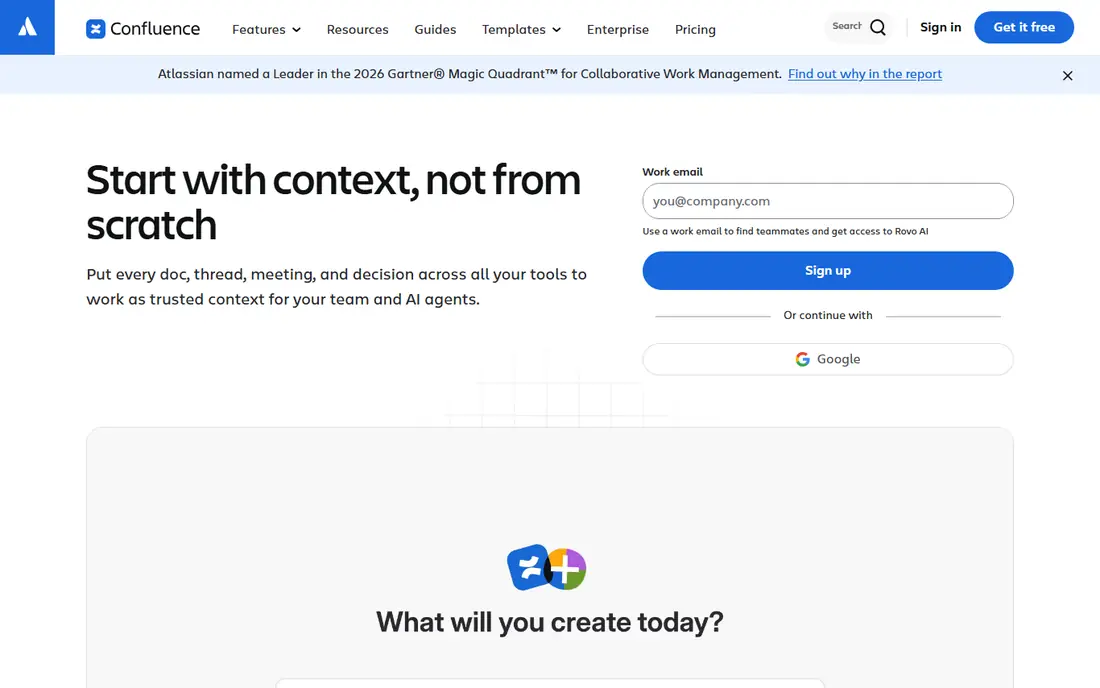
Confluence is the standard internal wiki for teams already using Jira and other Atlassian tools. Pages sit in a clear tree, permissions control who can read or edit, and links to Jira issues keep docs close to the work they describe. The Standard plan is listed at $5.42 per user per month, and a free tier covers up to 10 users, which makes it easy to start.
Confluence can run a customer help centre, but it takes more setup than a dedicated tool such as Helpjuice or KnowledgeOwl. Themes, SEO controls, and article feedback need extra work or add-ons. For internal docs, onboarding guides, and engineering notes, it is a safe, well supported pick, especially where Jira is already in use.
- Free tier for up to 10 users
- Deep Jira integration
- Strong page trees and permissions
- Customer help centre features need extra setup
- Interface can feel heavy
- Search needs tuning at scale
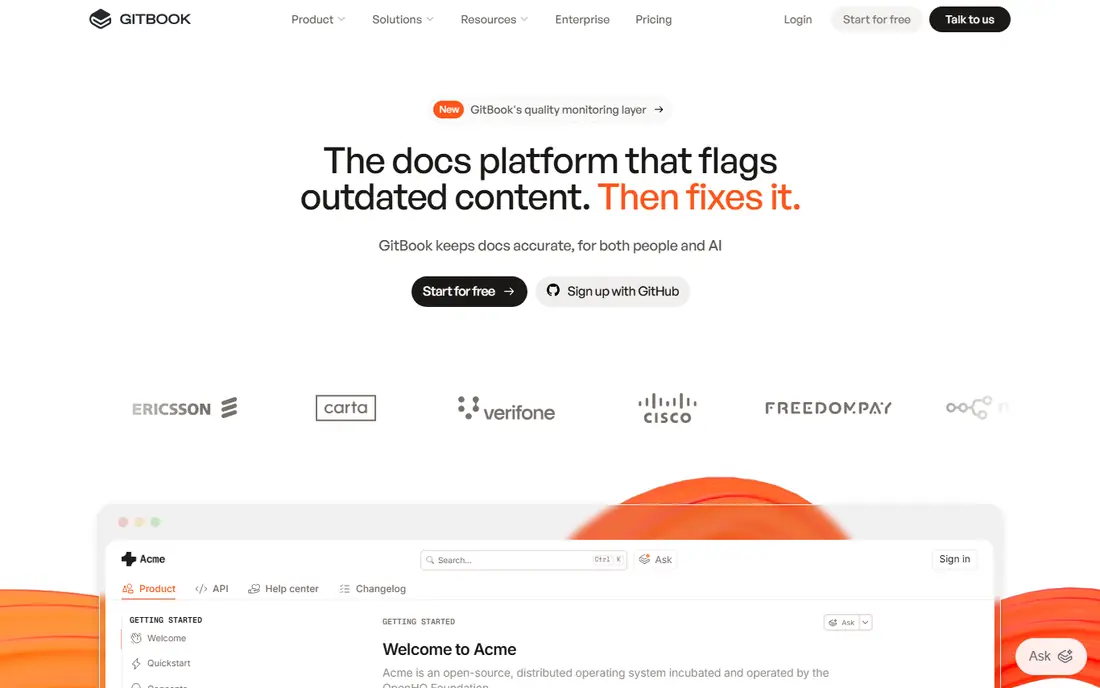
GitBook suits product and developer documentation that must stay in step with code. Docs can sync with Git, versions can be published side by side, and the reader experience is clean on desktop and mobile. API reference content, guides, and changelogs sit well in the same site, which helps teams that publish for developers and customers together.
GitBook is not a support suite. It will not replace a ticket inbox or a chat tool, and pricing depends on sites and users, so check the current vendor page for your team size. For docs-as-code teams, and for product teams that want polished public docs, GitBook is one of the strongest Document360 replacements.
- Git sync and versioning
- Clean reader experience
- Good for API and product docs
- Pricing varies by sites and users
- Less suited to support ticket workflows
- Custom themes need higher tiers
Zendesk Guide is the knowledge base inside the Zendesk support suite. That tie is its main strength: an agent can link a ticket to an article, a customer can move from a help centre search to chat, and feedback on articles can feed back into support work. Multilingual help centres, community forums, and AI search add-ons extend it further for large support teams.
The cost follows the suite model. Guide pricing is tied to Zendesk agent plans, starting around $55 per agent per month on common tiers, with AI and advanced features as add-ons. Small teams that only need docs will find a standalone tool cheaper. Large support teams already on Zendesk, or planning to move there, will get the most value from Guide.
- Docs tied to tickets and chat
- Strong multilingual and community options
- Large integration set
- Needs a Zendesk support plan
- Price rises with agents and add-ons
- Setup is heavier than a standalone base
Help Scout combines a knowledge base, called Docs, with a shared inbox and live chat. That mix suits small and mid-size support teams that want customers to find answers first, then reach a human without switching tools. Setup is fast, themes are clean, and the Docs editor is easy for non-technical writers. A free plan and a trial make it easy to test with a real support queue.
Help Scout is not the deepest documentation platform for versioned API docs or complex review workflows. Teams with strict version control should look at GitBook or Helpjuice. Teams that want docs plus inbox plus chat in one simple product will find Help Scout a good balance of price and ease.
- Docs, shared inbox, and chat in one place
- Simple setup
- Free plan for small use
- Versioning is lighter than dedicated doc tools
- Larger docs sets need care
- Some AI features cost extra
Notion is the flexible option for internal documentation. Teams can mix docs, databases, project trackers, and notes in one workspace, which suits startups and small teams that do not want a separate tool for each job. The free plan covers small teams, and the Plus plan is $10 per user per month. Writers who are not technical will find the editor easy to learn.
Notion is weaker as a public help centre. It lacks the dedicated search tuning, article feedback, and SEO controls of Helpjuice or KnowledgeOwl, and permissions need care at scale. Use Notion for internal wikis, onboarding, and team handbooks, and pick a dedicated help centre tool for customer-facing docs.
- Free plan for small teams
- Flexible pages, databases, and docs in one workspace
- Easy for non-technical writers
- Not built as a customer help centre
- Search and analytics are weaker than dedicated tools
- Large wikis need structure
Guru focuses on a problem that wikis often ignore: knowledge that goes stale. Cards carry verification dates and owners, so an answer that has not been checked in months is flagged rather than trusted blindly. Agents and sales staff can search Guru from inside tools such as Slack, Zendesk, or a browser extension, which cuts time spent hunting for the current answer.
Guru is mainly an internal tool, not a public help centre platform. Pricing is often quote based, so request a quote for your team size and check what is included. For support, sales, and operations teams that need trusted internal answers at the point of work, Guru is a strong Document360 alternative on the internal side.
- Verification keeps answers current
- Search inside work tools
- Good for support and sales teams
- Quote based pricing for many teams
- Less suited to public help centres
- Setup needs owner roles
KnowledgeOwl is a dedicated help centre tool with a focus on control. You can set who sees which articles, manage versions, run review workflows, and tune search for a large docs set. Pricing starts at $100 per month, with a trial, which makes it easier to budget than quote-only tools. That flat shape suits teams that want a dedicated base without paying per support agent.
Design flexibility is more limited than Helpjuice, and the integration set is smaller than Zendesk Guide. For most help centres, though, the core features matter more: clear search, reliable permissions, and version control. KnowledgeOwl delivers those well, and it is a solid mid-price pick for customer and internal help centres alike.
- Strong search and access control
- Versioning and review tools
- Clear flat pricing for many teams
- Design options are more limited than Helpjuice
- Smaller integration set
- Learning curve for advanced settings
Slab is a dedicated internal wiki that keeps things simple. Posts are easy to write, topics keep them organised, and search is fast for everyday team docs. That simplicity helps teams that found Confluence heavy or Notion too flexible. Writers can publish onboarding guides, process docs, and team handbooks without learning a complex system.
Slab is not built for public help centres, and it lacks the deep versioning and API docs features of GitBook. Check current pricing on the vendor site, since plans vary by team size and features. For a small or mid-size team that wants a clean internal wiki, Slab is an easy, low friction choice.
- Clean, fast editor
- Good search for internal docs
- Simple topics and organisation
- Not a customer help centre platform
- Fewer advanced doc features
- Pricing varies by plan
How we picked these
We compared official feature pages, pricing pages, and public reviews for knowledge base tools live in October 2026. We kept tools that support real authoring, search, permissions, and publishing for customer or internal audiences. We left out generic file storage and chat-only tools, since they do not provide a structured knowledge base. Where pricing is quote based or varies by plan, we marked it as See website rather than guessing a figure.
What to check before you switch
Start with your audience. Customer help centres need public search, branding, article feedback, and SEO controls, so shortlist Helpjuice, KnowledgeOwl, Zendesk Guide, and Help Scout. Internal wikis need permissions, verification, and fast authoring, so shortlist Confluence, Notion, Guru, and Slab. Developer docs need versioning and Git support, so shortlist GitBook first.
Next, test search with real questions. Import a sample set of articles, then search using the exact phrases customers type. A tool that looks clean but returns weak results will push more people to support tickets. Check versioning and review workflows too, especially if regulated content or API docs must show a clear history.
Finally, check migration and cost shape. Ask whether you can import from Document360 or from Markdown and HTML, and whether pricing is per user, per agent, per site, or flat. A per-agent price can rise fast as a support team grows, while a flat help centre price stays stable as readership grows. Run a trial with real writers and real readers before you commit.
Frequently asked questions
What is the closest alternative to Document360?
Helpjuice and KnowledgeOwl are the closest dedicated replacements for a customer help centre, since both focus on search, branding, and versioning. GitBook is closer for developer docs, while Confluence and Notion are closer for internal wikis. Pick by audience first, then by price.
Can I migrate articles from Document360 to another tool?
Most dedicated tools support import from Markdown, HTML, or a Document360 export, but formatting and images may need cleanup. Test a migration with a small set of articles before you move the full base. Check whether redirects are supported, so old help centre links keep working.
Which knowledge base tool is best for a small team?
Notion and Slab suit small internal teams on price and ease of use. Help Scout suits small support teams that also need an inbox and chat. KnowledgeOwl is a fair mid-price pick for a small customer help centre that needs control and search.
Do these tools support AI search?
Many do, but the depth and price vary. Helpjuice, Zendesk Guide, and Guru offer AI search or AI answers on some plans, often as an add-on or on higher tiers. Test AI answers with your own docs during a trial, since generic AI results can mislead readers if the source articles are out of date.
Should I use one tool for internal and customer docs?
You can, but many teams split them. A dedicated help centre tool serves customers best, while an internal wiki or verified knowledge tool serves staff best. If you use one tool for both, check permissions carefully so internal drafts never become public.
Sources
See where you really rank - block by block
ProMapRanker scans Google Maps across a grid of your service area. Simple monthly plans from $19, white-label on every plan.
Start freeKeep reading
 zscaler alternatives
Best Zscaler Alternatives in 2026
Looking for zscaler alternatives? We compare 9 SASE and zero trust platforms on architecture, data protection, pricing, and fit for your network and team.
Read → zapier alternatives free
Best Zapier Alternatives Free in 2026
Nine automation tools for zapier alternatives free in 2026, all with genuinely free tiers, plus free plan limits, starting prices and upgrade paths explained.
Read → which platform is best for online reputation
Which Platform Is Best for Online Reputation in 2026
Wondering which platform is best for online reputation? We compare 8 review, listing, and response tools for small and multi-location businesses and agencies.
Read →