 ProMapRanker
Best Docker Desktop Alternatives in 2026

Key takeaways
- Podman Desktop and Rancher Desktop are the best free, cross-platform replacements for most teams.
- OrbStack is the fastest-feeling Mac option, but business use is paid at $8 per user per month.
- Colima, Lima, and nerdctl suit terminal-first developers who want a light setup without a full desktop app.
- Test your real projects before switching, since Compose files and volume mounts do not always behave the same way.
Quick comparison
| Pick | Great for | Pricing starts at | Free tier | |
|---|---|---|---|---|
 Podman Desktop | Free cross-platform GUI | Free | Yes | Visit |
 Rancher Desktop | Local Kubernetes plus containers | Free | Yes | Visit |
 OrbStack | Fast Mac containers | Free for personal use | Yes | Visit |
 Colima | Light Mac CLI setup | Free | Yes | Visit |
 Finch | AWS-focused Mac containers | Free | Yes | Visit |
 Lima | Flexible Mac virtual machines | Free | Yes | Visit |
 Multipass | Simple Ubuntu virtual machines | Free | Yes | Visit |
 nerdctl | containerd command line | Free | Yes | Visit |
The best docker desktop alternatives
We compared these tools on platform support, Docker compatibility, Kubernetes support, and cost. Docker Desktop itself is not listed, because this guide is about what to use instead of it.
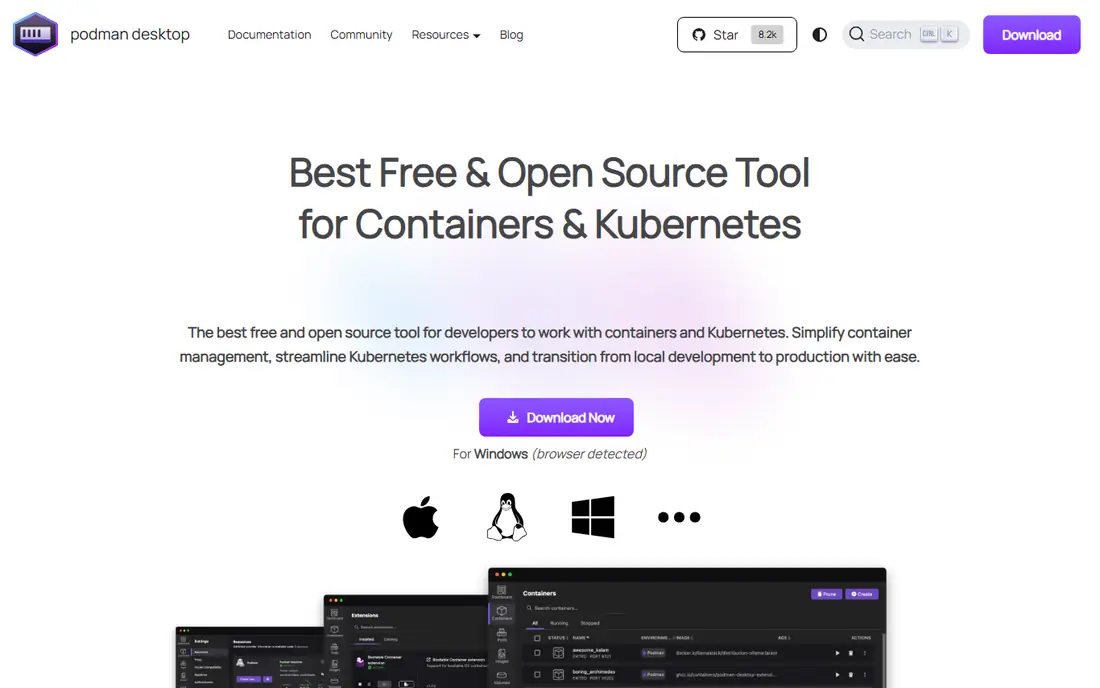
Podman Desktop is our first suggestion for most teams leaving Docker Desktop. It gives you a graphical app for containers, images, pods, and volumes, plus a Docker-compatible interface for many common commands. Running containers without a central daemon also appeals to security-minded teams.
The catch is compatibility at the edges. Most daily workflows carry over well, but a Docker-specific extension or an unusual Compose setup may need adjustment. Test your main projects on a real machine before rolling Podman Desktop out to a whole team.
- Free and open source
- Runs on Mac, Windows, and Linux
- Rootless containers by design
- Some Docker-specific extensions may not carry over
- Compose behavior can differ in edge cases
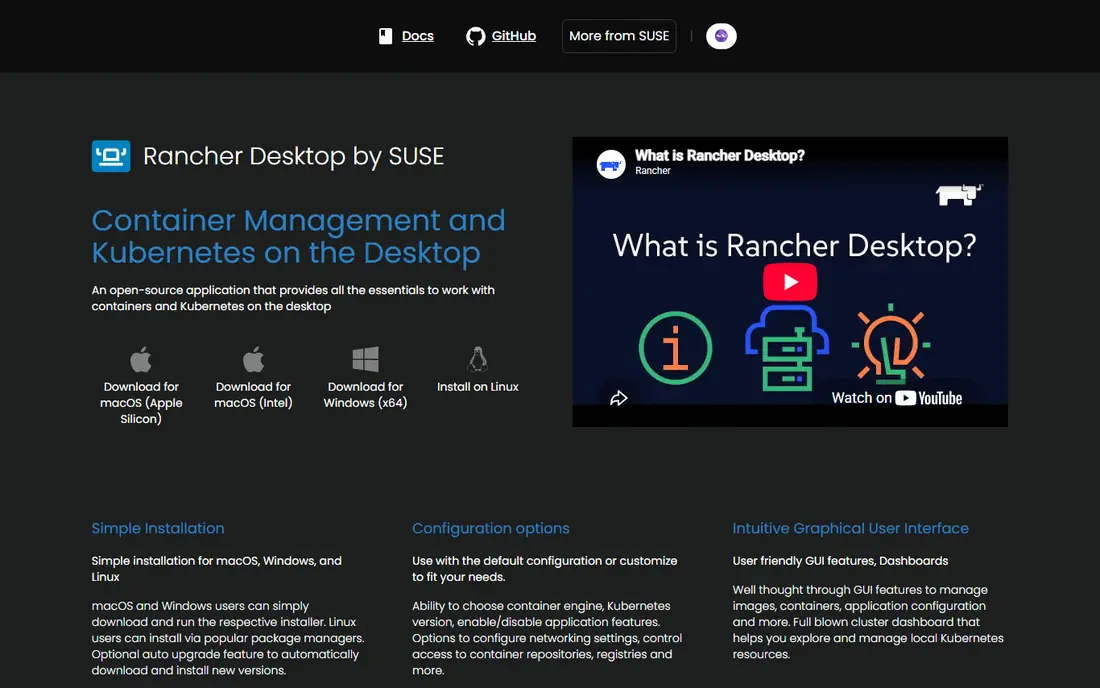
Rancher Desktop suits developers who need both containers and a local Kubernetes cluster in one install. You can switch Kubernetes versions, pick Moby or containerd as the engine, and test manifests before they reach a shared cluster. That combination saves a separate Kubernetes install for many teams.
It is heavier than Colima or Podman Desktop for container-only work, and startup time reflects that extra scope. If you rarely touch Kubernetes, a lighter tool may serve you better. For Kubernetes-heavy development, Rancher Desktop is a strong free pick.
- Free and open source
- Built-in Kubernetes with k3s
- Choice of container engine
- Heavier than CLI-only tools
- Startup can feel slow on older machines
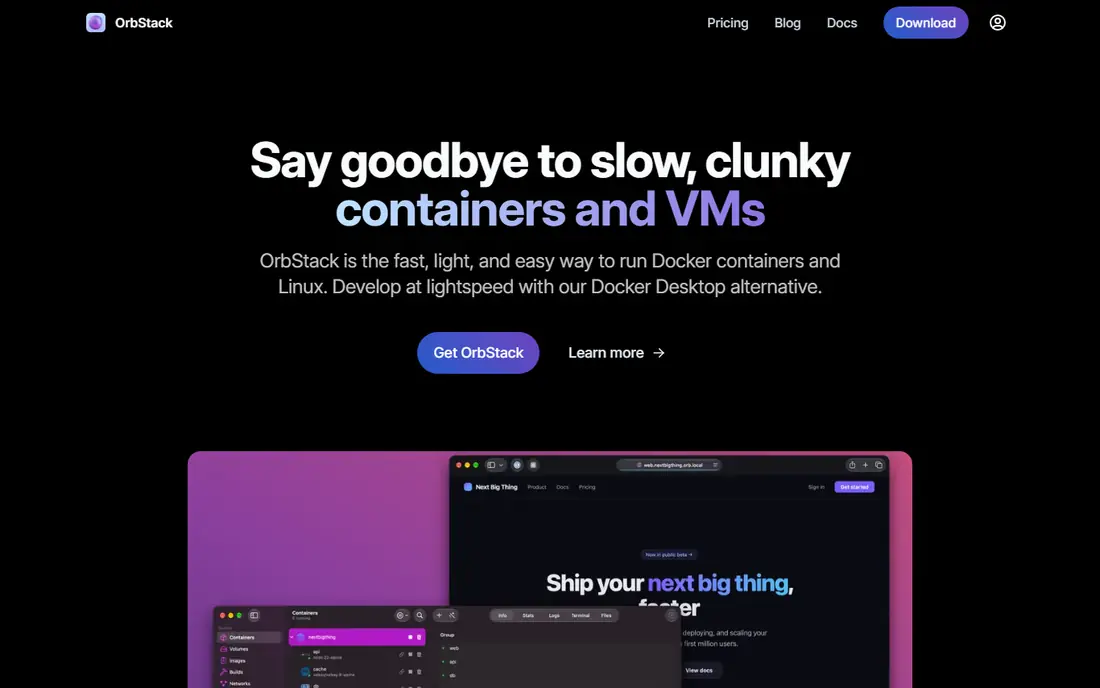
OrbStack is the Mac option developers praise most for day-to-day feel. Containers start quickly, idle resource use stays low, and existing Docker commands generally keep working without relearning a new workflow. It also handles Linux virtual machines, which helps for mixed testing.
The limits are clear: Mac only, and commercial use is paid. Personal use is free, while business plans start at $8 per user per month. Mac-only teams that can justify that cost often find OrbStack worth it, while mixed-platform teams need another tool for Windows and Linux.
- Very fast startup and low idle use on Mac
- Docker-compatible
- Also runs Linux machines
- Mac only
- Business use costs $8 per user per month
Colima is a command-line tool that runs Docker containers inside a Lima virtual machine on Mac. It is light, fast to start, and popular with developers who live in the terminal and do not want a desktop app running all day. Docker and Compose commands work against it in most setups.
There is no built-in GUI, so you manage containers from the terminal or pair Colima with another tool. Kubernetes support is possible but takes extra setup compared with Rancher Desktop. For terminal-first Mac developers, Colima is a clean, free replacement.
- Free and open source
- Light on resources
- Docker-compatible command line
- Mac only
- No graphical interface by itself
- Kubernetes setup is extra work
Finch is Amazon's open source client for building and running containers on Mac. It wraps containerd and nerdctl in a simple command line, which makes it a natural fit for teams whose production workloads already run on containerd. Setup is straightforward, and the tool stays out of your way.
Its community is smaller than Podman Desktop or Rancher Desktop, so guides and troubleshooting help can be thinner. It is also Mac-focused for local desktop use. AWS-heavy Mac teams should still give Finch a test, especially if containerd alignment matters to them.
- Free and open source from Amazon
- Simple command line
- Builds and runs containers on Mac
- Mac only for desktop use
- Smaller community than Podman or Rancher Desktop
Lima runs Linux virtual machines on Mac with file sharing and port forwarding, and it is the engine behind Colima. Developers who want full control over the virtual machine, including custom images and networking, will like its flexibility. It also works well for testing Linux-specific behavior from a Mac.
Lima is not a polished desktop product on its own. You configure it from the terminal, and container tooling sits on top of the virtual machine you define. For advanced Mac users who want control, that trade is worth it. For everyone else, Colima or a GUI tool is easier.
- Free and open source
- Flexible Linux virtual machines
- Powers Colima under the hood
- Command line only
- Setup needs more manual steps than a desktop app
Multipass is not a container desktop, but it earns a place here as a simple way to get a Linux machine for container work. You can launch an Ubuntu virtual machine in one command, install Docker or Podman inside it, and develop against a clean Linux environment. Cross-platform support is a plus for mixed teams.
The extra step is the point to note: Multipass gives you a machine, not a ready container workflow. You still install and manage the container engine yourself. For teams that want a simple, disposable Linux box, Multipass is a practical building block.
- Free from Canonical
- Very simple virtual machine setup
- Runs on Mac, Windows, and Linux
- Ubuntu-focused
- Container tooling must be installed inside the virtual machine
nerdctl is a Docker-compatible command line for containerd, the runtime that powers much of modern Kubernetes. It suits Linux servers, CI runners, and developers who already run containerd in production and want the same runtime locally. Commands feel familiar to Docker users, which shortens the learning curve.
There is no GUI, and Mac developers need a virtual machine such as Lima to run it. It is a power tool, not a friendly desktop replacement. For containerd-focused teams and automation, nerdctl is a precise and free choice.
- Free and open source
- Docker-like commands for containerd
- Good for CI and servers
- Command line only
- No desktop interface
- Mac use needs a virtual machine
How we picked these
We compared official docs, platform support, Docker compatibility, and pricing, and we kept only tools that are live in October 2026 and truly run containers or provide the virtual machines for them. We included GUI apps, CLI tools, and one virtual machine tool so readers can match a pick to their workflow, not just to a price.
What to check before you switch
Start by running your real projects, not a hello-world container. Check Compose files, volume mounts, network settings, and any private registry login your team uses. Small differences in file sharing or networking cause most migration pain, and they only show up on real workloads.
Next, check licensing for your company size. Free for personal use is not the same as free for business use, and OrbStack is the clear example here. Finally, confirm Kubernetes needs: if you test manifests locally, Rancher Desktop saves setup time, while container-only tools keep your machine lighter. Finally, keep a rollback plan. Note which tool owns your images and volumes, and keep your old setup installed until the new one has run for a full work week. That caution costs little and avoids a Monday morning where a project that built on Friday no longer starts. Also check how each tool handles updates, since a major version change can alter networking or file sharing. A short team note on install steps, known quirks, and where images live will help new joiners avoid repeating your migration work. Also check support options before you commit. Open source tools rely on community docs and forums, while commercial tools offer paid support, and that difference matters when a container issue blocks a release.
Frequently asked questions
What is the best alternative to Docker Desktop?
Podman Desktop is the best free, cross-platform alternative for most teams, while OrbStack is best for Mac-only teams that value speed. Rancher Desktop is best when local Kubernetes is part of daily work.
Are there free alternatives to Docker Desktop?
Yes. Podman Desktop, Rancher Desktop, Colima, Finch, Lima, Multipass, and nerdctl are all free and open source. OrbStack is free for personal use, with business use starting at $8 per user per month.
Which alternative to Docker Desktop is best for Mac?
OrbStack offers the fastest-feeling Mac experience, while Colima is the best free terminal-only Mac option. Podman Desktop and Rancher Desktop also run on Mac if you need cross-platform consistency.
What are alternatives to Docker Desktop for Windows?
Podman Desktop and Rancher Desktop both run on Windows, and Multipass can provide a Linux virtual machine for container work. Check each tool's Windows requirements, since virtualization settings vary by machine.
Do Docker Compose files work with these alternatives?
In most cases, yes, with Podman Desktop, Rancher Desktop, OrbStack, and Colima all aiming for Docker compatibility. Test your own Compose files first, since volume mounts, networking, and extensions can differ in edge cases.
Sources
See where you really rank - block by block
ProMapRanker scans Google Maps across a grid of your service area. Simple monthly plans from $19, white-label on every plan.
Start freeKeep reading
 zscaler alternatives
Best Zscaler Alternatives in 2026
Looking for zscaler alternatives? We compare 9 SASE and zero trust platforms on architecture, data protection, pricing, and fit for your network and team.
Read → zapier alternatives free
Best Zapier Alternatives Free in 2026
Nine automation tools for zapier alternatives free in 2026, all with genuinely free tiers, plus free plan limits, starting prices and upgrade paths explained.
Read → which platform is best for online reputation
Which Platform Is Best for Online Reputation in 2026
Wondering which platform is best for online reputation? We compare 8 review, listing, and response tools for small and multi-location businesses and agencies.
Read →