 ProMapRanker
Best Discord Alternatives for Gamers in 2026

Key takeaways
- TeamSpeak and Mumble suit competitive play where low voice latency matters most, while Stoat suits groups that want a Discord-style server layout.
- Steam Chat suits groups that already play on Steam, while Xbox Party Chat suits console and PC players in the Xbox ecosystem.
- Element, Telegram, Rocket.Chat, and Signal suit groups that want more privacy or control, but they feel less game-focused than Discord.
- Guilded is not listed here, because it shut down on 19 December 2025 and is no longer available as a live alternative.
- No single tool matches Discord on every feature, so pick by whether voice quality, community layout, or privacy matters most to your group.
Quick comparison
| Pick | Great for | Pricing starts at | Free tier | |
|---|---|---|---|---|
 TeamSpeak | Low-latency competitive voice | Free | Yes | Visit |
 Mumble | Free open-source game voice | Free | Yes | Visit |
 Stoat | Discord-style servers and channels | Free | Yes | Visit |
 Steam Chat | Steam friend groups | Free | Yes | Visit |
 Xbox Party Chat | Xbox and PC console players | Free | Yes | Visit |
 Element | Private federated chat | Free | Yes | Visit |
 Telegram | Large groups and channels | Free | Yes | Visit |
 Rocket.Chat | Self-hosted community chat | Free | Yes | Visit |
 Signal | Private small group chat | Free | Yes | Visit |
The best Discord alternatives for gamers
We compared voice and community tools that gaming groups can use for text channels, voice rooms, and group coordination. Discord itself is not listed here. Guilded is also not listed, because it shut down on 19 December 2025.
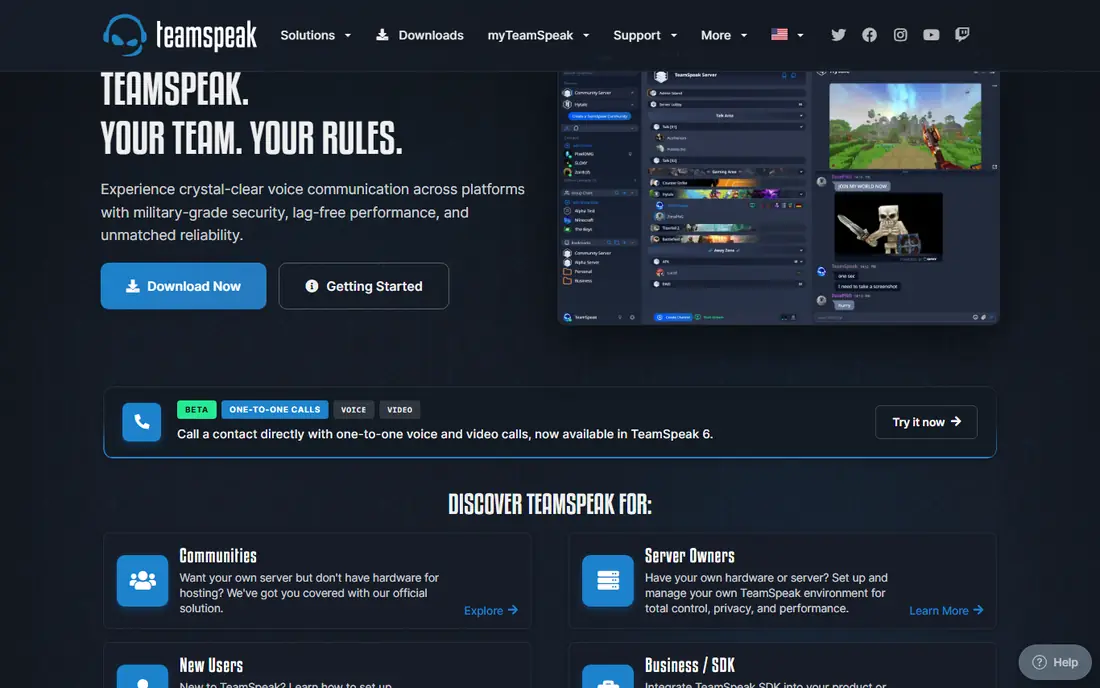
TeamSpeak remains the classic choice when voice quality and delay matter more than stickers, bots, and community flair. Competitive teams and esports groups have used it for years because voice stays clear and responsive during fast play. Channel hierarchies and permissions also let a large guild organize squads, coaches, and staff without a complex setup.
The weakness is everything around voice. Text chat is functional but plain, media sharing is limited, and there is no Discord-style server discovery or rich community layout. If your group mainly needs a reliable voice room for matches, TeamSpeak is excellent. If you need a full community hub, pair it with another chat tool or choose a server-style platform.
- Low-latency voice with strong audio quality for competitive play
- Supports channel hierarchies, permissions, and private servers
- Lightweight client that uses little system resources
- Text chat, media sharing, and community features feel basic next to Discord
- Server setup takes more effort than joining a hosted Discord server
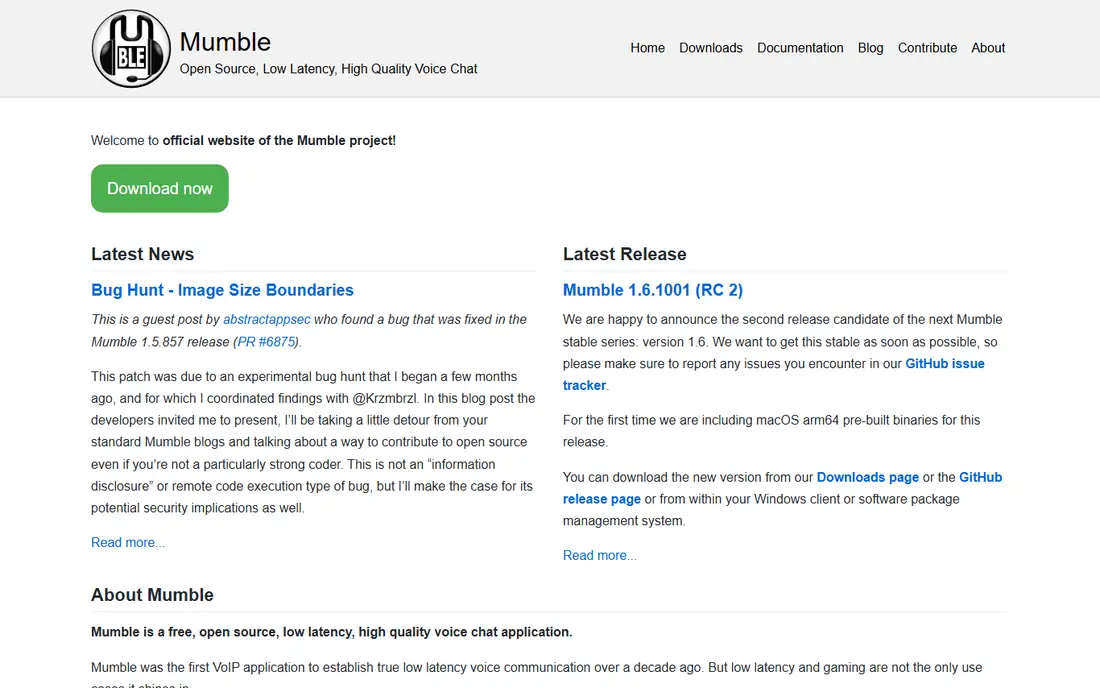
Mumble suits players who want free, fast voice and do not mind a plain interface. Its low latency and positional audio help in team games where hearing who is where matters, and self-hosting means no vendor controls your server or data. The client runs on desktop and mobile, and the server can run on modest hardware.
Mumble is not a community platform. There are no rich server pages, discovery tools, or polished media features, and new users may need help with certificates and server setup. For a small, technical group that values voice performance and control over polish, Mumble is hard to beat on price.
- Free and open source with very low latency
- Positional audio suits team games where direction matters
- Self-hosting gives full control over the server
- Interface looks dated and setup is technical
- Community, media, and bot features are far simpler than Discord
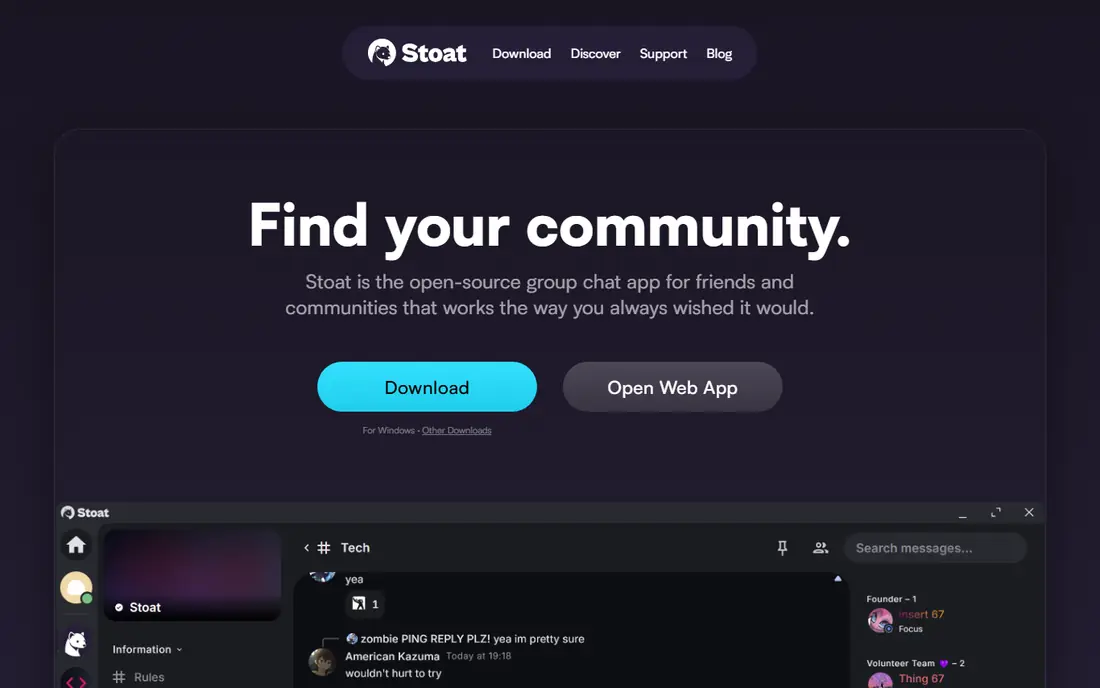
Stoat, formerly known as Revolt, is the closest open-source match to Discord's layout. Gaming groups get servers, text channels, voice rooms, roles, and moderation tools in a familiar structure, without paying for core features. Self-hosting also gives a group control over its own server and data.
The trade is ecosystem size. Fewer bots, integrations, and public servers exist than on Discord, and some features feel less polished. Groups that want a familiar server layout and are willing to rebuild bots and roles will find Stoat a strong replacement, while groups that rely on Discord's large bot library may need time to adapt.
- Open-source platform with servers, channels, voice, and text in a Discord-style layout
- Lightweight and free, with self-hosting options
- Avoids heavy monetization and premium tiers for core features
- Smaller community and fewer bots and integrations than Discord
- Polish and mobile experience vary by client and server
Steam Chat suits groups that already buy and play games on Steam. There is no new account to create, no new app to learn for basic chat, and voice chat works from the Steam client. Friend groups, small clans, and co-op teams can coordinate quickly without leaving the platform where their games live.
Large public communities will feel the limits. Steam Chat lacks Discord-style server roles, channel organization, and bot depth for big groups. For a friend group or a small clan that plays on Steam, it is a free and practical choice, but it is not a full community platform.
- Built into Steam, so no extra account for Steam players
- Supports group text and voice chat with friends
- Easy to start a chat from a game library or friend list
- Community and moderation features are simpler than Discord servers
- Best for Steam friends, not for large public communities
Xbox Party Chat suits console players and PC players who already use Xbox accounts. Party voice chat is built into the console and the Xbox app, so starting a party takes a few taps. Cross-platform play also benefits, since Xbox parties can include players on console and PC.
PC-only groups that do not use Xbox accounts gain less from this option, and community features are narrower than Discord servers. For an Xbox-centered group, however, Party Chat removes the need for a separate voice app and keeps voice close to the game.
- Built into Xbox consoles and the Xbox app on PC
- Supports party voice chat for console and cross-platform play
- Easy to invite friends from the Xbox network
- Community features are tied to the Xbox ecosystem
- Less suited to PC-only groups that do not use Xbox accounts
Element suits gaming groups that care about privacy, federation, and control. Rooms work like servers, voice and video calls cover live coordination, and self-hosting gives a group full control over its data. The Matrix protocol also lets users on different servers join the same rooms.
The learning curve is higher than Discord. New users may find room setup, encryption, and server choice confusing, and game-specific features like rich presence and bots are less developed. Privacy-focused groups will accept that trade, while casual groups may prefer a simpler hosted option.
- Built on the open Matrix protocol with end-to-end encryption options
- Supports rooms, voice and video calls, and self-hosting
- Federated design lets different servers talk to each other
- Interface and setup feel less game-focused than Discord
- Voice and community features need more setup than a hosted chat app
Telegram suits large gaming communities that need big groups, channels, and media sharing. A clan or content community can run a public channel for announcements and a group for discussion, with voice chats for live events. Many players already have Telegram, which lowers the barrier to joining.
Telegram is not a direct Discord clone. Channel and group organization differs from Discord servers, and voice rooms feel less integrated with text channels. For a large, chat-first community with announcements and media, Telegram works well, but competitive voice teams should pair it with TeamSpeak or Mumble.
- Supports very large groups and channels with media sharing
- Voice chats and video calls suit live coordination
- Widely used, so many players already have an account
- Voice and community layout differ from Discord servers
- Moderation tools for huge groups need active admin work
Rocket.Chat suits communities that want to own their chat server. Channels, direct messages, voice and video options, and moderation tools cover the core community job, while self-hosting gives control over data and rules. Teams and gaming communities with technical admins often prefer that control.
Self-hosting is also the main cost, in time if not in money. Setup, updates, and moderation need ongoing admin work, and the platform feels more like team chat than a game hub. Groups with an admin who enjoys running a server will find Rocket.Chat flexible, while casual groups may prefer a hosted option.
- Open-source chat with channels, voice and video options, and self-hosting
- Gives full control over data, moderation, and customization
- Suits communities that want to run their own server
- Self-hosting needs technical setup and maintenance
- Game-specific features and bots are less developed than Discord
Signal suits a small, private gaming group that values privacy above community features. A squad or friend group can run encrypted text, voice, and video chats without ads or tracking, and setup is simple for anyone with a phone number. For a trusted small group, that simplicity is a strength.
Large communities will outgrow Signal quickly. There are no Discord-style servers, roles, or channel hierarchies, and group size limits make it unsuitable for a public clan. Use Signal for a private squad, and use a server platform for a larger community.
- End-to-end encryption by default for messages and calls
- Simple group text, voice, and video chat
- No ads and no data selling in its model
- Group size and community features are limited compared with Discord
- No server layout, roles, or rich bot ecosystem for large gaming communities
How we picked these
We compared voice and community tools with a current product, a working voice or text chat mode, and a clear use case for gaming groups. We left out retired products, including Guilded, which shut down on 19 December 2025. We favored tools that are free to start, that support group voice or server-style chat, and that have a current official homepage.
What to check before you move a group
Start with the job your group actually does. Competitive teams should test voice latency and audio quality in a real match, while community groups should test channel layout, roles, and moderation. A tool that is excellent for voice may be poor for announcements, and a tool that is excellent for chat may be poor for low-delay voice.
Next, test migration with a small group before moving everyone. Rebuild channels, roles, and moderation rules, test bots or integrations you rely on, and keep Discord available during the transition. Tell members where to go, how to join, and who to contact for help, since a confusing move loses members faster than a missing feature.
Finally, check moderation and privacy controls. Confirm who can create channels, who can ban or mute, how reports work, and whether chats are encrypted or stored on a server you control. A gaming group needs clear rules and active moderators on any platform, not just on Discord.
Frequently asked questions
What is the closest Discord alternative for gamers?
Stoat is the closest open-source match to Discord's server and channel layout, while TeamSpeak and Mumble are closer matches for pure voice quality. Choose Stoat for community layout, TeamSpeak or Mumble for competitive voice, and Steam Chat for Steam friend groups. No single tool matches Discord on every feature.
Is Guilded still available?
No. Guilded shut down on 19 December 2025, and its features were absorbed into Roblox. Gaming groups should not plan a move to Guilded, and should choose a live alternative from this list instead.
Do I need to self-host to use TeamSpeak or Mumble?
No, but you can. Both offer public servers and hosted options, while self-hosting gives more control. Self-hosting needs technical setup and maintenance, so small groups often start with a hosted server and move to self-hosting later if they want control.
Can I use these tools on console?
Xbox Party Chat is built for Xbox consoles and PC, while Steam Chat suits PC players on Steam. TeamSpeak, Mumble, and Stoat mainly run on desktop and mobile, so console-only groups should check app availability on their console before committing. Cross-platform groups often use a phone or PC app beside the console.
Are these alternatives free?
Core voice and chat are free on the tools listed here, including TeamSpeak, Mumble, Stoat, Steam Chat, Xbox Party Chat, Element, Telegram, Rocket.Chat, and Signal. Paid hosting, premium features, or larger server options may cost extra, especially for self-hosted or hosted servers.
Will my Discord bots and roles move automatically?
No. Do not plan on automatic migration. Map your server structure, rebuild roles and permissions, replace or retire bots, test access and onboarding, and keep Discord available during the transition. Delete the old server only after the new setup has worked for a full event cycle.
Sources
See where you really rank - block by block
ProMapRanker scans Google Maps across a grid of your service area. Simple monthly plans from $19, white-label on every plan.
Start freeKeep reading
 zyte alternatives
Best Zyte Alternatives in 2026
These zyte alternatives cover managed scraping APIs, proxy networks and no code tools for lawful collection from your own or consented sources only in 2026.
Read → zerto alternatives
Best Zerto Alternatives in 2026
Compare the best zerto alternatives for disaster recovery and replication, with recovery targets, cloud options and honest trade-offs for teams in 2026.
Read → zerofox alternatives
Best ZeroFox Alternatives in 2026
We compared 9 zerofox alternatives for brand protection, phishing takedowns, dark web monitoring, and social impersonation, with clear coverage notes.
Read →